GTA 6 · General
GTA 6 Vignette, Radio Volume and Aim Settings, Checked
Can you turn off the GTA 6 vignette? No. Here is what Media volume, Vehicle Radio, dead zone and aim settings do, checked against Rockstar and video.
Sponsored

About the game
Grand Theft Auto VI
Rockstar Games · Rockstar Games
You can't turn off the GTA 6 vignette. Rockstar's Michael Kane told Wccftech the dark edges are an artistic choice with no toggle, and Rockstar's fix only removed a bug that made the effect "stronger than intended in certain circumstances". The car radio is different: lower Media in the Audio tab, or set Vehicle Radio to Off, and leave Mute Licensed Music alone unless you stream.
No story spoilers. Checked November 25, 2026; current version at the check: 01.002.002. Menu paths come from Rockstar Support, default values from Vice Manual's menu screenshots and Output Lag, and tuned values from settings videos with timestamps.
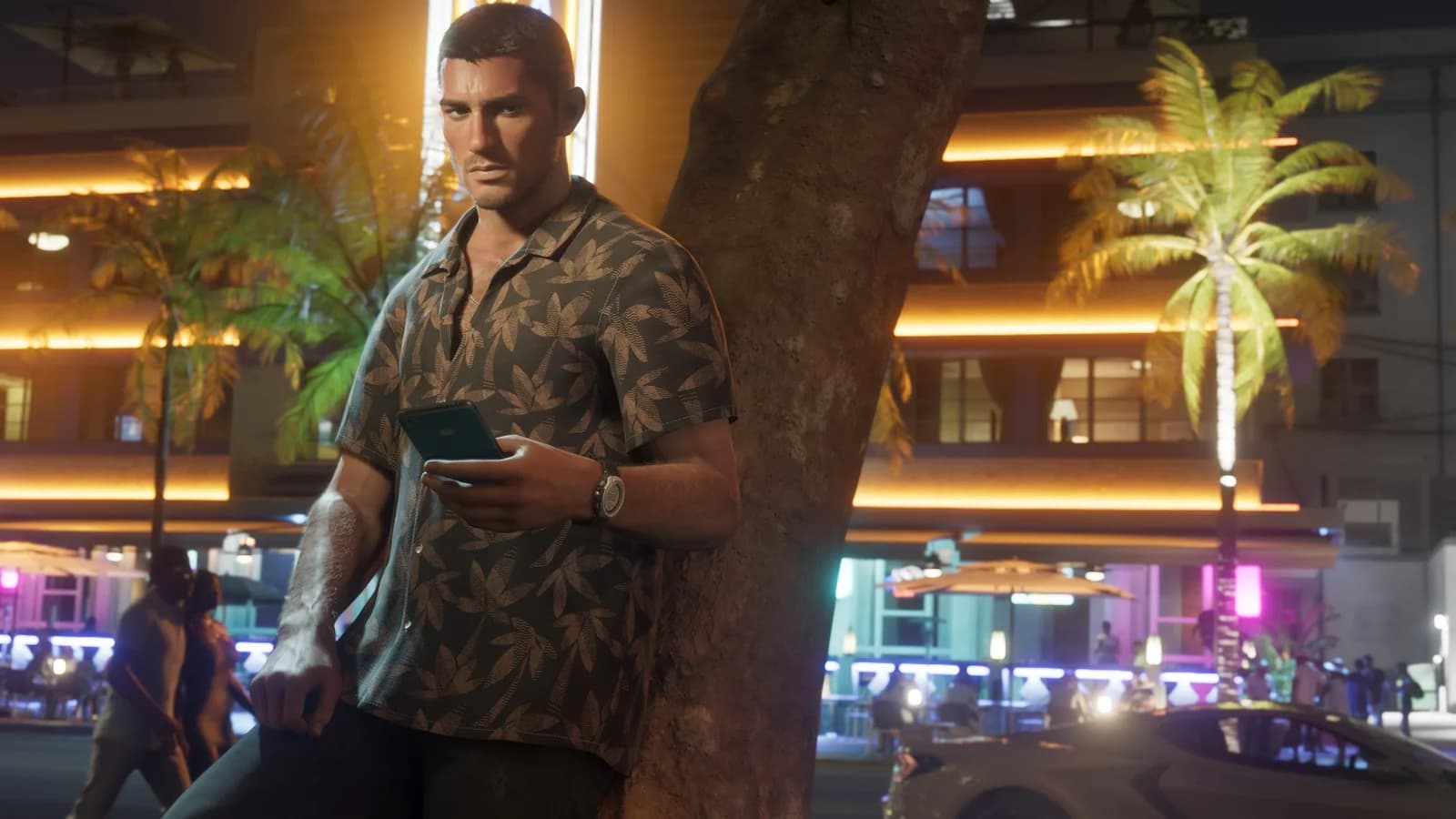
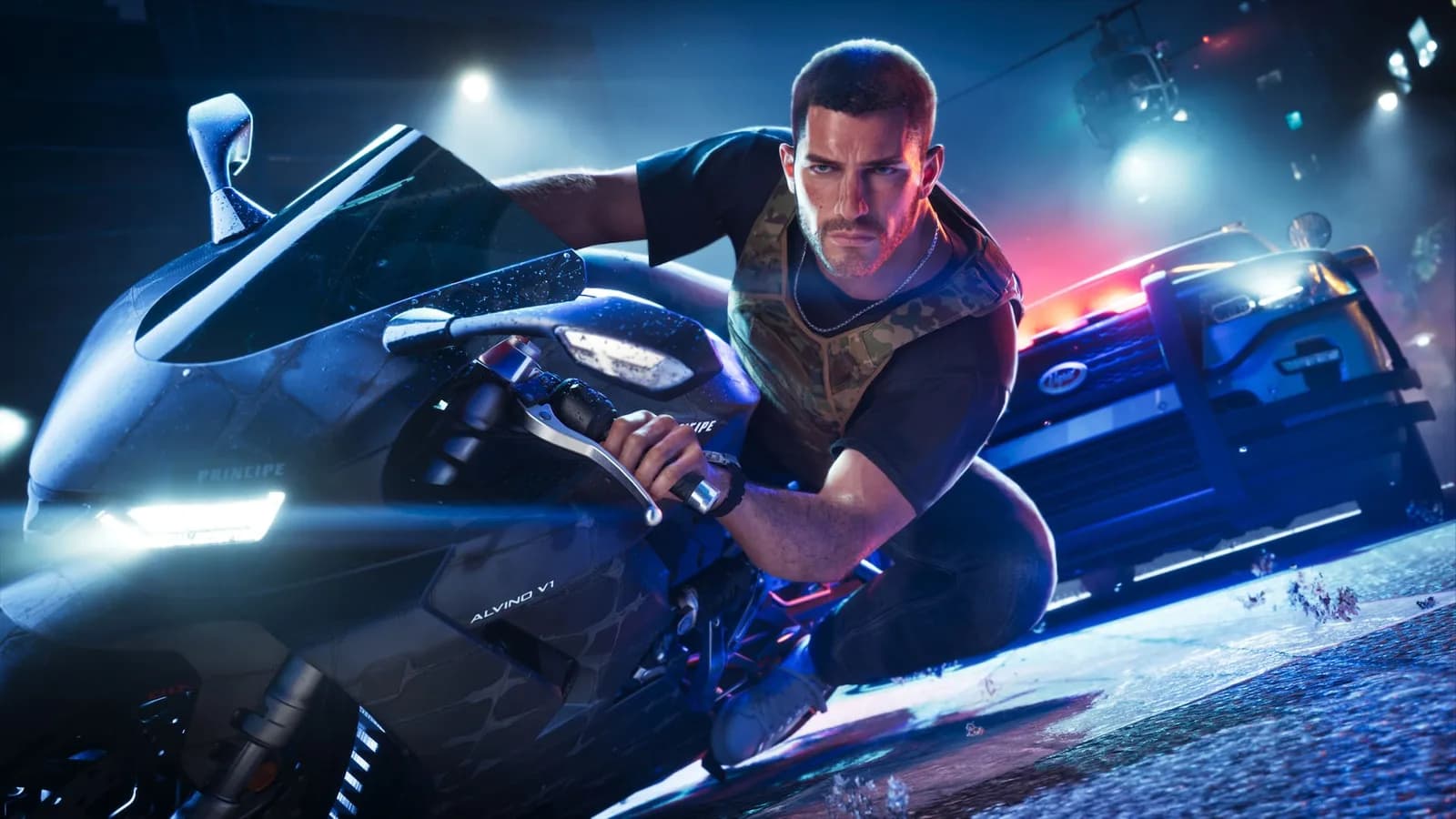
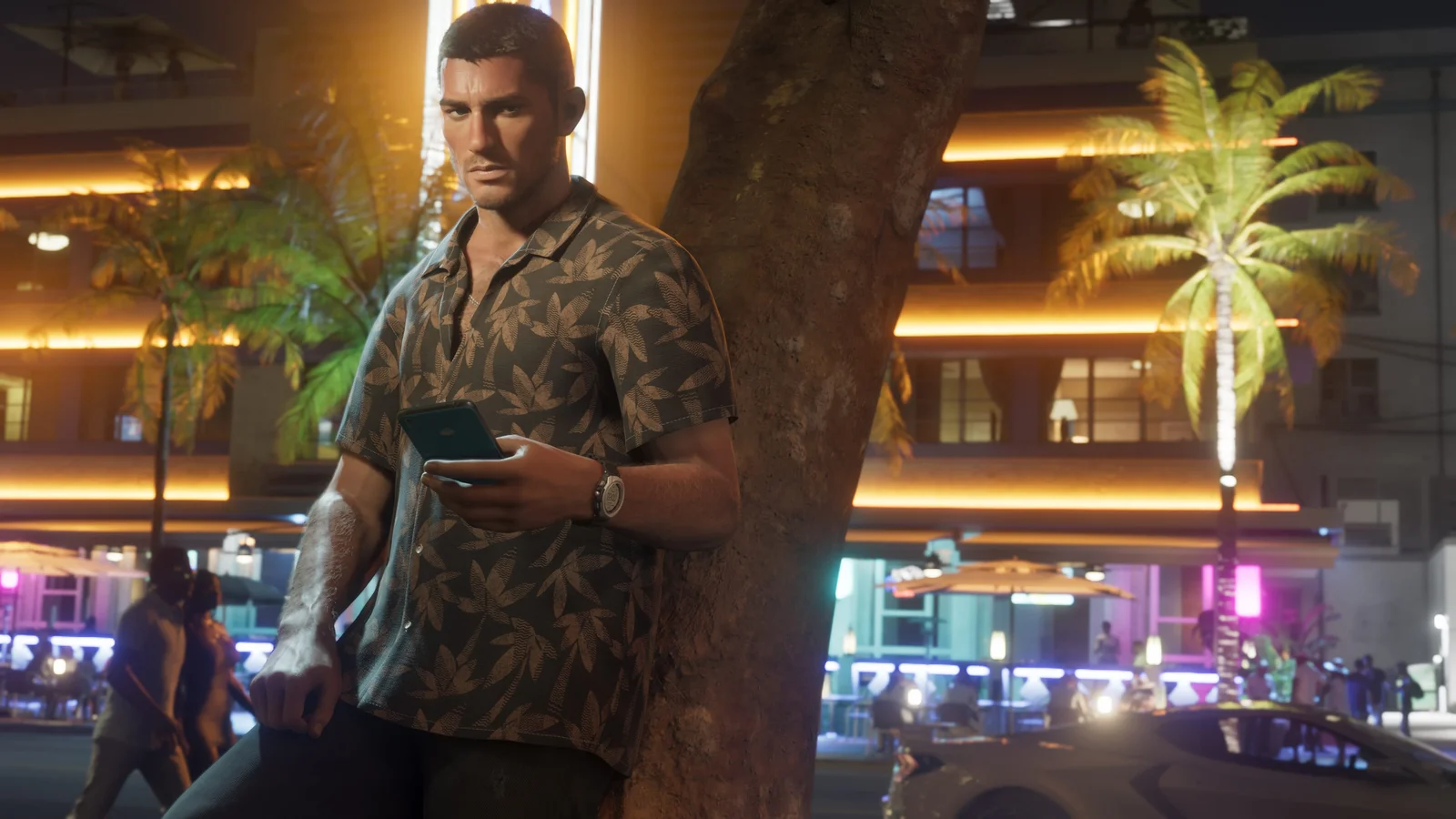 Jason Duval in Vice City at night. Image: Rockstar Games
We have not played GTA 6. This page takes the setting tips that keep coming up in r/GTA6 and r/GTA and checks each one against Rockstar and the videos that film the menus. If you only want the launch overview, start at the GTA 6 hub.
Quick answers
| Question | Answer | How sure |
|---|---|---|
| Can you turn off the vignette? | No, there is no toggle | Rockstar-stated |
| Is there a slider that lowers it? | None of the sources shows one | Strong |
| How do I turn the car radio down? | Settings > Audio > Media | Strong (4 videos) |
| Can the radio start off in every car? | Yes, Audio > Vehicle Radio | Medium |
| Default dead zone? | 4 on each stick | Strong (2 guides) |
| Default motion blur? | 3, on a 0 to 10 slider | Strong |
The vignette has no switch, and the fix was for a bug
Wccftech asked Rockstar about it. Michael Kane, Vice President of Dynamic Art, answered: "The vignette effect is an artistic choice. We currently do not support any toggle, but we have recently identified and fixed an issue where it was becoming stronger than intended in certain circumstances."
Digital Foundry reaches the same point from the menu side. At 9:47 its reviewer says GTA VI "uses a pretty heavy vignette at times in certain conditions, which also can't be altered", and adds that he wished it "could be dialed down somewhat". Output Lag agrees that the Display tab "has no option for it". Rockstar did not say which update carried the bug fix, and the November 23 patch notes for 01.002.002 don't mention the vignette.
Players still want a switch. "Artistic choice or not, we really need an option to disable the vignetting" sits at 3,559 points on r/GTA, and a top comment on the r/GTA6 fix-list thread asking for a vignette toggle has 3,467.
Reddit's vignette tips, checked one by one
Here is every tip on the gta6bugs tracker page, plus the Reddit claims, against what a source shows.
| Tip | Where it comes from | What we found | Status |
|---|---|---|---|
| A slider "where you can turn down the effect" | u/tyler4422, r/GTA6, 558 points | One reply calls it "Incorrect", another "misinformation"; Rockstar and Digital Foundry say it can't be changed | Wrong |
| The vignette means Jason or Lucia is tired or hungry | Same comment | No video or Rockstar page ties it to sleep or food | Unverified |
| Update the game | gta6bugs Fix #1, citing Rockstar | Removes only the stronger-than-intended bug Rockstar described; the effect itself stays | Partly |
| Lower Player Status Effects and Hit Effects to 1 | gta6bugs Fix #2, from TposeGaming | No timestamped video shows the vignette changing | Unverified |
| Raise SDR Brightness Calibration from 15 to about 20 | gta6bugs Fix #3, from TposeGaming | Brightens the whole picture; no timestamped video shows the edges change | Unverified |
| Take off sunglasses | gta6bugs Fix #4, from u/Goose21995 | TposeGaming found shades make it slightly stronger, but removing them doesn't remove it; Output Lag agrees | Partly |
| Raise TV shadow detail or backlight | gta6bugs Fix #5 and #6, from u/jacky_brando and u/AMathprospect | A TV setting, not a game one; gta6bugs cites one player with a TCL TV whose Shadow setting changed how strong the edges look | Not a game fix |
| Ease off the gas; it gets stronger with speed | gta6bugs untested tips, from u/Grungemaster | Listed as untested; no timestamped video in our sources | Unverified |
| It follows auto exposure, showing when you look at the sky | gta6bugs untested tips, from u/htharker | Listed as untested; no timestamped video in our sources | Unverified |
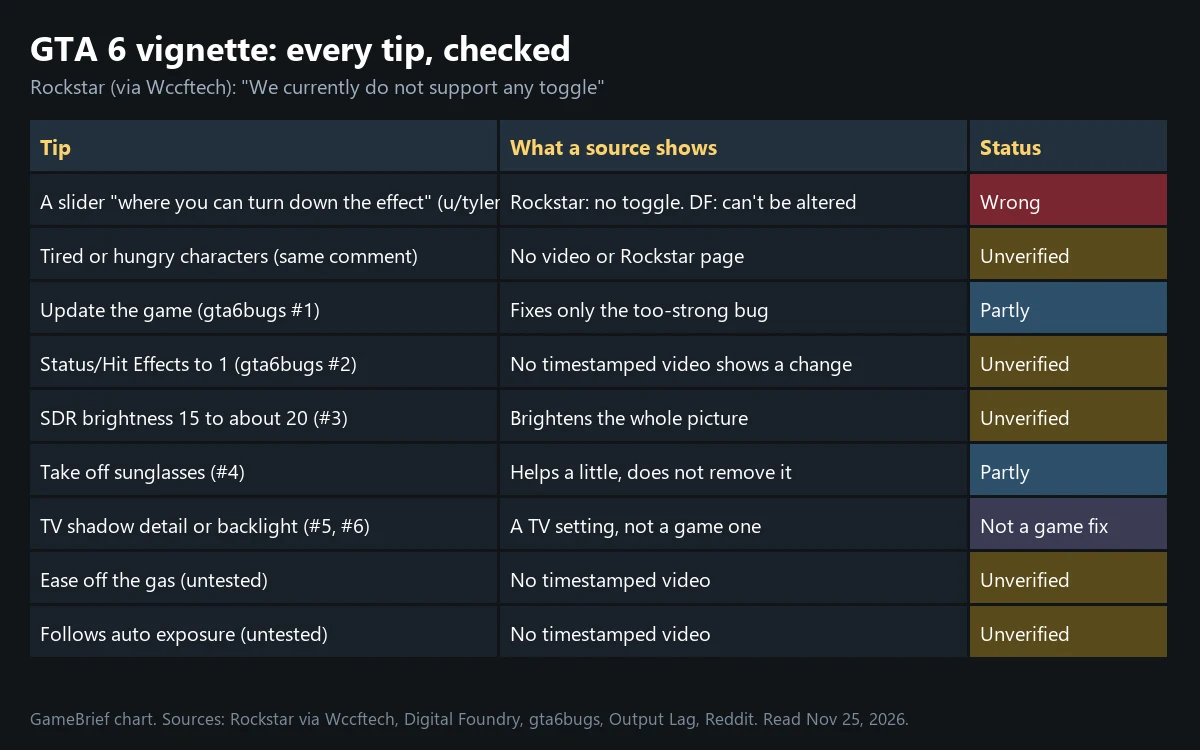 Source: GameBrief chart from Rockstar's answer to Wccftech, Digital Foundry 9:47, the gta6bugs vignette page and the threads listed below, read November 25, 2026.
How to turn the car radio down
The most upvoted comment in the 9,754-point r/GTA6 thread "Things they need to add or fix next" asks for car radio volume options, at 4,634 points. That slider already exists, under the name Media.
- Pause and open Settings.
- Move to the Audio tab (HowToDevices uses R1 on PS5).
- Lower Media.
HowToDevices shows the slider at 0:16 and says "it's for a TV and a radio". YourSixGaming reads the in-game description at 0:28: Media is "the volume of the in world media such as the TV and radio". guide2play says the same at 0:09: "Under volume, look for Media."
Don't lower Music instead. YourSixGaming points out at 0:23 that "this isn't for the volume of the radio". Werbefreundlich, a German channel whose lines we quote from YouTube's English dub, gives the useful pairing at 8:04: if voices get drowned out in the car, "keep the dialogue up and just turn the media down a bit".
Vehicle Radio and Mute Licensed Music do different jobs
Vehicle Radio sits in the same Audio tab and starts on Default and has three choices, per Vice Manual's screenshot of the tab. YourSixGaming shows at 0:40 that you can turn it off "and then you never have to worry about that". Use it if the first thing you do in every car is switch the radio off.
Mute Licensed Music is not a volume fix. Rockstar Support's page on it is written for players who stream or record, and Werbefreundlich's English dub at 7:50 says it "simply mutes all the licensed music", calling it "absolute gold for streamers and YouTubers".
Dead zone, acceleration and aim assist
Vice Manual's screenshots of the Controller and Gameplay tabs give the defaults: dead zone 4 on each stick, look and aim acceleration 7, Aim Response Curve Standard, and Aim Assist Strength 4. Output Lag lists the same four values, and NIXNE says at 0:40 that the curve "is on standard by default".
Players disagree on almost everything else. The r/GTA6 post "Everything I did to make GTA 6 more responsive on the base PS5" (228 points) lists every value it changed. Here it is next to four settings videos.
| Source | Dead zone | Acceleration | Curve | Aim assist |
|---|---|---|---|---|
| r/GTA6 post | Left 2, right 0 | Look and aim 14 | Precision | Not listed |
| NIXNE | 1, raise if drift (1:09) | Look and aim 10 (0:16) | Linear (0:40) | Not covered |
| Chuck | 1 (4:17) | Aim 5 (3:04) | Standard (3:31) | All the way up (5:15) |
| DPJ | Test it yourself (2:45) | Look +1 (2:02), the rest default | Default | Unchanged (3:50) |
| Werbefreundlich | Higher if the stick drifts (5:17) | Not covered | Not covered | Lower it to free-aim (4:45) |
Our pick is NIXNE's dead zone test, because it is the only one you can run yourself. Set both sticks to 1, push forward and let go; if the character stops at once, 1 is fine. For the right stick, aim down sights, push the stick and let go, and raise the number if the view keeps turning.
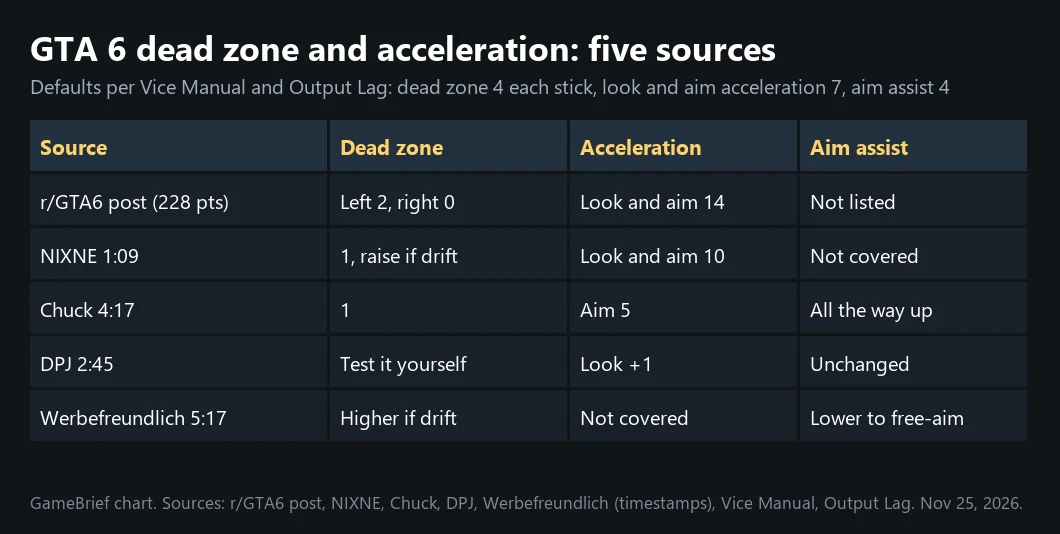 Source: GameBrief chart from the five sources in the table, with defaults from Vice Manual and Output Lag, read November 25, 2026.
Motion blur: 0 or 10, by test
Motion Blur Strength defaults to 3 on a 0 to 10 slider: Digital Foundry says so at 9:28, NIXNE at 5:24 and Perfect Guide at 0:19. NIXNE and Perfect Guide take it to 0 for a sharper picture, while Digital Foundry logged its footage at 10 and found it "quite pleasing", with 3 looking "a little choppy".
Werbefreundlich's test, in the English dub, is the way to decide on your own TV: "drive through a curve quickly, turn the slider down, and drive it again" (2:53). The Reddit post above uses 0 to 2 and notes it is not on an OLED.
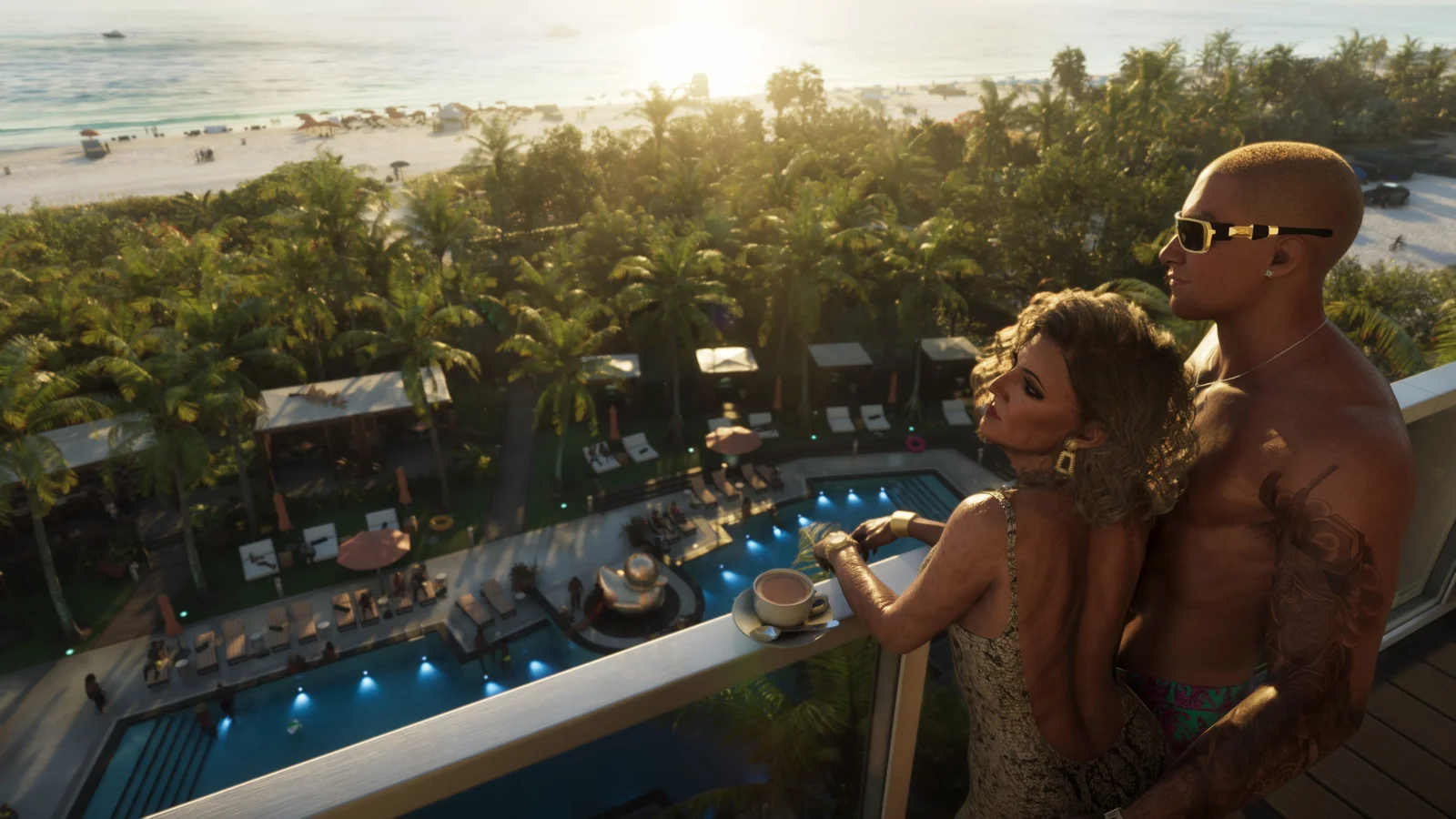 gta6bugs notes the darkening is strongest along the top, where it makes bright skies look dim. Image: Rockstar Games
What players are asking
- "Things they need to add or fix next for an even better experience": r/GTA6 (9,754 points, 3,814 comments). Top asks: car radio volume (4,634), a jerry can (4,252) and a vignette toggle (3,467).
- "I don't know if this is a game effect or a nit-pick, but there's a dark area on top of my screen": r/GTA (3,105 points, 1,052 comments).
- "Artistic choice or not, we really need an option to disable the vignetting": r/GTA (3,559 points, 663 comments).
- "Why is the top of my screen so dim?? Is there a setting to fix this?": r/GTA6 (1,263 points, 219 comments), where the slider claim and its rebuttal both sit.
- "Everything I did to make GTA 6 more responsive on the base PS5": r/GTA6 (228 points, 101 comments).
Point totals as of November 25, 2026. The comments are player reports; we kept only what a video or Rockstar page could back.
Where to go next
Once the menus are set, our Leonida map regions guide and Vice City vs real Miami cover where to drive first, and the Route 1A bridge page is the long run with the radio on. For things to find, see the verified easter eggs list and the trophy list. Coming from the last game? Our GTA 6 vs GTA 5 differences page covers what changed, and the PC status page tracks the port.
Videos worth watching
Digital Foundry, November 18, 2026. Starts at 9:18: motion blur, then the vignette at 9:47.
YourSixGaming, November 24, 2026. Starts at 0:25: Music versus Media, then Vehicle Radio.
NIXNE, November 18, 2026. Starts at 1:09: the dead zone drift test.
Last updated November 25, 2026 (UTC+7). Checked: Rockstar Support's settings and licensed-music pages, Rockstar's answer to Wccftech, transcripts of nine settings and how-to videos matched by timestamp, Vice Manual's menu screenshots and Output Lag for defaults, the gta6bugs vignette page and five Reddit threads.
References
- Rockstar Support: How to change Grand Theft Auto VI settings
- Rockstar Support: Muting licensed music in Grand Theft Auto VI
- Rockstar Support: Grand Theft Auto VI Launch Updates (PS5 / Xbox Series X|S)
- Wccftech: Rockstar's tech answers, including the vignette (November 18, 2026)
- Digital Foundry: Xbox Series X|S DF Tech Review (November 18, 2026)
- Perfect Guide: Can You Turn Off Vignette and Depth of Field in GTA 6? (November 21, 2026)
- HowToDevices: GTA 6 How to Change Radio Volume (November 18, 2026)
- YourSixGaming: How to Lower Music Volume and Radio in Car in GTA 6 (November 24, 2026)
- guide2play: Reduce GTA 6 Radio Volume (November 20, 2026)
- Werbefreundlich: Die besten GTA 6 Einstellungen (November 18, 2026)
- NIXNE: Best Settings Guide 24 Things to Change Now (November 18, 2026)
- Chuck: Best Settings for Controller, Camera and Graphics (November 18, 2026)
- DPJ: Best Settings You Need To Change (November 18, 2026)
- Vice Manual: GTA 6 settings, every menu option (November 18, 2026)
- Output Lag: GTA 6 best settings and controls
- gta6bugs: GTA 6 dark band at the top of the screen (vignette)
Was this guide helpful?
Keep reading
Sponsored

More game deals
Disclaimer
This article is published for informational and entertainment purposes. It does not constitute professional financial, legal, or technical advice. Game performance, online services, patch schedules, and store listings change. Verify critical details (pricing, system requirements, regional availability) with publishers and storefronts before you buy. Affiliate links, where present, help support our editorial work and are labelled in our affiliate disclosure.
About the author

GameBrief's byline for metroidvanias, RPGs, comparisons and design history. Places each game in its genre and argues both sides before picking one.
- Metroidvanias and RPGs
- Comparisons and design history
- Sources listed per article