
GTA 6 · General
GTA 6 Hidden Car Controls: Every Button Checked by Video
GTA 6 hidden car controls on the Default scheme: double-tap Triangle to keep the engine on, hold D-pad Left for the car menu, and the Auto Drive steps.
Sponsored

About the game
Grand Theft Auto VI
Rockstar Games · Rockstar Games
GTA 6 hidden car controls come down to nine buttons on the Default scheme. Four of them appear in the in-game controls preview; the other five, including both double taps and the car flip, don't. The two you'll use most are a double tap of Triangle or Y to leave the engine running and a held D-pad Left, then right stick up, for the car menu. One popular video names the wrong button for three of the nine, so each row below has a second source and a "how sure" column.
Checked November 25, 2026, on the Default control scheme for PS5 and Xbox Series X|S. Buttons come from the game's Land / Water Vehicles preview as filmed by Shacknews, three videos with timestamps and written guides from ten sites.
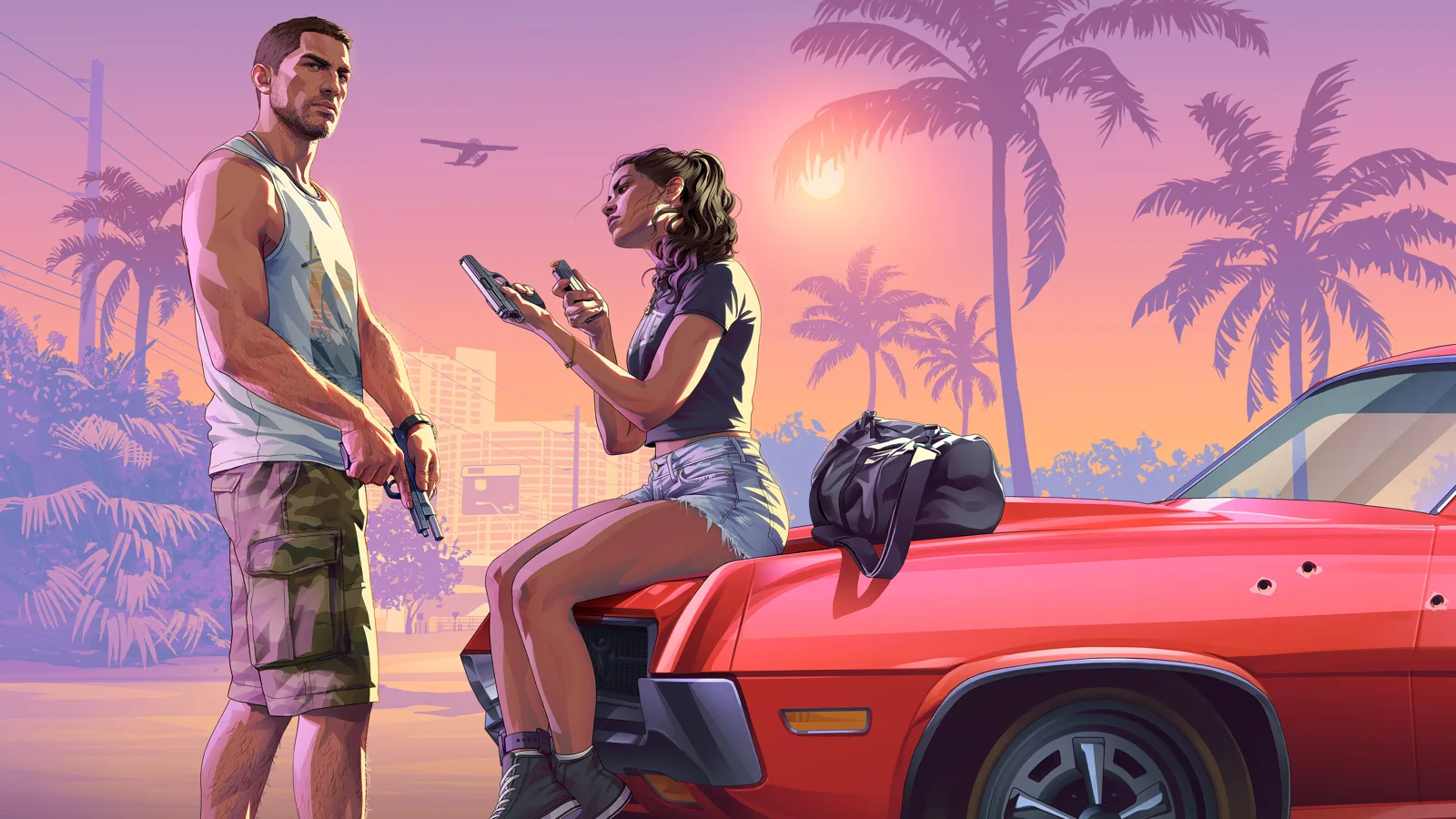 Jason and Lucia with a muscle car. Image: Rockstar Games
We have not played GTA 6. Rockstar's Support page confirms the Control Scheme tab has a Land / Water Vehicles preview, but no Rockstar page lists the hidden moves, so this page checks the ones players pass around. For the rest of the launch, start at the GTA 6 hub.
Quick answers
| Question | Answer | How sure |
|---|---|---|
| Leave the engine running? | Double-tap Triangle / Y as you get out | Strong |
| Open the car menu? | Hold D-pad Left, push right stick up | Strong |
| Auto Drive? | Hold D-pad Down, press Options / Menu, hold Circle / B | Strong |
| Turn the radio off fast? | Double-tap D-pad Left | Medium |
| Flip an upside-down car? | Push into its side, hold Square / X | Medium |
The nine car controls, with a timestamp for each
| Action | PS5 / Xbox | Video (timestamp) | Second source | How sure |
|---|---|---|---|---|
| Leave the engine running | Double-tap Triangle / Y | BRO YOU WACK 3:05 | Output Lag, Duuro, WikiGTAVI | Strong |
| Vehicle menu | Hold D-pad Left, then right stick up | FrickinFlash 0:03, BRO YOU WACK 3:50 | WikiGTAVI | Strong |
| Turn signals | Tap D-pad Left / Right | BRO YOU WACK 8:29 | Default preview, Duuro | Strong |
| Headlights | Tap Circle / B | None with the right button | Default preview, Output Lag, Duuro | Strong |
| Duck in your seat | Hold Circle / B | None | Default preview, Output Lag, Duuro | Strong |
| Auto Drive | Hold D-pad Down, Options / Menu, then hold Circle / B | How To Video Game 0:22 | mp1st, gta6bugs | Strong |
| Auto Drive speed | L2 / R2, three speeds | BRO YOU WACK 2:05 | How To Video Game 0:28, WikiGTAVI | Strong |
| Radio off | Double-tap D-pad Left | BRO YOU WACK 6:50 | Output Lag, PlayDay; Duuro disagrees | Medium |
| Flip a car back over | Walk or push the left stick into its side, then hold Square / X | None with the right button | gtascoop; WikiGTAVI says hold Square / X against it; Duuro clicks L3 at its side first | Medium |
"Default preview" means the in-game Land / Water Vehicles screen on Default, 1 of 3 schemes, which Shacknews filmed. It shows Exit Vehicle on Triangle, Headlights on Circle, Indicate Left and Right on the D-pad and Horn / Nitrous on L3. A second set of buttons drawn in rings, which we read as holds, puts Vehicle Menu and Quick Navigation on the D-pad and Duck on Circle.
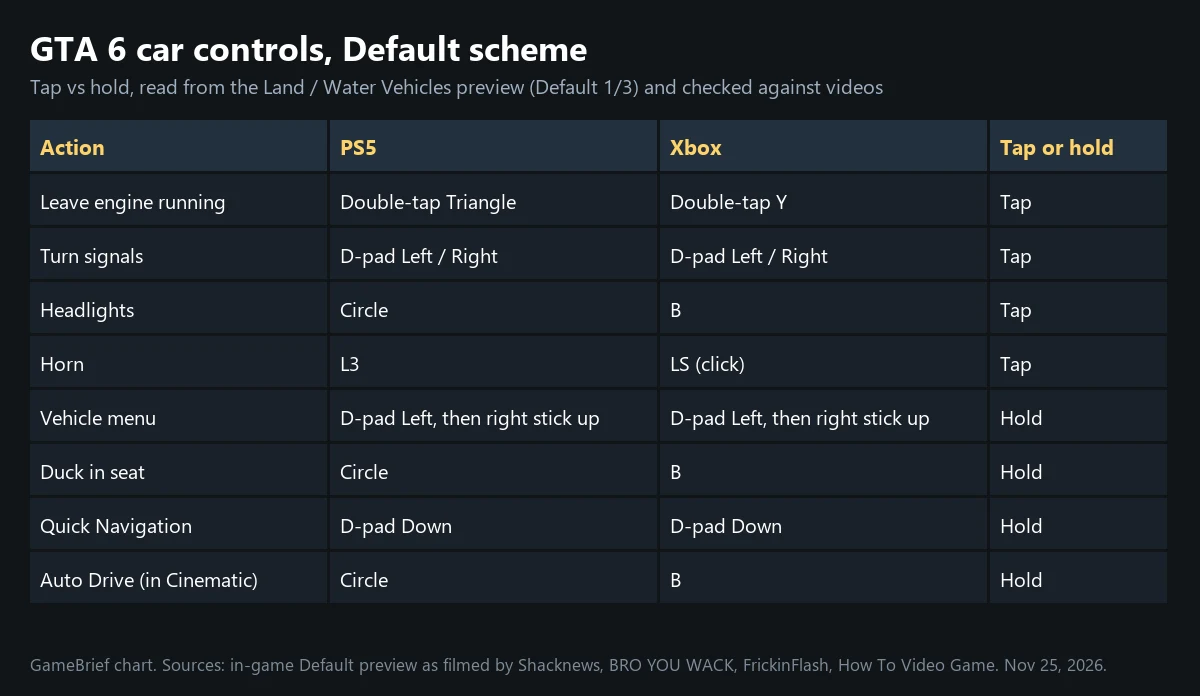 Source: GameBrief chart from the Default Land / Water Vehicles preview and the videos in the table, read November 25, 2026.
What's inside the vehicle menu
FrickinFlash walks through the menu in one short clip. Holding D-pad Left in a vehicle "brings up this", and pushing the right stick up opens the car options (0:03). BRO YOU WACK gives the same steps at 3:50: "you press left on the D-pad and then up on the right thumbstick".
In FrickinFlash's car, the menu holds:
- Headlights: off, low, high or auto (0:23).
- Hazards (0:33); BRO YOU WACK shows them too.
- Engine off and back on: "This is how you actually turn the engine off" (0:47).
- Tailgate (1:04).
- Windows, up or down (1:24).
A single tap of D-pad Left is the left turn signal on Default, and holding it opens this menu. Some guides add a radio double tap on the same direction, which is why that one is disputed further down.
Auto Drive, step by step
How To Video Game covers it in under a minute. Our checklist follows its steps:
- Start driving. Set a waypoint if you want to go somewhere specific (see below).
- Hold D-pad Down to open the camera options (0:07).
- Press Options on PS5 or Menu on Xbox for the cinematic camera.
- Hold Circle or B "to enable autodrive" (0:22).
- Use L2 and R2 for speed one, two or three (BRO YOU WACK 2:05).
- To turn Auto Drive off, hold Circle or B again; How To Video Game says "the same button turns it all back off" (0:35), and GTABase says to "hold the same button that you previously held to enable auto drive". To leave the cinematic camera, hold D-pad Down (BRO YOU WACK 2:33).
Sources split on the waypoint. WikiGTAVI says Auto Drive "needs a waypoint on the map and a road under the wheels". How To Video Game's written guide says "We didn't have one set, and the car still drove itself down the road." Set one anyway if you want it to take you somewhere.
If the prompt doesn't appear, check Settings, Gameplay, Auto Drive. How To Video Game quotes the Restricted option as "Only available in safe scenarios", and GTABase says switching it to Unrestricted lets Auto Drive work in more places.
Where the videos name the wrong button
BRO YOU WACK's "10 HIDDEN Car Secrets in GTA 6" is the most complete video we found, and its engine, menu and signal tips line up with other sources. Four of its face buttons don't:
| Action | BRO YOU WACK says | Default preview and guides say |
|---|---|---|
| Headlights | Square / X (4:50) | Tap Circle / B |
| Auto Drive | Hold Square / X (1:46) | Hold Circle / B |
| Flip a car | Hold O / B (0:47) | Hold Square / X |
| Hit a rider with your door | Circle (6:34) | Square / X (Duuro, WikiGTAVI); Medium |
We can't tell which scheme that video was recorded on. On Default, a tap of Circle on foot is Crouch and a hold is Rest in the preview, which fits u/bananenklumpen's report that holding Circle near a car only makes the character stand there and cross their arms.
The radio double tap is the dispute you'll run into most. Output Lag, PlayDay and RockstarINTEL list it, and BRO YOU WACK says at 6:50 to "press left on the D-pad twice and it'll turn the radio off". Duuro puts it under "Viral tips that don't check out" because a tap of Left is the left signal, and says to use the vehicle menu and Cross instead. Try the double tap; if it only flashes the indicator, use the menu.
Tips we could not confirm
| Tip | Who says it | What's missing | Status |
|---|---|---|---|
| Leave the door open too | BRO YOU WACK 3:27: double-tap Triangle / Y and X / A; u/M4NOOB: press in the left stick | Two different buttons, no second video | Unverified |
| Double-tap Triangle at a boat's helm | PlayDay, RockstarINTEL, Output Lag, WikiGTAVI ("A boat left this way keeps cruising") | No timestamped video; Duuro "couldn't confirm the boat trick"; u/Kakajin_: "my character just jumps out into the sea" | Unverified |
| Police siren tones | RockstarINTEL: L3 for the horn, left stick up for the manual tone | No timestamped video | Unverified |
| Double tap while moving locks the throttle | u/Data-Panda | Duuro and mp1st only say a moving car keeps rolling | Single source |
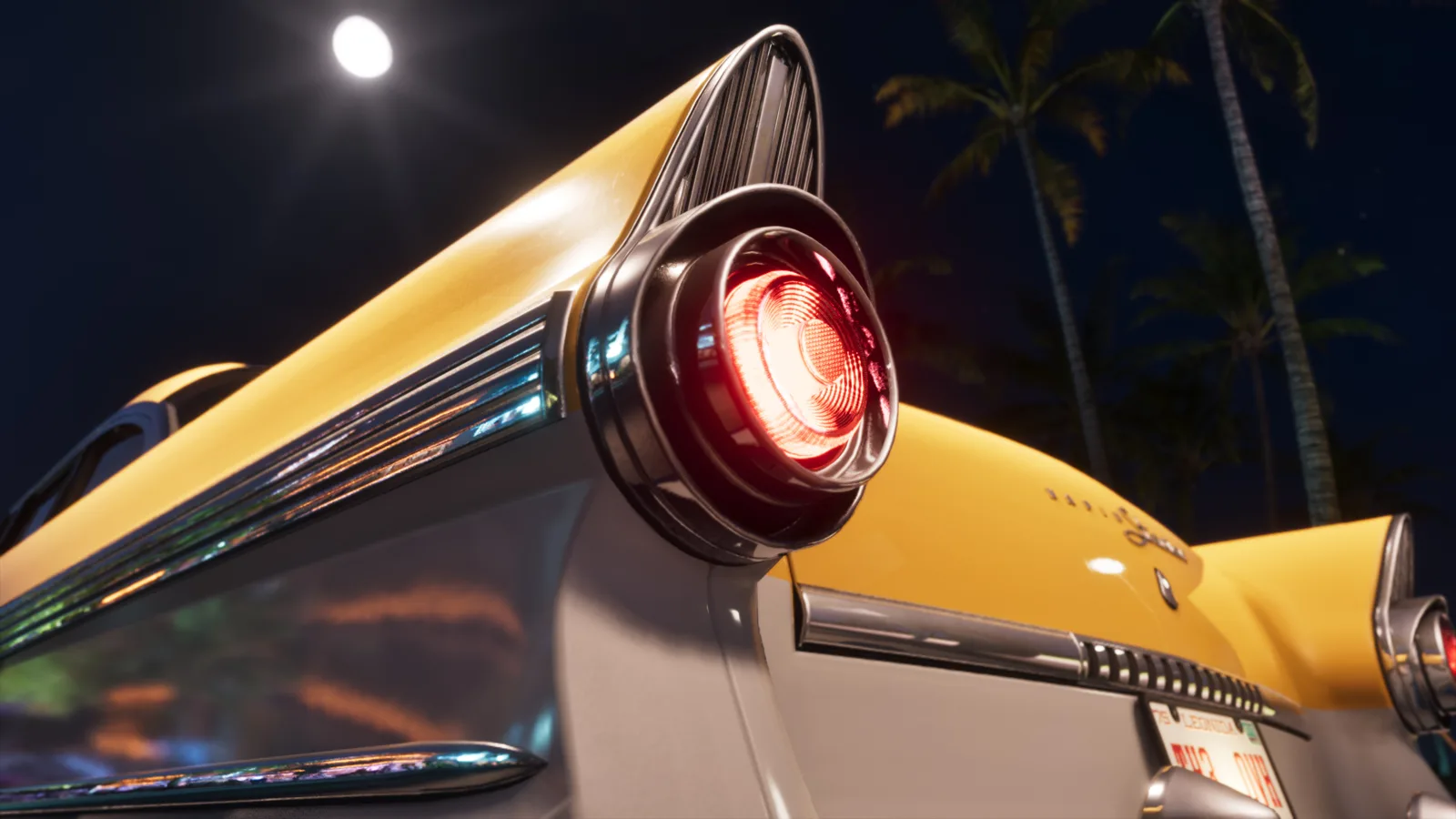 A Vapid Stanier from the Vintage Vice City Pack. Image: Rockstar Games
When a control doesn't work: what to check
Two of the "it doesn't work" replies we read were settings problems: a Classic control scheme and tap or hold assist.
| Symptom | What to check | Evidence |
|---|---|---|
| Buttons differ from this page | Settings, Control Scheme; this page is for Default | Rockstar Support lists the tab; Shacknews shows Default as 1 of 3. u/rean2 found ducking on Square, then added: "I was in classic controller scheme". Output Lag says ducking "should move to Square" on Classic. |
| Double taps misfire | Tap assist and hold assist | u/Kakajin_: "i had tap assist and hold assist on and double tapping triangle doesn't work well with it". One report. |
| Holding Circle beside a flipped car does nothing | On foot, holding Circle is Rest on Default | Push into the side and hold Square / X instead (WikiGTAVI, gtascoop). |
| No Auto Drive prompt | Cinematic camera first, then Settings, Gameplay, Auto Drive | See the Auto Drive section above. |
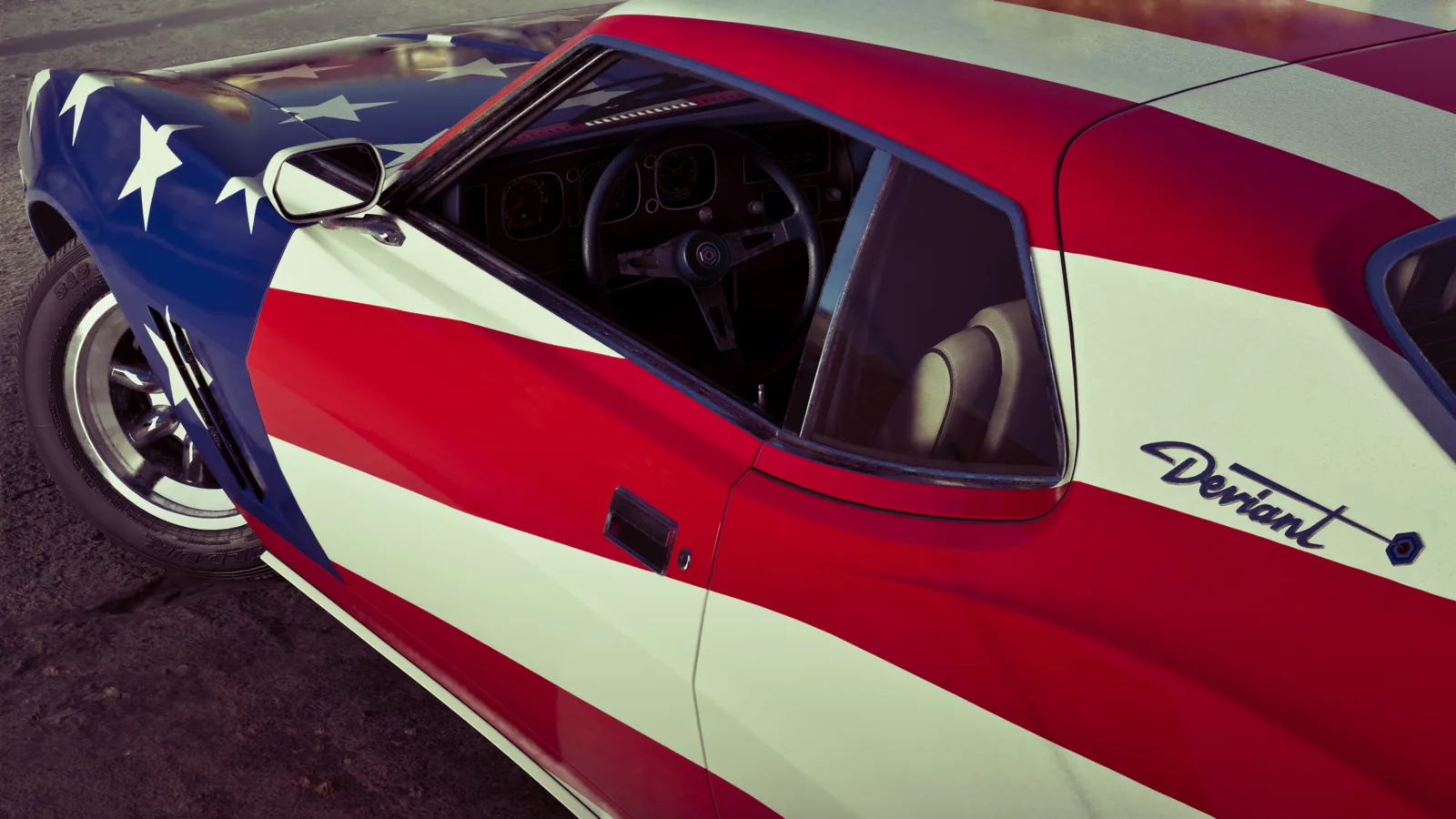 A car from the Ultimate Edition Wyman Car Collection. Image: Rockstar Games
What players are asking
- "Made a short list of most hidden features mentioned in a few threads today.": r/GTA6 (3,906 points, 420 comments). The engine double tap from this list is the best-sourced row above.
- "Does anyone know of more hidden immersive features?": r/GTA6 (3,791 points, 900 comments).
- "Gameplay Tip I've never seen posted.": r/GTA6 (3,483 points, 431 comments).
- "Pro-Tip: for fast getaways you can keep your car running by double tapping the Triangle or Y button when you exit a car": r/GTA6. The replies from u/Data-Panda, u/Kakajin_ and u/M4NOOB used above come from this thread.
Point totals as of November 25, 2026. Reddit answers are player reports; we used them only where a video or guide backs them, or marked them Unverified.
Videos worth watching
BRO YOU WACK, November 21, 2026. Starts at 3:05, the engine double tap; check the face buttons against the table.
FrickinFlash, November 18, 2026. The whole vehicle menu in one short clip.
How To Video Game, November 19, 2026. Auto Drive from the camera menu to the button.
Where to go next
For the roads to try Auto Drive on, read the Leonida highways guide and the Route 1A bridge page. The Leonida map regions guide and Vice City vs real Miami show where you're driving. If the screen edges or the radio bother you on the road, our vignette, radio and aim settings guide covers them.
Before the end of Chapter 1, see what you lose and keep, including Jason's car. Rockstar's fixes so far are in the patch notes tracker. Two more lists to work through between drives: verified easter eggs and trophies.
Last updated
November 25, 2026: first version. We'll update the table if Rockstar adds a controls page or a patch moves a button.
References
- Rockstar Support: How to change Grand Theft Auto VI settings
- Shacknews: GTA 6 - All Control Options (November 18, 2026)
- BRO YOU WACK: 10 HIDDEN Car Secrets in GTA 6 (November 21, 2026)
- FrickinFlash: GTA 6 vehicle menu (November 18, 2026)
- How To Video Game: How to use autodrive in GTA 6 (November 19, 2026)
- How To Video Game: GTA 6 How to Use Auto Drive
- Output Lag: GTA 6 controls
- Duuro: GTA 6 hidden interactions
- WikiGTAVI: Things the game does not tell you
- WikiGTAVI: How to turn on Auto Drive
- gtascoop: GTA 6 controls
- mp1st: GTA 6 hidden controls
- PlayDay: GTA 6 hidden controls and secret mechanics
- RockstarINTEL: 30 hidden GTA 6 controls
- gta6bugs: How to auto drive in GTA 6
- GTABase: How to auto drive in GTA 6
- r/GTA6: Made a short list of most hidden features
- r/GTA6: Does anyone know of more hidden immersive features?
- r/GTA6: Pro-Tip: keep your car running
Was this guide helpful?
Keep reading
Sponsored

More game deals
Disclaimer
This article is published for informational and entertainment purposes. It does not constitute professional financial, legal, or technical advice. Game performance, online services, patch schedules, and store listings change. Verify critical details (pricing, system requirements, regional availability) with publishers and storefronts before you buy. Affiliate links, where present, help support our editorial work and are labelled in our affiliate disclosure.
About the author

GameBrief's byline for metroidvanias, RPGs, comparisons and design history. Places each game in its genre and argues both sides before picking one.
- Metroidvanias and RPGs
- Comparisons and design history
- Sources listed per article