
GuideDressmaker
Dressmaker Quality Score: How to Reach 100, Fix a Stuck 80
Most stuck dresses are a fitting problem, not a sewing one. We counted the quality target on all 77 story and pigeon commissions and lined up every client's measurements from two fan wikis.
VerdictCheck for Quality 20 on the cutting table before you cut anything. If it is not there, fix the mannequin first; no amount of neat sewing makes up for it.
Your Dressmaker quality score reaches 100 when the mannequin matches your client's real bust, waist and hips, every pattern piece is cut at 100% grain, and every seam is sewn on the line. If a careful dress stalls at 80 or just under it, the fit is the usual cause: the Dressmaker Wiki and AllThingsHow both put fit at 20 points, so with no fit even perfect cutting and sewing stop at 80.
Sponsored

About the game
Dressmaker
Cozy Lives · Free Lives
That cap matters more than it sounds. By our count of the wiki's commission list, 57 of the 77 story and pigeon commissions ask for exactly 80, the number a dress with no fit can only just touch. Our Dressmaker review covers the rest of the game.
Checked November 23, 2026 (evening, Vietnam time): Cozy Lives' patch notes on Steam up to the November 23 hotfix, Steam's global achievement stats for app 4019220, two Steam forum threads on quality, and the commission and client tables on two fan wikis.
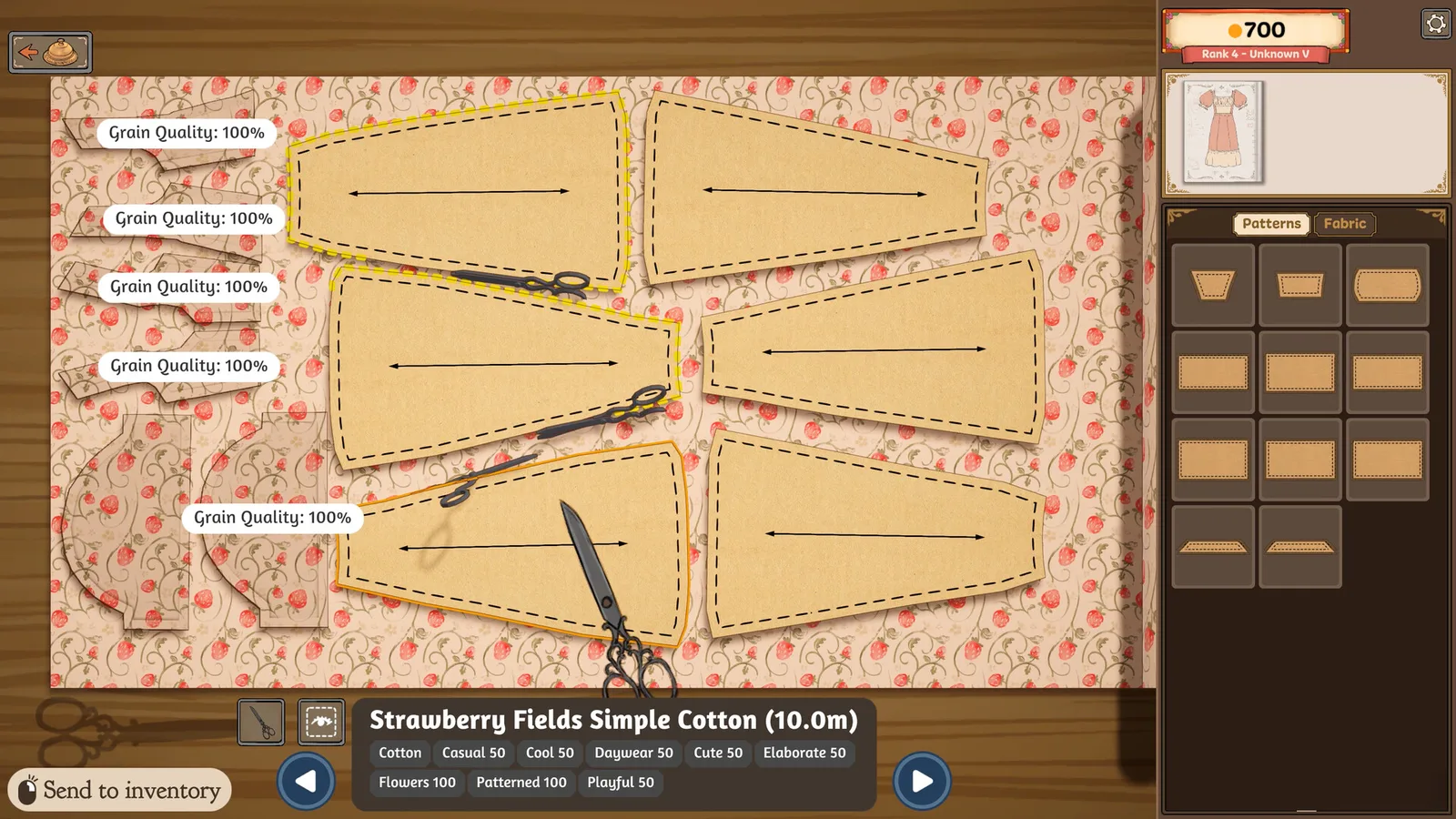 Image: Cozy Lives / Free Lives, Steam store screenshot
Sponsored

Where the Dressmaker quality score comes from
Three stations feed the number, and you can check each one before moving on to the next.
| Station | Points on a commission | What the game checks | Check before you move on |
|---|---|---|---|
| Measuring and mannequin | 20 | The mannequin's bust, waist and hips against the client's body | The cutting table's quality box reads 20 before you cut |
| Cutting table | Part of the other 80 | The angle of each piece against the fabric grain, or the bias for bias pieces | Each piece reads 100% grain at the moment you cut it |
| Sewing machine | Part of the other 80 | How close each stitch lands to the seam line | The gauge by the needle still reads 100% as the seam ends |
| Fabric, lace, buttons, jewels | 0 | Nothing; they feed style tags such as Elegant or Cute | Not needed for quality |
The fit figure comes from three places: the wiki, AllThingsHow, and players in a Steam thread from September 29. One player there wrote that measurements "are worth 20" and show up in the sketchbook before you do anything else; another reported starting Priya's dress at 20 and finishing at 100, then starting Alice's at 18, which that player put down to being "a pixel or so off" when measuring her.
The last row is the one that saves money. The wiki says fabric and accessories "never change quality", and AllThingsHow says buttons and bows raise style tags, not quality. A cheap cotton cut on the grain scores as well as velvet.
Why a dress gets stuck at 80, 79 or the high 80s
The game does not show a breakdown on the finished dress, which is the complaint behind that September thread: the original poster cut "perfectly aligned with the grain", kept the sewing machine at 100%, and still got 88.
| What you see | Most likely cause | What to do |
|---|---|---|
| Exactly 80, or 79 with neat work | Fit is at or near zero | Set the mannequin gears to the client's real numbers (table below) |
| Cutting table shows under 20 before any cut | Measurement or mannequin is off | Fix the gears now; it is the only stage you can check before cutting |
| High 80s or 90s, fit at 20 | One piece cut off the grain, or one seam that dipped | Recut the weak piece or rip and resew the seam |
| Every stage at 100 and still short | Player-reported bug | Sell the dress and make it again the same way |
The last row rests on player reports. TposeGaming notes scores "frozen at 79/80" and says selling the stuck dress and making it again has fixed it; in the Steam thread, one player describes the same fix, selling the stuck dress and redoing the commission from scratch. Rule out fit before you try it.
Steps to reach 100 quality on one dress
- Measure slowly. Drag the tape onto the client and hold it still on each guide line until the number records. You only get one go: the wiki, TposeGaming and AllThingsHow all say you can't measure a client again until her next commission.
- Set the mannequin. Turn each gear until the mannequin matches. Since Build 443 on October 14, the gears also turn with the mouse wheel or arrow keys; the wiki suggests the keys for the last little bit.
- Read the quality box. Before cutting, the box at the top left of the cutting table should read 20. AllThingsHow calls any other number a sign the mannequin still needs work, and the Steam player quoted above makes the same check.
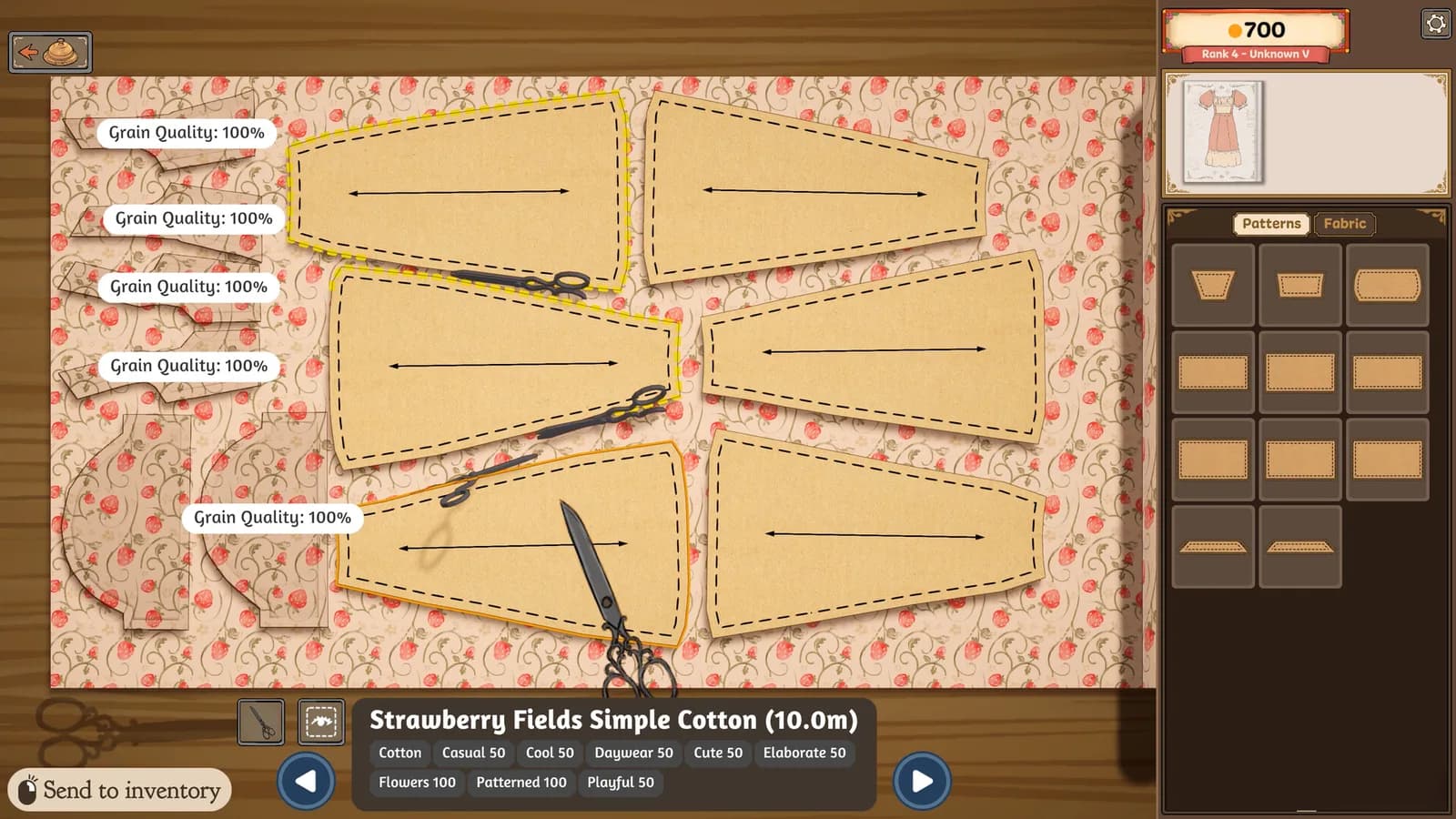
- Cut each piece at 100%. Turn the piece until its grain arrow runs left to right along the roll, and only cut when it reads 100%. A few pieces are bias cut and want the diagonal instead, so trust the percentage, not the shape. The grain score is fixed the moment you cut; the seam ripper cannot change it, so a bad cut means a recut.
- Sew at low speed. Space sews, A and D turn the fabric, W and S change speed. Slow down on curves and corners. Sewing Assist, in the settings, only steers the fabric toward the seam; AllThingsHow says it does not block a 100.
- Restart a bad seam. Press R to start the seam on the machine again. For a piece already on the mannequin, rip it out with the seam ripper and sew it again; for a bad cut, take the piece back to the cutting table and drop it in the recycle basket, which returns the fabric only if you have not yet cut off the used slice.
For a first 100, AllThingsHow and TposeGaming both suggest a short dress with few pattern pieces, such as a kimono, since there are fewer cuts and seams to get wrong.
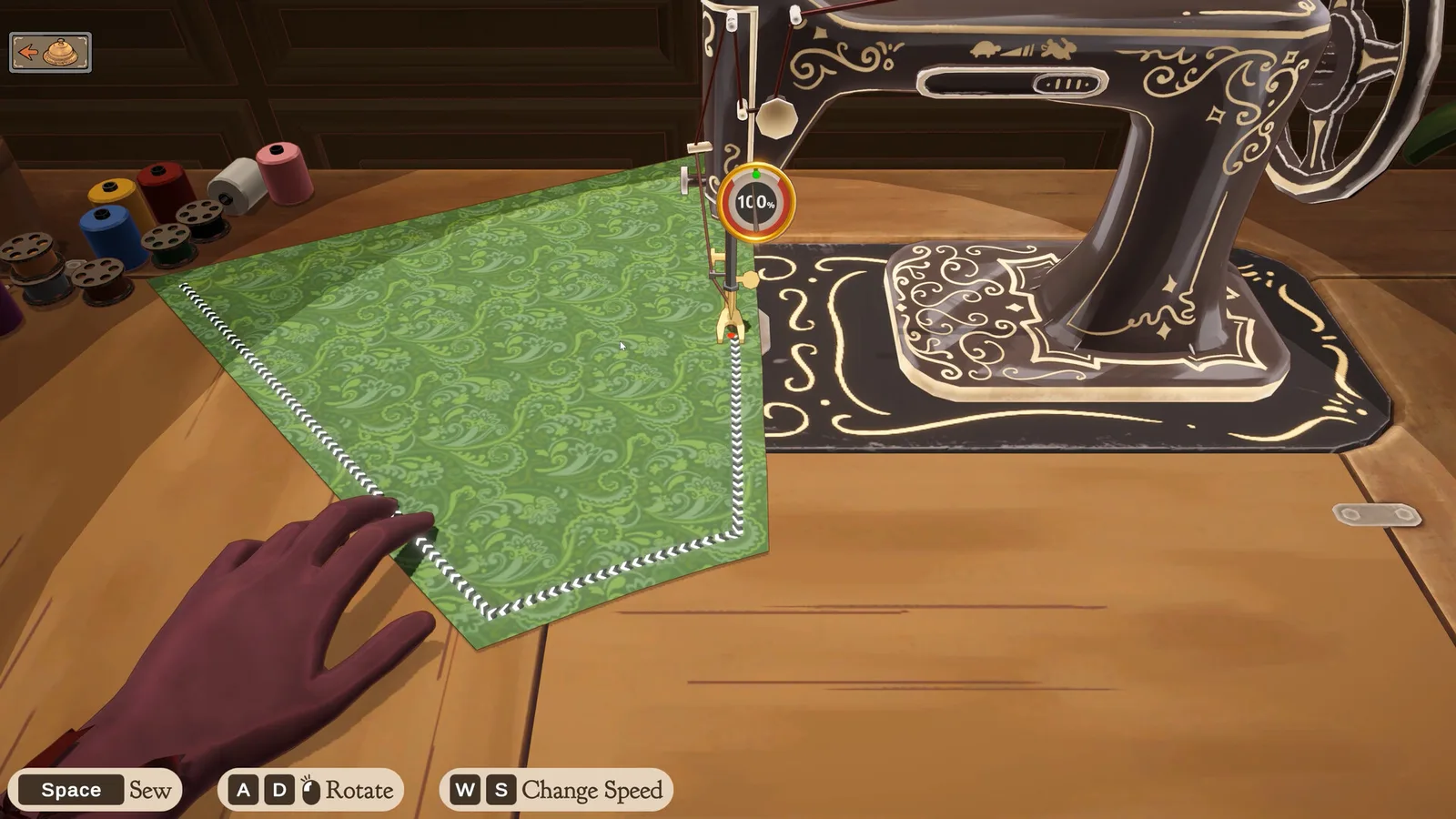 Image: Cozy Lives / Free Lives, Steam store screenshot
Client measurements to check your tape against
Fit is scored against the client's real body, not against what you wrote down. The wiki puts it plainly: "if the tape slipped, the sizing screen can look perfect while your fit is low." That is the trap behind a Steam player's 80 on Edith's Another Encore, which asks for 90. After checking the wiki, the player found their bust reading "ten whole centimeters off".
Two fan wikis list every client. Their figures differ by under 1 cm, which fits the wiki's note that the tape reads a little differently if you hold it higher or lower. A gap of several centimetres from both columns is a measuring slip.
| Client | Bust / waist / hips, dressmakerwiki.com (cm) | Bust / waist / hips, dressmakerwiki.site (cm) |
|---|---|---|
| Rose | 86.3 / 68.7 / 95.8 | 86.3 / 68.8 / 95.8 |
| Prudence | 96.1 / 69.5 / 103.5 | 96.2 / 69.5 / 103.6 |
| Priya | 104.1 / 78.6 / 112.7 | 104.1 / 78.6 / about 112.5 |
| Marie | 93.6 / 70.5 / 102.2 | 93.6 / 70.5 / 102.2 |
| Edith | 111.2 / 89.6 / 120.5 | about 111.1 / 89.6 / about 119.7 |
| Fiona | 114.7 / 92.8 / 125.4 | about 114.5 / 92.9 / about 124.5 |
| Alice | 86.9 / 70.3 / 97.7 | 86.8 / 70.4 / 97.6 |
| Vivian | 95.7 / 71.4 / 101.8 | 95.7 / 71.4 / 101.8 |
| Dorothy | 98.4 / 83.2 / 110.8 | 98.2 / 83.4 / about 110.3 |
| Adora | 91.6 / 71.4 / 101.0 | 91.6 / 71.4 / 101 |
What to do with a wrong reading is where sources split. TposeGaming and AllThingsHow say to measure carefully on the client's next visit. The wiki's mannequin guide goes further: set the gears to the client's real numbers instead of your own, since fit compares the mannequin with her body. We have not tested that on a live commission.
Quality targets on every commission, including the one that wants less
We counted the quality line on every story and pigeon commission in the Dressmaker Wiki's commission list, 53 story and 24 pigeon commissions. Gift commissions and the final commission are left out.
| Quality line | Story commissions | Pigeon commissions | Examples |
|---|---|---|---|
| 60 | 2 | 0 | Librarian Workwear (Rose's first) |
| 70 | 3 | 2 | Secret Gallery Visit (Prudence) |
| 75 | 9 | 0 | Flamboyant Funeral (Prudence's first) |
| 77 | 1 | 0 | Nocturnal Glamour (Vivian's first) |
| 80 | 36 | 21 | Floral Romance, Marie's Wedding |
| 90 | 1 | 0 | Another Encore (Edith) |
| 95 | 1 | 0 | Crowning Glory (story commission 48 of 53) |
| At most 70 | 0 | 1 | Not Haughty (Prudence) |
The two above 80 are the ones a fit problem can't survive. Another Encore's 90 is confirmed by TposeGaming and the Steam player above. For the 95 card, TposeGaming relays player reports of dresses left at 94 or even 90.
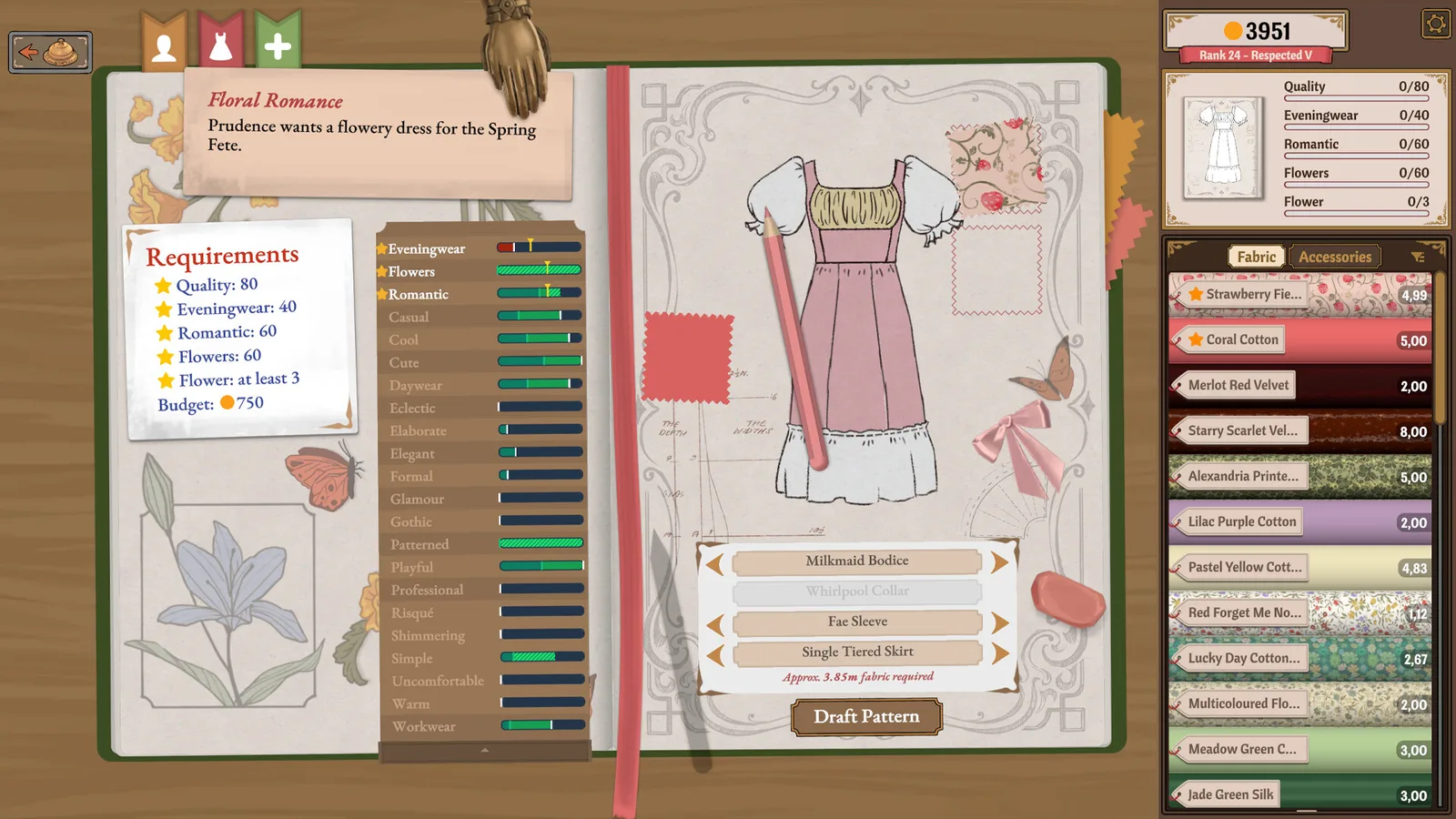 Image: Cozy Lives / Free Lives, Steam store screenshot
Not Haughty runs the other way. The wiki, Dressmaker Field Guide and Cozy Game Guides agree on its card: quality 70 or lower, Simple 40, Workwear 40, Uncomfortable 25. The wiki and Cozy Game Guides list a 250 payment.
They disagree on the label. The wiki and Cozy Game Guides say the line reads just "Quality" with no max tag; TposeGaming says you'll see "max" next to it. Either way, one player in an October 15 Steam thread reports finishing at 100/70, getting the unhappy-client warning and then an unhappy Prudence; two other players in the thread say they had misread the 70 as a minimum.
To get under it, the wiki and the Field Guide both say to cut a piece or two off the grain and let some stitches stray. Burlap comes up too, from players in the October thread and in the Field Guide's cotton-and-burlap suggestion, but it is there for the style lines; fabric does not move quality, so the cutting and sewing still have to be rough.
Is a 100 worth chasing?
Only for the achievement. A commission passes at its own number, and Steam shows 79.0% of Dressmaker players already have 99 Problems But A Stitch Ain't One ("Achieve 100% quality on a dress"), the second most common of the game's 32 achievements. It costs fabric, too: AllThingsHow advises buying extra so you are not squeezing pieces off the grain to save cloth. If you hunt achievements in cozy games, our Coffee Talk Tokyo achievements guide splits all 44 by endings, drink mastery and challenge mode, and the Tales of Seikyu list ranks all 36 by unlock rate. Our How to Fish achievements guide lists all 28 Steam unlocks.
If you are still deciding on the game, it is $14.99 on Steam and one of the Steam games in our Game Awards 2026 nominee guide, under Best Debut Indie. If you are weighing it against other budget picks, our best indie games under $20 list is a starting point. For the next price drop, our Steam sale calendar has the dates.
For more cozy crafting with a scoring loop, our Master of Pottery beginner guide covers a game built around the wheel, and the Moonlighter 2 price guide is the closest thing to Dressmaker's shop side, a table of Perfect prices for 150 relics. If sewing has worn you out, Coffee Talk Tokyo is the slower pick, and our Fields of Mistria first-week guide gets a farm going instead. If you would rather cook, our Beastro tips list nine things to know before you start.
What we could not confirm
- The 30/50 split. The wiki gives grain 30 points and stitching 50, and says a dress with no client counts 40 grain and 60 stitching. AllThingsHow only says grain and sewing share 80. We found no second source for the split.
- Fixing fit mid-commission. See the measurements section: the wiki says yes, two guides say wait for the next visit.
- The 79/80 bug. No Cozy Lives patch note mentions a quality bug or fix up to the November 23 hotfix.
Next dress: check for 20 before you cut
On your next commission, stop at the cutting table before the first cut and read the quality box. If it shows 20, cut and sew slowly; if not, compare your tape numbers with the client table above and fix the gears first. When Prudence's Not Haughty turns up, read its quality line as a ceiling. Before the 90 and 95 commissions late in the story, check that client's numbers against the table, because those two cards leave no room for a fit slip.
References
- Dressmaker on Steam: developer, publisher, price, screenshots
- Dressmaker news and patch notes, Steam: Build 443 mannequin controls, November 23 hotfix
- Dressmaker global achievements, Steam Community: 99 Problems But A Stitch Ain't One at 79.0%
- How to know why quality isn't at 100, Steam forum: player reports on the 20-point fit, the Edith reading, the sell-and-redo fix
- [BUG] Dress quality, Steam forum: player reports on the Not Haughty ceiling
- Quality: grain, stitching and fit, Dressmaker Wiki: fit cap, fabric and accessories, Not Haughty
- Grain quality, Dressmaker Wiki: cutting angle, bias pieces, recutting
- Mannequin sizing, Dressmaker Wiki: gears, measuring, fixing a wrong reading
- Commissions and Clients, Dressmaker Wiki: every quality line, client measurements
- Characters, dressmakerwiki.site: second set of client measurements
- How to Hit 100% Quality on a Dress, AllThingsHow: Quality 20 check, Sewing Assist, simple dresses
- Dressmaker Quality Guide, TposeGaming: stuck scores, Edith and late-story targets, burlap
- Not Haughty, Dressmaker Field Guide: requirements and lowering quality on purpose
- Not Haughty, Cozy Game Guides: requirements, payment, the missing max label
Was this guide helpful?
About the author

Systems & Economy Desk
GameBrief's byline for roguelikes, strategy and simulation. Reads patch notes, wiki tables and Steam stats and puts the numbers on the page.
- Roguelikes, strategy and simulation
- Builds, progression and economy
- Sources listed per article
Keep reading
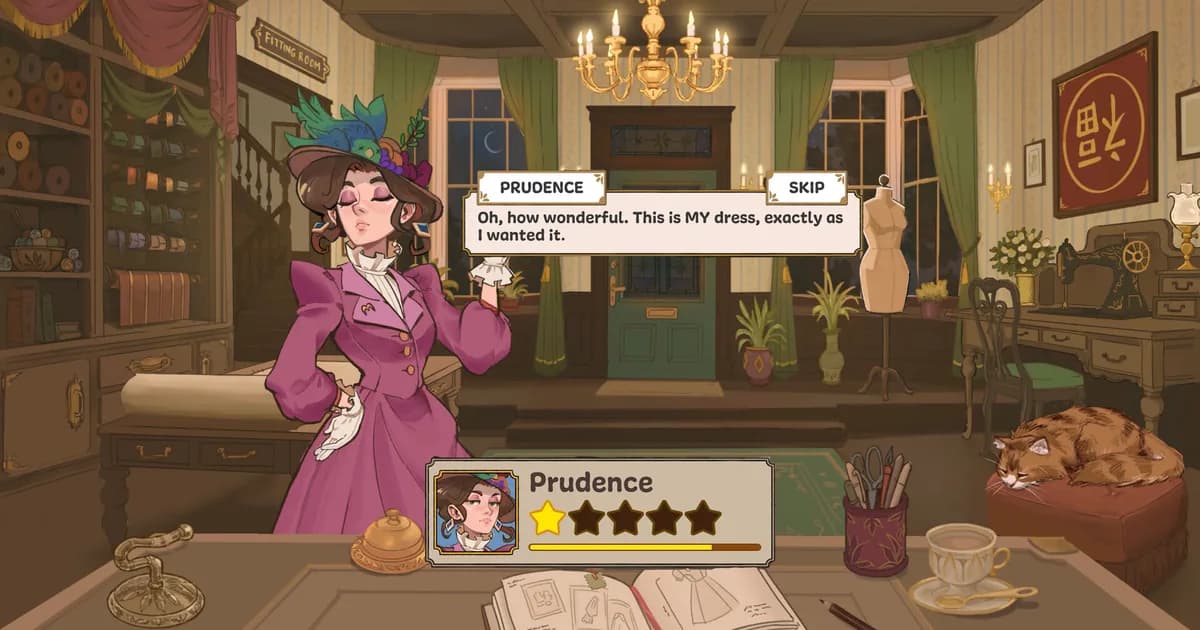
Dressmaker Review: A Cozy Sewing Sim With Real Craft
General · 9 min
Beastro Boss Guide: All 7 Bosses and Unlock Order (2026)
General · 8 min

Coffee Talk Tokyo Endings Guide: All 11 Character Routes
General · 15 min
Winter Burrow Achievements: All 32, Ranked by Rarity
Guides · 12 min
Starsand Island Achievements: All 75 Unlocked (2026)
General · 16 min
Beastro Deck Building Guide: Best Cards and Combos 2026
General · 10 min
Sponsored
More game deals
Disclaimer
This article is published for informational and entertainment purposes. It does not constitute professional financial, legal, or technical advice. Game performance, online services, patch schedules, and store listings change. Verify critical details (pricing, system requirements, regional availability) with publishers and storefronts before you buy. Affiliate links, where present, help support our editorial work and are labelled in our affiliate disclosure.