
GuideOver the Hill
Over the Hill co op: 4-player party, saves and crossplay
Four players can travel together, but every player earns checkpoint progress individually.
VerdictPlan for online play with three friends; do not assume split-screen or host-owned progression.
Over the Hill co op supports online parties of up to four people: one player and three friends, according to the Steam listing. Funselektor's pinned FAQ says progress is tracked individually, cross-play is confirmed, and local co-op is not feasible at the moment. The official Over the Hill guide hub tracks the wider launch picture.
Sponsored

About the game
over the hill
How many players can join Over the Hill co op?
Steam currently lists Online Co-op, while its description invites players to take the trails solo or with up to three friends. That is four players total, not four friends joining a host. Funselektor's pinned FAQ repeats the cap. The limit is also reported by GamingOnLinux, and a player answering a launch-week party-size question on Reddit wrote, “4 players max”.
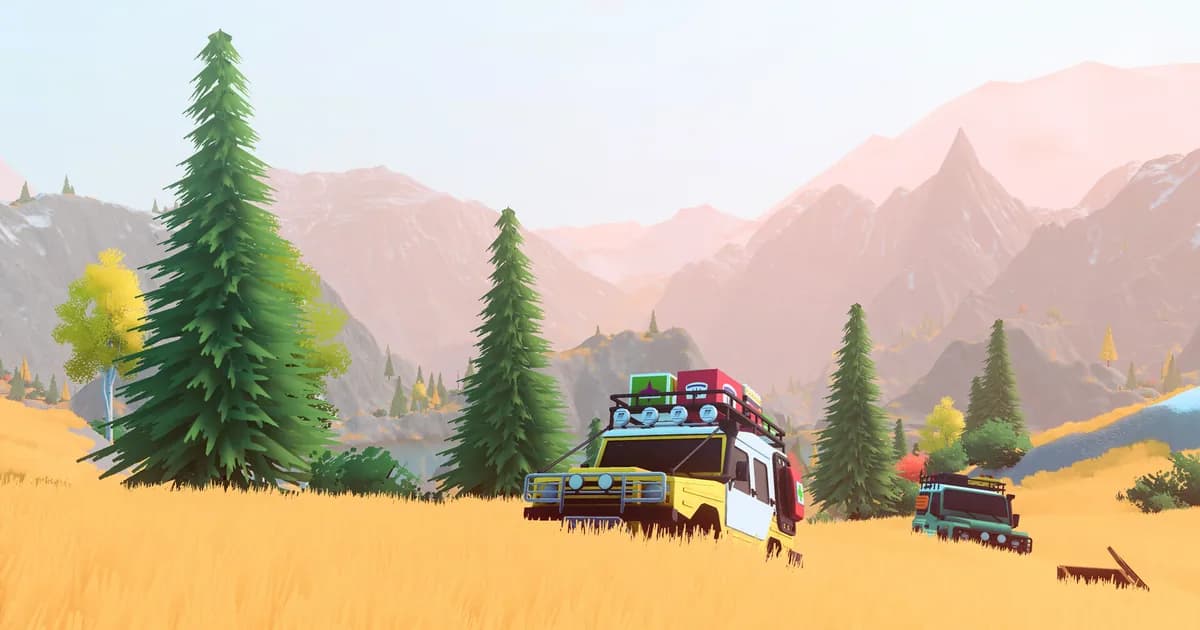
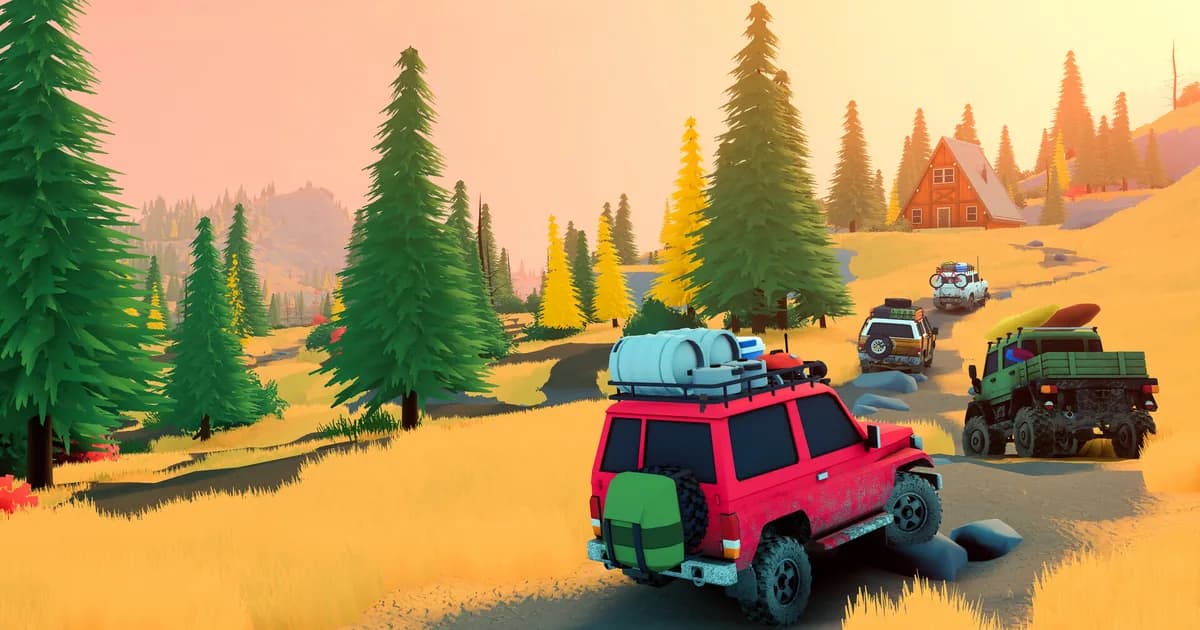
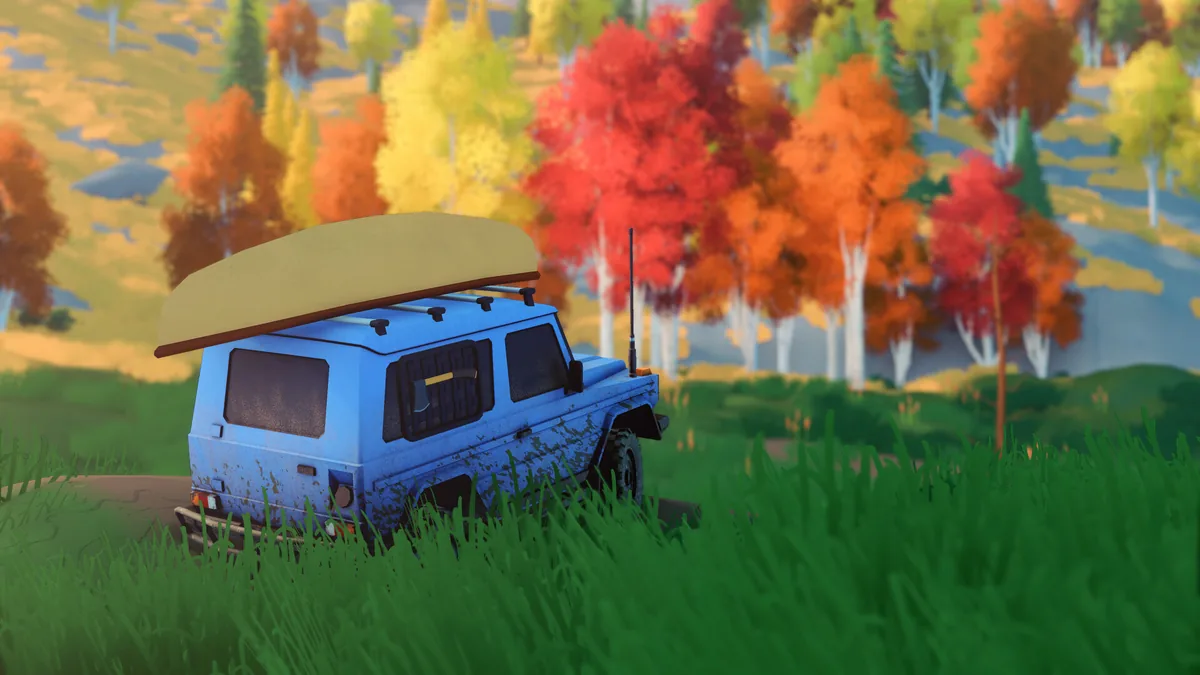 Steam screenshot: a loaded 4x4 waits beside the trail. The image illustrates the journey, not a confirmed multiplayer lobby.
Steam frames co-op as collaborative off-road problem solving: players use planks to cross gaps, winches to recover vehicles, and equipment for difficult routes. The published sources do not explain late joining or server visibility.
The release coverage and platform rundown records what Steam lists for the current PC release. It is useful context because the multiplayer FAQ's cross-play answer is broader than the launch-day Steam platform alone.
GODEEPER: The Over the Hill guide hub collects the confirmed release details and links to the rest of this game's coverage.
How to host or join an Over the Hill session
The clearest public instructions come from a developer patch for the demo, not a launch-build walkthrough. The Steam hotfix documented a server browser and a server-region dropdown visible while creating a server. It also fixed a bug that could leave the browser stuck on “Connecting to lobby.” That supports a basic host-and-join flow, but it does not verify the current screen names or access settings in the released version.
Step-by-Step
Sponsored

1. Choose the host: One player should create the server. The patch notes refer to creating a server, but do not describe a friends-only setting, password, lobby code, or host migration.
2. Set a region: During server creation, check the region dropdown and its ping information. The developer's demo patch explicitly added regional ping visibility there.
3. Join through the server browser: Other players can look for the host's server in the browser. The notes confirm that browser exists, but do not explain filters, privacy controls, or the exact invite method.
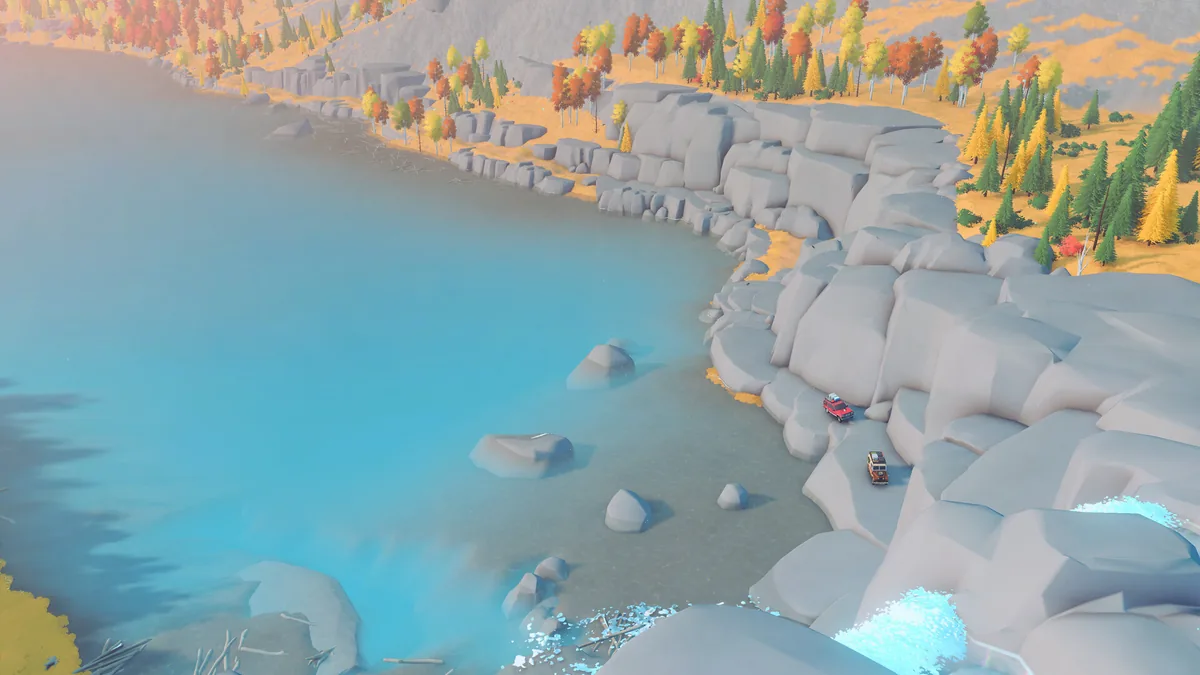 Steam screenshot: two vehicles on the same shoreline. The final lobby interface may use different steps from the demo-era notes.
Treat those as documented concepts, not button-by-button launch instructions. We have not tested the released build's lobby interface, so we cannot confirm whether the current version keeps the same layout. The latest public patch note we found confirms server creation and a browser at the time of the demo. No developer source we opened lists a final path such as a menu sequence, friend-code format, or platform-specific invite flow. The Funselektor preview gives studio context, while the official trailer breakdown separates visible footage from features that need a written source.
Is there cross-play or couch co-op?
The developer FAQ answers “Will there be cross-play?” with “Yes.” It does not name the platform combinations, account requirements, or invite method. That makes cross-play a confirmed feature at the headline level, not a complete setup guide. Steam is the current released version, while Funselektor's FAQ lists console ports for 2027. Until the other versions arrive and the developer publishes a platform matrix, avoid assuming how Steam players will connect to each console family.
Local play has a clearer answer. Funselektor says local co-op is not feasible at the moment. Steam lists Online Co-op, and no official source we reviewed advertises split-screen or same-screen play. If your group shares one PC or console, plan on separate online devices instead of a couch session. The Steam release article has the current platform timeline; it does not add a promise of local multiplayer.
Over the Hill co op progress and checkpoint saves
The developer's FAQ makes a distinction that is easy to lose in generic “shared progression” summaries. Players can help one another reach an objective, but each player has to reach its checkpoint personally for that objective to complete. A convoy can coordinate a route, yet arriving as a group does not automatically complete the checkpoint for everyone.
Funselektor also says progress and completed objectives are saved and transferred between single-player and multiplayer. The wording points to individual progression that carries across modes, rather than a single host-only progression track. A player can work on an area alone and return to multiplayer with their saved progress. A pre-release Steam Community review independently described “shared progression carrying between solo and co-op,” but it is not documentation of the final build's save data.
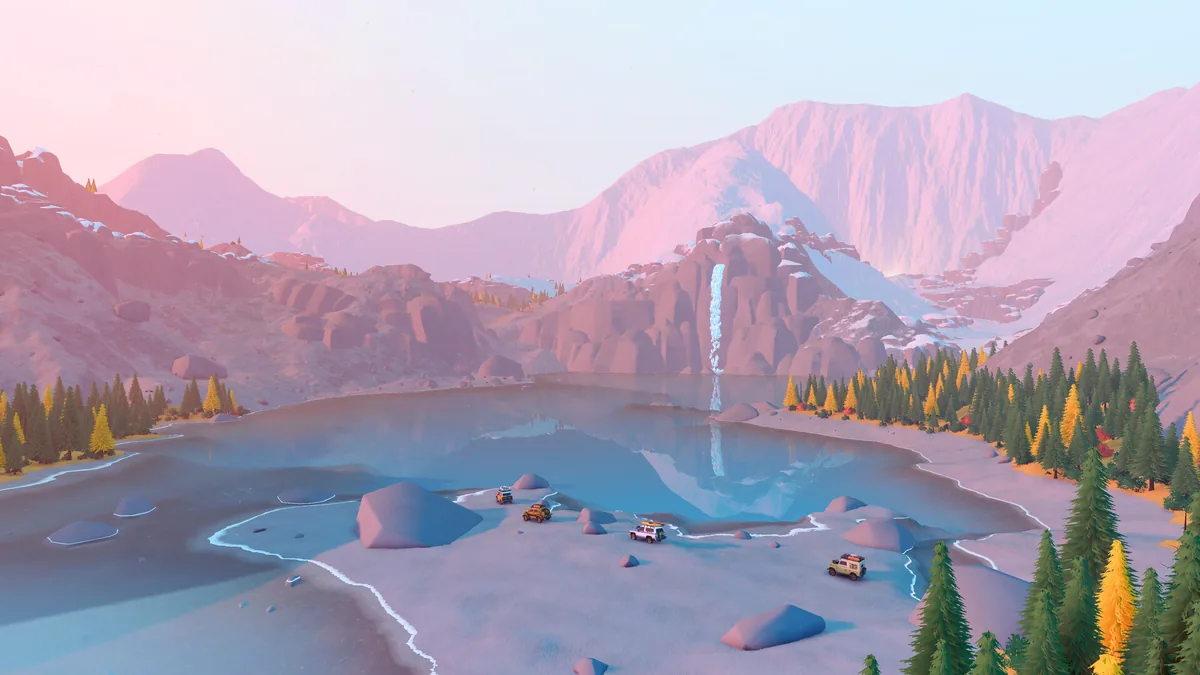 Steam screenshot: a group crosses cold water. The FAQ confirms checkpoint behavior; this image does not show the save system.
There is an important limit to that answer. The public FAQ explains player progress and checkpoint completion, but not who owns an active session or whether a host must stay online. It also does not say whether the group shares vehicle unlocks, equipment, inventory, or a persistent world state. We would not read “saved and transferred” as proof of host migration or a shared world save. If those details matter to your group, confirm them in the launch menus or wait for a developer explanation.
The same distinction is useful when planning play sessions: progress can carry between modes, but players still need to reach the relevant checkpoint themselves.
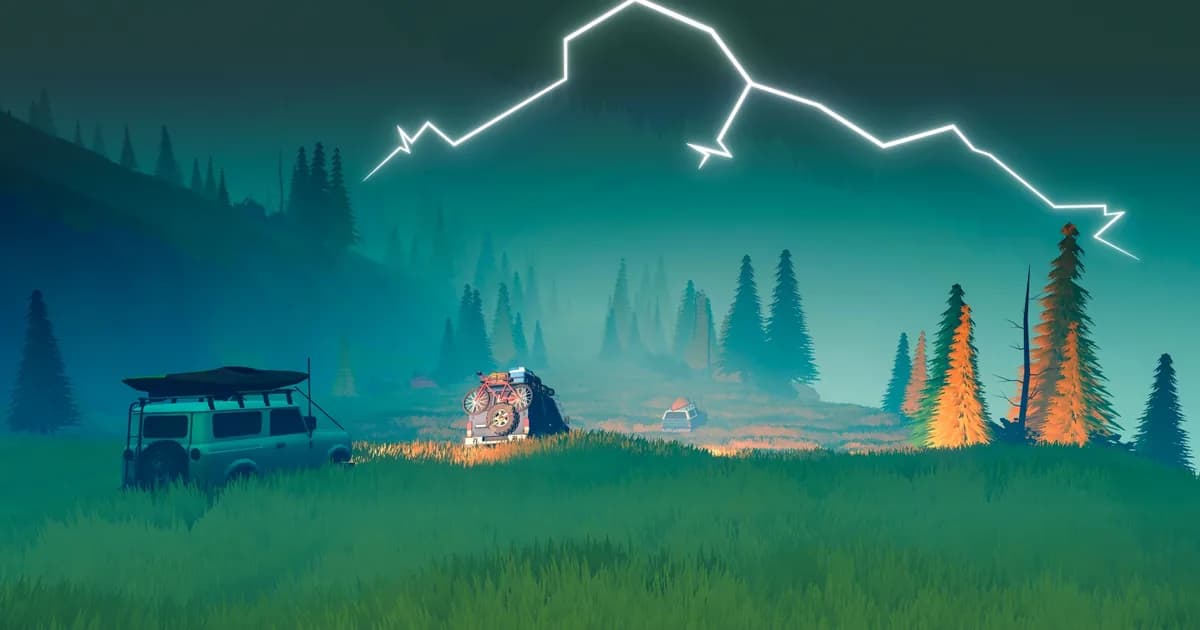
GODEEPER: The Over the Hill trailer breakdown notes what the release trailer actually shows, including a winch recovery and two vehicles at a snowy campsite.
What the sources verify, and what they leave open
The confirmed picture is online co-op for four, FAQ-confirmed cross-play, no local co-op, individual progression, and personal checkpoints. GamingOnLinux and a Reddit reply support the party size; only the developer FAQ specifies the other multiplayer rules.
Host save ownership, host migration, invite methods, privacy settings, late joining, and the cross-play platform matrix remain unspecified. The official release-date trailer shows a vehicle being winched through a stream at 0:14 and two vehicles at a snowy campsite at 0:57; that footage does not test networking or save behavior.
Frequently asked questions
Can four friends join one Over the Hill session?
The limit is four players total, which means a host plus up to three friends. Steam's description and Funselektor's FAQ both state the same cap.
Is Over the Hill couch co-op?
No. The developer says local co-op is not feasible at the moment. The Steam store lists online co-op.
Does Over the Hill have cross-platform multiplayer?
Funselektor's FAQ confirms cross-play but does not list the platform combinations or explain cross-platform invites.
Does the host keep everyone's progress?
The developer says progress is tracked individually and transfers between solo and multiplayer. Each player must reach the checkpoint personally; host session ownership is not described.
How do you find a server?
A demo-era hotfix references a server browser and a Create Server region menu. The public material reviewed here does not show the released game's exact button path.
How we checked this
We read Steam's released store page, the pinned Funselektor FAQ, the developer's server-browser hotfix, GamingOnLinux coverage, and player reports on Reddit and Steam Community. We watched Funselektor's official release-date trailer at 0:14, 0:36, and 0:57. We did not test a retail multiplayer lobby. The cross-play, local co-op, and checkpoint statements are attributed to the developer; independent sources corroborate the player cap and demo-era shared-progression description.
References
- Over the Hill on Steam
- Funselektor's pinned Steam FAQ
- Funselektor's server-browser demo hotfix
- GamingOnLinux's co-op coverage
- Launch-week Reddit party-size reply
- Pre-release Steam Community review by TeleMenace
Related Over the Hill reading
Was this guide helpful?
About the author

Systems & Economy Desk
GameBrief's byline for roguelikes, strategy and simulation. Reads patch notes, wiki tables and Steam stats and puts the numbers on the page.
- Roguelikes, strategy and simulation
- Builds, progression and economy
- Sources listed per article
Keep reading

Over the Hill release date: launch price, reviews and ports
General · 4 min
Over the Hill release date: price and platforms 2026
General · 4 min
Over the Hill Trailer Breakdown: What the Footage Shows
General · 9 min

Over the Hill Developer: Funselektor, Makers of art of rally
General · 9 min
Over the Hill Complete Guide: Release Date and Price
Guides · 14 min
Risk of Rain 2 Co-op Guide: Multiplayer, Items and Revives
General · 10 min
Sponsored
Disclaimer
This article is published for informational and entertainment purposes. It does not constitute professional financial, legal, or technical advice. Game performance, online services, patch schedules, and store listings change. Verify critical details (pricing, system requirements, regional availability) with publishers and storefronts before you buy. Affiliate links, where present, help support our editorial work and are labelled in our affiliate disclosure.
Comments
Loading comments…