
Guidejust volleyball
just volleyball Tips: Serves, Ranked Status and Codes
Most lost points in just volleyball are feet and patience, not missing tech. The serve to learn first is the jump float, and there is no ranked queue to grind yet.
VerdictWalk into receives instead of diving, hold S on a jump serve to float it, play 2v2 quick matches or the server browser until ranked lands, and save your Locker code somewhere.
The just volleyball tips that save the most points come from the November 21 post by temkosoft on Steam: dive less, sprint your body into place before you receive, and be in the air before the set reaches you. On the serve, hold S as you hit a jump serve to float it; ranked does not exist yet (the first version is aimed at early December), and the codes players trade are Locker looks that start with JV2:, not reward codes.
Sponsored

About the game
just volleyball
temkosoft · temkosoft
Temkosoft made the game alone. It was a demo in the October Next Fest and reached Steam on November 16, after the delay in our release date story.
The 38% launch discount ($4.95 instead of $7.99) ends at 10 a.m. Pacific on November 24, four hours after this guide goes live, so check the store price before you buy. The Steam Black Friday window opens two days later.
Checked: November 23, 2026: temkosoft's 15 Steam announcements up to the November 22 roadmap post, the 45 most recently active threads on the Steam discussion board, nine Steam community guides and two written player guides. We have not played just volleyball; every input in the tables is described the same way by at least two of those guides.
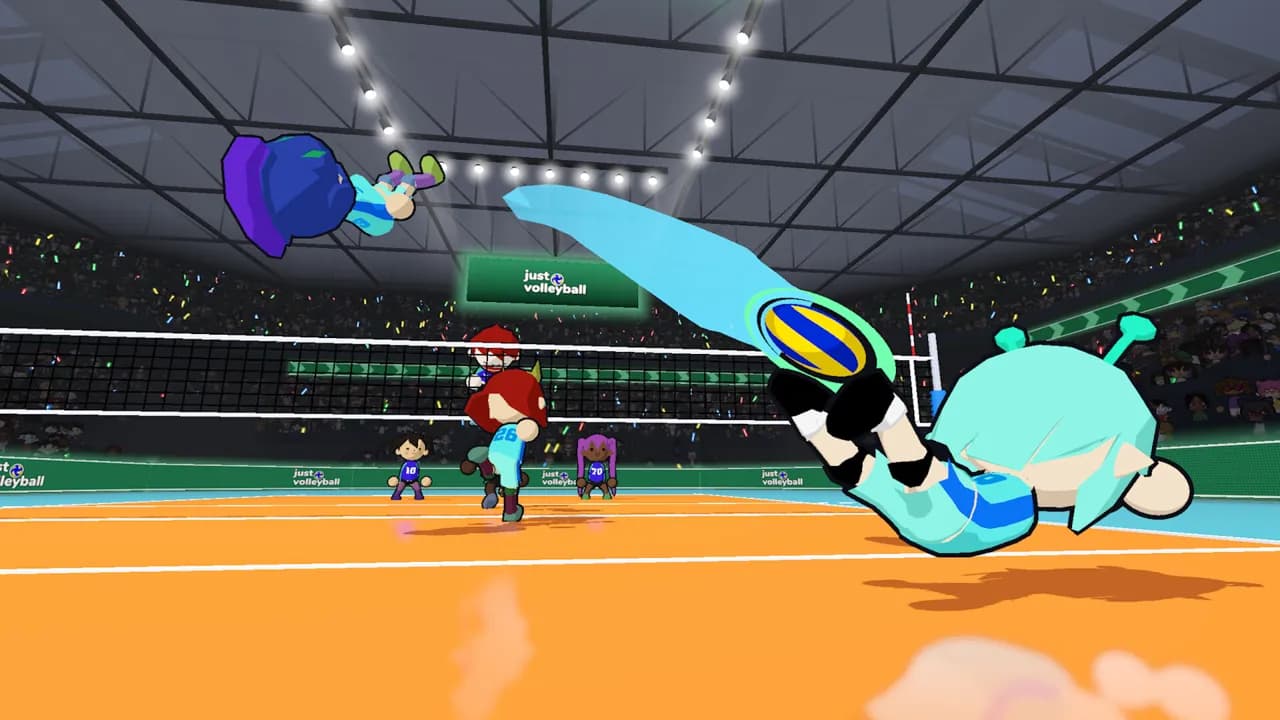
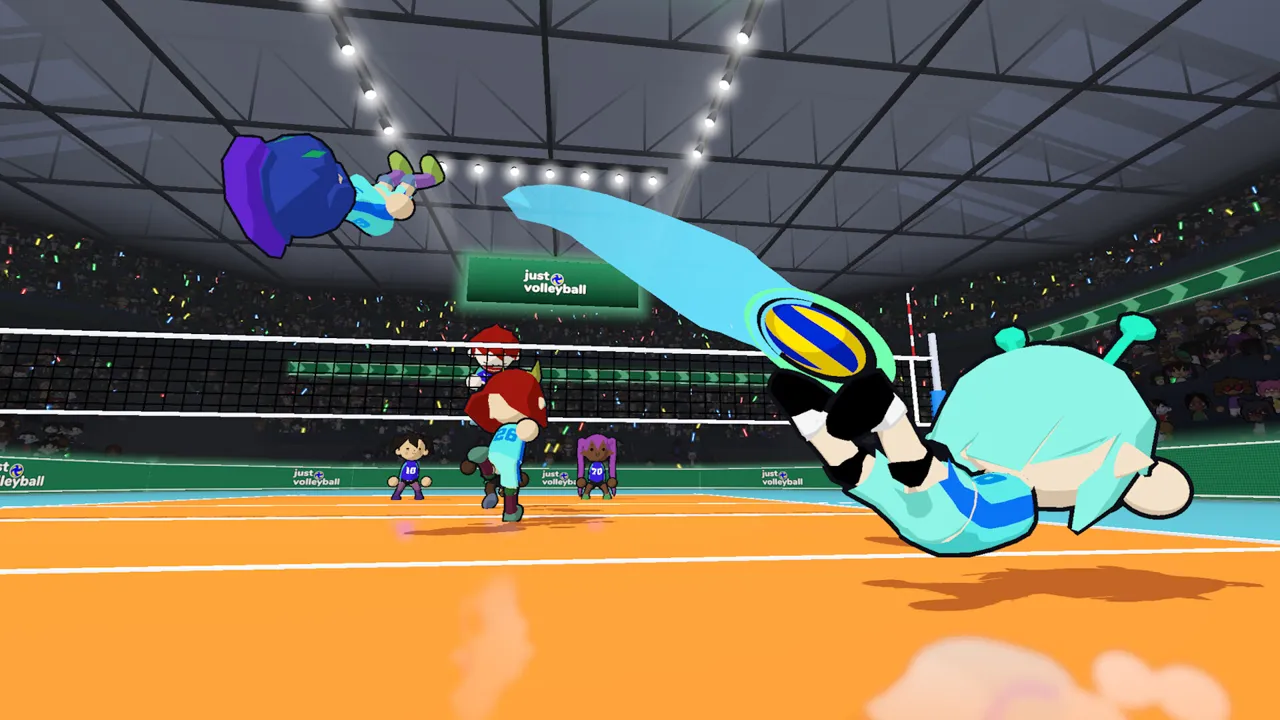 Screenshot: just volleyball Steam store page (temkosoft)
Sponsored

The five habits temkosoft says cost new players points
His New Player PSA names five habits, and each has a second source in a player guide or on the store page. In the tables, SG is ShowGamer, JP the Japanese spec guide by nu, MG the Steam Movement Guide, and EN and RU the English and Russian Steam serve guides.
| Habit to drop | Do this instead | Also in |
|---|---|---|
| Diving at every ball | Walk or sprint in and receive; each dive burns about two fifths of your stamina | JP, SG |
| Everyone chasing the spike | Leave someone back to cover the deep court | SG |
| Receiving from where you stand | Sprint to the landing marker first, then receive | SG, JP |
| Jumping as the set arrives | Be airborne as the ball passes over; hit at the top of the jump | JP |
| Learning only by losing | Watch replays and copy what better players do | Store page (replay mode) |
Diving is the habit that loses the most. Temkosoft calls it "trigger discipline": judge from the speed of the ball whether walking forward reaches it. A dive into a teammate knocks them over, and diving on an empty stamina bar leaves you on the floor for a few seconds.
Players in the back "keeping the ball up" matter as much as hitters, and a team that sends everyone to the net gives away the deep court. It is the same lesson as our Frog Sqwad tips on giving each player a role.
For serve receive, temkosoft offers two tricks: keep your cursor on your setter and be ready to dive against a fast server, or stop watching the server and watch the floor for the landing marker.
just volleyball controls on keyboard and mouse
Two buttons do double duty, and that is where most fumbles start: left click receives on the ground and spikes in the air, right click dives on the ground and blocks in the air.
| Action | Input | Detail | Sources |
|---|---|---|---|
| Move | WASD | Aim follows the cursor, not your facing | SG, JP |
| Sprint | Ctrl or double tap W | Drains stamina; not while strafing | SG, MG, JP |
| Strafe | Hold Shift | Keeps you facing the cursor | SG, MG, JP |
| Jump | Space, hold to charge | Full charge flashing white is the highest jump and empties stamina | MG, JP |
| Receive / spike | Left click | Ground / in the air | SG, JP |
| Set | E | Tap for a high soft set, hold for a faster, flatter one | SG, JP |
| Dive / block | Right click | Ground / in the air | SG, JP |
| Camera | C, V or wheel to zoom | Four camera modes | SG, JP |
Bindings change in your profile settings, where you can also turn off double tap sprint. Steam lists partial controller support, and temkosoft shipped a controller fix on launch day; if you want a new pad, read our Steam Controller test.
How to float serve, curve and power serve in just volleyball
The jump float is the serve to learn first, because its flight wobbles and makes receivers guess, while the power serve is faster but flies straight and reads easily. Every jump serve uses three inputs: left click on the ground to toss, Space to jump, left click in the air to hit. The key you hold at contact picks the serve.
| Serve | Hold at contact | What the ball does | Sources |
|---|---|---|---|
| Standing | No jump; second left click on the ground | High, slow arc; easy to receive | EN, RU, SG |
| Jump | Nothing | Standard spike serve | EN, RU, JP |
| Power | W | Faster, straight line | RU, JP |
| Curve | A or D | Bends left (A) or right (D) | EN, RU, JP |
| Jump float | S | Slower, unstable flight with no spin | EN, RU, JP, SG |
Sprinting into the toss adds pace to any of them. Hit at the top of your jump, where the Japanese guide says a hit counts as a full charge.
Receives, dives and the rolling thunder
The Japanese guide lists three ways to receive: click early on the spot, click as the ball arrives, or stand under it holding the button. Holding is the safe choice on a laggy connection.
A dive sends the ball to your cursor with no second input. Diving sideways turns into a roll that recovers faster, and that roll is the "rolling thunder" a player asked about on November 21; the reply on that Steam thread says "dive sideways and it does it automatically". The Japanese guide adds that holding Shift while receiving a spike makes the side dive more likely.
Each team gets three touches, nobody touches twice in a row except in 1v1, blocks do not count as a touch, touching the net is not a fault, and stepping into the other court is. A block takes one right click in the air and stays up until you land.
Is there ranked in just volleyball? Not yet
There is no ranked queue, and any site that offers one is a fan project. The 1.0.1 notes on November 20 put it plainly: "Any ranked service or website is unofficial and always will be." The November 22 roadmap post is the only official schedule:
- A first version in early December, "if it's thoroughly tested and ready by then, if not, sometime later".
- Ranks that reset monthly, and no seasons.
- Longer queues than quick match, with the modes still undecided.
Of the 45 most recently active threads on the Steam board when we read it on November 23, 7 were about ranked or competitive play, including one titled "I WANT RANKED GAMES."
The fan option is JVB.RATE, posted as a Steam guide on November 22: ELO and a leaderboard on its own site, with players hosting private games through the server browser. A result only counts when everyone enters the same score.
Until ranked ships, the advice from temkosoft is the server browser: make a custom public lobby with tags and kick players who do not fit. Quick match also splits new players at level 10, though temkosoft says a party with a higher level player skips it.
Quick match queues and the leave penalty that lasted 12 hours
Pick fewer modes, not more. Temkosoft wrote that ticking "all modes" does not speed up your queue. By his numbers, 2v2 is now the most played quick match format and 6v6 the least, and in North America his 2v2, 3v3 and 4v4 queues usually take 10 seconds to a minute.
The rules for leaving changed three times in a day, by the Steam news timestamps:
| Patch (UTC) | What changed for leavers | Source |
|---|---|---|
| 1.0.1, Nov 20, 15:05 | Leaving a quick match early counts as a loss; matchmaking penalties added; a reconnect window to avoid the loss | Steam news |
| v1.0.2, Nov 20, 22:33 | No penalty for leaving once the game is called; a warning before you return to lobby | Steam news |
| 1.0.3, Nov 21, 03:06 | Matchmaking penalty removed from quick match | Steam news |
The penalty lasted about 12 hours. The 1.0.3 note says nothing about the loss rule, so on the notes alone, quitting early still costs you the match.
If a lobby turns sour, pause, open Players & Teams and click a player to mute their chat and hide their avatar; the vote kick still needs work, temkosoft says.
just volleyball character codes and presets
Character codes are cosmetic only. A JV2: string holds a full Locker look; the justvolleyballl.wiki codes page says nothing in the game redeems codes for items, and jvlocker describes them only as looks. To use one, open Locker, then Presets, click Import and paste the code.
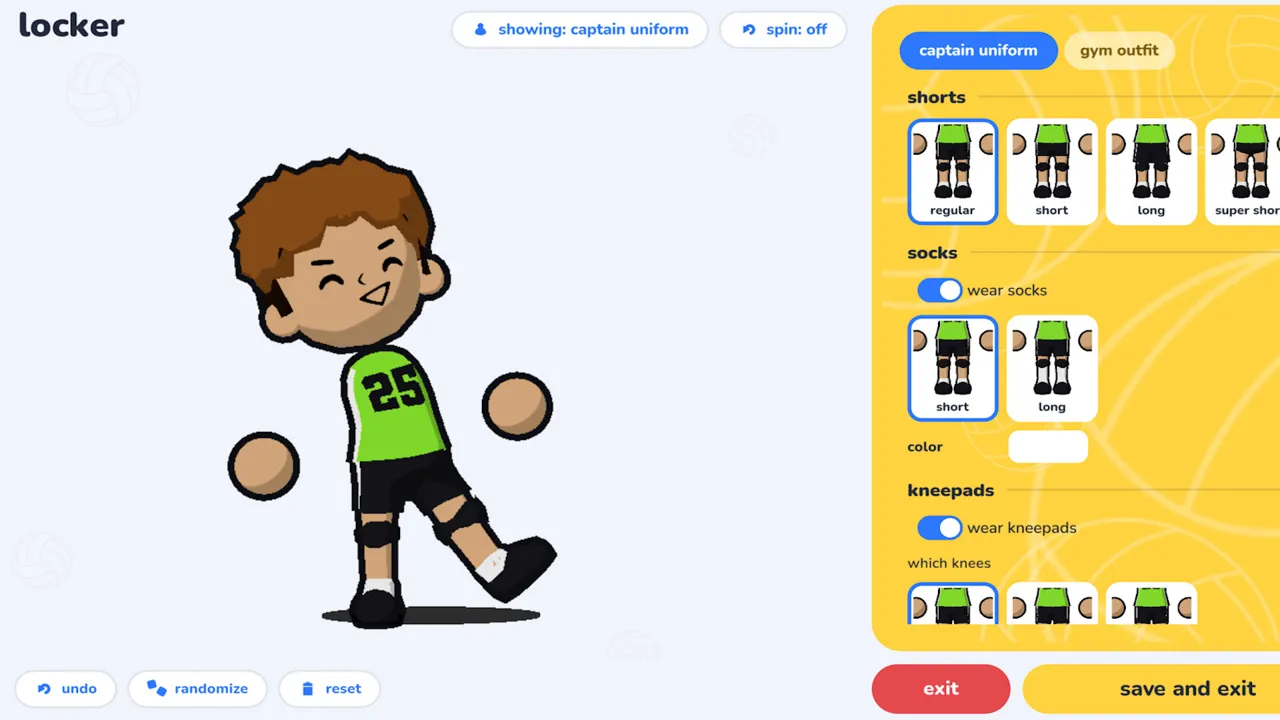 Screenshot: just volleyball Steam store page (temkosoft)
Older codes that start with JV1: come from earlier builds, and jvlocker warns the current version may refuse them. jvlocker alone adds two extras: Share, then Copy code exports your look, and an uncropped player card picture imports through its QR code.
The biggest library we found was jvlocker, at 750 looks and 41,356 copies when we loaded it on November 23.
Copy your own code somewhere safe. Temkosoft wrote on November 22 that some players lost save data and that he "cant restore presets", though he is working on restoring levels and chips for players who kept screenshots.
just volleyball tips for your first quick match, in order
Practice drills are not in yet; temkosoft listed them at launch and now expects them next year.
- Run the tutorial and read the in-game How to Play section, where temkosoft put a lot of his mechanics notes.
- Play bot matches or local games. Steam lists split screen and Remote Play Together, and one player found the second controller joins through the controller option, not Start. Our Remote Play Together guide covers the online side, and our games like It Takes Two list has more split screen picks.
- Drill the jump float with S until it lands in, then add W and A or D.
- Queue 2v2, or browse servers for a tagged lobby.
- Copy your JV2: code before you change your look again.
For more games with the same friends, start with our co-op picks or indie games under $20. If you want a licensed sports game instead, our FC 27 verdict covers the full-price option.
References
- just volleyball on Steam
- temkosoft, New Player PSA (November 21)
- temkosoft, ranked and roadmap post (November 22)
- temkosoft, patch notes 1.0.1 to 1.0.3
- EN: Shade Saul, Complete Serve Guide
- RU: Russian serve guide
- MG: Movement Guide
- Tardo character codes
- JVB.RATE ranked guide
- JP: nu, Japanese Specification Guide
- SG: ShowGamer beginner guide
- jvlocker skin guide
- justvolleyballl.wiki codes
Was this guide helpful?
About the author

News Desk
GameBrief's byline for industry news, patch notes, studio announcements and esports results. Tight sentences, dated facts.
- News, patch notes and early access
- Industry and esports results
- Sources listed per article
Keep reading
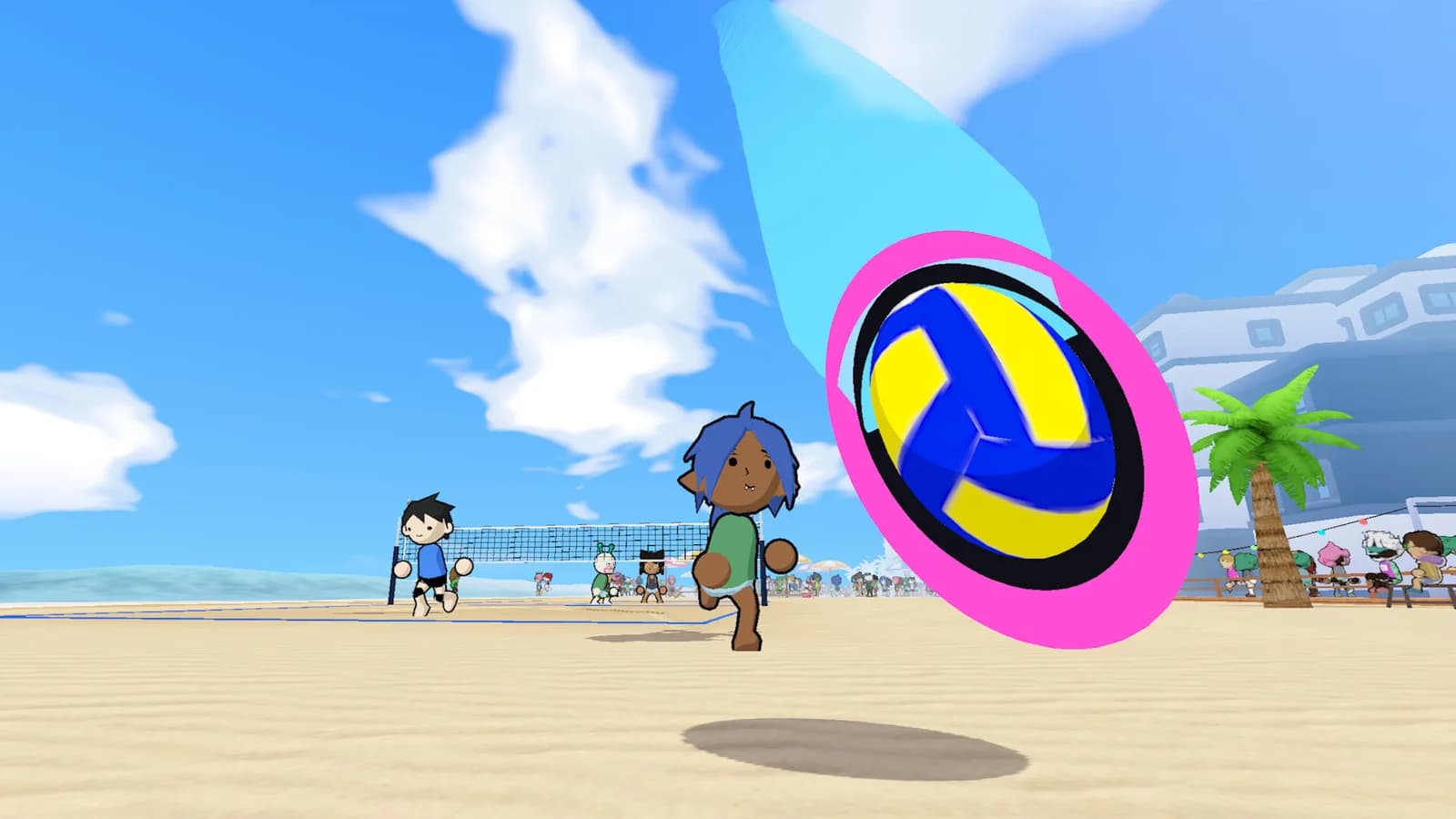
just volleyball Release Date: Why Nov 4 Is Now Unlikely
News · 7 min

Over the Hill Upgrades and Tips: Spend Pebbles Right
General · 8 min

Over the Hill co op and crossplay: 4 players, saves, status
General · 11 min
Risk of Rain 2 Multiplayer: 4-Player Co-op, Items, Revives
General · 10 min
Besmirch Multiplayer: 6 Facts About the Unstable Co-op
General · 9 min
Sons of the Forest Multiplayer Save Guide: Co-op Progress
General · 14 min
Sponsored
More game deals
Disclaimer
This article is published for informational and entertainment purposes. It does not constitute professional financial, legal, or technical advice. Game performance, online services, patch schedules, and store listings change. Verify critical details (pricing, system requirements, regional availability) with publishers and storefronts before you buy. Affiliate links, where present, help support our editorial work and are labelled in our affiliate disclosure.