
GuideStarsand Island
Starsand Island Beginner Guide: First Week Tips (2026)
This Starsand Island beginner guide is for the start most people stumble into: the cutest outfit, every unfamiliar menu ignored, whatever the tutorial hands you planted. It mostly works out. The trouble shows up a few in-game weeks later, when you're still broke, the plot is a mess, and a couple of early calls are ones players on the subreddit say they'd undo.
Sponsored

About the game
Starsand Island
Consider this the first week we'd plan if you could start over. Not a full walkthrough, not a farming spreadsheet, just the starting choices and early habits that actually matter before you sink 10 hours in.
Updated 2026-10-15: Removed first-person play anecdotes we couldn't back with a source; the advice itself is unchanged.
TL;DR: Version 1.0 is live, so pick Farming or Crafting as your opening profession depending on whether you want fast cash or fast tools. Build mode supports mouse and keyboard plus controller input. Don't spend everything on land before upgrading your crafting stations, and don't panic about being broke in year one; that's the normal experience, not a sign you're behind.
BESTPRICE: Want Starsand Island? Eneba sells a Steam key: Buy on Eneba →
Starsand Island Beginner Guide: What Should You Do First? (Quick Answer)
Pick a starting profession based on what you want in week one: Farming for faster early income, Crafting for faster access to labor-saving tools. Spend your first few in-game days meeting the town's NPCs, clearing a modest starter plot instead of overextending, and getting comfortable with build mode's controls before you commit to a house layout. Hold off on big land purchases until your basic tools are upgraded.
Sponsored

Current status: October 2026
Starsand Island left Early Access with Version 1.0 on August 18, 2026. The official launch feed confirms online multiplayer for up to four players, and the September 23 Version 1.09.7731 update fixed cases where affection quests disappeared, alongside interaction, vehicle, houseboat, and co-op issues. The all-language Steam appreviews snapshot is Mostly Positive across 7,166 reviews, with 5,488 positive and 1,678 negative. The Starsand Island 1.0 launch guide tracks the release changes in more detail. The game is also listed for Nintendo Switch 2 and PlayStation 5, so the old Early Access/PC-only framing below is now historical context.
Key Takeaways
- Starsand Island launched Version 1.0 on August 18, 2026, and the core loop (farming, crafting, building) is deep enough that a slow first week is normal, not a sign something's wrong.
- Your starting profession isn't permanent. Farming and Crafting are the two most-recommended openers, for early cash and early tool access respectively.
- Build mode uses one consistent control scheme (Move, Rotate, Zoom, Height, Rotate Object, Place, Cancel) whether you're placing a fence post or an entire house.
- Money is tight for almost everyone in year one. It's a widely reported pattern on the game's own subreddit, not something you're doing wrong.
- Version 1.0 adds console versions and online multiplayer for up to four players; the official patch feed is the best place to check post-launch fixes.
Overview: What This Starsand Island Beginner Guide Covers
Starsand Island is a 3D life sim from developer and publisher Seed Sparkle Lab, priced at $39.99 on Steam. You inherit a plot on a sun-soaked island, grow crops, fish off the docks, raise pets, and build relationships with a cast of named islanders, all in the general lineage of My Time at Portia. The Steam listing confirms controller support, while the 1.0 console listings cover PS5 and Nintendo Switch 2.
If you're still deciding whether the game itself is worth your time and money right now, bugs and launch controversy included, our Starsand Island review covers that in depth. This guide assumes you've already bought in and just want a cleaner start than most players get.
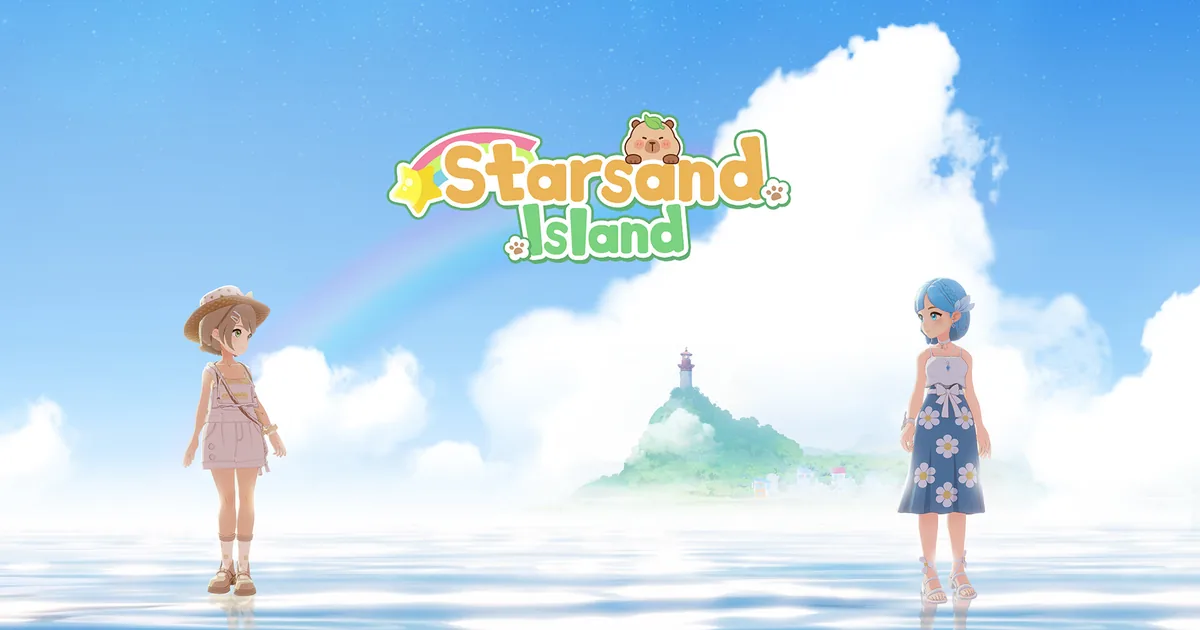 Caption: Character creation offers two visibly different starting looks before you even touch the island itself.
Step-by-Step: Your First Hour on Starsand Island
- Customize your character. Take the extra few minutes here. Appearance options are purely cosmetic, so there's no wrong pick, but it's worth slowing down since this is the one screen you can't easily redo later.
- Choose your starting profession. This is the single decision that shapes your first few days more than anything else. See the section below before committing.
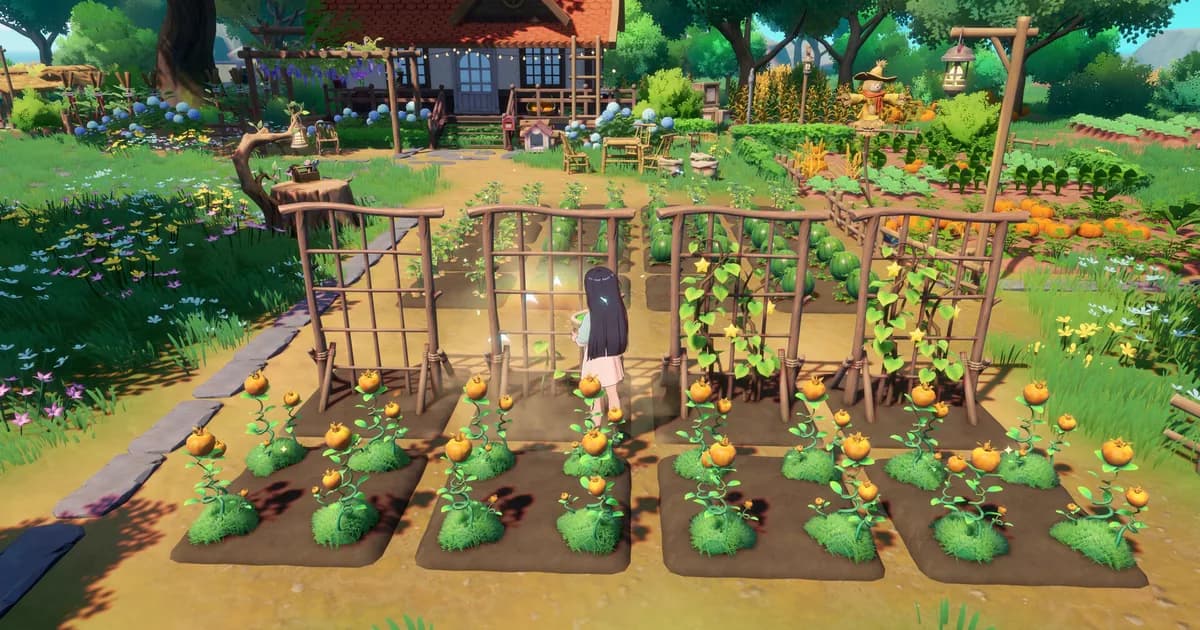
- Clear and plant a small starter plot first. Resist the urge to till your entire allotted space on day one. A modest plot you can actually water and harvest beats an empty half-planted field.
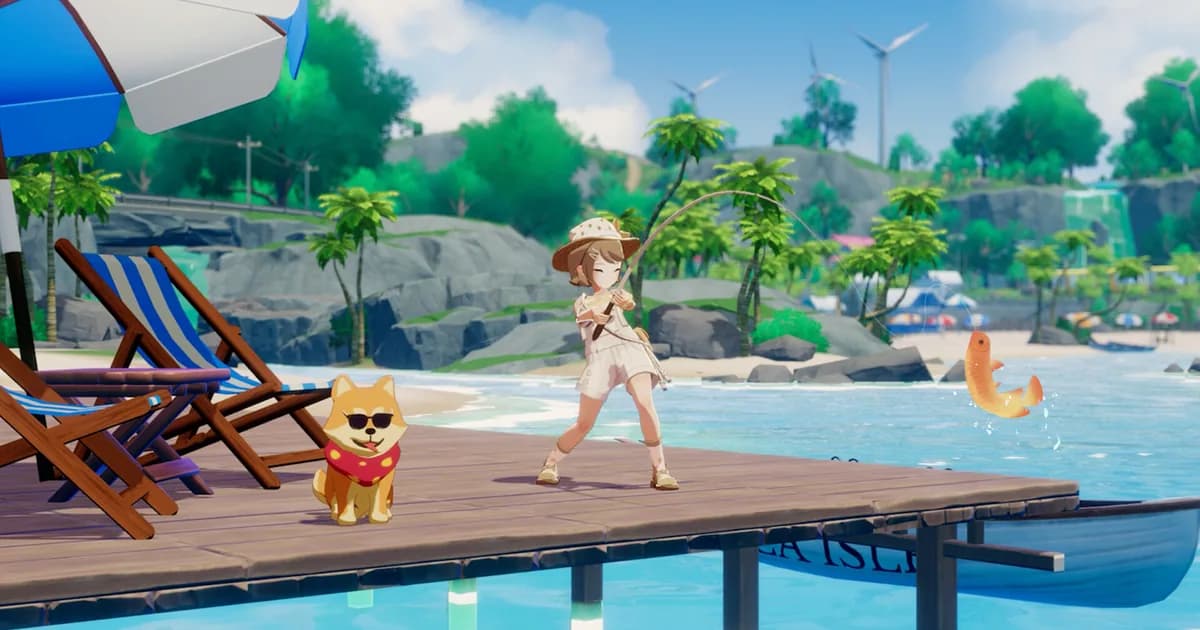
- Meet the dog that follows you around town. It's not just flavor. Companion animals show up in a lot of early screenshots and marketing for a reason: they're part of how the game teaches you the map without a giant quest arrow.
- Open your crafting bench and follow the chain it shows you. Our review found the tutorial teaches crafting through natural progression: you'll often build one component before the item you actually wanted unlocks. Don't skip ahead by buying shortcuts you can't afford yet.
- Enter build mode once and just look around. Don't place anything permanent yet. Get comfortable with the camera and rotation controls first.
- Hold off on buying your house plot immediately. Save toward it while your first profession levels up. Buying too early, before you understand plot placement, is one of the most common regrets new players report (more on that below).
Choosing Your Starting Profession
The profession you pick first doesn't lock you out of the others; Starsand Island lets you invest time into multiple over time. But it does shape what your first few days feel like.
Community advice that circulated widely around launch broke it down simply: Crafting gets you tools that make basic movement and gathering faster, while Farming (specifically fast-growing crops) gets cash flowing sooner than almost anything else. If money is your bottleneck, Farming is the safer opener. If you'd rather unlock quality-of-life tools fast, even at the cost of a slower first paycheck, pick Crafting.
We'd open with Farming if being broke in the first ten minutes bothers you. Neither choice is a trap, though. Whichever one you skip first, you'll likely circle back within a couple of weeks anyway.
GODEEPER: Still deciding if the full-release game is worth buying? Starsand Island Review: 1.0, Multiplayer, and Trust →
Controls and Build Mode Basics
Most written guides skip this part; it's easier to write about crop yields than a control scheme. But build mode confusion wastes more first evenings than anything else on this list.
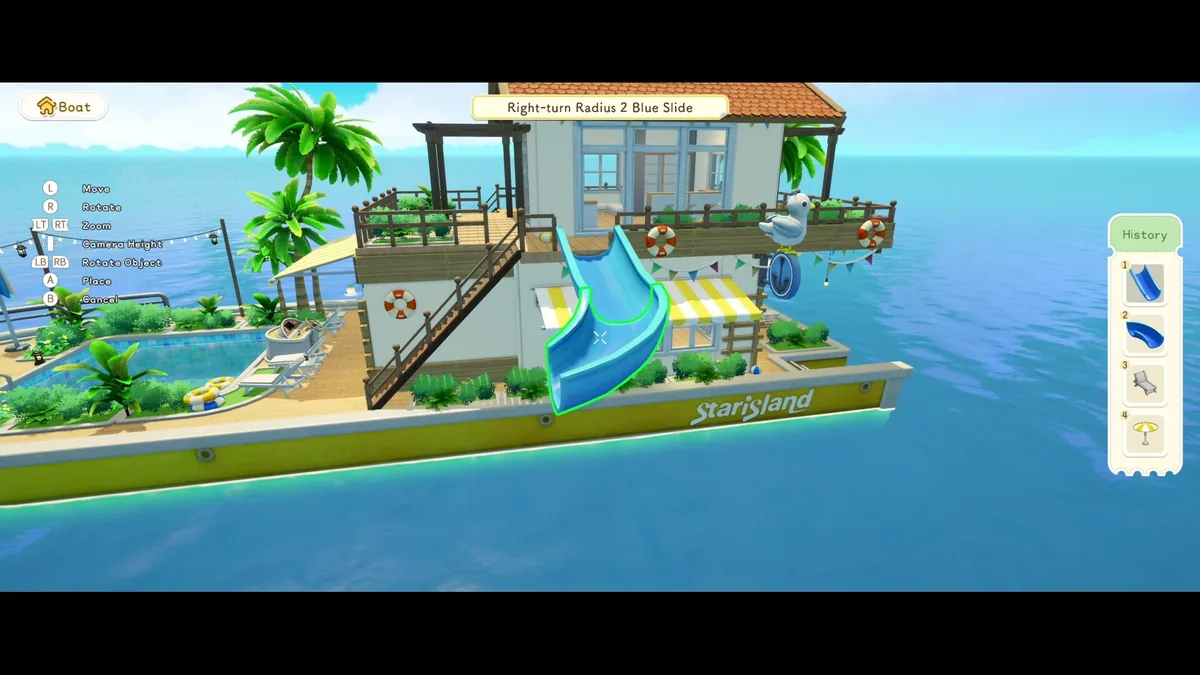 Caption: Build mode's controller layout stays identical whether you're placing a fence post or an entire slide.
On controller, the build mode prompts are consistent everywhere in the game: Move, Rotate, Zoom, Camera Height, Rotate Object, Place, and Cancel all sit on the same buttons regardless of what you're building. Full controller support and DualSense input are both listed on the Steam store page, so playing on a pad instead of mouse and keyboard is a genuinely supported option, not an afterthought.
A few build-mode habits players have shared on the subreddit:
- Toggle whole-piece versus single-piece painting to save time. There's a switch between painting an entire structure at once and painting individual pieces, depending on the scale of what you're redoing.
- The copy tool copies paint jobs too, not just placement, so recoloring a whole section doesn't mean repainting every piece by hand.
- The multi-select tool moves or deletes groups of objects at once, which matters once your plot has more than a handful of items on it.
- Save a build as a custom layout before you start experimenting with anything you'd hate to lose.
- House placement has a known rotation quirk. Some players report a purchased house landing diagonally and refusing to rotate into a valid position from their inventory. If that happens, try entering build mode separately instead of placing directly from your bag, with more open plot space than the house's footprint needs.
One more note: on Steam Deck, expect visuals to look noticeably different from a maxed-out PC. That's the default low-settings profile doing its job, not a bug.
Tips for Avoiding Early Mistakes
Money is the recurring theme across nearly every "help, I'm broke" post on the Starsand Island subreddit, spanning months of threads from shortly after launch through mid-2026. If you feel like everything costs more than you're making, you're not doing something wrong. That's just the early game as designed.
A few specific mistakes worth avoiding on purpose:
- Don't front-load land purchases before crafting stations. A player on the subreddit put it plainly: they'd invested in extra land early and wished that gold had gone into crafting stations instead, since those pay compounding returns while raw land just sits there until you build on it.
- Expect early recipes to feel expensive relative to what you're selling. Tool and machete-tier recipes can run into the thousands of gold, while your first crafted furniture sells for a few hundred each. That gap narrows as your professions level.
- Don't buy a pre-made layout you can't place yet. A few players reported spending savings on a layout only to discover they lacked the plot space or unlock requirements to place it. Check what a layout needs before buying it, not after.
- If you're chronically short on cash, lean on daily requests and your starting crop's sell price rather than waiting on a big single payout. The early economy rewards small, consistent income more than one lucky sale.
One workaround some players have shared: buying a heavily discounted layout, placing it, then breaking the pieces apart in build mode to resell them for more than the layout cost. It reportedly works as of this writing, but exploits like this tend to get patched once a developer notices, so don't build your whole early economy around it.
Your First Week Priorities
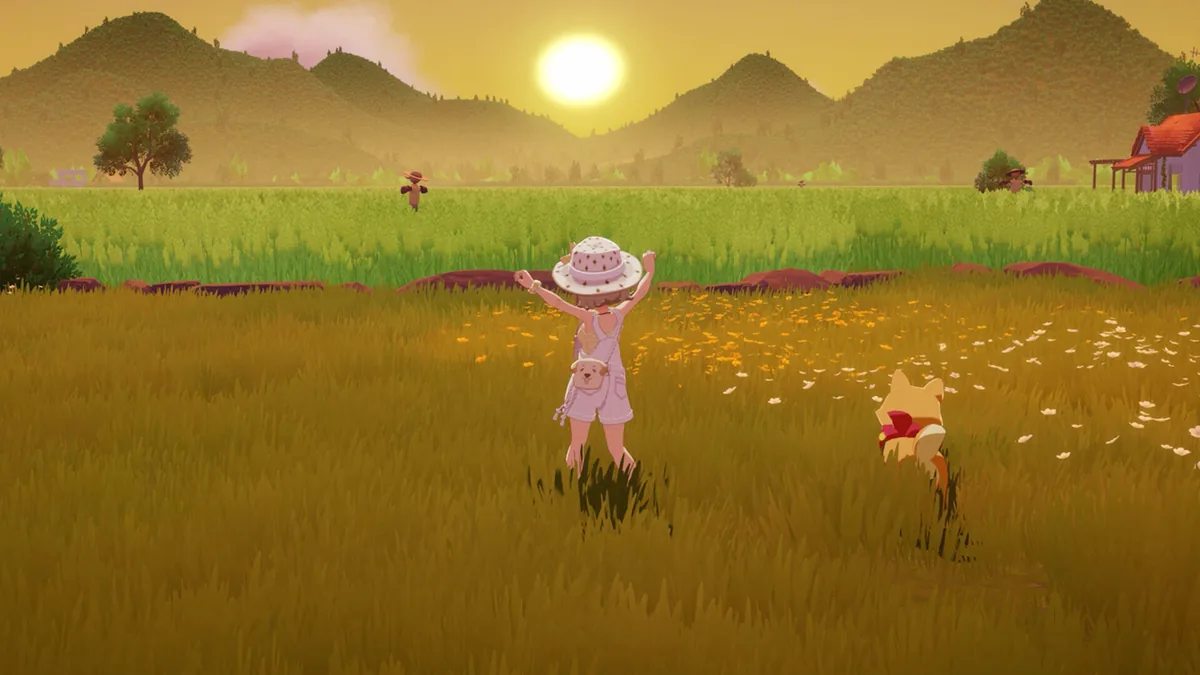 Caption: Slowing down to actually explore the open field areas pays off more than rushing straight to the next quest marker.
Don't rush the map. Starsand Island's onboarding is genuinely well-paced (our review called it one of the game's stronger parts), and a lot of what makes the first week enjoyable is walking around, meeting NPCs, and letting quests come to you instead of chasing every marker.
Here's roughly how we'd prioritize a first week:
- Lock in your starting profession and get through the first crafting chain.
- Expand your plot modestly, not maximally. You'll unlock more space later than you think.
- Meet every NPC you pass, even without a quest prompt. Relationships build slowly here.
- Save toward your house rather than buying it the moment you can technically afford it.
- Check in on the crafting stations versus land tradeoff before either purchase.
One more thing worth factoring in: the 1.0 update is already live. The official launch announcement says multiplayer uses an island-host system and supports farming, fishing, exploration, profession quests, and requests together. If you are returning from Early Access, read the current patch notes before planning a shared session rather than assuming every old bug or control quirk is unchanged.
GODEEPER: Weighing this against other Early Access life sims before you commit real hours? Paralives Tips: 10 Things to Know for Early Access →
Related Reading
- Starsand Island Review: 1.0, Multiplayer, and Trust: The full verdict on the island sim.
- Starsand Island 1.0 Launch Guide: What changed when the full release arrived.
- Starsand Island Complete Guide Hub: The wider guide index.
- Starsand Island Farming Guide 2026: Crop and early-income planning.
- Starsand Island Fishing and Mining Guide 2026: Resource routes beyond the starter plot.
- Starsand Island Romance Guide 2026: Relationship planning for the island's residents.
- Starsand Island Achievements Guide 2026: A post-launch completion checklist.
- Paralives Tips: 10 Things to Know for Early Access: A similar early-game breakdown for another life sim.
- Paralives House Building Guide: Build Mode Explained: A comparison point for build mode.
- Tales of Seikyu Tips: 9 Things to Know Before Year 1: Another cozy life sim's first-year priorities.
Frequently Asked Questions
What profession should I choose first in Starsand Island? Farming and Crafting are the two most commonly recommended starting picks. Farming with a fast crop gets cash moving quickly, while Crafting unlocks tools that speed up almost everything else. Neither choice is permanent, so you can level others later.
Do I need a controller to play Starsand Island? No. The game supports mouse and keyboard, plus full controller and DualSense input, according to its Steam listing. Build mode uses the same button layout on controller no matter which platform you're on.
Is Starsand Island available on consoles yet? Yes. Version 1.0 launched on August 18, 2026. Official Nintendo Switch 2 and PlayStation listings confirm those console versions, and the launch announcement confirms online multiplayer for up to four players.
Should I start now or wait for the August 18 1.0 update? Start now if you want farming, fishing, building, or online multiplayer: Version 1.0 is live. Check the official patch feed before a long co-op session because post-launch fixes are still arriving.
Why does money feel so tight in the early game? It's a common complaint on the game's subreddit. Early tool and recipe upgrades cost thousands of gold while starter crafted goods sell for a few hundred each. Selling daily requests and early crops steadily closes that gap over the first few weeks.
What's the biggest early mistake new players make? Spending every early gold piece on land plots before upgrading crafting stations. Several players who did this said afterward they wished they'd prioritized tools first, since those pay off faster than extra square footage.
Can I change my starting profession later? Yes. Starsand Island lets you invest in multiple professions over time instead of locking you into one path, based on player accounts and the game's own crafting chains. Your opening pick just decides what comes easiest in week one.
References
- Starsand Island on Steam
- Starsand Island official announcements: Version 1.0 launch and September patch notes
- Starsand Island official website
- Starsand Island on Nintendo Switch 2: official console listing
- Starsand Island on PlayStation 5: official console listing
- r/Starsandisland
- Starsand Island | Full Release Date Announcement Trailer (YouTube)
Was this guide helpful?
About the author

Indie & JRPG Desk
GameBrief's byline for indie, JRPG, visual novel and cozy games. Warm, direct, and willing to say which one to buy.
- Indie, JRPG and visual novels
- Early access and survival
- Sources listed per article
Keep reading
Starsand Island Farming Guide: GMAX Crops, Seasons (2026)
General · 14 min
Starsand Island Achievements: All 75 Unlocked (2026)
General · 16 min
Starsand Island Fishing and Mining Guide: Every Zone (2026)
General · 14 min

Starsand Island Complete Guide: Every System Explained
General · 17 min

Starsand Island Romance Guide: All 14 Islanders (2026)
General · 12 min

Starsand Island Review: 1.0, Multiplayer, and Trust
General · 12 min
Sponsored
More game deals
Disclaimer
This article is published for informational and entertainment purposes. It does not constitute professional financial, legal, or technical advice. Game performance, online services, patch schedules, and store listings change. Verify critical details (pricing, system requirements, regional availability) with publishers and storefronts before you buy. Affiliate links, where present, help support our editorial work and are labelled in our affiliate disclosure.
Comments
Loading comments…