
GuideThe Sinking City 2
The Sinking City 2 System Requirements and Steam Deck Status
The minimum only promises 1080p at 30fps on Low, and Valve failed it on Steam Deck for graphics performance. The free demo is the test.
VerdictMeet the minimum and own an SSD? Download the free demo first: it carries the same spec sheet and its saves move to the full game.
The Sinking City 2 system requirements ask for a fairly modern PC: Windows 11, 16 GB of RAM, a GTX 1070 or RX 5700 with 8 GB of video memory, and an SSD. That minimum only promises 1080p at 30fps on the Low preset. Valve rates the game Unsupported on Steam Deck. Our call: if your PC sits near the minimum, play the free demo before you buy, because it carries the same spec sheet and your saves move over.
Sponsored

About the game
The Sinking City 2
Frogwares
 Screenshot: The Sinking City 2 Steam store page (Frogwares)
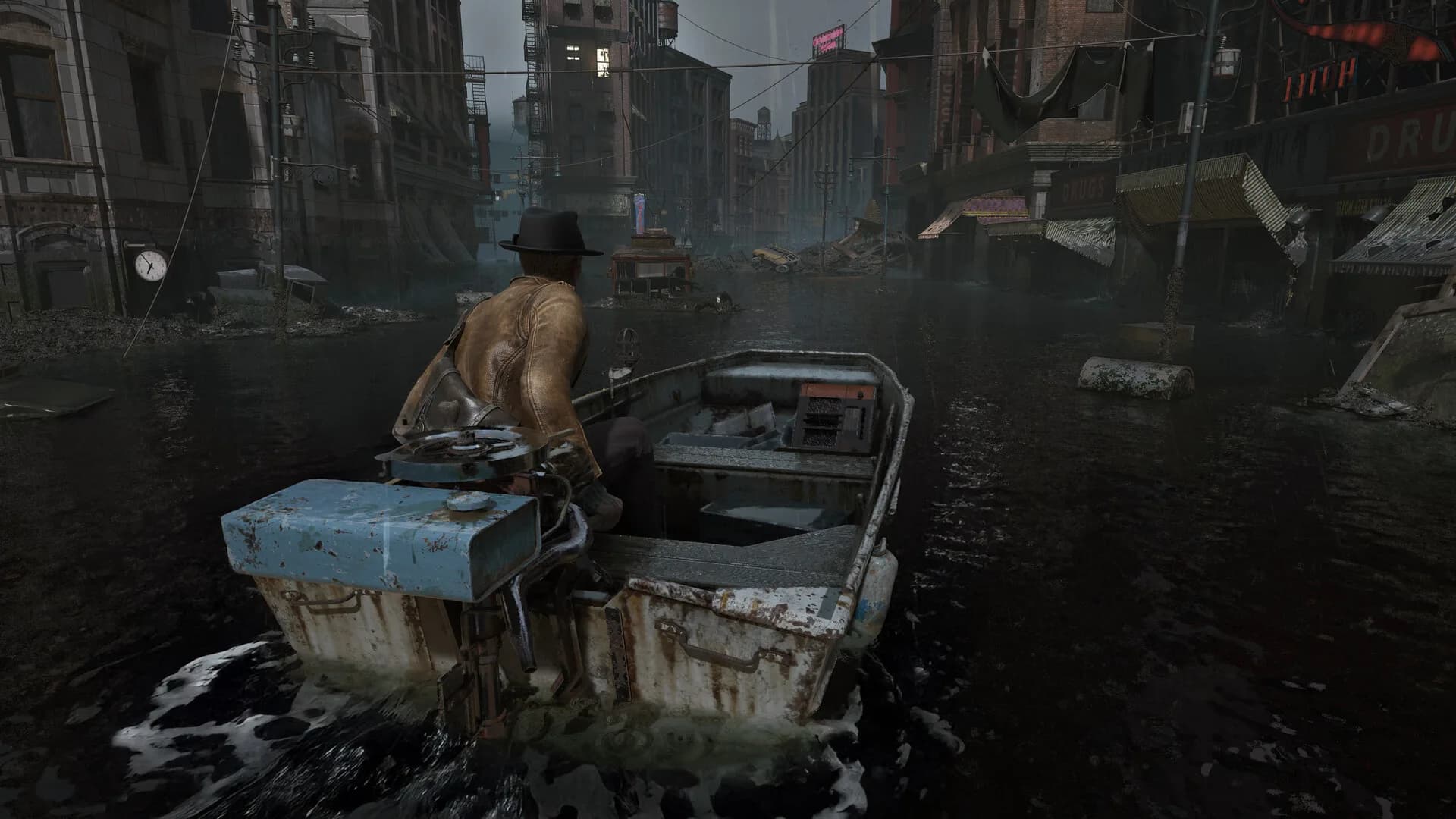
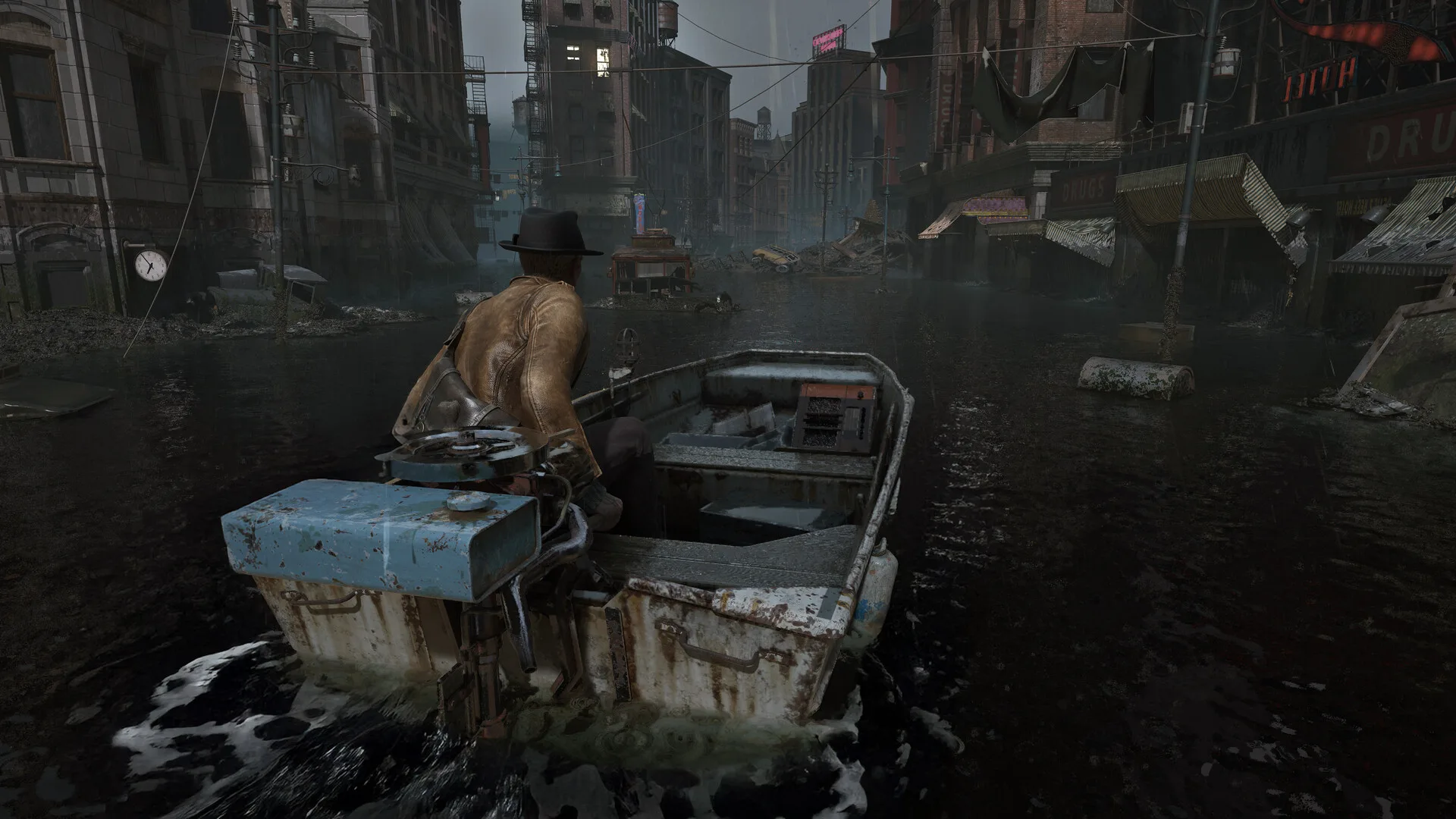
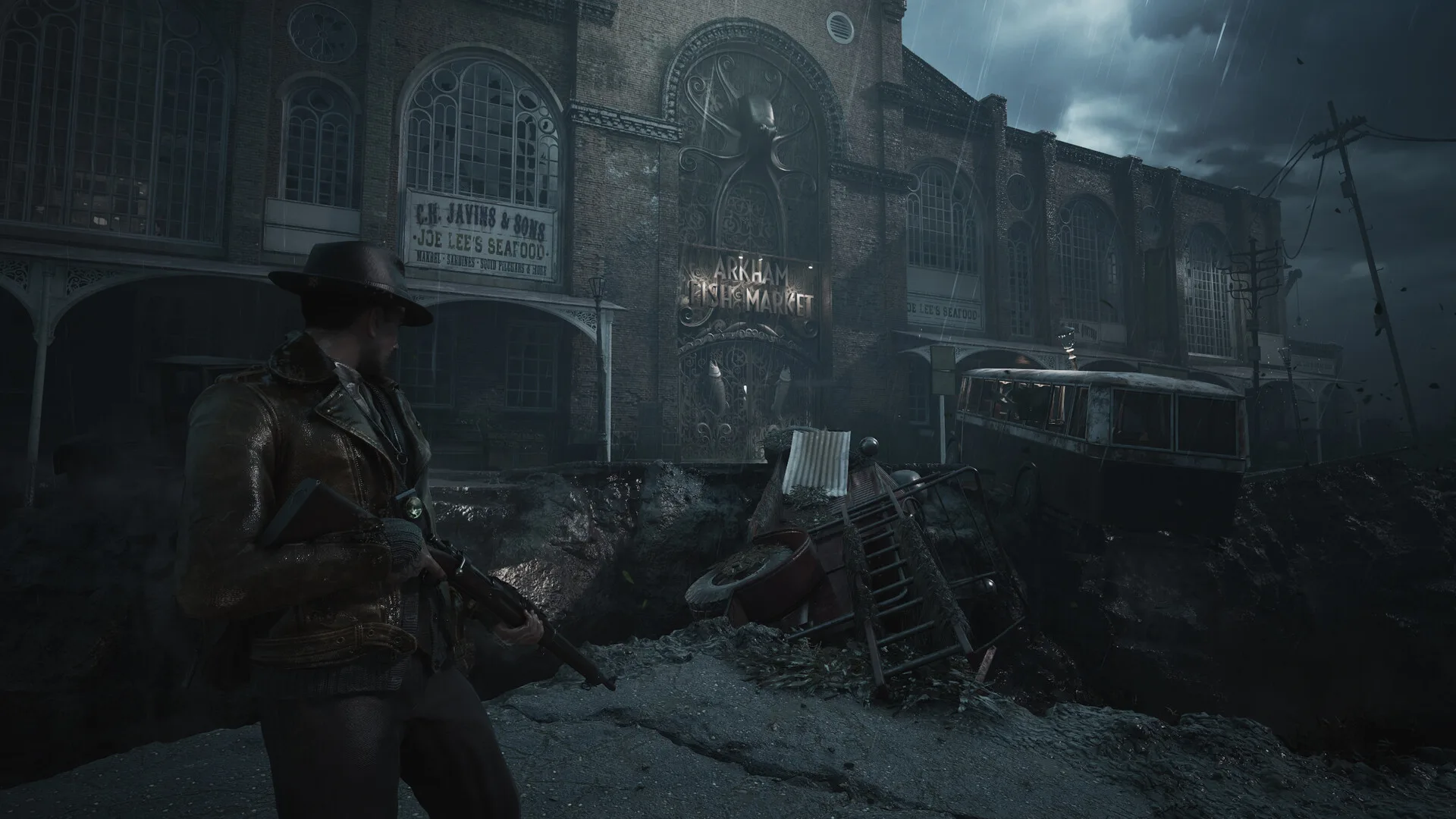
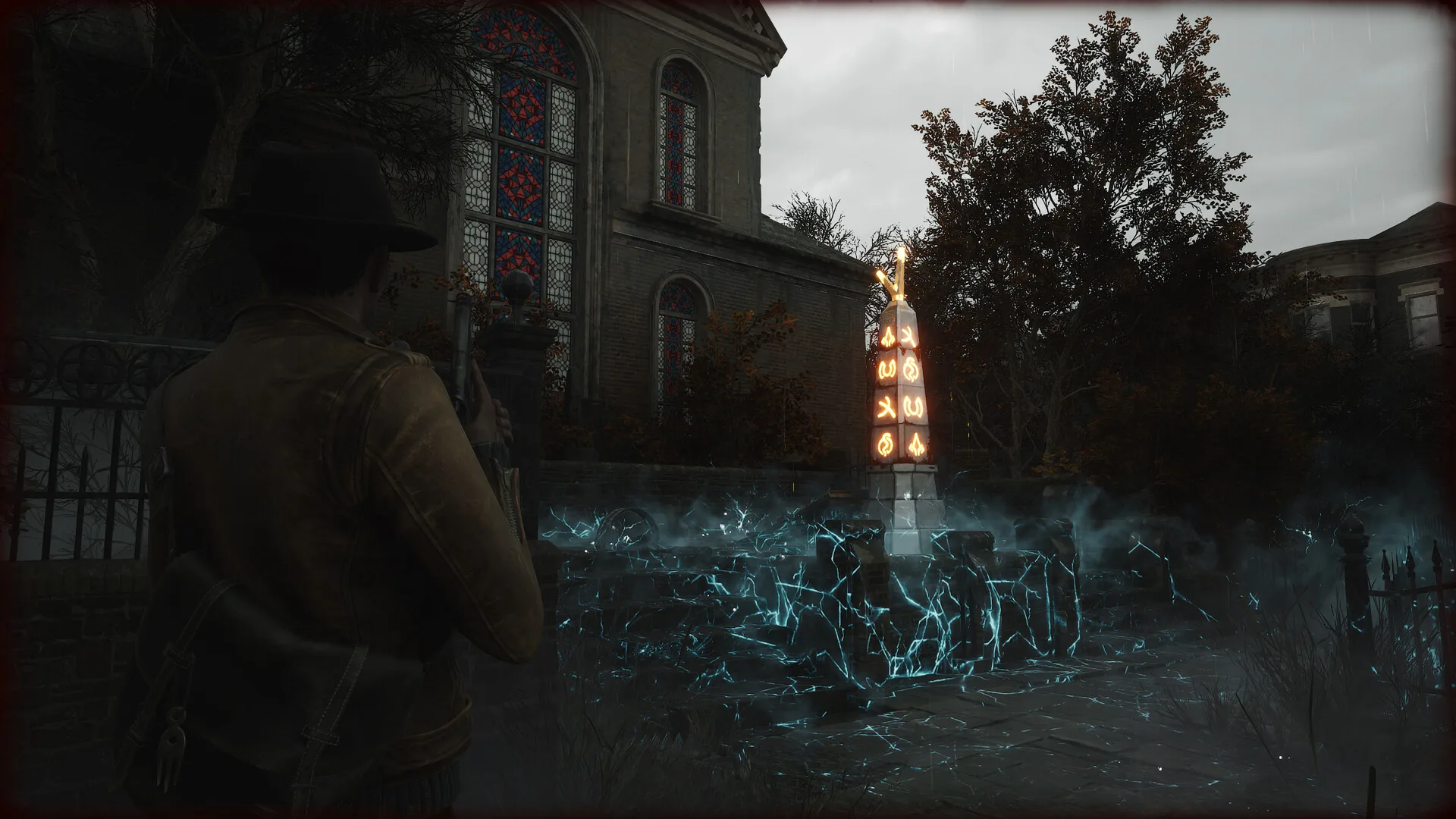
Frogwares released The Sinking City 2 on August 18, 2026, and on Steam it is Windows only. It is built on Unreal Engine 5, and the studio has said Lumen and Nanite are part of how it gets its lighting and atmosphere. That lighting is a big reason the minimum sits where it does; our review covers the game itself.
Sponsored

The Sinking City 2 system requirements: minimum vs recommended
Here is the full block from the Steam store, read on October 23, 2026.
| Minimum | Recommended | |
|---|---|---|
| OS | Windows 11 x64 | Windows 11 x64 |
| CPU | Intel Core i7-8700K / AMD Ryzen 5 3600X | Core i5-14600K / AMD Ryzen 5 7600X |
| RAM | 16 GB | 32 GB |
| GPU | GeForce GTX 1070 / AMD RX 5700, 8 GB VRAM | GeForce RTX 4070 Ti / AMD RX 7900 XT, 12 GB VRAM |
| DirectX | 12 | 12 |
| Storage | 70 GB, SSD required | 70 GB, SSD required |
| Target | 1080p, 30fps, Low preset | 1440p, 60fps, Medium preset |
Two lines in that table matter more than the parts list.
The targets are low for the hardware. The recommended tier is a 32 GB, RTX 4070 Ti machine, and Frogwares still only promises 1440p at 60fps on Medium. Steam's note adds that both tiers "were evaluated using TSR and comparable technologies", so those numbers already assume upscaling. Expect native resolution at High or Ultra to need more than the recommended card.
The SSD line is not a suggestion. Both tiers say "SSD required". Frogwares does not list a hard-drive mode, so if the game would live on an HDD, move it before you judge how it runs. Hotfix 1.0.2 on August 21 also "improved several PSO-related hitches", the kind of hitch players had reported since the demo.
GODEEPER: Frogwares turned the series into linear survival horror, and the review covers who that suits. The Sinking City 2 Review →
Is The Sinking City 2 playable on Steam Deck?
Not officially. Valve's compatibility report rates the game Unsupported, and the only test result it lists is UnsupportedGraphicsPerformance. Valve's own bar for Steam Deck is that a game's default settings reach "30fps at 800p". The Sinking City 2 did not get there.
 Screenshot: The Sinking City 2 Steam store page (Frogwares)
Read the rating for what it says. The Deck's reason is graphics performance, not a crash or an anti-cheat block, so the game may still boot. But the minimum PC card is a GTX 1070 with 8 GB of video memory, and an Unsupported badge for performance on a handheld is consistent with that. We'd treat a Deck purchase as a gamble. The demo has no Deck rating yet, which makes it the free way to find out on your own unit.
Windows handhelds are not clearly better. One player on an Xbox Ally X wrote the day before launch that "even at lowest settings the game is not hitting 60fps", and that "With combat it drops fps to 30fps" (r/TheSinkingCity). The same post noted "There is no AMD FSR upscaling for now". That part has since changed.
What Update 1.1.0 changed for performance
Major Update 1.1.0 landed on October 6, 2026. For PC players, three items matter:
- AMD FSR 4.1.1 in the Video settings. This is the upscaler AMD-based handhelds and Radeon cards were missing at launch.
- A Legacy mode for NVIDIA DLSS, plus a fix for a glitch when switching DLSS off at 4K and 1440p.
- HDR output, with HDR10+ support and a calibration screen.
The same patch brought the Steam demo back, "with your saves carrying over to the full game". Earlier, hotfix 1.0.2 added a warning about outdated drivers "that may lead to game instability and visual issues". If the game warns you, update the driver before you judge performance. Hotfix 1.1.1 on October 28 restored missing art and lists "Fixed AMD-related issues" without saying which.
 Screenshot: The Sinking City 2 Steam store page (Frogwares)
Settings players use on mid-range cards
The settings players share are about global illumination and reflections. A launch-week settings post from an RTX 4060 owner puts most options on Ultra and adds: "Use Low GI and Reflections if you run a low end GPU (It disables Ray Tracing)". The same poster says "1440p DLSS 4.5 Performance works great on RTX 4060" (r/TheSinkingCity).
That matches what the spec sheet hints at. On a card near the minimum, the order we'd try is:
- Global illumination and reflections to Low first, since that turns ray tracing off.
- DLSS on NVIDIA, or FSR 4.1.1 on AMD after 1.1.0, instead of native resolution.
- Hair to High rather than Ultra, which the same poster does even on the RTX 4060.
Stutter complaints go back to the demo. In June, one player wrote that the Next Fest build had "frequent stuttering throughout exploration or before certain events" (r/TheSinkingCity). The PSO fix in 1.0.2 targets exactly that kind of hitch, so a run on the current demo tells you more than reports from June.
GODEEPER: Planning a full clear on PC? The list has three missables that need a guide open. The Sinking City 2 Achievements →
Our take
The Sinking City 2 asks for a strong PC and makes no promise beyond 30fps at the bottom. Do the check before you pay. A PC at or above the minimum with the game on an SSD should play it; a Steam Deck is the one place we'd tell you to stay away until Valve's rating changes. Everyone in between should install the free demo, set GI and reflections to Low, and see how a full chapter runs.
Don't wait on a horror sale for this one. Steam Scream V, which ends on November 2 at 10 AM Pacific (18:00 UTC), did not cut its price: on November 2 Steam listed The Sinking City 2 at its regular US price of $49.99. Our Steam Scream Fest 2026 guide tracks which horror games are actually discounted.
How we checked this
We haven't played The Sinking City 2 on our own hardware, so there are no benchmarks of ours here. On October 23, 2026, we read the minimum and recommended blocks from Steam's store data for the full game (app 2825860) and the demo (app 4684710) and compared them line by line: they are identical. We pulled Valve's Steam Deck compatibility report for both apps and read Valve's Steamworks rules for what a playable default means. Patch details come from Frogwares' 1.0.1, 1.0.2, 1.1.0 and 1.1.1 notes on Steam. On November 2 we re-read the Deck report, still Unsupported, and the price. Player reports come from three r/TheSinkingCity posts, linked where quoted.
Frogwares' Game Overview Trailer below is the best look at the game's lighting and fog, which is where the GPU load goes.
Related reading
- The Sinking City 2 review
- The Sinking City 2 achievements
- Steam Scream Fest 2026: dates and horror deals
- Steam Next Fest horror games: 5 demos for October 2026
- Hellraiser: Revival review
- Silver Pines review
- Moonlighter 2 Steam Deck: Verified status and settings
- Valor Mortis price, PC specs, PS5 and Xbox
References
- The Sinking City 2 on Steam: Frogwares
- The Sinking City 2 Demo on Steam: Frogwares
- Major Update 1.1.0 Now Live and Hotfix 1.0.2: Frogwares, Steam news
- New Release Window, Brand New Screenshots and UE5 Interview: Frogwares, Steam news
- Steam Deck and Steam Machine Compatibility Review: Valve, Steamworks
- Deck Verified categories: Valve
- Frogwares: developer site
- The Sinking City 2 Game Overview Trailer: Frogwares on YouTube
Was this guide helpful?
About the author

Systems & Economy Desk
GameBrief's byline for roguelikes, strategy and simulation. Reads patch notes, wiki tables and Steam stats and puts the numbers on the page.
- Roguelikes, strategy and simulation
- Builds, progression and economy
- Sources listed per article
Keep reading
The Sinking City 2 Achievements: All 23 and the Missables
General · 8 min
The Sinking City 2 Review: A Genre Swap That Pays Off
General · 8 min

Over the Hill system requirements and Steam Deck status
General · 6 min
Steam Scream Fest 2026: Dates, Times and Horror Deals
Features · 7 min
Moonlighter 2 Steam Deck: Verified Status and Settings
Guides · 12 min

Steam Frame Price, Release Date, Specs and Games (2026)
Guides · 16 min
Sponsored
More game deals
Disclaimer
This article is published for informational and entertainment purposes. It does not constitute professional financial, legal, or technical advice. Game performance, online services, patch schedules, and store listings change. Verify critical details (pricing, system requirements, regional availability) with publishers and storefronts before you buy. Affiliate links, where present, help support our editorial work and are labelled in our affiliate disclosure.
Comments
Loading comments…