
GuideMeccha Chameleon
Meccha Chameleon Multiplayer: Friends, Codes & Crossplay
About the game
Meccha Chameleon
lemorion_1224 · lemorion_1224
Meccha Chameleon multiplayer is easiest with a private room and a five-character join code. Steam supports public online matches, while the developer's Switch 2 announcement confirms PC and Switch 2 cross-play. This guide explains the current room flow, what the 4.1 updates changed, and the fixes that help when public lobbies fail.
TL;DR: Host a room, set the map and mode, copy the five-character alphanumeric code, and send it to your friends. PC and Switch 2 can play together. If public search is empty or friends keep dropping, use the code, confirm the region tag, and remake the room after checking that everyone is on the same update.
Meccha Chameleon multiplayer: quick answer
Steam describes Meccha Chameleon as an online player-versus-player hide-and-seek game with public matches and private servers. The store page recommends 2 to 10 players, although the host's network can affect the maximum. The developer added five-character join-code search in Update 4.1.0, which is now the most reliable way to gather a friend group.
The game still has two sides in a match. Hiders paint their bodies and blend into a map, while Hunters search and shoot them before the round ends. If you need the paint loop first, use the complete Meccha Chameleon guide hub and its camouflage guide before organizing a full lobby.
Key takeaways
- Use the five-character alphanumeric join code for friends instead of relying on public search.
- Update 4.1.0 replaced the old server-browser flow with code search, region tags, and clearer room status.
- PC and Switch 2 support full cross-play for the base game.
- Steam recommends 2 to 10 players. The host's network can still set a lower practical limit.
- Update 4.1.1 added voice-chat controls and fixed a player-limit problem, while Switch 2 hosts were temporarily capped at 10.
- Workshop maps have their own safety and compatibility concerns, so test them in a private room.
Overview
The lobby is built around a host. That player creates the room, chooses the available map and mode, and controls who can find the match. Friends can then join through the code search. Public rooms remain useful when you want a quick game, but the room list has been a recurring frustration in player discussions because filters, host availability, and mid-game disconnects can all get in the way.
The official store page lists multiplayer, online PvP, and Steam Workshop. It does not describe a co-op campaign, character class selection, crafting, or a progression mode. Think of a multiplayer session as a sequence of hide-and-seek rounds with a host-managed room, rather than a persistent party or shared world.
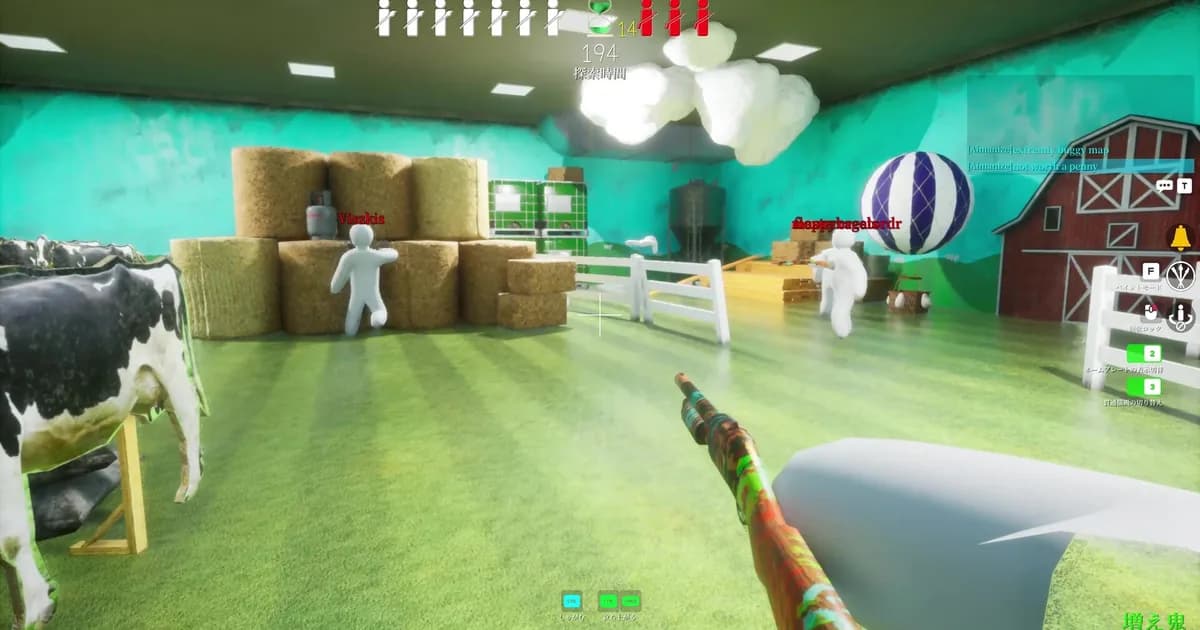
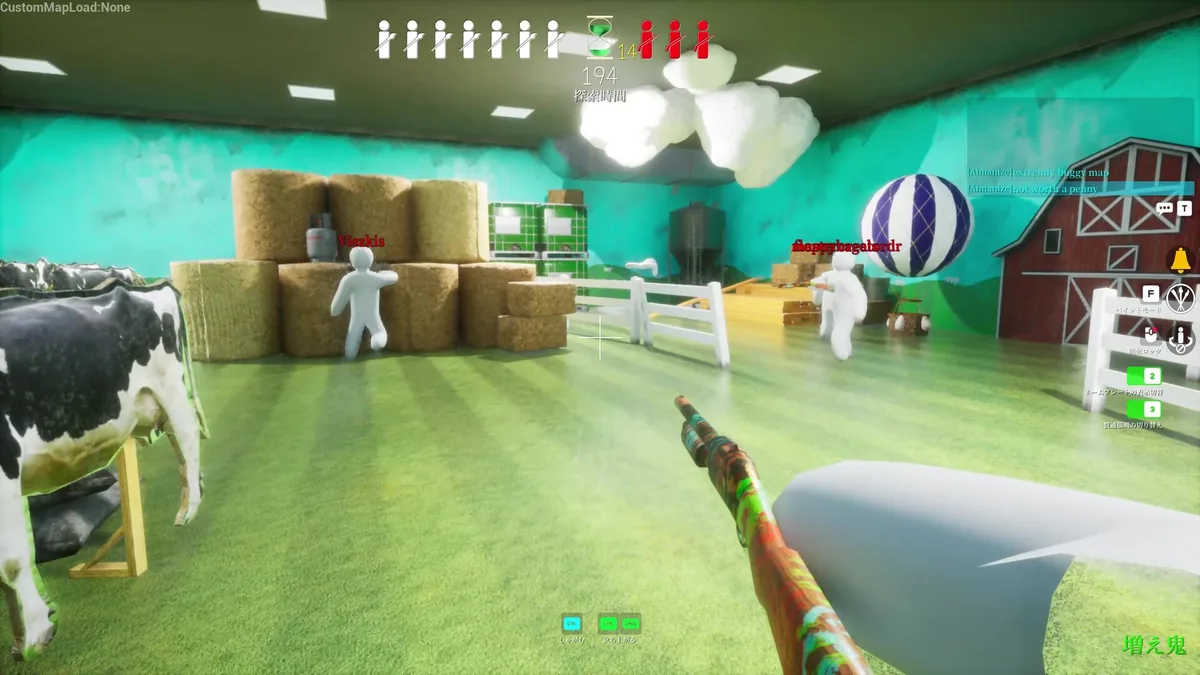 A Hunter's view of a barn-like room shows the shared match state: named players, Hiders in the room, a timer, and the Hunter's weapon.
Step-by-step
Follow this order when you want a private Meccha Chameleon multiplayer match with friends.
1. Update before hosting. Open Steam or the Switch 2 game page and make sure everyone is on the same current build. The recent updates changed the browser, join-code behavior, player-limit handling, and voice settings. Mixed versions are a poor starting point for a room that will not appear.
2. Create the room. Choose the multiplayer option, host a server, then select the map and mode. Keep the first test on an official map. The Meccha Chameleon modes and maps guide is useful when the group cannot agree on which mode fits the party.
3. Copy the join code. After the room appears, copy its five-character alphanumeric code exactly as shown in game. Send the code through your usual group chat. Friends should search for that code from the multiplayer screen rather than trying to guess the room from public results.
4. Check the region. Update 4.1.0 made a region tag required for new rooms. Make sure everyone is searching the code in the intended region and use the in-game code display as the source of truth. If the room still does not appear, have the host leave and create a fresh one.
5. Start with a small group. Steam recommends 2 to 10 players. Begin with the people who have joined successfully, then add more players once the room survives a full round. A smaller test also makes it easier to tell whether the problem comes from one connection, the host, or the game version.
Once everyone is in, agree on voice chat and map rules before the round begins. Update 4.1.1 added an option to disable voice chat, a microphone icon, and a default mute state for incoming voice. If the group prefers Discord, mute the in-game channel so the two systems do not overlap.
Join codes, public search, and private rooms
Update 4.1.0 replaced the legacy server browser with a five-character alphanumeric join-code search. The same update added a way to verify the code in game, hid in-progress matches from public search by default, and added an option to show them. It also added elapsed time and required a region tag for newly created rooms.
That change explains why an old guide or video may tell you to browse a server list that no longer behaves the same way. Public search is still part of the game, but it is less useful when you are trying to meet specific friends. A direct code avoids the room-name problem and prevents the group from joining a match that is already underway.
Private rooms are also the safer place to learn a new map, try the advanced tips for clones and poses, or check whether a Workshop download is behaving correctly. The player-created map system changes the variables in a match, so keep the first test controlled and use an official map as a baseline.
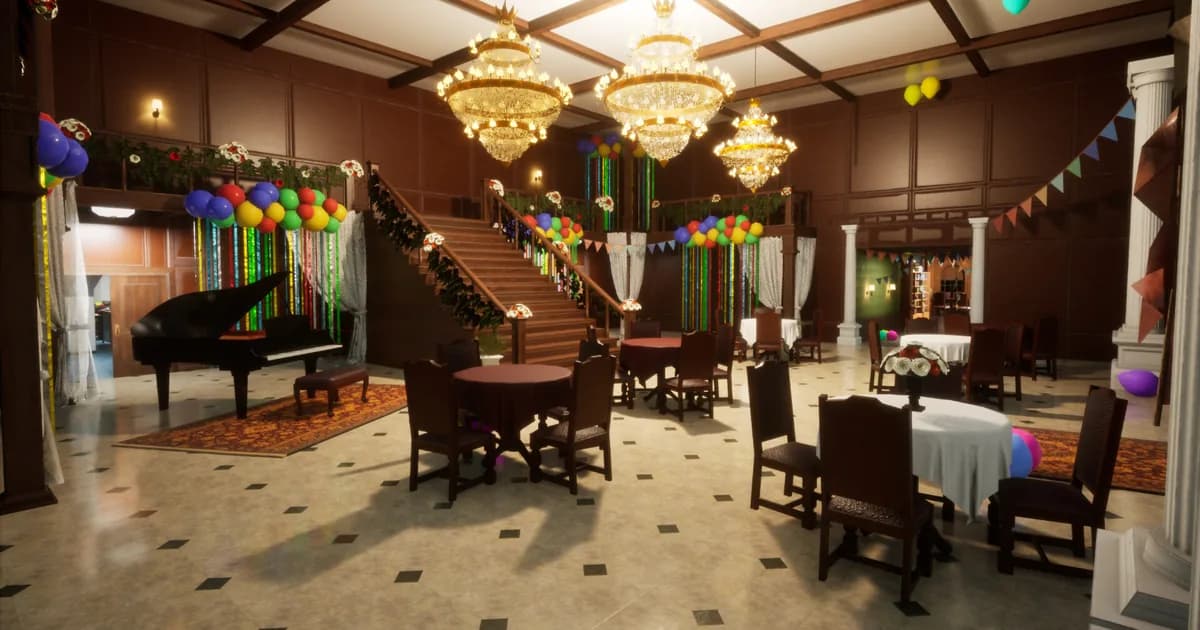
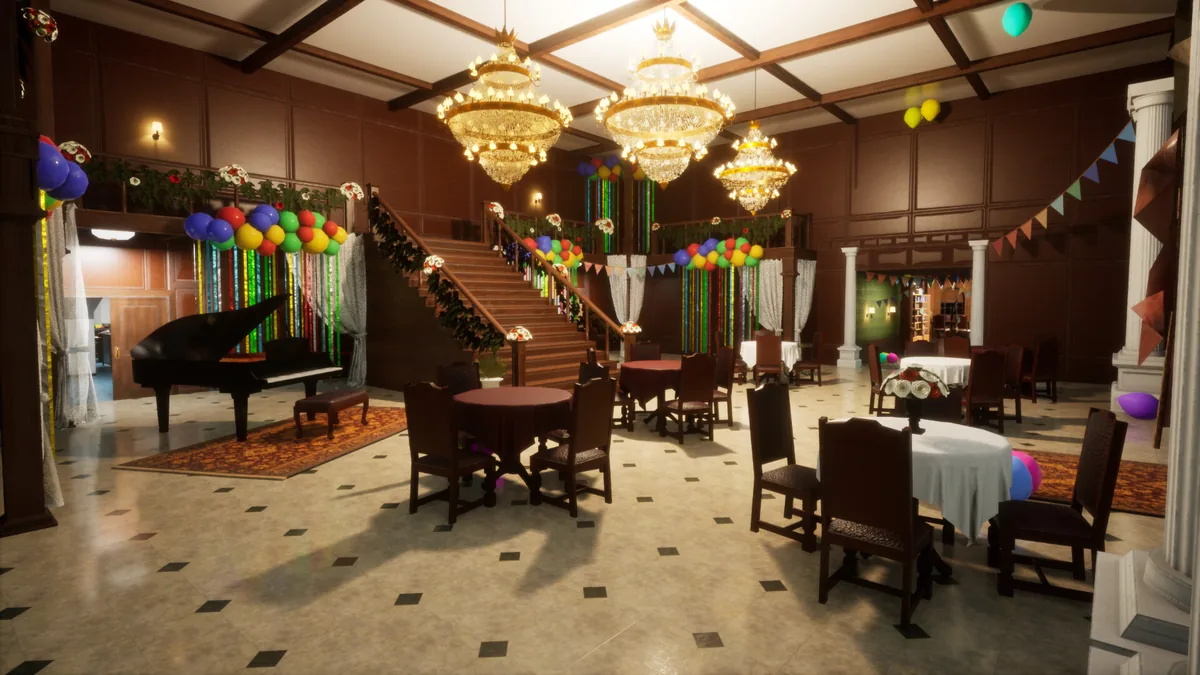 The mansion's open hall has several large objects and sightlines, which makes a private room useful for checking visibility before inviting a public lobby.
Fix Meccha Chameleon multiplayer problems
When Meccha Chameleon multiplayer is not working, separate room discovery from the connection itself. A room missing from public search does not prove the host is offline, and a player dropping after the round starts does not prove the code was wrong. Test one variable at a time.
- The room does not appear: enter the code directly, confirm the region tag, and ask the host to remake the room. Update 4.1.0 changed the old browser, so a search method from an older video may be obsolete.
- A friend joins, then disappears: have that player restart the game, verify the update, and try a fresh room with fewer players. Community reports describe friends being kicked during a match and disconnects after one or two games, so a clean remake is a practical diagnostic step.
- Public search returns the wrong rooms: use a direct code for friends. Player discussions also report that some search filters behave like an "any" match instead of requiring every selected condition. Treat public search as a discovery tool, not a guaranteed party queue.
- The host is idle or the lobby stalls: leave and create a new room. Community discussions mention AFK hosts and requests for host migration. The current official notes confirm join-code and room-search changes, but they do not promise host migration.
- The game connects but voice is confusing: check the mute option and microphone icon added in 4.1.1. Incoming voice is muted by default after that update, so players may need to unmute the channel deliberately.
- A Workshop room fails: remove the custom map from the test, restart with an official map, and only then reinstall the same map for every player. Follow the Meccha Chameleon mods and Workshop safety guide before experimenting with community files.
Do not treat a successful code search as proof that the room will stay healthy for the whole match. Host stability, player count, version parity, and custom content can fail at different points in the session.
Crossplay, voice chat, and player limits
The developer's September 2026 Switch 2 announcement says the console release supports full cross-play with PC. It also says cross-play for MOD maps was planned for a later update. That gives the base game a clear PC and Switch 2 path, while custom-map compatibility remains a moving target.
Steam recommends 2 to 10 players and says the maximum may change with the host's network. Update 4.1.1 also temporarily reduced the maximum for Switch 2 hosted rooms from 12 to 10. If a larger party cannot fit, split the group or let a stronger connection host. The limit is a room constraint, not a separate class or queue choice.
Voice chat is optional. Update 4.1.1 added a setting to disable it, a microphone icon, and a default mute state for incoming voice. That is useful for public rooms, where a quick mute can keep the round readable. For a private friend group, use whichever channel gives you the clearest callouts, then keep the in-game setting consistent so nobody is speaking into an empty channel.
The current official cross-play note covers PC and Switch 2. I found no matching official statement for PlayStation or Xbox, so I am limiting this guide to the platforms the developer names directly.
Tips for smoother matches
The best multiplayer habits are simple. Let one person host a short test round before the rest of the group commits to a long session, keep the first map official, and save Workshop experiments for a private room. If the room breaks, you will know which recent change to remove.
Use the code in the same message as the host's platform and region. That removes two small questions from the join attempt. When a player cannot connect, ask whether they can see the code in the same region before changing every setting at once.
For Hiders, agree on whether the group is playing for camouflage practice or for fast rounds. The camouflage guide covers the color and material controls, while the advanced guide covers clones, poses, and Hunter sightlines. Keeping those rules separate makes the lobby easier to teach.
For Hunters, avoid turning every uncertain shape into a shot during a small test. The official updates have changed ammo behavior and Hunter controls over time, and a player with no ammo can change the end of a round. Decide whether the first match is a relaxed practice game before enforcing competitive shot discipline.
If you are tracking completion, the Meccha Chameleon achievements guide explains why there are currently no public Steam achievements to use as a multiplayer checklist.
Frequently Asked Questions
How do you play Meccha Chameleon with friends? Host a room, choose the map and mode, then send your friends the room's five-character alphanumeric join code. Friends can search that code from the multiplayer screen. A private room is the cleanest option when you want the group to stay together.
How many players can join a Meccha Chameleon match? Steam recommends 2 to 10 players. The store page says the maximum can depend on the host's network, and Update 4.1.1 temporarily limited Switch 2 hosted rooms to 10 players.
Does Meccha Chameleon support PC and Switch 2 crossplay? Yes. The developer's Switch 2 announcement says the release supports full cross-play between PC and Switch 2. The same announcement says cross-play for MOD maps was planned for a later update.
Why can't I join a Meccha Chameleon lobby? Check that everyone is updated, enter the five-character code exactly, confirm the region tag, and have the host create a fresh room if the first one fails. Public search can also be unreliable, so use a direct code for friend groups.
Do all players need the same Meccha Chameleon Workshop map? Treat a Workshop map as a shared lobby dependency. Download the same map, keep the same game version, and test it in a private room. The developer is moving from Steam Workshop toward a separate MOD system, so the workflow may change.
Does Meccha Chameleon have PS5 or Xbox crossplay? The official cross-play announcement I could verify covers PC and Switch 2. I found no official PS5 or Xbox cross-play statement, so this guide does not promise support for those platforms.
Related Reading
- Meccha Chameleon complete guide hub
- Meccha Chameleon camouflage guide
- Meccha Chameleon modes and maps guide
- Meccha Chameleon advanced tips guide
- Best Meccha Chameleon mods and Workshop picks
References
Was this guide helpful?
About the author

Senior Critic & Analyst
Former game data analyst turned critic with 11 years covering indie and mid-tier games. Based in Austin. Runs spreadsheets on games most people just play.
- 11 years games criticism
- Former game economy analyst
- Roguelike and strategy specialist
Keep reading
Meccha Chameleon Achievements Guide (2026): Steam Status
General · 13 min
3 Best Meccha Chameleon Mods for Better Hiding (2026)
General · 15 min
Meccha Chameleon Complete Guide: Modes, Maps, Tips
General · 13 min
Meccha Chameleon Advanced Tips: Clones, Poses, Hunter Play
General · 9 min
Meccha Chameleon Modes and Maps: Every Confirmed Map
General · 9 min
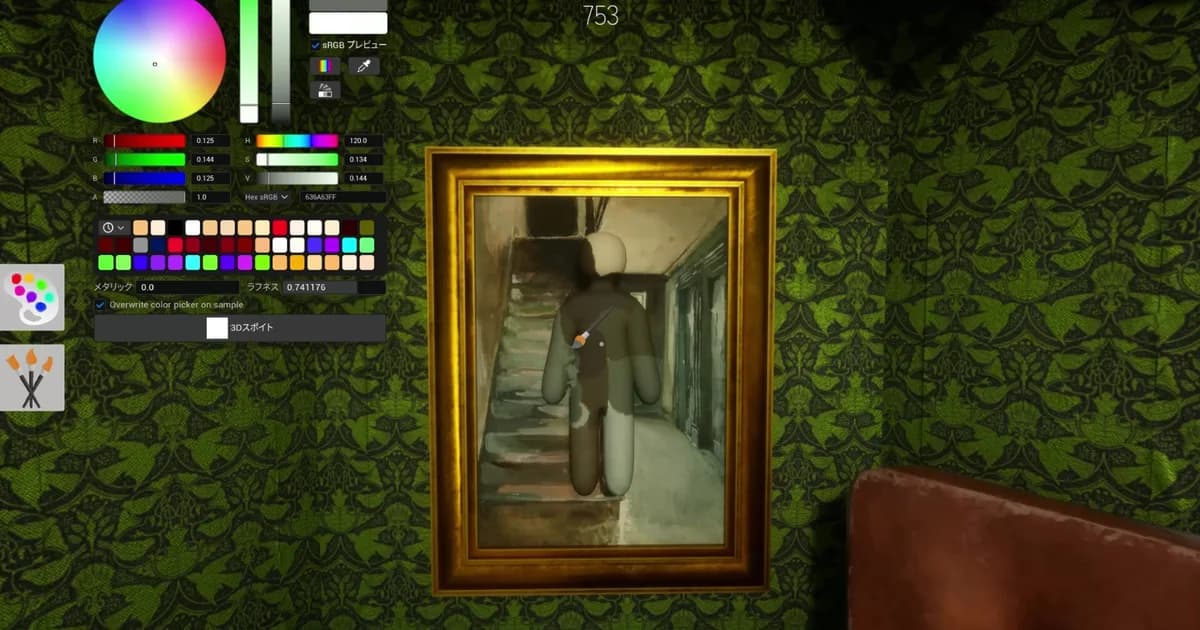
Meccha Chameleon Guide: How the Camouflage System Works
Guides · 9 min
Game deals · affiliate links

Disclaimer
This article is published for informational and entertainment purposes. It does not constitute professional financial, legal, or technical advice. Game performance, online services, patch schedules, and store listings change. Verify critical details (pricing, system requirements, regional availability) with publishers and storefronts before you buy. Affiliate links, where present, help support our editorial work and are labelled in our affiliate disclosure.
Comments
Loading comments…