
GuideWindrose
Windrose Co-op Guide 2026: XP Sharing, Crew Setup & Leveling

Windrose co-op supports up to 8 players in a self-hosted session and up to 32 on a dedicated server. The current co-op reference recommends 4 or fewer for smoother performance. Shared Quest Progress is the key documented progression setting.

Sponsored

Updated 2026-10-05: Replaced unsupported shared Site Clear payouts, underwater chest guarantees, and fixed co-op time claims with the documented Shared Quest Progress behavior.
TL;DR: Self-hosted Windrose sessions support up to 8 players and dedicated servers up to 32, with 4 or fewer recommended for smoother performance. Enable Shared Quest Progress in World Properties and check active quests. The setting applies to eligible quests, not a universal POI reward or fixed level-time shortcut.
BESTPRICE: Want Windrose? These stores list it: Buy on Eneba → Buy on Loaded →
Does Windrose Have In-Game Chat?
The official sources checked here do not document built-in voice chat. Use an external voice app if needed, and use any text or ping tools shown by the current build for non-voice coordination.
GODEEPER: Full breakdown of text chat, G-radial keybinds, Discord setup, and whether proximity chat is on the roadmap. Does Windrose Have Voice Chat? →
Sponsored

Yes, Windrose Is Multiplayer: Here Is How It Works
Windrose is a PvE co-op survival game. Self-hosted sessions support up to 8 players, while dedicated servers support up to 32. The current co-op reference recommends 4 or fewer for smoother performance. Solo play and private sessions are also supported.
The current co-op reference says progression is shared, the world persists per save, and difficulty modifiers scale to party size. It does not establish a universal speed multiplier for leveling or Point of Interest clearing.
Step-by-Step: Set up a co-op world
1. Choose a hosting mode: Use a self-hosted lobby for up to 8 players or a dedicated server for up to 32.
2. Set the player cap: The lobby exposes a maximum-player setting and a password option for a self-hosted session.
3. Choose the progression setting: Enable Shared Quest Progress if you want eligible co-op quest completion to auto-complete for players who have that quest active.
4. Keep the party practical: The current reference recommends 4 or fewer players for smoother performance, even though the server limits are higher.
Setting Up Co-op
From the Multiplayer screen, choose a self-hosted or dedicated session and set its player cap. A self-hosted world closes when its host logs off; a dedicated server runs independently and keeps its save available.
Use the current lobby controls for access and password settings. The authoritative co-op reference documents hosting modes and save behavior, but not the older Open, Friends only, and Invite only labels as universal current options.
Note: The current sources checked here do not document a formal random matchmaking system. Use the game's current Multiplayer screen and community channels for the available joining flow.
XP in Co-op: The Key Detail Most Players Miss
The current XP table documents completing quests and exploring Points of Interest. With the Shared Quest Progress setting enabled, the world-settings description says an eligible co-op quest auto-completes for players who currently have it active.
To enable it: when creating your world, open World Properties and toggle Shared Quest Progress to ON. With it on:
- When one player completes an eligible co-op quest, players who have that quest active can receive the shared completion
- The sources checked here do not document shared Site Clear credit, a universal chest trigger, or an island 2 payout
A crew can route around shared eligible quests, but no authoritative fixed level-time comparison is documented.
Co-op XP tip: Have players coordinate combat and exploration, but do not promise a fixed clear-time reduction or shared POI bonus.
Underwater and shipwreck claims
The current Points of Interest reference lists shipwrecks and coastal locations, but the authoritative sources checked here do not verify a dedicated player-diving mechanic or a universal underwater chest rule.
If the current build gives your crew an underwater objective, follow the objective and reward shown in-game. Do not promise that every underwater container counts toward a Site Clear or that all crew members can enter the same area.
Multiplayer Performance
The current co-op reference warns that more than four players may significantly impact performance. Treat that warning as the reason to prefer a smaller group, even when the server limit allows more players. The sources checked here do not establish a universal performance result for every map or hardware setup.
A low-friction co-op checklist
Before inviting everyone, decide whether the session will be self-hosted or dedicated. Self-hosted sessions are convenient for a group playing together, but the world closes when its host logs off. A dedicated server runs independently, so players can return without waiting for the original host to open the world. Use the current Multiplayer screen to confirm the available access and password controls rather than relying on an older menu guide.
Next, open World Properties and inspect Shared Quest Progress. If the setting is enabled, completing an eligible co-op quest can auto-complete it for players who currently have that quest active. That wording matters: it does not promise shared completion for every Point of Interest, chest, Site Clear, or reward. Have each player read the Journal before sailing, then choose a route that overlaps the active objectives and the current reward shown by the build.
Keep the group at four or fewer when smoother performance is the priority. Larger sessions remain within the documented server limits, but the reference warns that more than four players may significantly affect performance. Assign one navigator, agree who handles the current ship stations, and use the G-radial ping to mark objectives. For voice, use the communication method your group has confirmed in the current build or an external voice channel. The checked sources do not document universal built-in voice, diving, or POI reward rules.
Tips for Co-op Play
Decide who navigates before setting sail. Two players both trying to steer is the most common early frustration. Even a casual "you handle the helm" agreement before the first session eliminates the confusion.
Sync Journal quests at session start. Have one player call out active quests before heading out. This prevents the crew from sailing in different directions because everyone is tracking different objectives.
Ping objectives before opening them. The G-radial ping helps the crew coordinate, but an unmarked chest is not documented as a universal shared-XP failure.
Use fast travel when the current build makes it available. The checked sources do not establish a universal cost or time saving for a co-op route.
Split roles inside a Point of Interest. One player can handle combat while another explores, but the sources checked here do not document a universal chest trigger or a fixed halving of clear time.
Coordinate open-water movement. Assigning one player to steer or call out the route can reduce confusion, but the sources checked here do not document a universal role requirement or wipe rate.
Frequently Asked Questions
Q: Is Windrose multiplayer? A: Yes. Self-hosted sessions support up to 8 players and dedicated servers support up to 32. The current co-op reference recommends 4 or fewer for smoother performance. Solo play is also supported.
Q: Does Windrose have co-op? A: Yes. Everyone shares a ship. Shared Quest Progress is documented for eligible co-op quests when players have that quest active; no fixed co-op level timer is authoritative.
Q: Can you dive in Windrose? A: The current authoritative sources checked here list shipwrecks and other Points of Interest but do not verify a dedicated player-diving mechanic. Do not promise underwater chest credit or a Site Clear rule.
Q: How many players can play Windrose together? A: Self-hosted sessions support up to 8 players and dedicated servers support up to 32. Shared Quest Progress applies to eligible co-op quests with the quest active, not automatically to every Point of Interest reward.
Q: Does co-op speed up leveling in Windrose? A: Co-op can change routing and coordination, but there is no authoritative fixed timer, POI multiplier, or island 2 payout in the sources checked here. Shared Quest Progress applies to eligible quests with the quest active.
References
- Windrose Co-op: player limits, hosting modes, shared progression, and scaling
- Windrose World Settings: Shared Quest Progress wording and lobby limits
- Windrose Points of Interest: current shipwreck and POI categories
- Windrose on Steam: official Early Access page, patch notes, and developer roadmap
- Kraken Express on Steam: the studio behind Windrose, full developer page and update history
- Windrose voice chat guide (GameBrief) dedicated proximity chat and in-game communication guide
Related Reading
For the documented XP categories and caveats around Site Clear and pirate-camp claims, see the Windrose XP Guide.
New to the game? The Windrose Beginner Guide covers faction choice, what to do in your first hour, and the early mistakes that cost players the most time.
Our Windrose Leveling Guide has the full biome-by-biome progression breakdown and the fastest route from level 1 to the level 15 cap.
- Windrose Guide 2026: All Biomes, XP, Factions & Ships: Windrose guide hub for 2026: biomes, XP system, factions, ships, combat, co-op, and the road.
- Windrose Ashlands: Everything Confirmed So Far (2026): Windrose Ashlands release date: Kraken Express said 'at least 6 months' on April 29, so.
- Windrose Endgame Guide: What to Do After the Story: Windrose endgame guide: faction Level 3 priority order, Frigate build-out, Steel gear farming loops, and.
- Windrose Best Weapons Tier List 2026: All Tiers Ranked: Windrose best weapons tier list 2026: Steel Halberd S-tier, Copper Sword B, Stone tools F.
Was this guide helpful?
About the author

Systems & Economy Desk
GameBrief's byline for roguelikes, strategy and simulation. Reads patch notes, wiki tables and Steam stats and puts the numbers on the page.
- Roguelikes, strategy and simulation
- Builds, progression and economy
- Sources listed per article
Keep reading
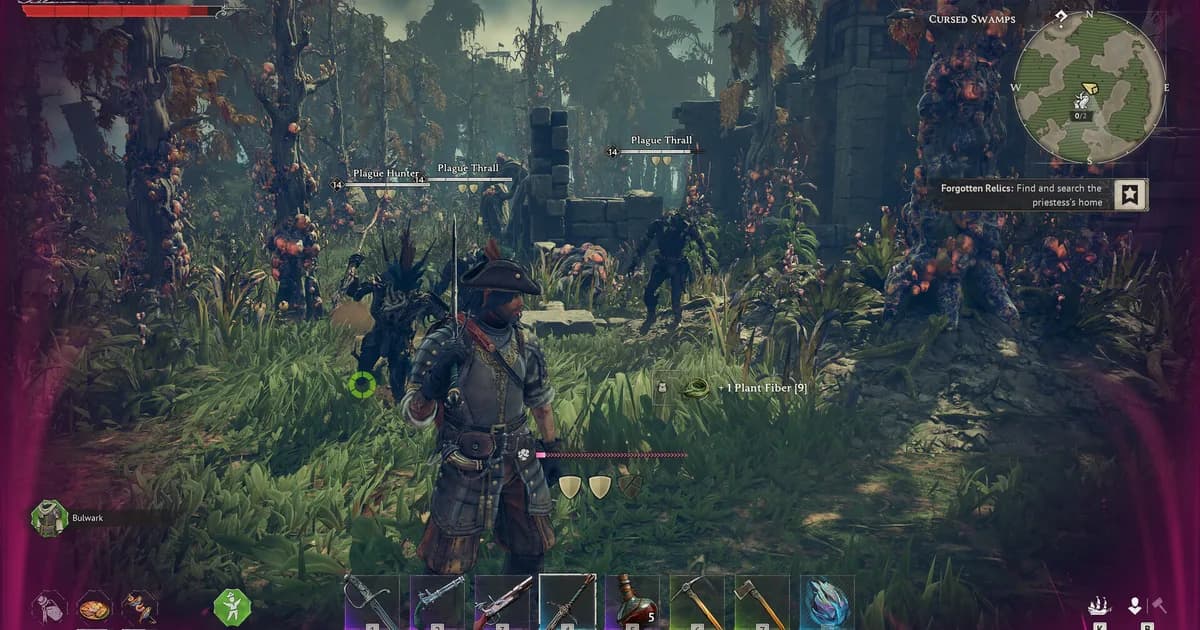
Windrose XP Guide: Fastest Ways to Farm XP & Level Up 2026
Guides · 9 min
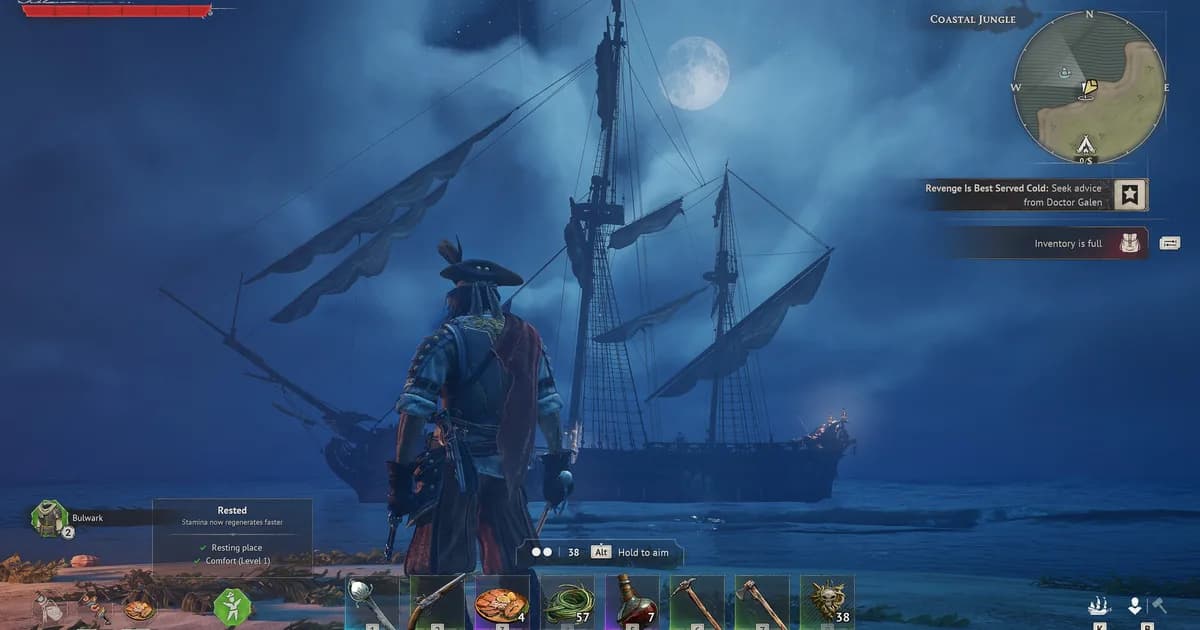
Windrose Max Comfort Level: Decorations, Rested Buff Guide
Guides · 7 min

Windrose Roadmap 2026: Ashlands Biome, Ships & 1.0 Date
News · 14 min

Windrose PC Gamer Review Controversy: What Happened (2026)
News · 5 min
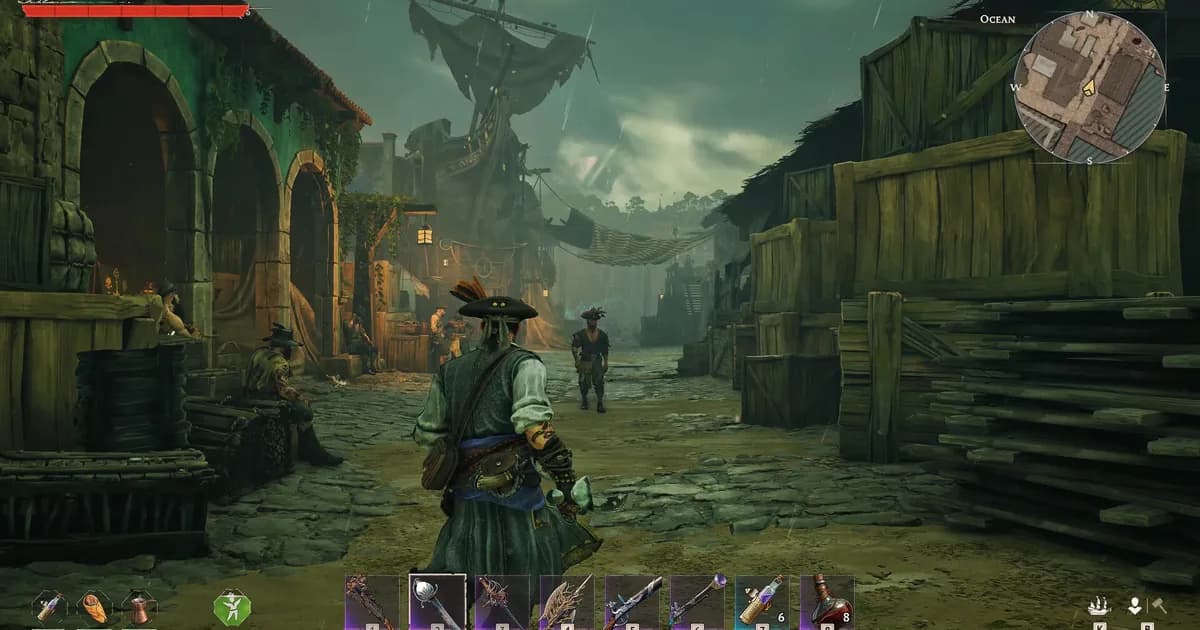
How Long to Beat Windrose: Current Level 15 Guide 2026
Guides · 8 min
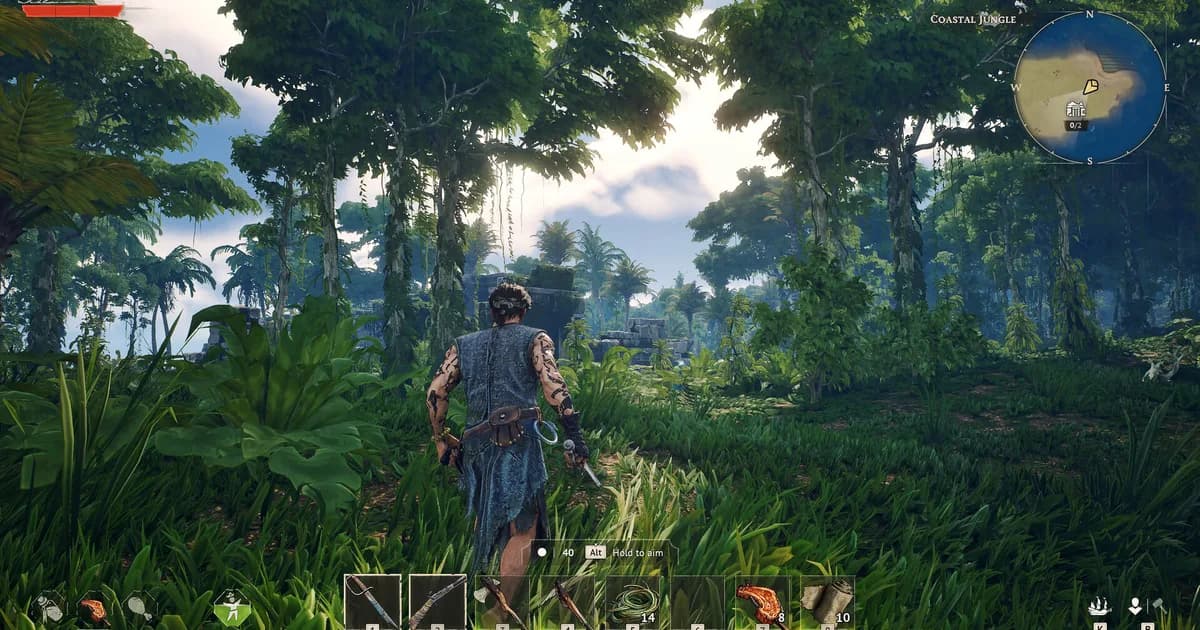
Windrose Copper Respawn: Do Mines Come Back? Ore Timer 2026
Guides · 9 min
Sponsored
Disclaimer
This article is published for informational and entertainment purposes. It does not constitute professional financial, legal, or technical advice. Game performance, online services, patch schedules, and store listings change. Verify critical details (pricing, system requirements, regional availability) with publishers and storefronts before you buy. Affiliate links, where present, help support our editorial work and are labelled in our affiliate disclosure.
Comments
Loading comments…