
Guideshapez 2
Shapez 2 Best Mods 2026: Top Workshop Picks & Install
This Shapez 2 best mods guide covers the Workshop picks actually worth installing and how to get them running. The 1.0 release shipped with full Steam Workshop support and an official modding API, so modding Shapez 2 is a Subscribe-and-restart affair rather than a fiddly loader setup. The mods that matter most fix real friction points: a blueprint library with no search, no way to pause and speed up the simulation, and no built-in co-op. This guide covers the standout real Workshop pick in each category and walks through installation.
Sponsored

TL;DR: Shapez 2 1.0 has full Steam Workshop support and an official modding API (Shapez Shifter, built by modder lorenzo.kaufmann). Install by subscribing on the Workshop; mods load on game launch, so restart if the game is open. Worth installing: Blueprint Search (finds designs in a growing library), Time Control (pause and fast-forward the sim), Better Trash (cleans up unwanted output), Shape Recipe Lab (plans recipes before you commit belt space), and Shapez2Multiplayer (currently the most-subscribed mod on the Workshop). Check each mod's page for achievement impact before installing sandbox-style ones.
BESTPRICE: Want Shapez 2? These stores list it: Buy on Eneba → Buy on Humble Bundle → Buy on Gameseal → Buy on Kinguin →
Shapez 2 best mods? (quick answer)
Shapez 2 received full Steam Workshop support on its 1.0 launch (April 23, 2026), alongside an official modding API called Shapez Shifter, built by modder lorenzo.kaufmann and maintained with public sample code on GitHub. That means mods are a first-class part of the game, not a community hack: you subscribe through Steam and the game loads them on launch.
The mods worth installing fall into a few clear buckets: blueprint workflow (making a growing design library searchable), quality-of-life utilities (time control, trash cleanup, recipe planning), and community features (multiplayer). The rest of this guide covers the standout Workshop pick in each bucket and how to install them.
Sponsored

Key takeaways
- Shapez 2 1.0 has official Steam Workshop support and the Shapez Shifter modding API (built by lorenzo.kaufmann).
- Install by subscribing on the Workshop; mods load on launch, so restart if the game is open.
- Blueprint Search (gamereclaim) fixes the vanilla blueprint library's lack of search.
- Time Control (Thovex) adds pause and fast-forward; Better Trash (LiAuO2) cleans up unwanted output.
- Shapez2Multiplayer (bknibb) is currently the most-subscribed mod on the Workshop.
- Sandbox-style mods that change intended progression may affect achievements: check each page.
- Mods are also on Thunderstore and Nexus Mods; Workshop is the easiest route.
How to install Shapez 2 mods
Installation is handled entirely through Steam, so there is no separate mod loader to set up.
GODEEPER: New to the systems these mods build on? Start with the fundamentals before adding tools that change them. Shapez 2 Beginners Guide: 12 Essential Tips for 1.0 →
- Open the Steam Workshop page for Shapez 2 (from the game's store page or library page, click Workshop).
- Browse or filter for a mod, open its page, and click Subscribe.
- If the mod has dependencies, a popup lists the required mods. You can review them individually or click Subscribe to all.
- Launch Shapez 2. Mods install on game launch. If the game was already running when you subscribed, restart it for the mod to take effect.
That is the whole flow. Because mods load at launch, the common "my mod isn't working" issue is simply subscribing while the game is open and not restarting. If a mod still does not appear after a restart, check whether it lists a dependency you skipped.
For players who prefer other platforms, mods are also hosted on Thunderstore and Nexus Mods. The Workshop is the easiest because it installs through Steam directly, but if a specific mod is only on Thunderstore or Nexus, follow that platform's install steps instead.
The most popular mod on the Workshop: Shapez2Multiplayer
The single most-subscribed mod on the current Shapez 2 Workshop is Shapez2Multiplayer, by modder bknibb. Shapez 2 ships single-player only, so a working co-op mod is the biggest structural addition anyone has built for the game, and its subscriber count reflects that: it's currently the most-required and most-subscribed item on the whole Workshop.
If you want to build with a friend and don't want to wait for tobspr Games to ship official multiplayer, this is the mod to check first. Read its Workshop page for current stability notes before committing a long-term save to it, since community mods for a game this early in its 1.0 life can lag behind patches.
Shape Recipe Lab, by guardiandown, is the next most popular pick and solves a different problem: it lets you plan and preview a shape recipe before you commit belt space and machines to building it, which saves the rebuild-and-reroute cycle that comes from guessing wrong on a complex multi-layer shape.
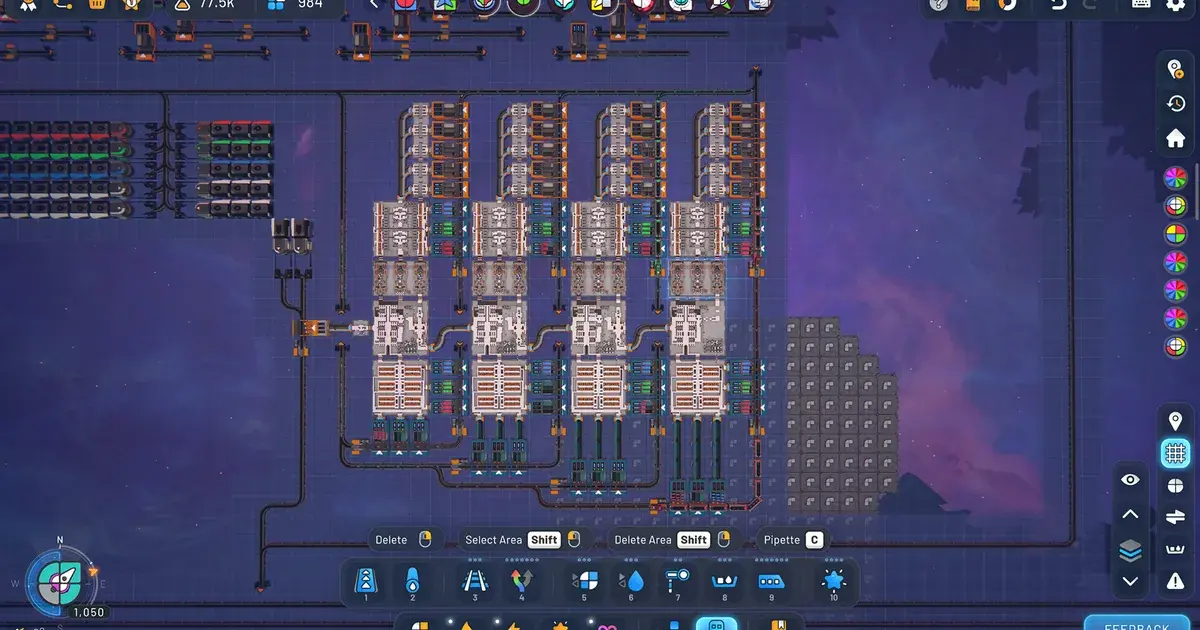
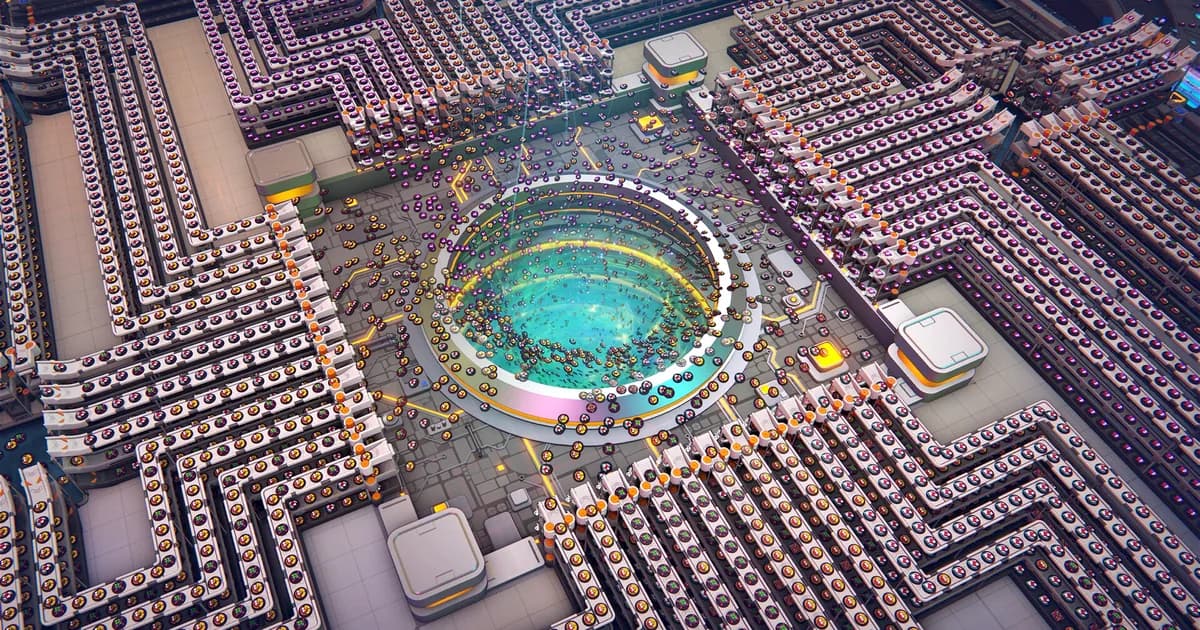
A late-game Shapez 2 factory at this scale is exactly where community mods start to matter: multiplayer for building together, recipe planning for avoiding rebuilds.
Blueprint workflow: Blueprint Search
The clearest friction point vanilla Shapez 2 has at scale is blueprint search. Once you are reusing complex multi-layer designs constantly, the vanilla library is a flat, unnamed list you scroll through by eye.
Blueprint Search, by modder gamereclaim, adds search and filtering directly to that library so you can find a specific design instead of scrolling past dozens of near-identical thumbnails. It's a pure interface fix: it doesn't change the Blueprint Point cost system or any other rule, so it carries none of the achievement or progression risk that a rule-changing mod would.
If your blueprint library has grown past a handful of entries and you're already losing time hunting for the right one, this is the first mod worth installing.
GODEEPER: Before reaching for a mod, it's worth knowing what the vanilla blueprint library already handles. Shapez 2 Blueprints: Save, Share & Import to the Library →
Quality-of-life utilities: Time Control and Better Trash
Two Workshop mods remove dead time and cleanup busywork without changing what your factory produces.
Time Control, by modder Thovex, adds a toolbar to pause or fast-forward the simulation. Fast-forward skips the wait while a large factory fills a milestone; pause lets you plan a layout without the simulation running underneath you. It's one of the more popular utility mods on the Workshop precisely because it removes waiting without altering output.
Better Trash, by modder LiAuO2, improves how you deal with shapes and byproducts you don't want clogging a belt. Late-game factories generate a lot of output you're not using for anything, and a cleaner trash-handling mod is a genuine quality-of-life fix rather than a rule change.
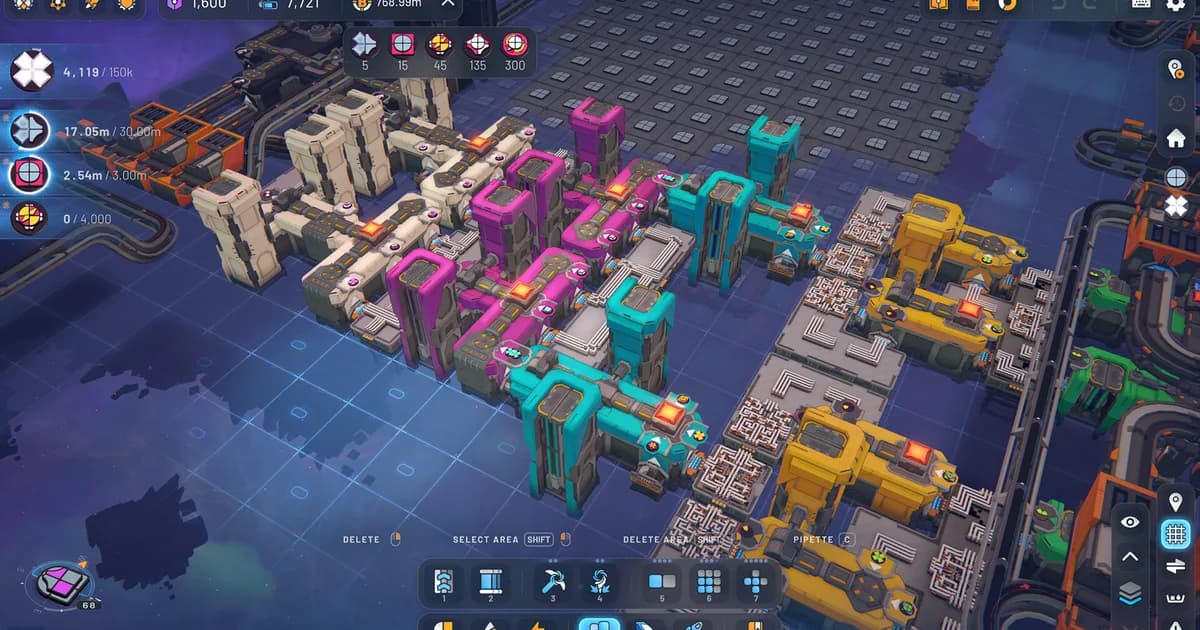
The build UI these mods extend: Time Control adds pause/fast-forward controls, Better Trash cleans up unwanted output, without touching what the factory actually produces.
A note on achievements
Whether a mod disables achievements is mod-dependent, so check each mod's Workshop page. Mods that change intended progression or add new content (like a multiplayer overhaul) are more likely to flag a run than pure interface fixes. Blueprint Search, Time Control, and Better Trash are all quality-of-life fixes rather than rule changes, which makes them lower-risk, but always check the specific mod's page rather than assume.
The safe pattern: if achievements matter to you, earn them on a vanilla save first, then add convenience mods afterward. That way you get the completion credit and the smoother experience, in that order.
Frequently Asked Questions
Does Shapez 2 support mods? Yes. The 1.0 release shipped with full Steam Workshop support and an official API (Shapez Shifter), with samples on GitHub. Mods are also on Thunderstore and Nexus.
How do you install mods? Subscribe on the Steam Workshop; mods load on launch. Restart the game if it was already running. Subscribe to all dependencies when prompted.
What is the most popular Shapez 2 mod? Shapez2Multiplayer (by bknibb) is currently the most-subscribed mod on the Workshop, adding co-op to a single-player-only game.
Are there blueprint mods? Yes: Blueprint Search (by gamereclaim) adds search and filtering to the vanilla blueprint library.
Will mods disable achievements? Mod-dependent: check each page. Mods that change progression or add new content are more likely to flag a run than pure interface fixes.
Can you control game speed? Yes, the Time Control mod (by Thovex) adds pause and fast-forward to the simulation.
Related Reading
The Shapez 2 Complete Guide Hub is the entry point for every Shapez 2 system, from belt routing through Manufacture Mode.
The Shapez 2 Beginners Guide covers the fundamentals worth learning before you add mods that change them.
The Shapez 2 Shape Stacking Guide explains the multi-layer designs that blueprint mods help you manage at scale.
- Shapez 2 Blueprints: Save, Share & Import to the Library: Shapez 2 blueprints guide: save factories to the library, copy and paste with blueprint codes, import .spz2bp files,.
- Shapez 2 Automation Guide: Belt Routing and Advanced Tips: Shapez 2 automation guide: how belt routing and splitters work, the overflow fixes that scale,.
- Shapez 2 Manufacture Mode Guide: How It Works in 1.0: Shapez 2 manufacture mode: Dimensional Waste, Trade Stations, and the path to the Grand Vortex.
References
- Shapez 2 Steam Workshop: official mod hub, browse and subscribe
- Shapez 2 modding API samples (tobspr Games, GitHub): official Shapez Shifter modding examples
Was this guide helpful?
About the author

Systems & Economy Desk
GameBrief's byline for roguelikes, strategy and simulation. Reads patch notes, wiki tables and Steam stats and puts the numbers on the page.
- Roguelikes, strategy and simulation
- Builds, progression and economy
- Sources listed per article
Keep reading
Shapez 2 Blueprints: Save, Share & Import to the Library
General · 9 min
Shapez 2 Automation Guide: Belt Routing and Advanced Tips
General · 11 min
Shapez 2 Shape Stacking Guide: Layers & The Stacker
Guides · 9 min
Shapez 2 Complete Guide 2026: Automation, Belts, Manufacture
General · 16 min
Shapez 2 Manufacture Mode Guide: How It Works in 1.0
Guides · 9 min
Shapez 2 Review: Why the 1.0 Release Feels Complete
General · 10 min
Sponsored
Disclaimer
This article is published for informational and entertainment purposes. It does not constitute professional financial, legal, or technical advice. Game performance, online services, patch schedules, and store listings change. Verify critical details (pricing, system requirements, regional availability) with publishers and storefronts before you buy. Affiliate links, where present, help support our editorial work and are labelled in our affiliate disclosure.
Comments
Loading comments…