
GuideCasualties: Unknown
Casualties: Unknown Console Commands and Debug Mode (1.0.2)
The community wiki's command page, the developer's patch notes and three fan lists, lined up command by command for the full game.
VerdictPress the backtick key or use the Sandbox terminal, test commands in the Sandbox first, and keep cheat commands out of any run you want achievements from.
Casualties: Unknown console commands run through the debug console: press the backtick key () during a run or in the Sandbox, or click the Terminal next to the Sandbox door, then type help` for the list. We found no separate debug mode in the full game, so the console is the tool; below are the 46 commands we could confirm for version 1.0.2, with the ones that block achievements and what changed from the demo.
Sponsored

About the game
Casualties: Unknown
Orsoniks · Oro Interactive
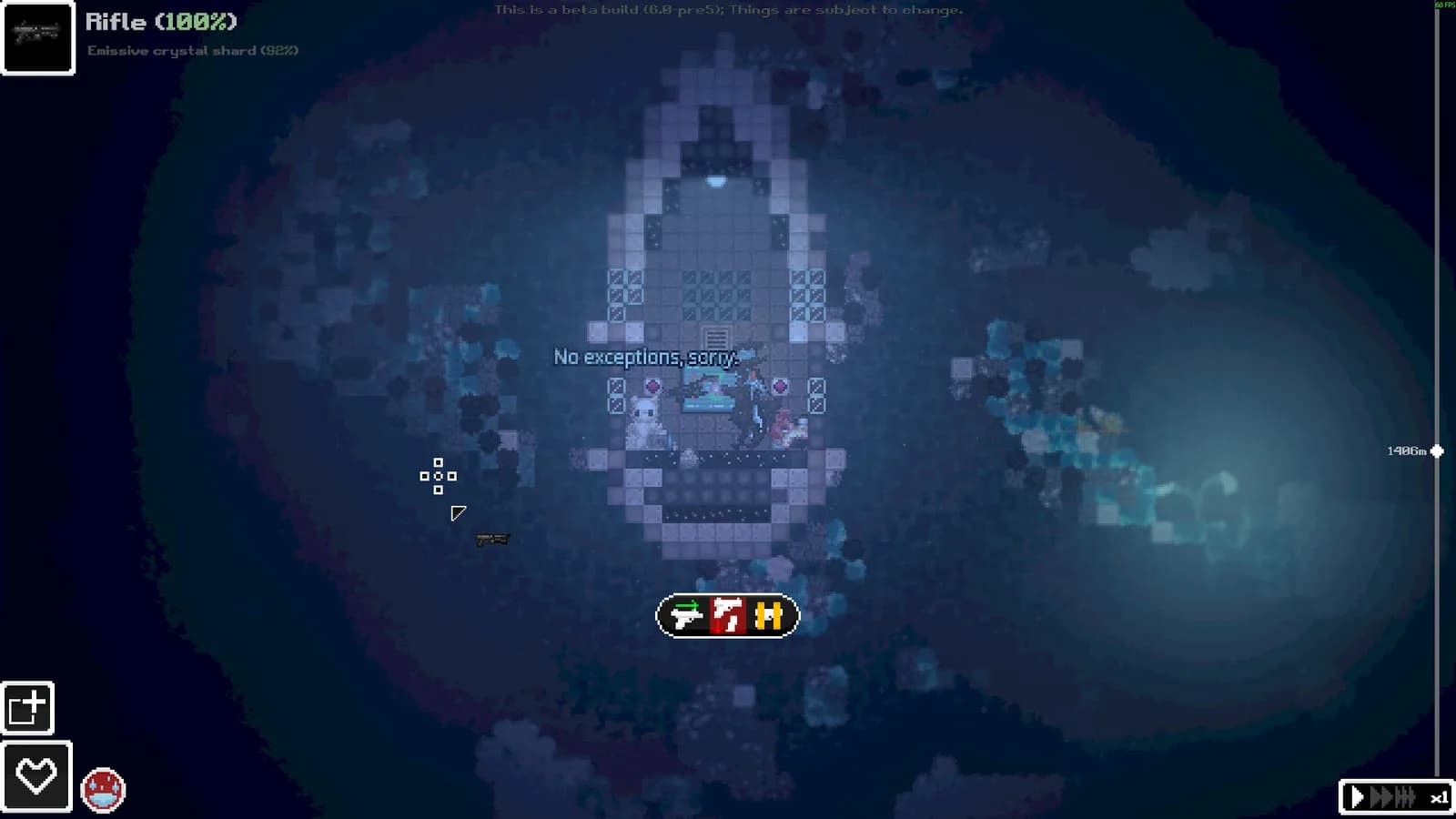
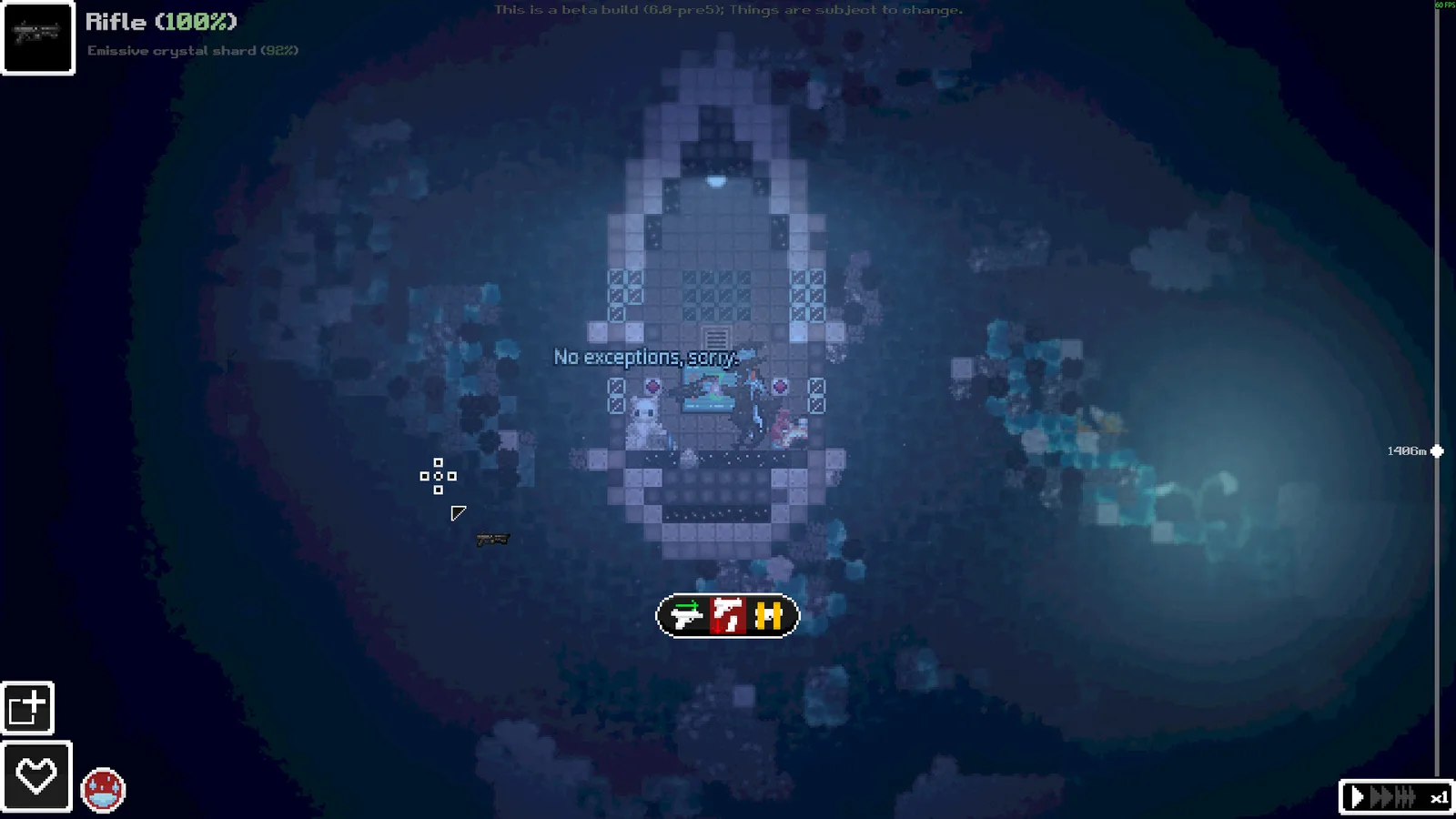 Screenshot: Casualties: Unknown, Steam store page (Orsoniks / Oro Interactive), beta build 6.0-pre5
Sponsored

How to open the console in 1.0.2
The default key is the backtick, above Tab on a US layout. You can move it: the developer's English text file for 1.0.2 names the key setting "Toggle debug console", and one player on the Steam forum says they rebound it to Alt. Most commands only do something during a run or in the Sandbox, the test room you reach from the tutorial menu.
The Sandbox is a closed steel room, 132 by 62 tiles. The Terminal next to its door opens the same console, so you can test a command there before you try it in a run. If you are still deciding between the free demo and the paid game, our Casualties: Unknown worth it page covers what the full release adds.
All Casualties: Unknown console commands in 1.0.2
Our list is the 45 commands on the community wiki's Console page (last edited November 21, a week after patch 1.0.2) plus help. Each one also appears on the 47-command list at Casualties Unknown DB, except dunemode, which the Release 1.0 patch notes confirm as "dune mode". Words in brackets are values you type in; [position] takes cursor, player, random or x,y coordinates.
Console and display commands
| Command | What it does |
|---|---|
help | Shows the command list |
clear | Clears the console log |
copylog | Copies the whole console log to your clipboard |
echo [true/false] | Turns the log of new commands on or off |
errorlogging | Turns logging of game errors on or off |
log [text] | Prints your text in the console |
loglocale [type] [key] | Prints a translation string from the game's text files |
setconsoleheight [number] | Sets the height of the console window |
setconsolecolor [text/background] [color] | Recolors the console text or background |
Player, item and world commands
| Command | What it does |
|---|---|
heal | Heals your character |
coagulate | Stops bleeding (sources split on internal bleeding, see below) |
kill | Kills your character by setting brain health to 0 |
amputate [limb] | Removes a limb |
setbodyfield [field] [value] | Sets a body value, such as happiness or hunger |
setlimbfield [limb] [field] [value] | Sets a value on one limb, such as pain |
addxp [str/res/int] [amount] | Adds experience to Strength, Resilience or Intelligence |
resetskills | Sets every skill to 0 |
unchipped [true/false] | Turns Unchipped mode on or off |
noclip | Turns off collision and lets you fly |
tp [position] | Teleports you; the cursor is the default |
locate [id] [index] | Finds objects with that ID and teleports you to one |
spawn [id] [position] [condition] [amount] | Spawns an item or object |
spawncategory [category] [position] | Spawns every item in a category, floating in place |
starterkit | Spawns a semi-random kit of containers, tools and medicine |
plushies | Spawns every plushie |
addliquid [id] [mL] | Adds a liquid to the container in your main hand |
floodfill [position] [liquid] | Floods an area with a liquid, up to 2,048 tiles |
explode [position] [...] | Sets off an explosion; damage, range and other values are optional |
talk [text] | Makes your character say the text |
Run, settings and extras
| Command | What it does |
|---|---|
skiplayer [number] | Skips to the next layer, or to a set one (number = layer minus 1) |
saveandquit | Saves and exits to the menu; you restart at the top of the layer |
timescale [number] | Sets game speed; it cannot be 0 |
fullbright | Turns the game's debug lighting on or off |
ui | Hides or shows the game's interface |
framerate [number] | Caps the frame rate |
skiptext | Skips the current tutorial line |
alert [true/false] [text] | Shows your text in an in-game alert box |
music [play/skiptime/menu] [seconds] | Plays a track, skips ahead or opens the music menu |
playsound [id] | Plays a game sound by its ID |
openfolder [type] | Opens a game folder, such as saves |
nukeplayerprefs [key] | Deletes saved settings, or one named setting |
repeat [times] [delay] [commands] | Runs commands several times with a delay |
addcustomcommand [name] [description] [commands] | Saves a chain of commands under a new name |
removecustomcommand [name] | Deletes a custom command |
bind [add/clear/list] [key] [commands] | Ties commands to a key, lists binds or clears them |
dunemode | An easter egg added in 1.0; the wiki says it swaps every texture until you close the game |
The one row to read twice is coagulate. The community wiki says it stops external and internal bleeding; the fan guides at casualtiesunknownwiki.com and casualtiesunknownhub.com both say internal bleeding is left alone. Check the health panel after you use it.
Which commands switch off achievements
The Release 1.0 patch notes added this line: "Using certain console commands outside the sandbox now disables achievements." Orsoniks does not list which commands count. The community wiki's Achievements page says a "cheat" command used outside the Sandbox blocks achievements until you close the game, and the save is marked, so loading it later turns them off again. The fan guide at casualtiesunknownhub.com describes the same session lock and save flag.
So the safe order is simple. Try a command in the Sandbox first, where the patch notes make the exception, and keep spawn, heal, skiplayer and similar commands away from a save you want the 40 achievements on.
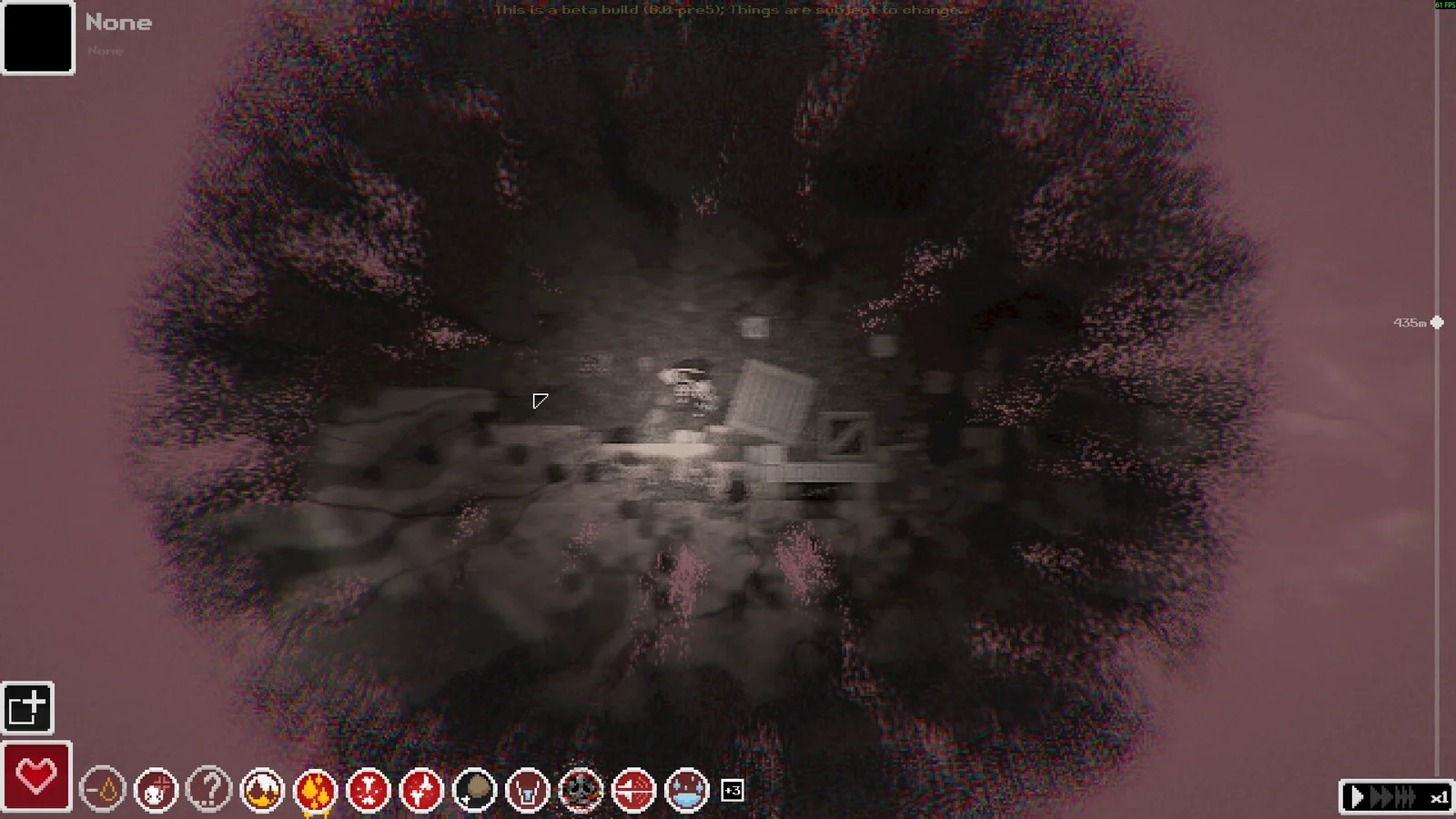 Screenshot: Casualties: Unknown, Steam store page (Orsoniks / Oro Interactive), beta build 6.0-pre5
Debug mode, Debug world and the Sandbox room
"Debug mode" can point to three things in this game.
- The console itself. The game calls it the debug console in its key settings. We found no other debug switch in the 1.0 text file.
- Debug world. This was a run setting in the demo. The demo's English text file describes it as making "the world much smaller to speed up generation", and the community wiki's Difficulty page puts it at 16 times smaller. The setting is not in the 1.0 text file, and the wiki confirms it is not in the full game.
- A debug room. The closest thing is the Sandbox described above, with its Terminal.
fullbrightis the other "debug" tool: both the wiki and Casualties Unknown DB describe it as debug lighting.
What changed from the demo console
The 1.0 notes say only "More console commands", with no names. Earlier demo patches did name a few: nukeplayerprefs arrived in demo 6.1 (April 23, 2026), and demo 7.0 (June 4) added floodfill and improved starterkit. Patches 1.0.1 and 1.0.2 do not mention the console at all.
One older command appears to be gone. On November 21 a wiki editor removed fucklore, noting that the "Skip intro" option in settings replaced it, and that setting is in the 1.0 text file. Casualties Unknown DB still lists fucklore plus one more command we could not confirm for 1.0, and leaves out dunemode, which is why its count is 47.
The controls may have changed too, but this rests on player reports. In a Steam thread posted on November 23, one player says that in the full game the arrow keys cycle through past commands instead of the suggestion list, the input box is not selected when the console opens, and the backtick gets typed into the box as it closes. A second player asked whether the demo had worked the same way. The first player says the demo let them scroll the list, and that console settings carry over between the two.
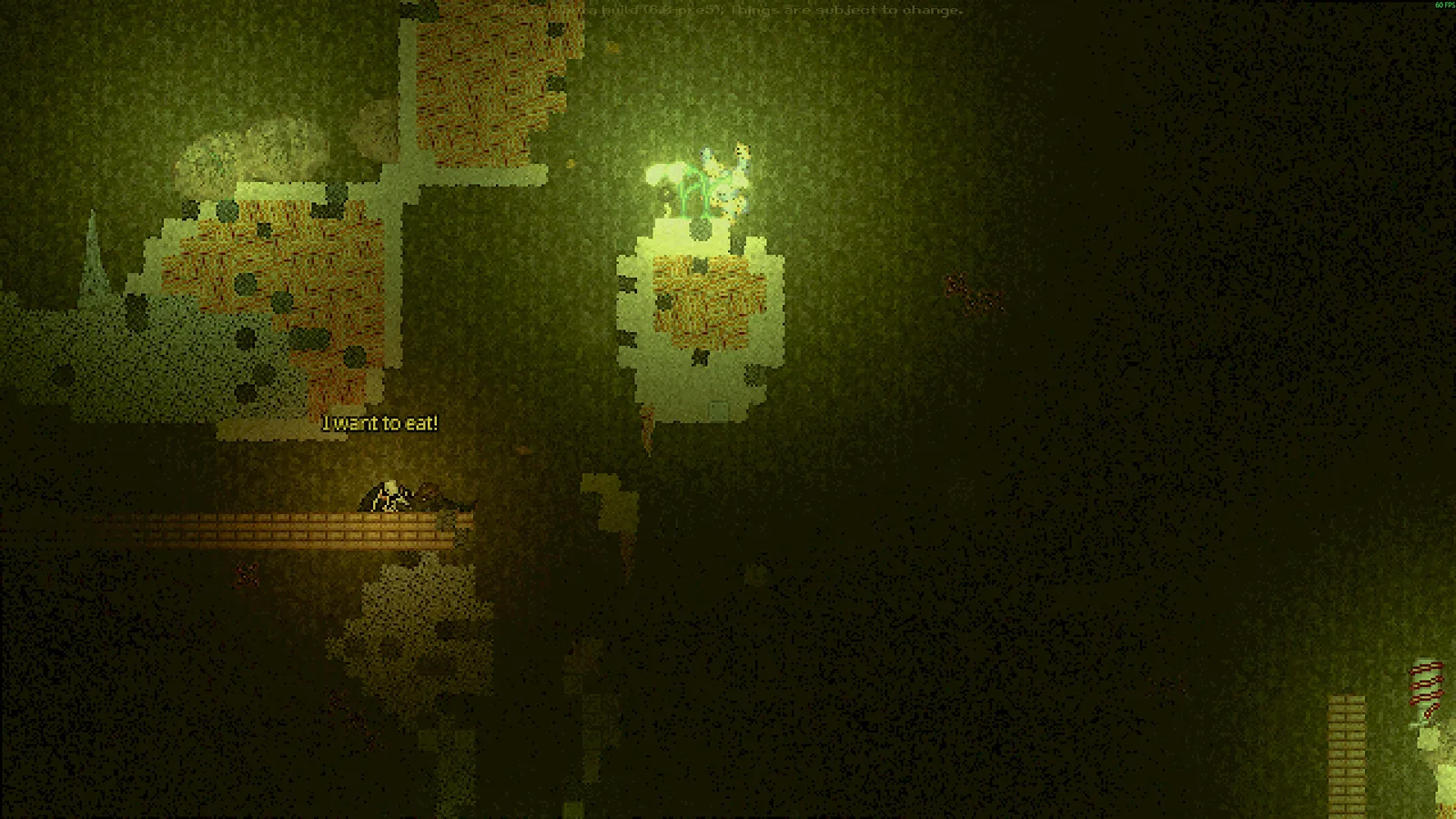 Screenshot: Casualties: Unknown, Steam store page (Orsoniks / Oro Interactive), beta build 6.0-pre5
Command lines worth copying
These lines come from the wiki's examples and match the fan guide at casualtiesunknownhub.com.
timescale 0.0001slows the game almost to a stop; moving sets it back to 1.bind add Comma timescale_0.0001puts that slowdown on the comma key. Use_in place of spaces inside a bound command.spawn landmine player 1 10drops ten landmines at your position.floodfill cursor 1fills the space under your cursor with water. Liquids 2 to 6 are lumalgae, oil, tree sap, dirty water and magma.addliquid fentanyl 500puts 500 mL into the container in your main hand.skiplayer 4takes you to layer 5, since the number is the layer minus one.
Prefer mods to console commands in other games? Our Far Far West mods guide checks five mods against one game build.
What we couldn't confirm
We have not run these commands ourselves. A few commands from player lists written during the demo are missing from the wiki's 1.0 page and from the 1.0.2 fan guides, so they are not in our table. The wiki's notes on addxp crash values and on heal resetting mood come from single editors, so we left them out as well.
Checked: November 23, 2026, the community wiki's Console, Sandbox, Achievements and Difficulty pages, Steam patch notes from demo 6.0 to 1.0.2, the developer's demo and release text files on GitHub, two Steam threads and three fan command lists.
Where to start
Open the tutorial menu, enter the Sandbox and click the Terminal. Type help, then try starterkit and spawn there before you touch a real run. If you want achievements, finish one clean run before you use cheat commands outside that room, since the lock follows the save.
Related Reading
- Casualties: Unknown beginner tips: ten things to know before the first layers.
- Steam Next Fest survival demos: five survival games from October's festival.
- Do Steam Next Fest demos expire?: what Valve's rules say about demos staying up.
- Abiotic Factor beginner tips: a starting guide for another survival game.
- Best Palworld mods: current mod picks for Palworld.
- Best Subnautica 2 mods: eight mods for Subnautica 2 in Early Access.
- Best roguelike games of 2026: run-based picks for when you want another descent.
- Best Valheim mods: ten mods for Valheim 1.0 and Deep North.
References
- Console, Casualties: Unknown Wiki (Miraheze), revision of November 21, 2026
- Sandbox and Terminal, Casualties: Unknown Wiki
- Achievements, Casualties: Unknown Wiki
- Difficulty, Casualties: Unknown Wiki
- Release 1.0 Patchnotes, Orsoniks on Steam, November 9, 2026
- Version 1.0.1 Patch Notes, Orsoniks on Steam, November 11, 2026
- Version 1.0.2 Patch Notes, Orsoniks on Steam, November 14, 2026
- 7.0 Demo Update, Orsoniks on Steam, June 4, 2026
- 6.1 Demo Patch Notes, Orsoniks on Steam, April 23, 2026
- scavgame-locale, Orsoniks on GitHub (release and demo EN.json)
- Debug Console Changed in Full Release, Steam Community discussion, November 23, 2026
- Helpful and interesting commands, Steam Community discussion, May 1, 2026
- Developer Console Commands, Casualties Unknown DB (fan site)
- Casualties: Unknown console commands, cheats and item IDs, casualtiesunknownwiki.com (fan guide, 1.0.2)
- Console Commands and Spawn IDs Guide, casualtiesunknownhub.com (fan guide, 1.0.2)
- Casualties: Unknown on Steam, Orsoniks and Oro Interactive
Was this guide helpful?
About the author

Action & Design Desk
GameBrief's byline for platformers, horror and action games. Dry, short paragraphs, strong opinions about tutorials and boss design.
- Action, platformers and horror
- Tutorials, onboarding, boss design
- Sources listed per article
Keep reading
No Asteroids Co-op Guide: Prices, Shared Gear, 8 Players
Guides · 7 min
Dreadmoor Gravedigger Location, Rod Upgrades, Map and Saving
Guides · 7 min
Casualties: Unknown Tips: Survive the First Layers
Guides · 8 min
Dice Hoarder Edible Dice Locations: 14 Spots, Disks, Endings
Guides · 8 min
Dressmaker Quality Score: How to Reach 100, Fix a Stuck 80
Guides · 10 min
Annihilated Endings Guide: All Routes, SANITY and Low Loop
Guides · 10 min
Sponsored
More game deals
Disclaimer
This article is published for informational and entertainment purposes. It does not constitute professional financial, legal, or technical advice. Game performance, online services, patch schedules, and store listings change. Verify critical details (pricing, system requirements, regional availability) with publishers and storefronts before you buy. Affiliate links, where present, help support our editorial work and are labelled in our affiliate disclosure.