
GameBrief · General
8 Best Subnautica 2 Mods for Early Access 1.2 (2026)
Reviewing
Subnautica 2
Unknown Worlds · Krafton
Subnautica 2 mods are no longer just scattered experiments. I checked the live Subnautica 2 Steam listing and the current Nexus and CurseForge pages before choosing eight practical picks for the Early Access 1.2 branch. The shortlist improves inventory, vehicles, HUD clarity, scanner work, building, and growbed timing without turning the survival loop into a resource generator.
TL;DR: Start with Better HUD or Better Storages if the vanilla interface is slowing you down. Add Better Vehicles, Better Scanner Station, or Fin Faster for travel. Ultimate Player Tweaks is the broadest utility, while Unpublished Content - More to Build and Growbed Growth add building and farming options. Back up your world and install one file at a time.
What are the best Subnautica 2 mods? (quick answer)
The best Subnautica 2 mods for the current Early Access 1.2 branch are Ultimate Player Tweaks, Better Vehicles, Better Storages, Better HUD, Better Scanner Station, Fin Faster, Unpublished Content - More to Build, and Growbed Growth (UE4SS Version). They are current utility or content picks, not resource spawners or console cheats.
Key takeaways
- CurseForge and Nexus Mods both have real Subnautica 2 catalogs. Nexus showed 266 mods when checked, and CurseForge showed a populated game hub.
- The live Steam news context is Early Access 1.2 with 1.2.1 hotfix context. A file marked Early Access 1 or 3 is not treated as current just because it still downloads.
- Better HUD, Better Storages, and Better Vehicles make the biggest everyday difference with the smallest change to progression.
- Ultimate Player Tweaks is powerful but configurable. Use its 35, 55, or 88-slot inventory choices carefully instead of changing oxygen, movement, and pickup distance at the same time.
- Growbed Growth is the only UE4SS version in the eight-pick list. The other seven are CurseForge pak files whose own pages provide the current file signal.
- Unpublished Content - More to Build is the most experimental pick. Its main file is tagged for Early Access 1.2, but its page text still contains an older Early Access 1.1 readiness note.
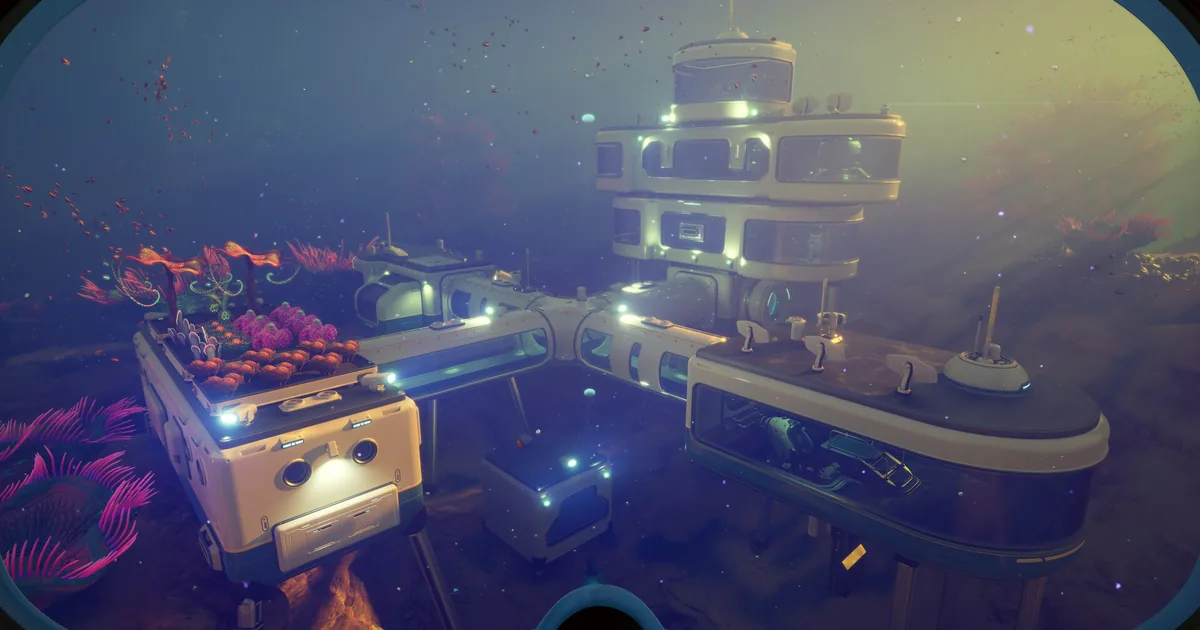
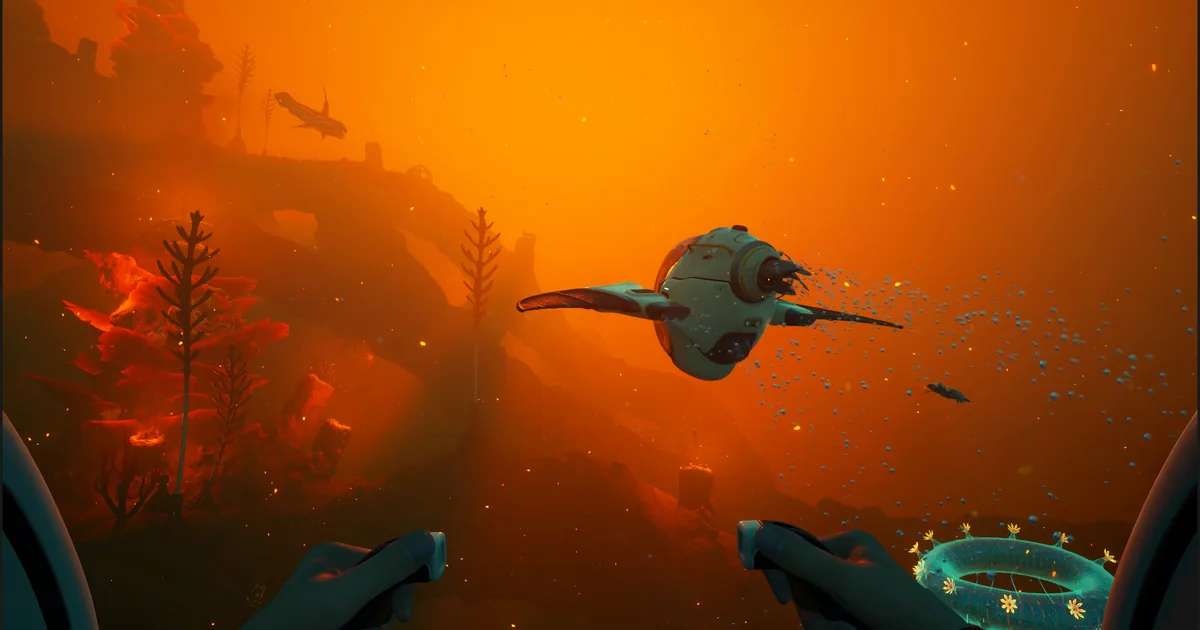
A modular base glows above alien coral in the official Subnautica 2 Steam gallery.
How current is the Subnautica 2 mod scene?
Subnautica 2 has a real and unusually active early mod scene. The Nexus Mods game hub showed 266 mods on September 25, 2026, and the CurseForge Subnautica 2 hub returned a populated project catalog. Thunderstore has communities for the original Subnautica and Below Zero, but no separate Subnautica 2 community was available in the catalog check. Nexus and CurseForge are therefore the useful sources for this article.
The current game baseline is also important. The official Steam page lists Subnautica 2 in Early Access, and the official announcements feed has the Early Access 1.2 Buddy System update and subsequent hotfix context. That does not make every upload safe. A mod page's own file label and update date are the compatibility evidence used below.
The Subnautica 2 Adaptive Measures update and Hotfix 3 guide are useful vanilla references before you change a live world. If an item moves, a scanner behaves differently, or a UI field disappears, compare the unmodded patch behavior first.
GODEEPER: Read the Subnautica 2 Early Access tips guide before installing anything. It establishes the survival baseline that a quality-of-life mod should support rather than erase.
Best everyday Subnautica 2 mods
These three picks reduce friction without changing what the game asks you to discover. Better HUD is the safest first test. Better Storages is more consequential because capacity affects every return trip. Ultimate Player Tweaks is the broadest and should be configured rather than accepted as one giant bundle.
1. Ultimate Player Tweaks
Ultimate Player Tweaks on CurseForge is the broad utility pick. Its page says it is ready for Subnautica 2 Early Access 1.2.1 and offers inventory sizes of 35, 55, or 88 slots, a 10-slot hotbar, a 300-unit pickup distance, 60 oxygen, and configurable swim and walk speed changes. The main file is labeled as a current Early Access 1.2 pak, and the page was last updated September 2, 2026.
Use the smallest change that solves your problem. The 35-slot or 55-slot inventory options are reasonable quality-of-life settings. The 88-slot option, 300-unit pickup distance, extra oxygen, and speed boost together alter the survival rhythm substantially. They are not unsafe in the malware sense, but they are easy ways to turn resource trips and oxygen planning into non-decisions.
The page also says its settings are configurable and warns about using compatible versions when another file touches the same systems. That makes this a poor first install for a shared co-op world. Test one setting, save, quit, and reload before touching the next one. The Subnautica 2 oxygen survival guide is the right benchmark for deciding whether the change is helping or simply removing the pressure.
If you are changing movement or creature approach distance, compare the result with the Subnautica 2 creature evasion biomod guide before treating a quieter encounter as a new vanilla behavior.
2. Better HUD
Better HUD on CurseForge is the cleanest interface pick. Its Early Access 1.2 page, last updated August 20, 2026, describes a slimmer HUD that hides debug and shader information, removes compass angles, and provides 12 to 15 hotbar slots while retaining the normal menus.
This is the mod to install when your screen is busy rather than when your inventory is too small. It does not add a map or reveal points of interest. That distinction matters in a survival game where navigation and scanning are meant to be learned through play. If you dislike the result, it is also the easiest pick to remove without changing a base or creature state.
Use Better HUD by itself for the first launch. If a hotbar position is missing after a game update, remove it before troubleshooting a scanner or vehicle file. The Subnautica 2 beginner guide gives you a clean interface baseline for that comparison.
3. Better Storages
Better Storages on CurseForge raises storage capacity across wall lockers, floor storage, and storage caches. The page lists 45 or 88 slots depending on the chosen file, marks the main file for Early Access 1.2, and was last updated August 20, 2026. It also warns that the matching inventory UI companion should use the corresponding version.
The 45-slot option is the sensible recommendation. It removes repetitive sorting without making one locker function like a warehouse. The 88-slot option is for players who already know they want a much less constrained base. Do not add both capacity variants, and do not combine this with another file that replaces the same storage assets.
This mod changes logistics, not resource generation. Your Subnautica 2 resources guide remains useful because the storage increase does not make titanium, gold, or other materials appear faster. It only lets you carry the result of a gathering trip home with fewer trips through the same locker menus.
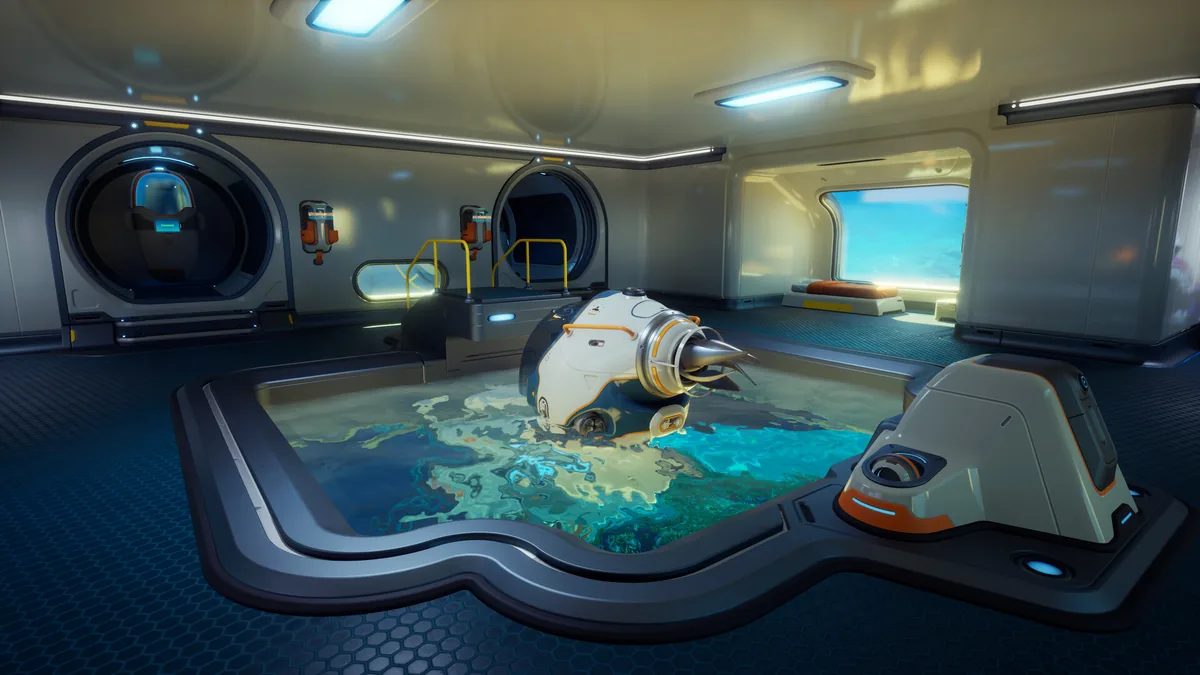 A flooded base room shows why storage and interface changes are best tested away from a valuable world.
Travel and scanner mods
These three picks target the parts of the loop that happen between the base and the next blueprint. Better Vehicles changes several vehicle systems at once, Better Scanner Station improves information gathering, and Fin Faster is the smallest movement adjustment. Start with Fin Faster or Better Scanner Station if you want a controlled test.
4. Better Vehicles
Better Vehicles on CurseForge is the largest travel overhaul in this list. Its page was last updated August 20, 2026 and lists an Early Access 1.2 main file. It describes more Tadpole upgrade slots, better speed and strafing, a faster Scout with less inertia, improved Haul speed, 35 cargo slots, and reduced film grain and vignette. Optional files add 55 cargo slots, a faster Wakemaker, or changes to multiplayer attachments.
That is a lot of scope for one install. Use the standard file first and leave optional cargo and multiplayer files out until the base vehicle behaves correctly. A faster vehicle is not just convenience: it changes how far you can travel before oxygen, food, power, and threat management become relevant. Keep the Subnautica 2 vehicles guide open while you decide which part you actually want.
The travel change also affects how often you meet creatures outside a safe route. Use the Subnautica 2 creature guide as the unmodded risk reference before making the Scout or Haul dramatically faster.
The page's compatibility note is current, but vehicle assets are still a conflict surface. Do not stack Better Vehicles with another vehicle overhaul, and do not use an optional multiplayer attachment change in a world where friends have not matched your files.
5. Better Scanner Station
Better Scanner Station on CurseForge recreates the original Scanner Room style of information gathering. Its page was last updated August 19, 2026 and lists a current Early Access 1.2 file. The description says it adds a 2.5x point cloud, orange points, a smaller signal widget, and a screen that is 1.5x larger.
This is a good fit for players who want their base to support exploration without installing a world map. The point cloud and color changes are information improvements, not resource spawns. It still asks you to build the station, power it, and interpret what it finds. Compare it with the Subnautica 2 scanner room guide before adding a second scanner asset pack.
Install this after a save backup and verify that the station opens, scans, and closes normally. If the widget is broken, remove the mod before changing your base layout. The current file date is encouraging, but it is not a promise that every hotfix keeps the same scanner hooks.
6. Fin Faster
Fin Faster on CurseForge is the narrow movement option. Its page lists an Early Access 1.2 main file, was last updated July 8, 2026, and describes improved tier I and tier II fin speed plus a faster Wakemaker. That is the whole pitch, which is useful when you want one clear variable.
Use this before Better Vehicles if your complaint is swimming between shallow resources and a base. It changes travel time but does not add inventory slots, oxygen, or a vehicle upgrade. The older update date means it deserves a little more testing than the August pages, though its file label is current enough to make the shortlist.
Do not install Fin Faster and a second Wakemaker change together. If the vehicle feels wrong after adding Better Vehicles, remove Fin Faster first so you know which page owns the speed hook.
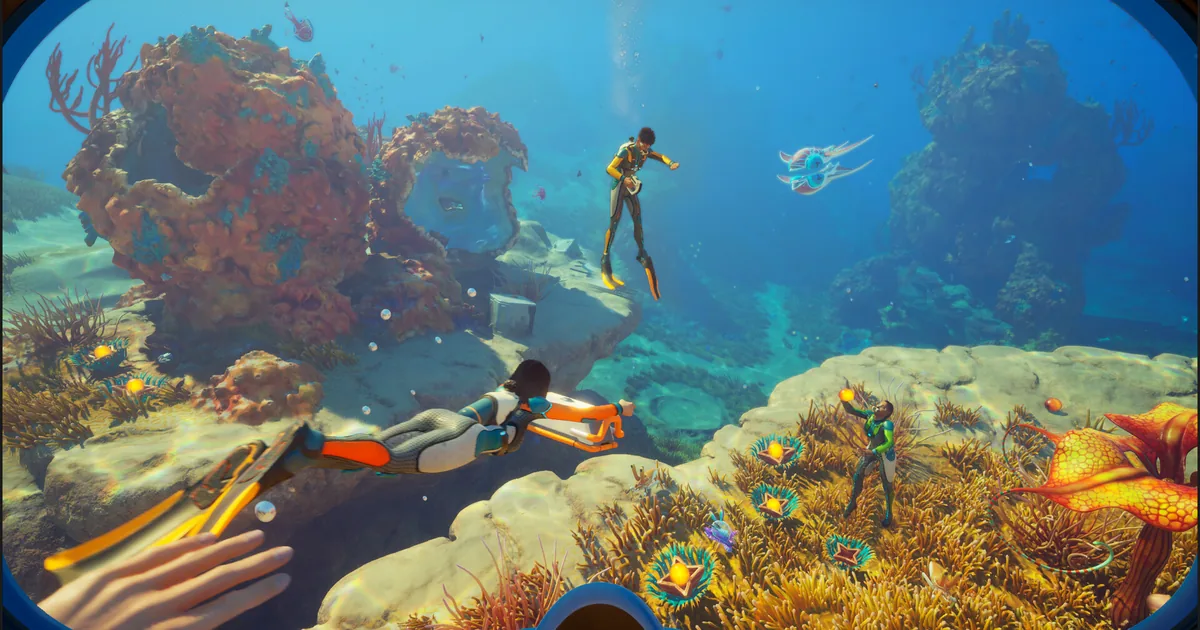
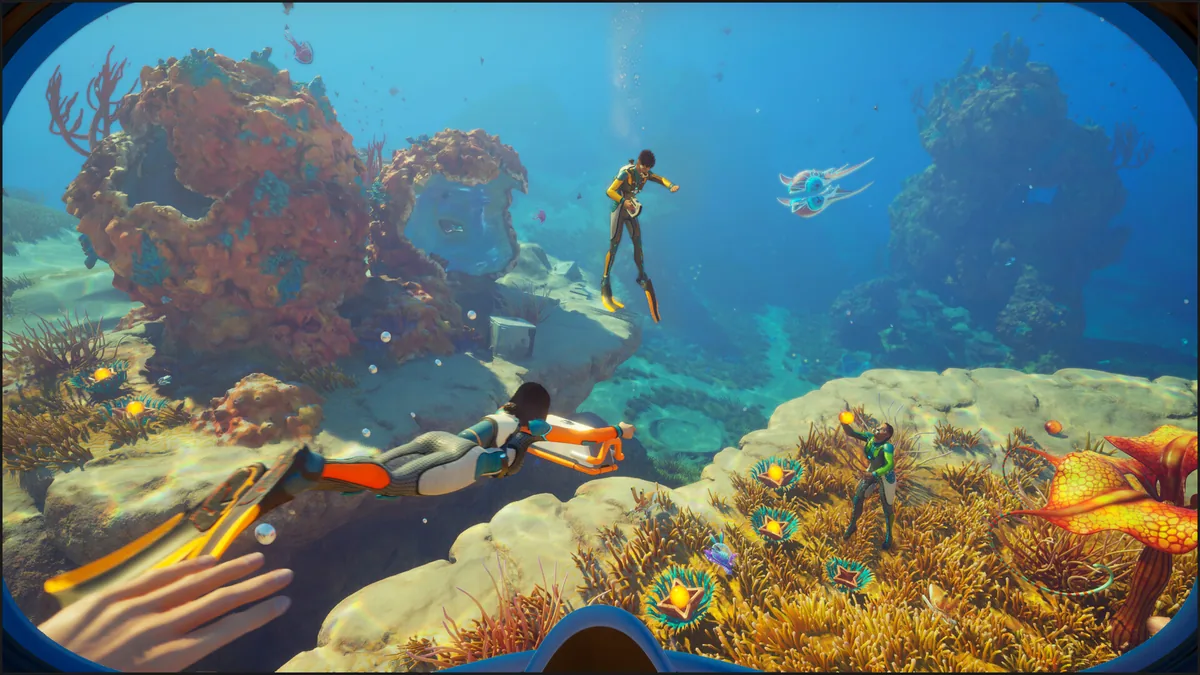 A bright reef expedition is a useful low-risk test for movement and scanner changes.
Building and growbed mods
The last two picks add construction options or reduce waiting time. They are more experimental than the interface mods because they touch recipes, content assets, or plant growth. Keep them for a copied world until you have confirmed that the current file matches your branch.
7. Unpublished Content - More to Build
Unpublished Content - More to Build on CurseForge adds unfinished or unreleased building content. Its description lists foundations, a chair, street lamp, sofa brush, water-current rings, a storage container, and tier two solar content. It says recipes can be used in creative or survival, with some recipes unlocked through Better Survival. The main file is tagged for Early Access 1.2 and the page was last updated August 21, 2026.
There is an important warning in the page itself: its header still says Early Access 1.1 ready even though the current main file is tagged for 1.2. That is not a reason to pretend the page is perfectly maintained. It is a reason to install it only in a copied world, test each recipe, and remove it if a build menu or save state behaves strangely.
This belongs on the list because it adds a real building angle that the other seven do not. It does not belong in a first-time survival world. Learn the base Subnautica 2 building guide first, then use this to see whether the additional pieces solve a construction problem you actually have.
For a larger habitat, compare the extra pieces with the Subnautica 2 advanced base-building guide before placing experimental modules around a permanent storage room.
8. Growbed Growth (UE4SS Version)
Growbed Growth (UE4SS Version) on CurseForge shortens plant growth times and includes a no-collision option, according to its page. The page was last updated August 21, 2026 and lists Early Access 1.2. Its settings are configurable, and the page warns about conflicts when another mod touches the same growbed assets.
This is a timing adjustment, not a free-food button. It is still meaningful because farming is part of the survival loop, so choose a growth value that removes dead waiting without making every crop instant. The Subnautica 2 food and hunger guide is a useful vanilla reference before you change the farm cycle.
Because this is the UE4SS version, install UE4SS - Subnautica 2 on Nexus Mods exactly as that page instructs. The loader page was last updated August 19, 2026 and says it supports the stable branch, not the experimental branch. Do not treat the UE4SS requirement as optional just because a different CurseForge pak loaded without it.
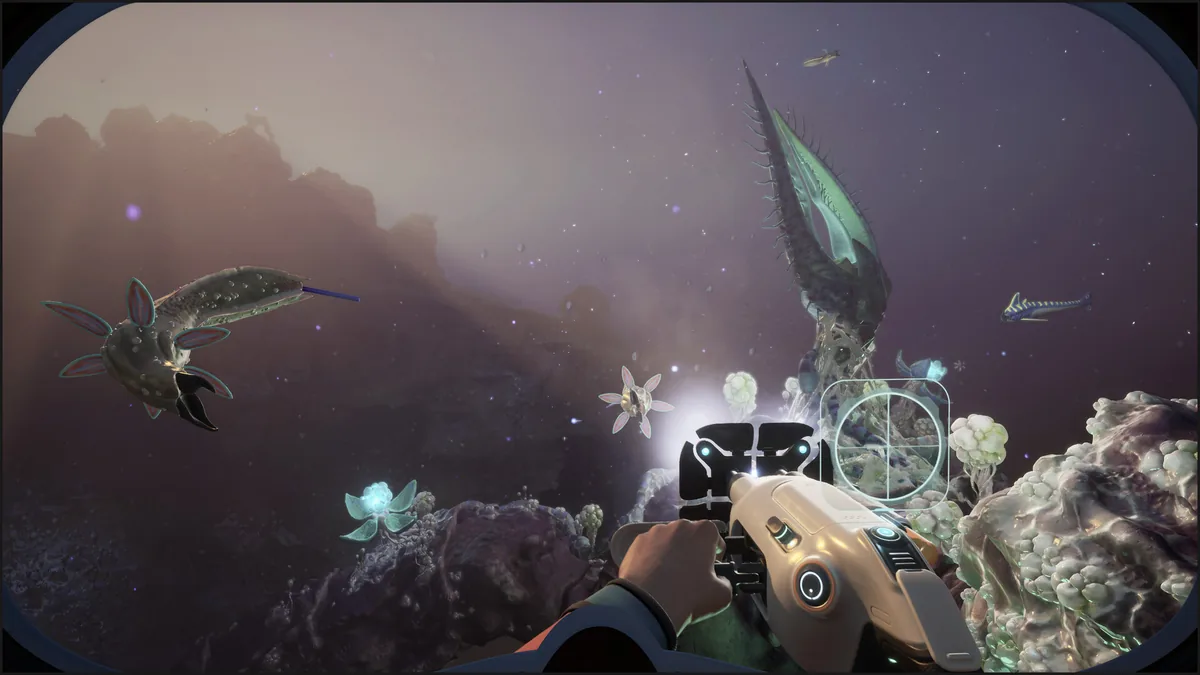 A darker cavern is the right place to keep a first experimental-world test short and reversible.
Compatibility table for Early Access 1.2
The page dates and file labels below are the evidence used for the list. They are maintenance signals, not guarantees for the next hotfix. The Unpublished Content page has the clearest warning because its file and header do not tell exactly the same story.
| Mod | Page version or file signal | Last updated | Main caution |
|---|---|---|---|
| Ultimate Player Tweaks | Early Access 1.2 pak, page says 1.2.1 ready | September 2, 2026 | Broad settings can remove oxygen and movement pressure |
| Better Vehicles | Early Access 1.2, upd15 | August 20, 2026 | Vehicle and optional multiplayer asset conflicts |
| Better Storages | Early Access 1.2, 45 or 88 slots | August 20, 2026 | Match the capacity variant and UI companion |
| Better HUD | Early Access 1.2 | August 20, 2026 | UI and hotbar changes can conflict |
| Better Scanner Station | Early Access 1.2, upd12 | August 19, 2026 | Scanner asset changes need a clean first test |
| Fin Faster | Early Access 1.2, upd11 | July 8, 2026 | Do not stack another Wakemaker or fin speed file |
| Unpublished Content - More to Build | Early Access 1.2, upd13 | August 21, 2026 | File is current, but page header still says EA 1.1 ready |
| Growbed Growth | Early Access 1.2 UE4SS version | August 21, 2026 | Requires stable-branch UE4SS; avoid duplicate growbed assets |
Step-by-Step: install Subnautica 2 mods
Subnautica 2 worlds are valuable. A mod that changes a UI is easy to roll back; a recipe, storage, vehicle, or growbed change can leave a save in an awkward state. Use a copied world for the first test.
1. Check the Steam branch: open the live Steam page and confirm that you are on the stable Early Access branch, not an experimental branch. The UE4SS page specifically distinguishes the stable branch from experimental.
2. Back up the world: copy your current save outside the game folder and name the copy with the date and active mod list. Do this before Better Storages, Better Vehicles, Unpublished Content, or Growbed Growth.
3. Pick one page and one file: use the direct CurseForge or Nexus link above. Read the Files, Dependencies, and Recent Files sections rather than downloading the first archived upload.
4. Install the right format: pak files and UE4SS mods do not use the same folder. Growbed Growth needs the exact UE4SS setup described on its page. Do not move a pak into a UE4SS folder or vice versa.
5. Launch into a copied world: load the base, open storage and vehicle menus, scan one area, or harvest one growbed depending on the mod. Quit normally and reload. A successful first boot is not enough.
6. Change one setting: with Ultimate Player Tweaks, change only inventory or movement first. With Growbed Growth, choose one growth setting. Keep a note of the original value so removal is reversible.
7. Add the next mod only after a clean reload: maintain a small list of files and versions. If a future hotfix breaks something, remove the newest file first and restore the backup instead of stacking more loaders on top.
For a shared world, also read the Subnautica 2 advanced co-op tips before testing a client or host change with friends.
What to install first
For the smallest change, start with Better HUD. If your problem is repeated locker trips, choose the 45-slot Better Storages file. For swimming rather than vehicles, choose Fin Faster. Better Scanner Station is the best addition when the question is where to look next, not how to move faster.
Ultimate Player Tweaks is the useful all-rounder, but it is also the easiest to overconfigure. Leave oxygen and movement at vanilla values on the first run. Better Vehicles should come after you have decided whether you want faster travel, more cargo, or a different attachment behavior, because its page covers all three.
Do not put Unpublished Content - More to Build or Growbed Growth into the only world that contains hours of progress. Those pages have current 1.2 file signals, but their asset scope makes a disposable test the sensible tradeoff.
GODEEPER: If your goal is a stronger expedition rather than a prettier interface, compare the changed run with the Subnautica 2 biomes guide and co-op multiplayer guide. The best mod is the one that fixes friction without hiding the next decision.
Mods considered but excluded
These pages were real and were considered, but they did not meet the safety or current-build bar for an eight-pick recommendation:
- Simple Minimap on Nexus Mods is a real map utility, but its page was last updated May 29, 2026 and did not provide a clear Early Access 1.2 compatibility signal.
- Better Batteries on CurseForge lists an older Early Access 3 file and was last updated June 2, 2026. It is not presented as a current 1.2 pick.
- Better Biomods on CurseForge unlocks biomods for free. That is a progression bypass, not a quality-of-life recommendation.
- Resource multiplier and console command pages were checked as scene signals but excluded because they change progression or enable cheats. A current upload date does not make a trainer a safe survival recommendation.
- Wandering Leviathans has an Early Access 1 release from May 19, 2026 and no current 1.2 signal. Creature additions need a stronger branch check before entering a long-lived world.
The count is eight because these are the eight pages that still offer a useful current-build signal after the progression and compatibility filter. The list is not padded with every visible upload in a 266-page catalog.
Common mistakes with Subnautica 2 mods
- Installing a current pak and an old UE4SS version of the same feature together.
- Treating the Early Access 1.2 label as proof that an experimental branch is supported.
- Using the 88-slot or speed options in Ultimate Player Tweaks before testing the smaller settings.
- Stacking Better Vehicles with another fin, Wakemaker, or vehicle attachment change.
- Testing Unpublished Content - More to Build in the only save that contains important blueprints.
- Assuming a UI mod is multiplayer-safe because it looks client-side. Read the page and match versions first.
- Forgetting that CurseForge's main file and optional files can change different systems under the same mod name.
The safest Subnautica 2 mod setup is intentionally boring: one current file, one backup, one short expedition, and one clean reload. Early Access will change faster than a generic best-mod list can.
Keep the vanilla Subnautica 2 weapons guide nearby when a creature encounter changes after a travel or scanner mod. A modded route should not be mistaken for a new combat balance baseline.
Frequently Asked Questions
Does Subnautica 2 have mods? Yes. Nexus Mods and CurseForge both have populated Subnautica 2 catalogs. This guide includes eight current, non-cheat picks whose own pages were checked against the live Early Access 1.2 branch.
What are the best Subnautica 2 mods for quality of life? Ultimate Player Tweaks, Better HUD, and Better Storages are the strongest quality-of-life picks. They address inventory friction, screen clutter, and storage capacity without spawning resources or skipping the story.
Do Subnautica 2 mods work in Early Access 1.2? The eight pages have Early Access 1.2 or 1.2.1 file signals, with update dates from July 8 to September 2, 2026. Recheck each page after a patch because Early Access hooks can break without warning.
Do I need UE4SS for Subnautica 2 mods? Growbed Growth requires the UE4SS version, while the CurseForge pak picks describe their own file format. The Nexus UE4SS page says it supports the stable branch, not the experimental branch.
Can I use Subnautica 2 mods in co-op? Do not assume multiplayer support. Test a mod in a backed-up world, read its page for client or host requirements, and match files with friends. UI and inventory changes can behave differently from world changes.
Which Subnautica 2 mods should I avoid? Avoid resource multipliers, free biomod unlocks, console cheat menus, and old uploads that only list Early Access 1 or 3. They either bypass progression or lack a current 1.2 compatibility signal.
Related Reading
- Subnautica 2 Complete Guide Hub: the full cluster index for survival, creatures, biomes, vehicles, co-op, and Early Access updates.
- Subnautica 2 Creature DNA: Bioscanner and Biomods Guide: Subnautica 2 creature DNA guide: how the Bioscanner, Biomods, Biolabs, and missing alien eggs work
- Subnautica 2 Early Access: What the Launch Includes: Subnautica 2 Early Access is out at $29.99. This update covers launch content, the Buddy
- Subnautica 2 Gold Farming: 4 Locations That Work (2026): Subnautica 2 gold farming: Graveyard, Root Canyon, and the Thermal Vent Clusters carry it. What
- Subnautica 2 DNA Modification Guide: keep optional biomods separate from progression bypasses.
References
- Subnautica 2 on Steam: official Early Access listing and current game context.
- Subnautica 2 official Steam announcements: Early Access 1.2 Buddy System update and hotfix context.
- Unknown Worlds official site: developer source.
- Subnautica 2 Nexus Mods catalog: catalog existence and current listing count.
- Subnautica 2 CurseForge hub: populated secondary catalog.
- Ultimate Player Tweaks: own page, current file, settings, and update date.
- Better Vehicles: own page, vehicle changes, optional files, and update date.
- Better Storages: own page, slot variants, companion warning, and update date.
- Better HUD: own page, interface changes, and update date.
- Better Scanner Station: own page, scanner changes, and update date.
- Fin Faster: own page, fin and Wakemaker changes, and update date.
- Unpublished Content - More to Build: own page, added content, file tag, and stale header warning.
- Growbed Growth (UE4SS Version): own page, growth settings, UE4SS format, and update date.
- UE4SS - Subnautica 2: loader page and stable-branch compatibility note.
- Official Subnautica 2 Steam image gallery: source for the hero and inline images.
Was this guide helpful?
About the author

Games Critic
Games writer and reluctant optimist who has reviewed over 400 titles across 9 years. Irish, currently in Berlin. Has strong opinions about tutorial design.
- 400+ games reviewed across 9 years
- Platformer and horror specialist
- Narrative design focus
Keep reading


Disclaimer
This article is published for informational and entertainment purposes. It does not constitute professional financial, legal, or technical advice. Game performance, online services, patch schedules, and store listings change. Verify critical details (pricing, system requirements, regional availability) with publishers and storefronts before you buy. Affiliate links, where present, help support our editorial work and are labelled in our affiliate disclosure.
Comments
Loading comments…