
GameBrief · General
5 Best Far Far West Mods for Build 0.2.0.20 (2026)
Reviewing
Far Far West
Evil Raptor · Fireshine Games
Far Far West mods are already useful after the Frostburn update, but the catalog is young and uneven. I checked the live Far Far West Steam listing and the current Nexus pages before choosing five picks for build 0.2.0.20. The shortlist covers co-op capacity, run planning, spell variety, exploration information, and one narrowly scoped joker rebalance.
TL;DR: Install More Players Mod for an eight-player private lobby, Objective Filter for controlled contracts, Spell Slot Extra for spell testing, Chest Tracker for exploration, and Proper Stonks for the Stonks joker's post-Frostburn values. Back up your save, match multiplayer files, and recheck every page after the next Steam patch.
What are the best Far Far West mods? (quick answer)
The best Far Far West mods for the current build are More Players Mod, Objective Filter, Proper Stonks, Spell Slot Extra, and Chest Tracker. More Players Mod is the best co-op addition, Objective Filter fixes run planning, Spell Slot Extra opens build space, Chest Tracker reduces search time, and Proper Stonks restores one specific joker value after Frostburn.
Key takeaways
- Nexus Mods had 75 Far Far West mods visible on September 25, 2026. There is a real catalog, but it is much smaller than a mature mod ecosystem.
- Steam's current official news context is build 0.2.0.20, so older uploads need a compatibility warning even when the download still works.
- More Players Mod is the only pick here that changes the lobby size. Its page documents a default eight-player cap and requires the same file on every client.
- Objective Filter, Spell Slot Extra, and Chest Tracker require UE4SS according to their own pages. Read the requirements before copying files.
- Proper Stonks is deliberately narrow. It changes the Stonks joker's post-Frostburn values and does not turn the whole economy into a reward multiplier.
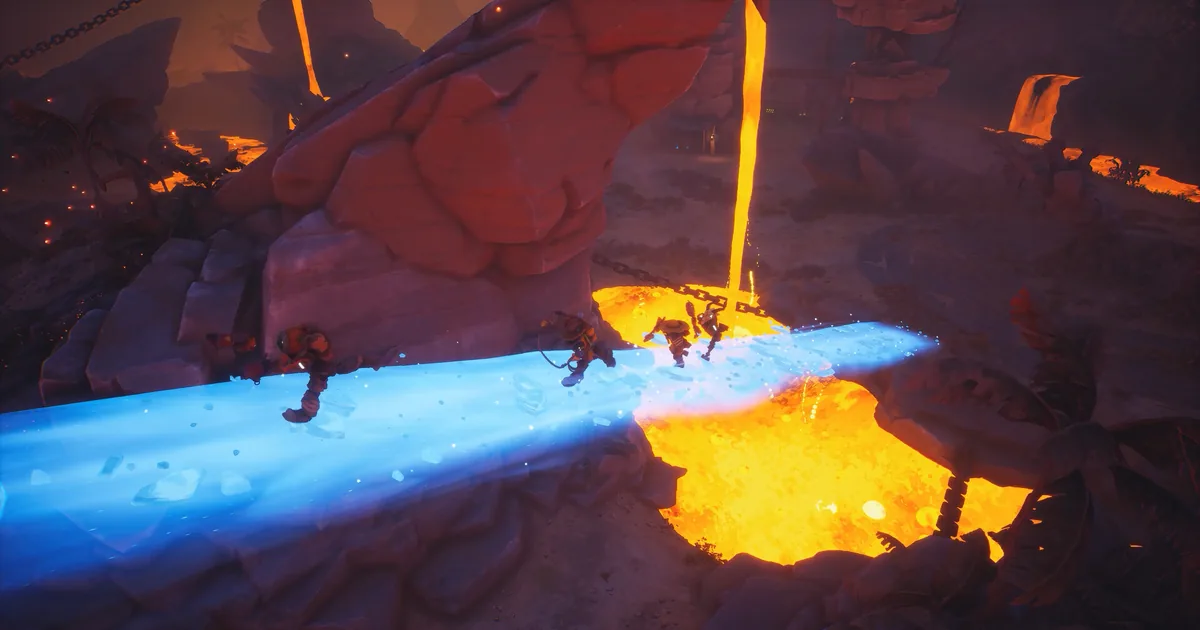
Four robot cowboys cross a spell-lit cavern in the official Far Far West Steam gallery.
How current is the Far Far West mod scene?
Far Far West has a populated Nexus Mods catalog, and the five pages below were live when checked on September 25, 2026. The game itself is in Early Access, and Evil Raptor's official Steam news lists build 0.2.0.20 after the Frostburn update. That makes update dates and file notes more important than a mod's download count. A page that has not acknowledged Frostburn is not presented here as current.
The catalog is primarily Nexus-based. The Steam page does not expose a separate official Workshop catalog for this game, and Thunderstore has no Far Far West community to use as a second source. That is enough to pass the real-catalog check, but it also means you should keep a copy of the exact downloaded file and revisit its page after every game patch.
The Frostburn update guide explains the vanilla changes that matter when you compare a modded run. In particular, do not mistake a changed joker value or new spell space for an official balance change when a mod is active.
GODEEPER: Before changing a run, learn the official Frostburn additions and patch context in the Far Far West Frostburn update guide.
Best Far Far West mods for co-op and run planning
These are the two most practical starting points. More Players Mod changes who can join a lobby, while Objective Filter changes which side-objective choices appear. Install either one alone first because both affect the shape of a run, not just a visual effect.
1. More Players Mod
More Players Mod on Nexus Mods is the clearest co-op pick. Its page says it allows more players, fixes mission behavior for larger parties, gives players unique colors, and adds scaling. The default cap is eight players. The page lists version 1, was last updated September 7, 2026, and its v4.1 changelog says it was updated for game version 0.2.0.20.
The scaling is not cosmetic. The page describes enemy-wave scaling from 1x at four players to 5x at eight, with boss health reaching about 3.4x the four-player value. That keeps the extra bodies from making every contract effortless, but it also makes an eight-player lobby much busier than a standard group. Start with four or five players if your group is still learning the co-op role setup.
If you are still learning the basic loop, use the Far Far West beginner guide for a vanilla first run before adding extra clients.
Every player needs the same mod version. The page warns about desynchronization when clients do not match, and modded public sessions are labeled as such. Use a private lobby for the first test, confirm that all players see the same objective and reward state, and do not combine it with another lobby-size mod.
2. Objective Filter
Objective Filter on Nexus Mods lets the host block unwanted side objectives or guarantee selected objectives while leaving the rest random. That is useful when you are testing a spell interaction or trying to route a particular contract without replacing the whole run with a fixed seed.
The page lists version v1 and a last update of September 9, 2026. It says the latest game requires UE4SS, that the host should run the mod, and that the configuration uses 0 for disabled and 1 or 2 for priority behavior. The page also notes a minimum of three objectives, so do not expect a two-choice mission to become a custom menu.
Use this as a planning tool rather than a reward shortcut. Pick one objective you want to study, leave the remaining slots random, and compare the result with the normal Far Far West challenges guide. If the host changes the config, restart the lobby before inviting friends so the session state is unambiguous.
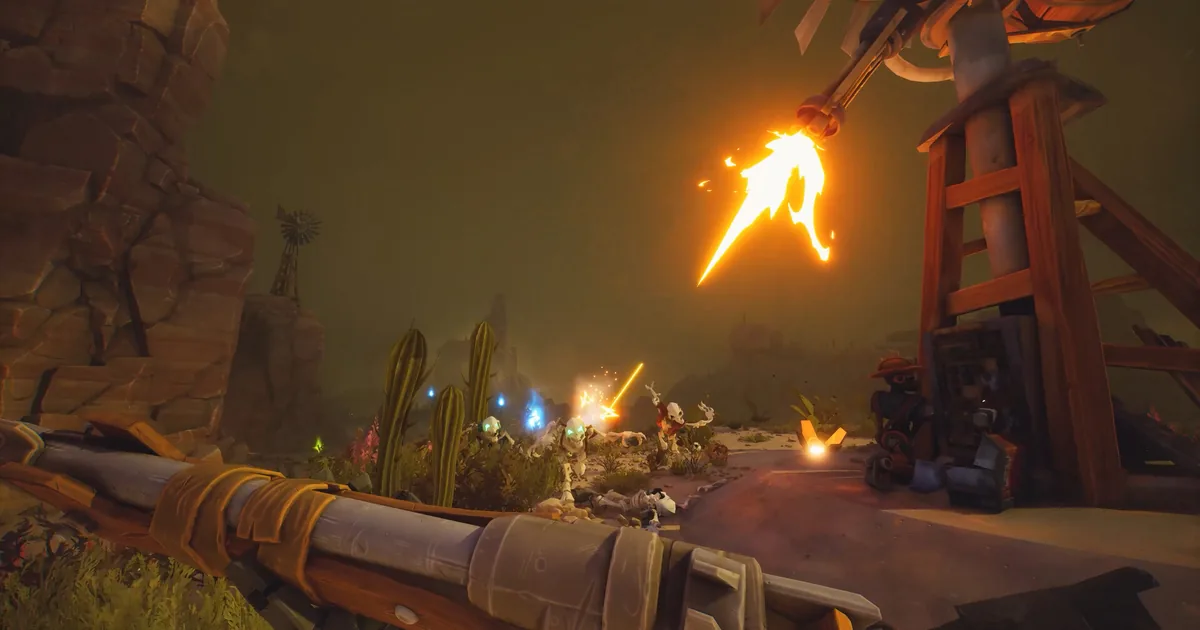
 A mixed spell burst is a good reason to isolate objective and loadout experiments in a private lobby.
Best Far Far West mods for builds and exploration
The next three picks stay closer to a normal solo run. Spell Slot Extra opens a build choice, Proper Stonks changes one named joker, and Chest Tracker exposes information that a long search would otherwise hide. They are useful for different reasons, so avoid installing all three before you know which behavior changed.
3. Spell Slot Extra
Spell Slot Extra on Nexus Mods adds four spell slots. Its page says the FrostBurn version brings the total to seven, lists version v243, and was last updated September 12, 2026. The page also lists UE4SS as a requirement and notes a possible crash when it is combined with mods that use the ClientRestart hook.
Seven slots can make cross-school experiments much easier, but it also removes a meaningful part of vanilla loadout pressure. Use it while learning reactions, then return to the normal slot count when judging the Far Far West spells guide. It is especially useful for comparing the Frost spells guide with an older school without discarding your entire run plan.
Install it alone first. If the game crashes during a restart or when a run loads, remove any other ClientRestart-hook mod before blaming the spell-slot file. Keep the original file and the page's requirements nearby because the version number is part of the compatibility check.
4. Proper Stonks
Proper Stonks on Nexus Mods is a focused balance correction for the Stonks joker. The page says Frostburn changed the card from its earlier 100% chance and that the current four-card progression tops out at 55%. This mod changes the values to 0, 0.2, 0.4, 0.6, 0.8, and 1.0, restoring the older full chance at the top of the sequence.
Nexus lists version 1.0, last updated September 13, 2026, and no requirements. That makes it the lightest install in this list, but its impact is still a progression and economy change. The page does not claim to rebalance every joker, so treat it as a single-card preference rather than a universal buff. If you are using it, disclose that fact when comparing a build with the Far Far West jokers tier list.
The narrow scope is the reason it stays on the list. It changes a clearly named value after a recent patch instead of multiplying XP, gold, or souls across every run. Back up your save before testing and remove it before reporting a vanilla balance issue.
For a clean comparison, pair the card test with the Far Far West best weapons guide and keep the weapon, spell, and joker variables separate.
5. Chest Tracker
Chest Tracker on Nexus Mods uses the F4 key to show remaining unopened chests and the nearest chest's location, distance, and compass direction. The page lists version 1.0, last updated September 18, 2026, and says the display has a three-second cooldown with text lasting five seconds. It also lists UE4SS as required for Frostburn.
This is the best exploration utility for players who like the seven-region map route but do not want to comb every corner after the contract is safe. It gives information rather than spawning a chest or changing its reward, so the run still has to reach the location. Use it in a solo practice run first, then decide whether the extra information fits your group's preferred level of discovery.
Do not confuse the tracker with a map reveal. Its page describes a nearest-chest readout and cooldown, not a complete permanent overlay. If the key does nothing after an update, check the UE4SS requirement and the page's current file before changing unrelated game settings.
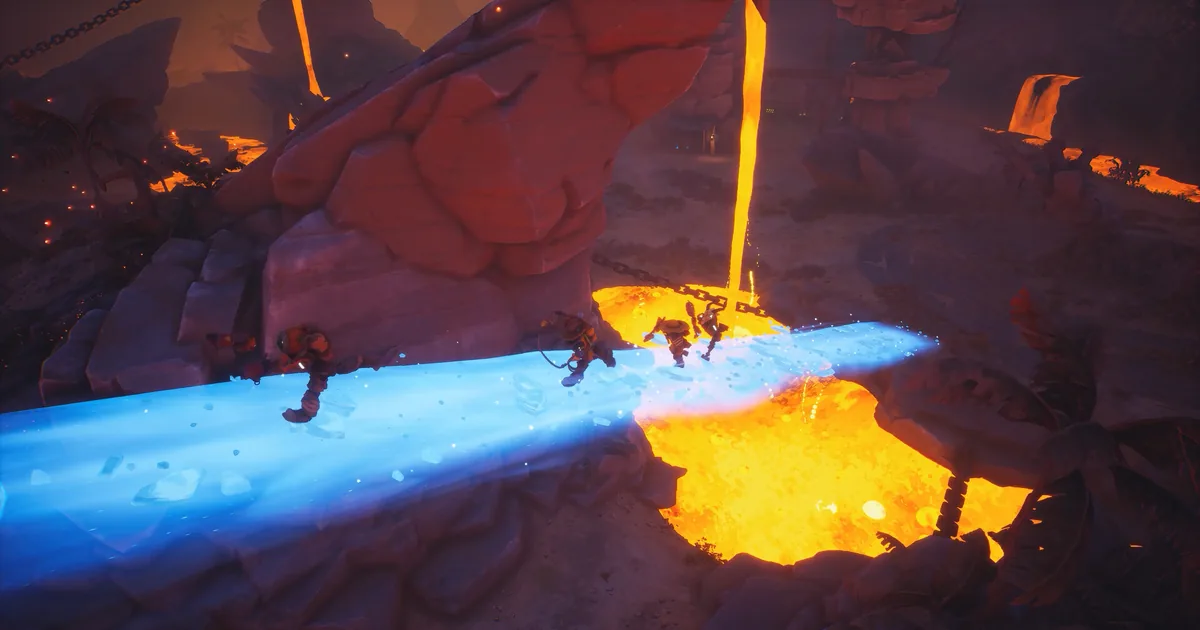
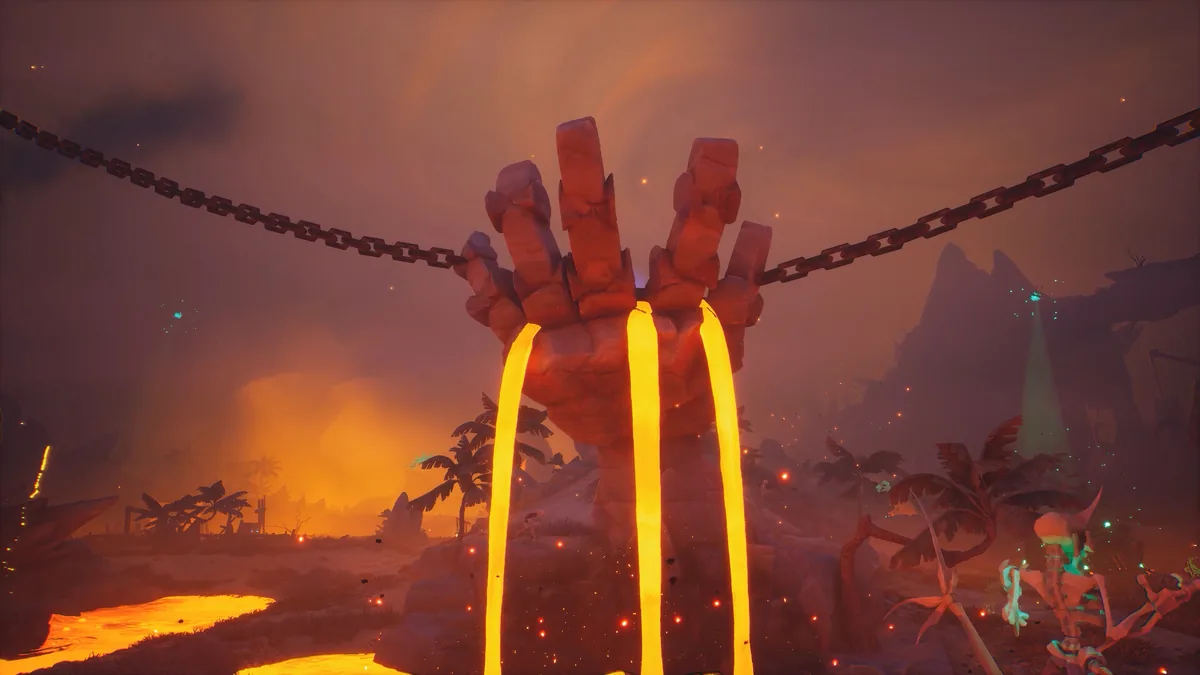 The blue weapon and cold cavern palette match the kind of exploration run where Chest Tracker saves time.
Compatibility table for Far Far West build 0.2.0.20
The table records the page facts used for this shortlist. “Current signal” means the page had a recent update or an explicit build note. It does not mean that Evil Raptor guarantees the mod after the next hotfix.
| Mod | Page version and last update | Current-build signal | Requirement or warning |
|---|---|---|---|
| More Players Mod | v1, September 7, 2026 | v4.1 updated for 0.2.0.20 | All clients need the same file; modded lobby |
| Objective Filter | v1, September 9, 2026 | Page describes the latest game | UE4SS; host should run it; minimum three objectives |
| Proper Stonks | v1.0, September 13, 2026 | Post-Frostburn values described | No listed requirement; changes one joker's economy |
| Spell Slot Extra | v243, September 12, 2026 | FrostBurn version and four extra slots | UE4SS; possible ClientRestart conflict |
| Chest Tracker | v1.0, September 18, 2026 | Frostburn UE4SS note | UE4SS; F4 key; three-second cooldown |
Step-by-Step: install Far Far West mods safely
The Nexus page for each pick is the source of truth. Do not copy a generic Unreal loader from another game or assume that a file with a recent upload date supports every Steam branch.
1. Record the vanilla build and back up the save: confirm the Steam news context is 0.2.0.20, then copy the relevant save folder somewhere outside the Far Far West installation.
2. Open one direct page: start with More Players Mod, Objective Filter, Spell Slot Extra, Proper Stonks, or Chest Tracker. Read its Files, Requirements, and Posts sections before downloading.
3. Install the exact dependency: Objective Filter, Spell Slot Extra, and Chest Tracker point to UE4SS requirements. Use the Far Far West UE4SS page and its current file information rather than an unrelated loader archive.
4. Test at the hub before starting a valuable contract: launch the game, load the hub, open the relevant menu or keybind, and make sure you can start and quit a normal run. For More Players Mod, use a private lobby and have every client match the file.
5. Change one variable: set one Objective Filter option, inspect one extra spell slot, press F4 once, or compare the Stonks card. Do not change a config and add another mod in the same restart.
6. Keep a rollback note: record the file name, version, and config value. If the next official patch breaks the hook, remove the mod, restore the backed-up save, and recheck the page before trying a new file.
If a compatibility test reaches a boss contract, compare the result with the Far Far West boss guide before assuming a mod caused a normal attack pattern or arena phase.
What to install first
For a first solo test, choose Chest Tracker if your goal is exploration, or Spell Slot Extra if you are specifically learning spell reactions. For a group, More Players Mod is the only sensible first step because its page documents the multiplayer model. Objective Filter is next when you have a contract or build question to investigate.
Proper Stonks is best kept for a deliberate economy comparison. It is small in file scope but not neutral in progression effect. If you want an unmodified benchmark for the weapon leveling guide, launch that run without it.
 A lava monument and blue spell effect make a useful visual checkpoint while testing a new run configuration.
GODEEPER: Once the loader is stable, compare the changed run with the Far Far West advanced strategy guide so a mod does not hide a vanilla positioning mistake.
Mods considered but excluded
Several live pages were checked but did not meet the safety or current-build bar:
- Joker Jailbreak removes locked joker restrictions. It bypasses progression gates, so it is outside a safe recommendation list.
- MAX 8 PLAYERS is an older duplicate of the larger-party idea. Its page points to an earlier 0.2.0.4 and Frostburn8 context, while More Players Mod has the clearer 0.2.0.20 update note.
- Snake Bites Begone was last updated June 13, 2026 and its page describes the older 0.1.1.10 context, so current compatibility is not verified.
- Cheap Jokers and Unrestricted Jokers alter shop cost or joker restrictions without a current post-Frostburn signal. They also overlap with progression changes.
- Basically Free skins and XP-Gold-Souls Multiplier change shop or reward economy and were last updated in May, before the current build.
- Auto BHop Mod automates movement and warns about crashes. Its page is stale for 0.2.0.20 and the automation is not a useful best-mod recommendation.
- Save Editor changes save progression and raises avoidable save-safety concerns. A live download page is not enough reason to recommend it.
- DPS Meter is a March upload whose page does not verify the current Frostburn build. The newer community DPS upload also lacks a strong trust and compatibility signal.
These exclusions are why the title says five. The number comes from the verified shortlist, not from a target count padded with old or progression-breaking uploads.
Common mistakes with Far Far West mods
- Installing UE4SS-dependent files without reading the current requirement on the own mod page.
- Letting one player use a different More Players Mod file and then diagnosing the resulting desync as a network problem.
- Testing Proper Stonks while comparing a build against a vanilla joker tier list.
- Combining Spell Slot Extra with another ClientRestart-hook mod before checking whether either page warns about a conflict.
- Treating a recent Nexus upload date as proof that the next Steam hotfix will preserve the hook.
The safest habit is one mod, one backed-up save, and one short test contract. Far Far West is still changing quickly, so a clean rollback is more valuable than a large mod folder.
Frequently Asked Questions
Does Far Far West have mods? Yes. Nexus Mods has a populated Far Far West catalog, with 75 mods visible when this guide was checked. This list keeps five current, non-cheat picks whose pages were checked against Steam build 0.2.0.20.
What is the best Far Far West mod for co-op? More Players Mod is the strongest co-op pick because its page documents support for up to eight players and scaling changes. Every player should install the same version, and the lobby will be marked as modded.
Do Far Far West mods work after Frostburn? The five picks here have current page signals for the post-Frostburn build, including files updated from September 7 to September 18, 2026. Recheck each page after a Steam patch because a live download is not a permanent compatibility guarantee.
Do I need UE4SS for Far Far West mods? Objective Filter, Spell Slot Extra, and Chest Tracker list UE4SS requirements on their pages. More Players Mod and Proper Stonks do not list that requirement. Install the exact loader and file version named by each page.
Are Far Far West mods safe in multiplayer? Treat multiplayer support as mod-specific. More Players Mod documents an eight-player lobby, but all clients need the same file. Test other picks in a backed-up solo run before joining friends, and expect modded sessions to be labeled.
Which Far Far West mods should I avoid? Avoid save editors, reward multipliers, skin-price changes, joker restriction bypasses, and old uploads that do not mention the current build. They either bypass progression or lack a useful compatibility signal for 0.2.0.20.
Related Reading
- Far Far West Complete Guide Hub: the cluster index for weapons, spells, bosses, co-op, maps, and updates.
- Far Far West Co-op Guide: set roles and expectations before adding more players.
- Far Far West Challenges Guide: compare objective choices without changing the run.
- Far Far West Maps Guide: All 7 Regions: plan exploration routes before using a tracker.
- Far Far West Weapon Leveling Guide: establish a vanilla progression baseline.
References
- Far Far West on Steam: official store page and current Early Access context.
- Far Far West official Steam announcements: official build and Frostburn update context.
- Evil Raptor official site: developer source for the game and studio.
- Far Far West Nexus Mods catalog: real catalog check.
- More Players Mod: own page, description, multiplayer behavior, and 0.2.0.20 update note.
- Objective Filter: own page, description, version, update date, and UE4SS requirement.
- Proper Stonks: own page, post-Frostburn values, version, and update date.
- Spell Slot Extra: own page, four-slot change, version, update date, and conflict warning.
- Chest Tracker: own page, keybind, cooldown, version, update date, and UE4SS requirement.
- Far Far West UE4SS: loader page referenced by the dependent picks.
- Official Far Far West Steam image gallery: source for the hero and inline images.
Was this guide helpful?
About the author

Indie & JRPG Critic
Indie game evangelist and lifelong JRPG fan covering small studios since 2017. Mumbai-born, London-based. Writes the way she talks.
- 7 years indie games coverage
- JRPG and visual novel specialist
- Narrative design focus
Keep reading

Disclaimer
This article is published for informational and entertainment purposes. It does not constitute professional financial, legal, or technical advice. Game performance, online services, patch schedules, and store listings change. Verify critical details (pricing, system requirements, regional availability) with publishers and storefronts before you buy. Affiliate links, where present, help support our editorial work and are labelled in our affiliate disclosure.
Comments
Loading comments…