
GuideCrimson Desert
Crimson Desert Difficulty Settings: Which Mode to Pick

Crimson Desert difficulty settings come from one patch: 1.04.00 added Easy, Normal and Hard in April 2026. Pearl Abyss lists exactly what Easy and Hard change, and this guide sticks to that list.
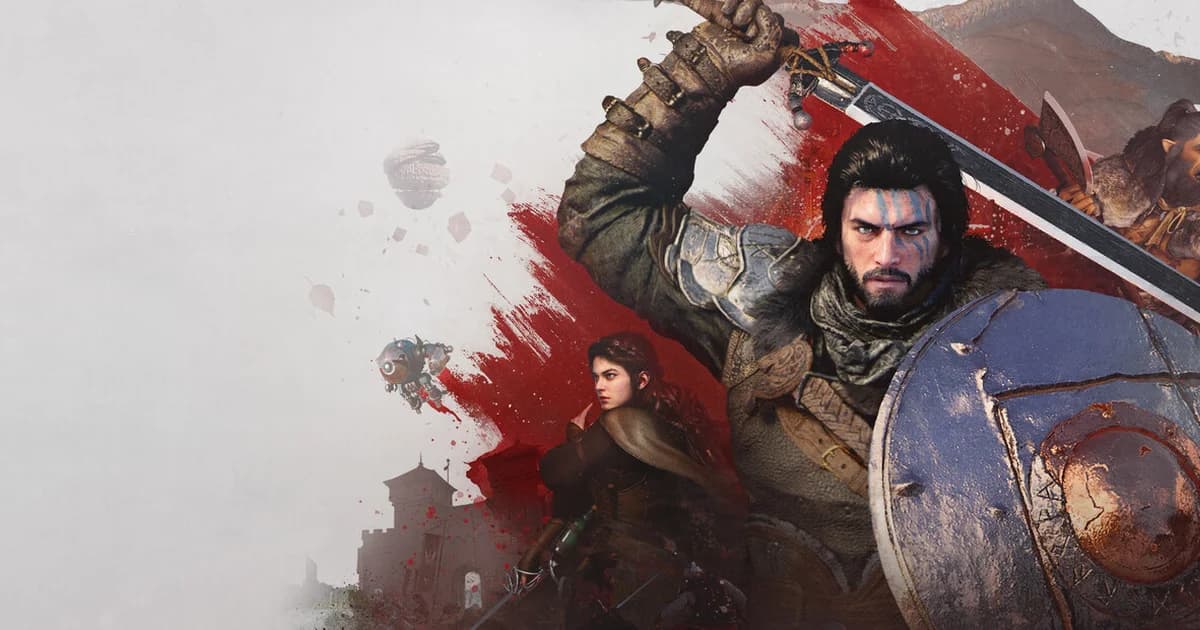
Sponsored

About the game
Crimson Desert
The official notes describe combat stats and timing windows. They do not document loot, achievement or reward changes, so this guide does not claim any. Pair it with the Crimson Desert combat guide, the beginner tips guide, and the gear Refinement guide when difficulty is not the only variable.
Updated 2026-10-02: Rewritten against the official Version 1.04.00 notes. Earlier text described a manual slider system and a health-regeneration change that the official notes and independent patch coverage do not contain; both are removed.
TL;DR: Patch 1.04.00 added three settings. Easy lowers damage taken, weakens opponents and widens Parry and Dodge timing. Normal is the difficulty players had before the patch. Hard raises damage taken and enemy stats, narrows Parry and Dodge timing, shortens Roll invincibility and adds boss patterns.
BESTPRICE: Want Crimson Desert? These stores list it: Buy on Eneba → Buy on Humble Bundle →
Crimson Desert difficulty settings: quick answer
There are three settings: Easy, Normal and Hard, added in patch 1.04.00. Pearl Abyss's notes put them under Settings, in the Play section. Normal is described as the difficulty players had been playing so far, so Easy and Hard are the two new directions around it.
- Easy: less damage taken, weaker opponents, wider Parry and Dodge windows, bosses counterattack or flee less often.
- Normal: unchanged from the pre-patch game.
- Hard: more damage taken, tougher and faster opponents, narrower Parry and Dodge windows, shorter Roll invincibility, more boss counterattacks and escapes, extra patterns for certain bosses, and food effects that wait for the eating animation.
- Not documented in the notes: loot, achievements or rewards tied to a setting, and whether a change applies instantly in the middle of a fight.
Sponsored

What the official 1.04.00 notes say each mode changes
The notes were published on Steam on April 23, 2026 (UTC). Here is each line, grouped by setting.
| Change | Easy | Normal | Hard |
|---|---|---|---|
| Damage you take | Reduced | Unchanged | Increased |
| Opponents' maximum health | Reduced | Unchanged | Increased |
| Opponents' aggressiveness and overall speed | Reduced | Unchanged | Increased |
| Parry and Dodge timing windows | Extended | Unchanged | Reduced |
| Roll invincibility duration | Unchanged | Unchanged | Reduced |
| Boss counterattack or escape frequency when hit | Reduced | Unchanged | Increased |
| Extra combat patterns for certain bosses | No | No | Yes |
| Food effects | Unchanged | Unchanged | After the eating animation ends |
"Unchanged" here means the notes list no change for that mode, with Normal defined as the difficulty players already had. Pearl Abyss's own Normal description is one line, so treat the table as the full documented difference rather than a complete stat sheet.
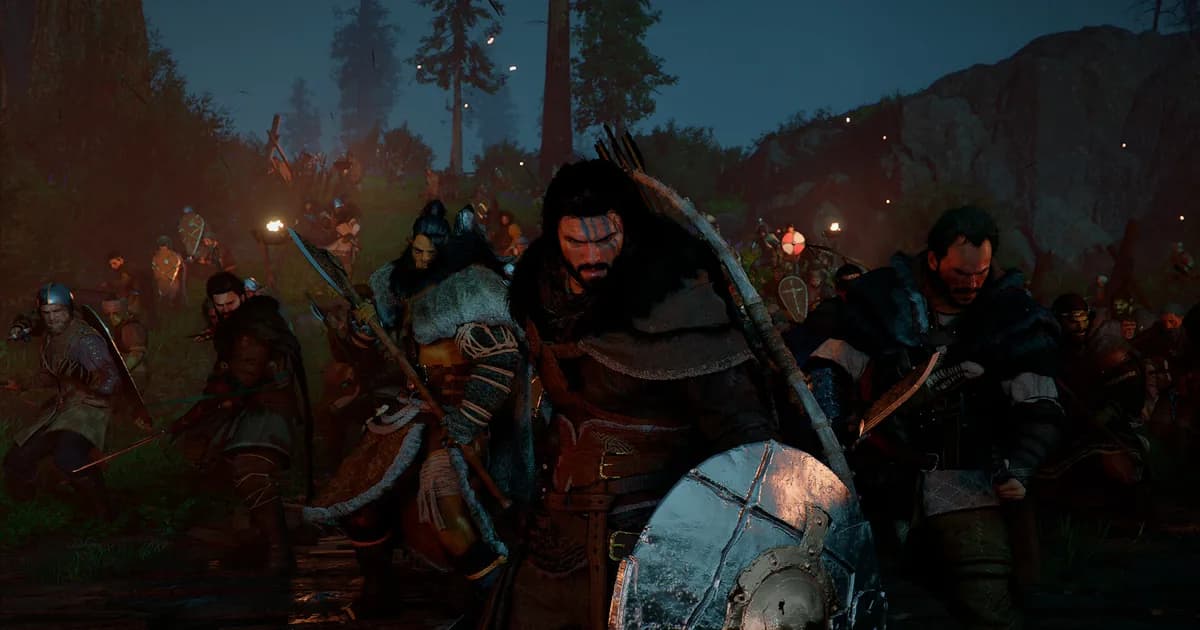
Night combat in the Crimson Desert wilderness. The patch notes describe difficulty in terms of enemy stats and timing windows in fights like this.
Step-by-Step: How to change difficulty in Crimson Desert
1. Open Settings: Pause the game and open the Settings menu. Pearl Abyss's 1.04.00 notes say the difficulty options were added under Settings, in the Play section.
2. Find the difficulty option: Look for the Easy, Normal and Hard choices in that section. Patch 1.05.00 also mentions selecting difficulty at the start of a new game, so the same choice appears when you begin a fresh save.
3. Pick a setting: Choose the setting that matches the problem you are solving. The table above lists what each one changes, so you can pick on purpose instead of by reputation.
4. Test it on a safe encounter: The notes do not say whether a change applies instantly during a fight. Try the new setting on an ordinary encounter first and confirm the difference before relying on it for a boss.
For a combat-specific practice loop after changing modes, use the Crimson Desert combat guide. The beginner tips guide covers the broader progression context.
Easy mode: what changes
Easy lowers the damage you take and weakens opponents: their maximum health, aggressiveness and overall speed are all reduced. It also extends the Parry and Dodge timing windows, and bosses attempt counterattacks or escapes less often when you hit them.
That mix targets the two usual reasons a fight stalls. Enemies hit you less hard, and your defensive timing has more room. The notes do not say anything about health regeneration, loot or progression on Easy.
Use it when one encounter keeps resetting your session and you cannot read the pattern yet. Once you know the fight, switching back is a normal use of the setting, not an admission of defeat.
Normal mode: the unchanged baseline
Pearl Abyss's one-line description is that Normal is the difficulty you have been playing so far. In other words, Normal keeps the pre-patch tuning, and the patch built Easy and Hard around it.
GODEEPER: Beginner tips and gear refinement context for players adjusting to higher-difficulty settings. Crimson Desert Tips Guide →
If you played earlier and found combat frustrating, the practical question is whether the problem was enemy tuning or your gear and timing. Check the gear Refinement guide before assuming a setting is the fix, because an under-upgraded weapon makes any difficulty feel harder.
Hard mode: what changes
Hard is the setting with the longest list in the notes:
- You take more damage.
- Opponents have more maximum health, are more aggressive and are faster overall.
- Parry and Dodge timing windows are reduced.
- Roll invincibility lasts a shorter time.
- Bosses attempt to counterattack or escape more often when hit.
- Certain bosses gain additional combat patterns.
- Food effects are not applied immediately and only take effect after the consumption animation finishes.
The practical result is that parry, dodge and roll habits learned on Normal stop being reliable: the windows are tighter, a mistimed roll protects you for less time, and healing mid-fight costs an animation. Use the Crimson Desert combat guide to separate a timing problem from a setting problem.
Exploring the wilderness. The patch notes describe the difficulty changes as combat stats and timing, not changes to the world.
Note: The official notes list no separate achievements, loot tables or rewards for any setting. That is an absence of documentation, not a confirmed rule, so check the live game if reward parity matters to you.
Which Crimson Desert difficulty setting to pick
Default: Normal. It is the baseline the game was tuned around before the patch, and nothing in the notes suggests it changed.
Switch to Easy when a single encounter keeps stopping you and you cannot tell why. Wider Parry and Dodge windows and weaker opponents buy time to learn the pattern. Switch back afterwards if you want.
Switch to Hard when Normal feels predictable and you want tighter timing. Expect to relearn parry, dodge and roll habits, and plan healing around the eating animation.
For another take on forcing a single, fixed challenge instead of offering settings, the Kristala review covers a souls-like that leans into one difficulty.
GODEEPER: The combat guide covers parry timing, dodge mechanics and how weapon choice interacts with difficulty. Crimson Desert Combat Guide →
Common mistakes with Crimson Desert difficulty settings
Assuming Hard is the launch difficulty. The notes define Normal as the existing difficulty, and Hard as an increase over it. Hard is harder than anything players had before the patch.
Blaming the setting for a gear problem. An under-upgraded weapon or armor piece makes Normal feel unfair. Check equipment first, using the gear Refinement guide, then change the difficulty.
Expecting rewards from Hard. Nothing in the notes ties rewards to a setting. Do not pick Hard to unlock something unless you have confirmed it in the game.
Assuming an instant mid-fight switch. The notes do not say a change takes effect immediately. Test on an ordinary encounter before a boss.
For optional systems that sit outside difficulty, see the Crimson Desert Special Mounts guide.
Current status: October 2026
The live all-language Steam snapshot, checked on October 2, 2026 with purchase_type=all, is Very Positive across 175,896 reviews (147,232 positive, 28,664 negative). Pearl Abyss's latest official patch is Version 2.03.02 from September 23, 2026, which fixes quest, map and Abyss progression issues and does not change the difficulty options described here. A September 30 announcement moved the Charting the Unknown expansion to October 29.
Frequently Asked Questions
What difficulty should I play Crimson Desert on? Normal is the difficulty the game had before patch 1.04, so it is the safe default. Switch to Easy if one encounter keeps stopping you, or to Hard if you want faster, tougher enemies and narrower Parry and Dodge windows.
What does Easy mode change in Crimson Desert? Per the 1.04.00 notes, Easy reduces damage you take, lowers opponents' maximum health, aggressiveness and speed, extends the Parry and Dodge timing windows, and makes bosses counterattack or escape less often when hit.
What does Hard mode change in Crimson Desert? Hard increases damage you take and raises opponents' maximum health, aggressiveness and speed. It also shrinks the Parry and Dodge windows and the Roll's invincibility, makes bosses counter or escape more often, delays food effects until the eating animation ends, and adds patterns for certain bosses.
Is Normal the same as the launch difficulty? Pearl Abyss describes Normal as the difficulty players had been playing before patch 1.04, so Normal keeps the pre-patch tuning. The patch added Easy and Hard around it rather than changing Normal.
When were difficulty settings added to Crimson Desert? Patch 1.04.00, released in April 2026, added Easy, Normal and Hard options to the settings menu. Patch 1.05.00 later fixed the Cancel button when selecting difficulty at the start of a game.
References
- Crimson Desert on Steam: official game page and patch notes
- Pearl Abyss Patch Notes Version 1.04.00 on Steam news: the official difficulty changes, April 2026
- Pearl Abyss Patch Notes Version 2.03.02: latest official patch checked for this audit
- Pearl Abyss official site: developer announcements and roadmap
Related reading
- Crimson Desert combat guide: parry, dodge and counter timing, with the 1.04 difficulty effect on each.
- Crimson Desert beginner tips guide: the broader progression loop and what to learn first.
- Crimson Desert gear Refinement guide: equipment progression and Extraction.
- Crimson Desert Special Mounts guide: the optional mount system added in patch 1.06.
- Kristala review: a souls-like that sticks to a single fixed difficulty.
Was this guide helpful?
About the author

Systems & Economy Desk
GameBrief's byline for roguelikes, strategy and simulation. Reads patch notes, wiki tables and Steam stats and puts the numbers on the page.
- Roguelikes, strategy and simulation
- Builds, progression and economy
- Sources listed per article
Keep reading
Crimson Desert Tips Guide: Combat, Gear, Difficulty 2026
General · 9 min
Windrose Combat Guide: Gear, Builds & Fighting Tips 2026
Guides · 9 min
Windrose Copper Respawn: Do Mines Come Back? Ore Timer 2026
Guides · 9 min
How Long to Beat Windrose: Current Level 15 Guide 2026
Guides · 8 min
Windrose Max Comfort Level: Decorations, Rested Buff Guide
Guides · 7 min
Windrose Co-op Guide 2026: XP Sharing, Crew Setup & Leveling
Guides · 8 min
Sponsored
Disclaimer
This article is published for informational and entertainment purposes. It does not constitute professional financial, legal, or technical advice. Game performance, online services, patch schedules, and store listings change. Verify critical details (pricing, system requirements, regional availability) with publishers and storefronts before you buy. Affiliate links, where present, help support our editorial work and are labelled in our affiliate disclosure.
Comments
Loading comments…