
GuideGraveyard Keeper 2
Graveyard Keeper 2 orders: traders, money, and crates
About the game
Graveyard Keeper 2
Lazy Bear Games · tinyBuild
Graveyard Keeper 2 orders are one of the clearest ways to turn production into money, but they are easy to misread. A trader purchase, a Town Warehouse delivery, a Likes reward, and Town Gratitude all belong to different tracks. This guide separates those tracks so you can decide what to craft, what to sell, and what to keep.
The current references also use different names for the weekly order window. AllThingsHow calls it Merchant Day, while Wikily and player reports call the same board window Pride. I use Merchant Day here, with Pride in parentheses, and recommend checking the live calendar and board before committing a crate.
TL;DR: Use Town orders for crafted supply crates and the cash plus Likes listed by Wikily. AllThingsHow describes delivered orders as rewarding Town Gratitude, so inspect the live board when labels conflict. Use traders for supported surplus. Looter orders are a separate Keys for Looters loop. Update 1.008 improved delivery and vendor rewards without publishing a new payout table.
Graveyard Keeper 2 orders: quick answer
The best general money route is to keep a small production buffer, accept the Town order that matches goods you can actually finish, deliver the packaged crates through the Town Warehouse, then use traders to buy missing inputs or sell surplus when their stock makes the price reasonable. Do not count Likes or Town Gratitude as coins.
Key Takeaways
- Town orders are selected during Merchant Day, also called Pride in current community data and guides.
- Deliver finished supply crates through the Town Warehouse. Loose ingredients do not complete the request; regular and urgent orders handle partial progress differently.
- Trader shelves are not universal shops. Their buy lists and purses limit what you can sell or buy.
- Current independent guides describe stock-based prices and report that a sale pays 75% of the current price.
- Town Gratitude needs separate tracking: AllThingsHow labels delivered orders with it, while Wikily lists cash and Likes. Official 1.008 separately calls out more Gratitude from battles.
- Update 1.008 changed delivery requirements and reward categories without publishing a new universal cash table.
- More order slots with population and a trader-upgrade rebalance are future plans, not features to assume in 1.008.
Overview: how Graveyard Keeper 2 orders fit the money loop
For every item, ask whether a Town order can use it, whether a trader buys it, and whether selling it blocks a better craft. The answer changes with the day, board, trader list, and stock.
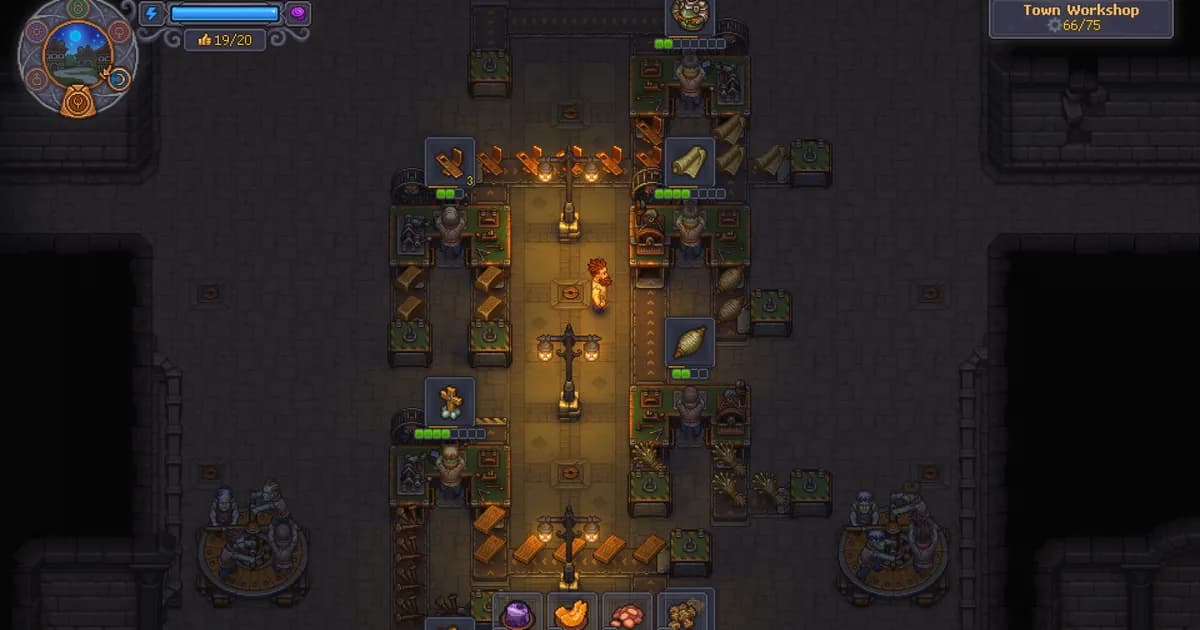
Town orders consume finished supply crates. Route them through the Supply Station and warehouse path, then check the board. The factory layout guide owns belt placement; this guide follows the finished crate into the economy.
Trader sales turn supported surplus into bronze, silver, or gold without waiting for the board, but stock-sensitive prices punish bulk selling. Wikily lists order money and Likes; AllThingsHow labels delivered orders with Town Gratitude. Vendor trades can add vendor Likes, and the official patch raises battle Gratitude. Keep the labels separate with the Town approval guide.
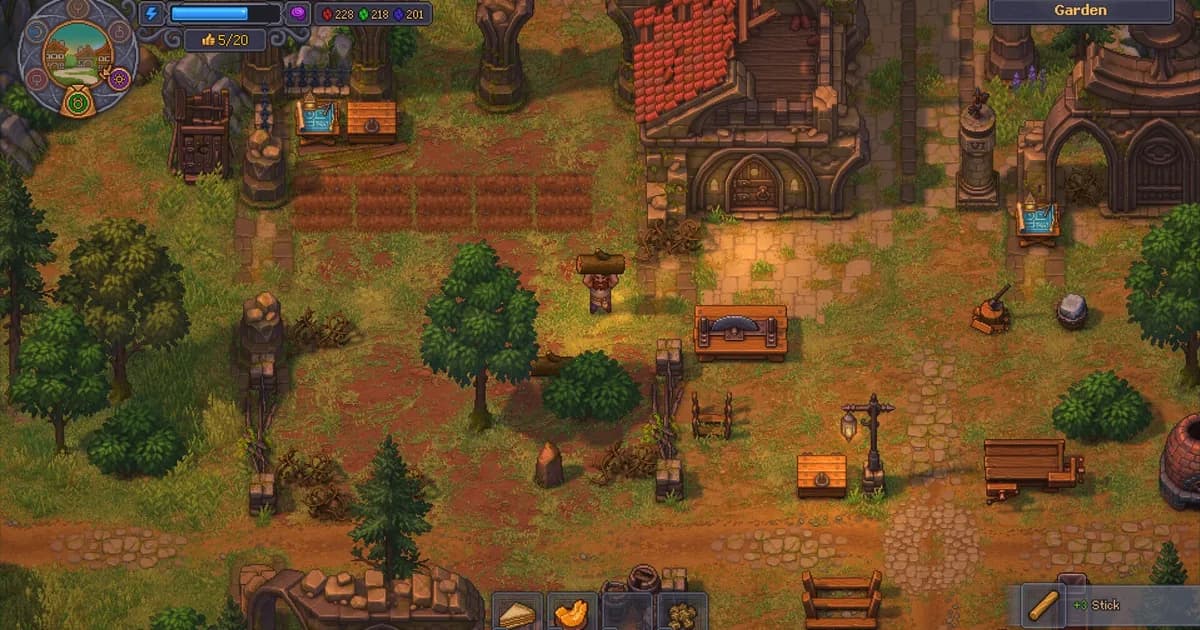
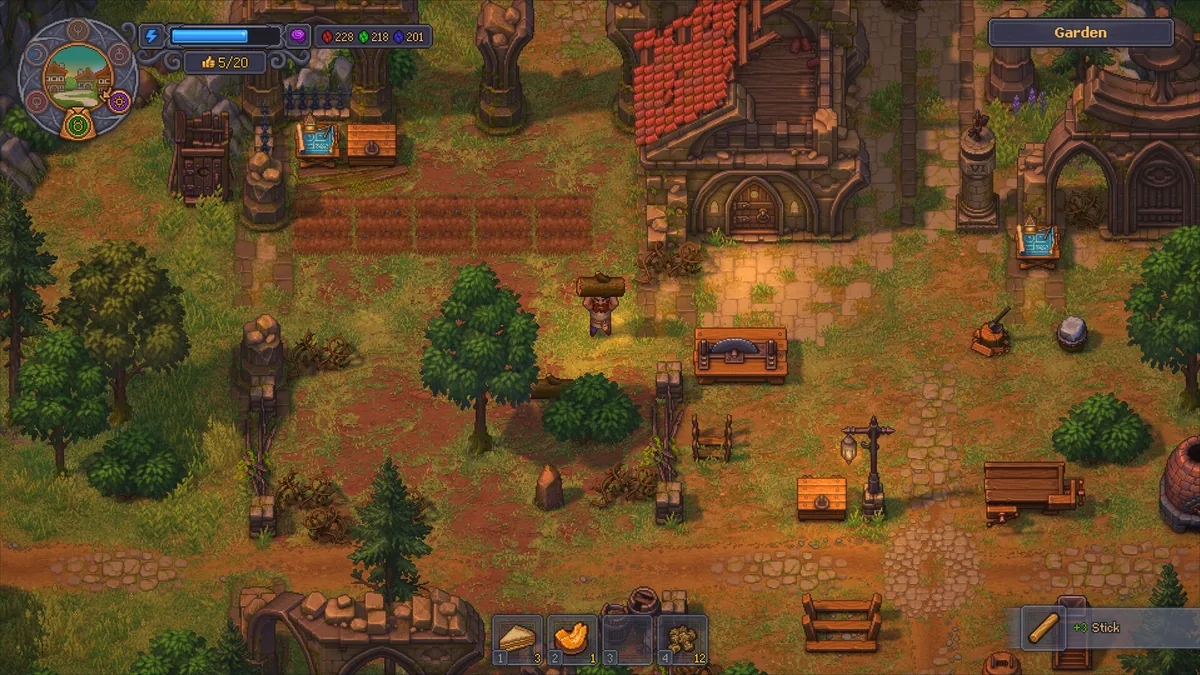 The garden and workshop view shows why a saleable surplus starts with readable production storage.
GODEEPER: The Graveyard Keeper 2 Town approval guide owns Town Gratitude, happiness, reputation, and the warehouse's place in restoration. Use this article for the order economy, then follow that guide when the reward you need is a Town system rather than money.
Step-by-Step: turn a Town order into money
This sequence keeps the board, factory, and wallet aligned.
1. Check Merchant Day: Open the calendar and Town board during the available window. AllThingsHow says Merchant Day; Wikily and a player report say Pride. The calendar guide covers the wider schedule, but the board is final.
2. Read the whole request: Note the supply name, tier, quantity, and whether it is regular or urgent. Do not choose by Likes alone if the ingredients are needed for a quest, unlock, or better crate.
3. Reserve the inputs: Count ingredients, fuel, and workstation time. The order wants a packaged crate, not raw materials, so keep inputs in a buffer.
4. Produce and package the crates: Craft the requested object and route it to the Supply Station. A belt ending at a local chest is production, not delivery. Use the current factory guide for the Supply Station handoff.
5. Deliver through the Town Warehouse: Put finished crates into the flow. AllThingsHow describes the porter path through the Warehouse Cellar and up to the Town Warehouse. Wikily says Town Warehouse crates are checked first.
6. Confirm the order state: Watch the board after the crate arrives. The current unofficial table says regular orders accept progress as boxes arrive, while urgent orders need the full amount at once. If the board does not update, check the item label and destination.
7. Collect the result and reset the loop: Collect cash and Likes, plus any Town Gratitude the board displays, then send the next surplus to a trader or new order. Keep reserved upgrade money untouched until completion.
Choose orders by input cost and production time, not only visible reward. A reliable delivery can keep cash moving while a high-tier request ties up the workshop. Official 1.008 notes say requirements fell and delivery Likes rose.
Graveyard Keeper 2 traders: stock, buy lists, and cash
Traders are the flexible part of the economy. Choose Trade, place what you buy and sell into the deal, and confirm the balance. GK2DB and Wikily describe one transaction: you pay the remaining balance.
A trader's stock list controls the deal
Each trader has a buy list. Goods outside it are unavailable, and a trader with too little money cannot buy supported surplus. Check the shelf before carrying a stack across the map.
The list can change with trader tiers and upgrades. Current references separate Town, Port, Village, and special traders, but do not promise the same list at every point. Check each newly unlocked shop in your save.
Both pages give 100 bronze to 1 silver and 100 silver to 1 gold. They disagree about the starting purse, so this guide omits that figure.
Fixed goods and moving goods
Current trader pages separate stock-sensitive goods from fixed-price goods. Tools, weapons, armor, bags, fishing rods, zombie collars, and talismans are fixed-price examples. Fixed price does not mean cheap or always available.
For stock-sensitive goods, both current pages describe this formula:
current price = base price x square root(normal stock / current stock)
You do not need to calculate every sale. Less stock should mean a higher quote, while restored stock should pull the price toward normal. A sale changes the next quote.
Both references report that selling pays 75% of the current price for a stock-sensitive good. Selling a full stack can therefore be worse than keeping a buffer. Use the in-game quote as final.
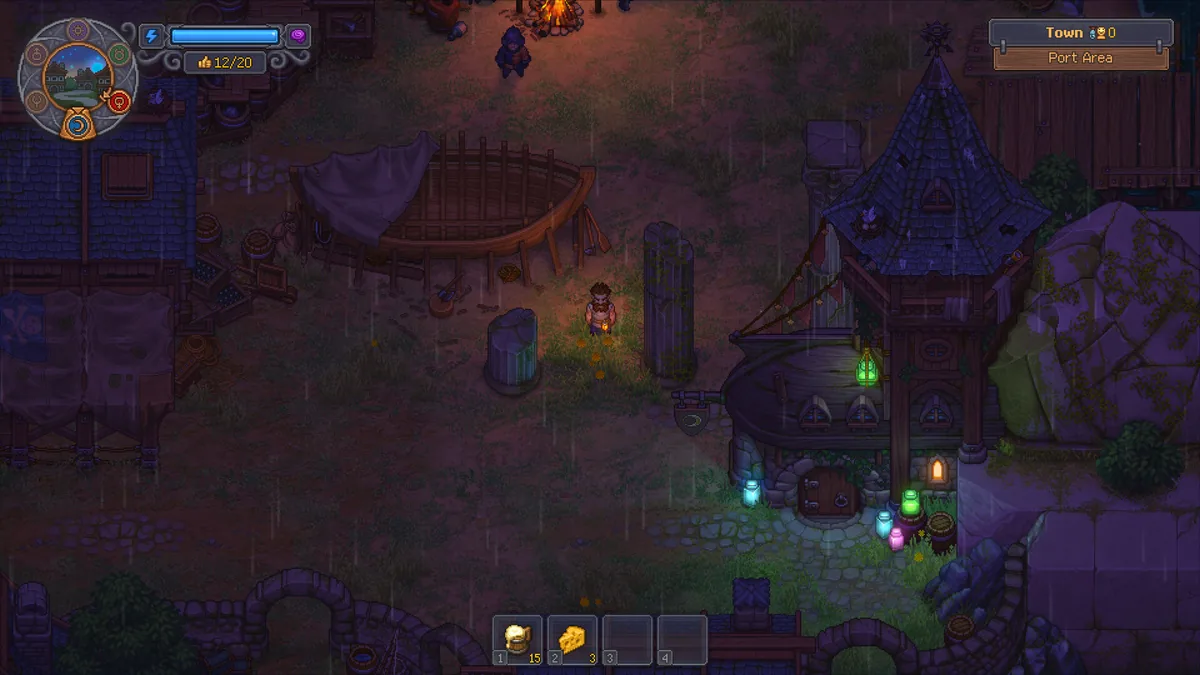 The Port Area is a distinct trader-facing space, but a location does not guarantee that every nearby vendor buys the same goods.
A safer trader routine
Open the buy shelf first, check the displayed quote, sell only surplus not reserved for an order or craft, and keep a small buffer for slow inputs.
The Graveyard Keeper 2 beginner guide covers early storage and progression. Note the trader, item, displayed quote, and check day so an old data extract does not become your budget.
How Graveyard Keeper 2 orders and trader rewards differ
Do not call every reward reputation. Wikily's current order data gives completed Town orders currency and Likes, while AllThingsHow says delivered orders reward Town Gratitude. Vendor trades can give currency and vendor Likes. Battles can grant Town Gratitude, and Update 1.008 says that battle reward increased. The sources disagree on the order label, so trust the live board.
Town orders are constrained by production: the real cost includes station, ingredients, storage, and delivery. Trader sales are constrained by stock and purse. If an item is not on the buy list, there is no sale; if the purse is empty, wait or use another buyer.
Wikily's order tables and AllThingsHow's warehouse guide do not present identical payout ranges. The official patch changed Likes and delivery requirements but does not publish a new amount for every order. Use the live board and record its patch version instead of treating an old table as permanent.
GODEEPER: If your money route keeps failing because crates stop at the wrong machine or power runs out, read the Graveyard Keeper 2 factory layout guide and the zombie power and Factory power guide. They own the physical line and power math; this guide owns the economic choice after a crate is ready.
Looter orders: a separate Keys for Looters loop
Looter orders are not another Town Warehouse payout. Wikily's unofficial data separates a Dockside Club request from Town supply orders and describes a chest route paid with Keys for Looters. It can return progression books, stories, gold, or seeds rather than a normal vendor balance.
The same page identifies Davy the Dagger at the Dockside Club on Lust and says Wharf Rats opens the track. These named unlock details come from one unofficial data extract, so check them in your build rather than treating them as an irreversible route claim.
The same unofficial table reports small, medium, and big chests costing 1, 2, and 4 Keys for Looters. Keep those community values labelled and patch-sensitive.
For money planning, do not send a Town crate to a looter loop or expect a looter chest to count as a Town order. Use looter orders for that reward category; use Town orders for cash, Likes, and a production sink.
What Update 1.008 changed
The official Graveyard Keeper 2 Update 1.008 announcement lists six changes relevant here. It does not give a universal cash table:
- Delivery requirements were reduced, meaning fewer crates are required for an order delivery.
- Likes earned from deliveries were increased.
- The bonus from the Happy Supplier perk was increased.
- The maximum Likes earned from trading with vendors was increased.
- Likes earned from trading a specific item with vendors were increased.
- Town Gratitude earned for winning battles was increased.
Use 1.008 as a better baseline, but do not copy an exact payout from an old community table. Check the current board and trader UI.
Future plans are not live features
The developers' 2 October plans post says order slots will increase with population and trader upgrades will be rebalanced and simplified. It gives no date. These are future plans, not 1.008 features.
Build the current route with the slots and upgrade steps your save shows. The patch notes guide tracks the wider history.
Tips for making and spending money
Keep options open. No independent source supports a permanent highest-profit table, so use habits that survive a patch.
- Reserve order inputs before accepting the board request. A trade is not profit if it delays a crate that would pay cash and Likes.
- Use the trader buy list as a hard filter. Check support before carrying a full inventory to a vendor.
- Split surplus sales when stock-sensitive prices make the next unit worse. The 75% rule is a reference, not the same quote for every item.
- Sell fixed-price goods only after checking whether the tool, bag, collar, or talisman is scarce.
- Keep a small buffer of fuel and common inputs so a worker cannot consume the ingredient reserved for an order.
- Prefer a complete regular order over an urgent order you cannot finish at once. Order type changes how partial crates count.
- Treat Likes as separate from cash. Update 1.008 raised Likes from deliveries and vendor trades.
- Track the 1.008 battle Gratitude increase separately. AllThingsHow also labels delivered orders with Town Gratitude, while Wikily lists cash and Likes. The zombie army battle guide covers combat context.
- Check the trader and board after every update. Official notes can change bonuses without publishing every table.
- Record the item, trader, displayed quote, and date before repeating a sale.
Frequently Asked Questions
When can you accept Graveyard Keeper 2 orders? Accept Town orders on Merchant Day, which current guides also call Pride. The board presents the available choices during that weekly window, so check the live calendar and board state rather than relying on a memorized weekday name.
Where do Graveyard Keeper 2 order crates go? Put finished supply crates into the Town Warehouse delivery flow. Current factory references also describe the Warehouse Cellar as part of that route. Raw materials sitting in storage do not replace the requested packaged crate.
How do trader prices work in Graveyard Keeper 2? Unofficial current references describe a stock-based price: base price times the square root of normal stock divided by current stock. Selling pays 75% of the current price, so repeatedly dumping one item lowers its next sale value.
Do trader sales raise Town Gratitude? No confirmed source ties ordinary trader sales to Town Gratitude. Town order sources disagree on whether the delivery label is cash and Likes or Town Gratitude. The official 1.008 note specifically raises battle Gratitude, so check the live board.
Are looter orders the same as Town orders? No. An unofficial looter-order data extract separates them from Town supply orders. Looter requests use Keys for Looters and lead to a reward chest, while Town orders use crafted crates and pay money and Likes.
What did Update 1.008 change about orders? It reduced delivery requirements, increased Likes from deliveries, raised the Happy Supplier perk bonus, increased Likes from vendor trades, increased Likes for a specific traded item, and increased Town Gratitude from winning battles.
Will more Graveyard Keeper 2 order slots arrive with population? That is a developer promise for a future update, not a live 1.008 feature. The same post says trader upgrades will be rebalanced and simplified, but gives no release date for either change.
Related Reading
- Graveyard Keeper 2 Achievements Guide: All 38 Listed: Graveyard Keeper 2 achievements guide lists all 38 Steam achievements, quotes every visible condition, and
- Graveyard Keeper 2 Release Date, Price, and Platforms: Graveyard Keeper 2 release date is September 22, 2026 on Steam, priced at $24.99. See
- Graveyard Keeper 2 PR Machine Guide: Unlock and Use It: Graveyard Keeper 2 PR machine guide explains Gunter's quest, charged hypno devices, weekly runs, upgrades,
- Graveyard Keeper 2 Review: A Bigger, Stranger Keeper: Graveyard Keeper 2 review: the sequel adds a restored town, zombie combat, and conveyor-belt automation,
- Graveyard Keeper 2 Zombie Limit Guide: Cap Explained: Graveyard Keeper 2 zombie limit starts at 0, then rises through Good fellow, PR runs,
- Graveyard Keeper 2 complete guide hub: the full topical-authority map for the sequel.
References
- Official Graveyard Keeper 2 Update 1.008 announcement
- Official Graveyard Keeper 2 plans for the future
- Graveyard Keeper 2 on Steam
- GK2DB trader mechanics
- Wikily: Money and Trading
- Wikily: Trader Orders
- Wikily: Looter Orders
- AllThingsHow: factory automation and Supply Station flow
- Lazy Bear Games: Graveyard Keeper 2
- Official Graveyard Keeper 2 demo launch trailer
Was this guide helpful?
About the author

Senior Critic & Analyst
Former game data analyst turned critic with 11 years covering indie and mid-tier games. Based in Austin. Runs spreadsheets on games most people just play.
- 11 years games criticism
- Former game economy analyst
- Roguelike and strategy specialist
Keep reading
Graveyard Keeper 2 battles: all 23, waves and rewards
General · 14 min
Graveyard Keeper 2 Zombie Limit Guide: Cap Explained
General · 14 min
Graveyard Keeper 2 zombie power: factory power guide
General · 13 min

Graveyard Keeper 2 vs Graveyard Keeper: Key Differences
Features · 12 min

Graveyard Keeper 2 Complete Guide: Town, Factory, Battles
General · 18 min
Graveyard Keeper 2 Guide: First Hours in Order (2026)
General · 14 min
Game deals · affiliate links
Disclaimer
This article is published for informational and entertainment purposes. It does not constitute professional financial, legal, or technical advice. Game performance, online services, patch schedules, and store listings change. Verify critical details (pricing, system requirements, regional availability) with publishers and storefronts before you buy. Affiliate links, where present, help support our editorial work and are labelled in our affiliate disclosure.
Comments
Loading comments…