Loading…
GameBrief · General
Subnautica 2 Scanner Room: Build the Scanner Station
9 min readBy Marcus Vasquez
Reviewing
Subnautica 2
Unknown Worlds
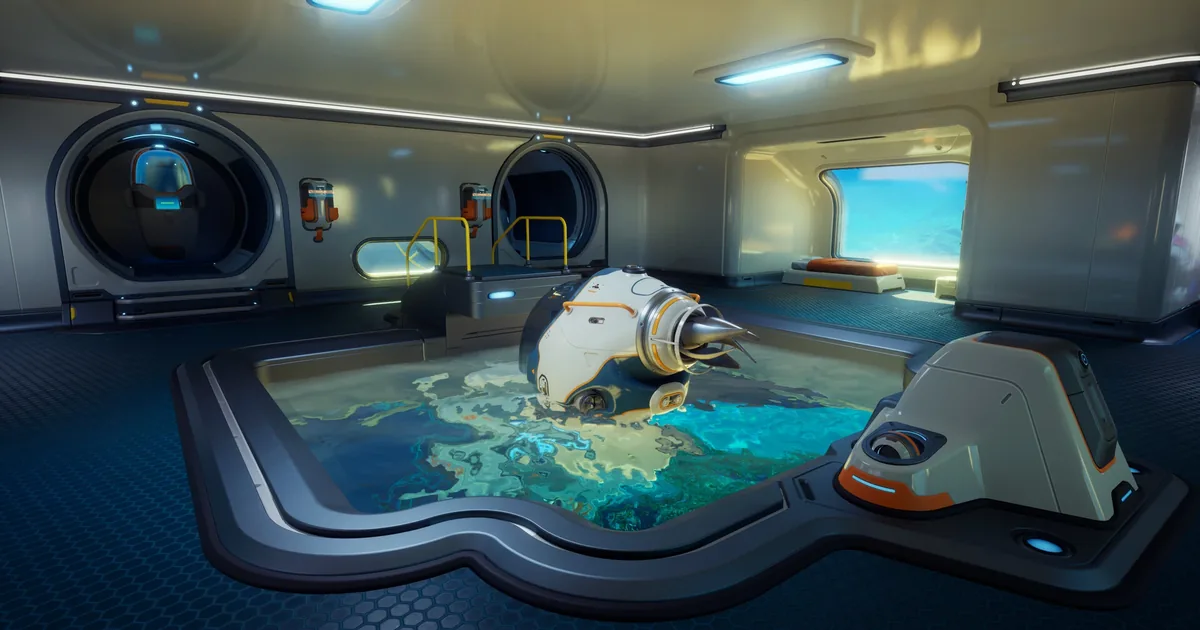
This Subnautica 2 scanner room guide clears up the first point of confusion: the feature you are looking for exists, but it is called the Scanner Station now, not the Scanner Room from the original game. It does the same job, finding resources and points of interest for you, but the name, the unlock, and the build cost all changed. Here is how to get one running.
TL;DR: Subnautica 2's "scanner room" is the Scanner Station, an interior base facility. Unlock it by scanning a broken Scanner Station (easiest one is northeast of the Lifepod at Camp One). Build it for a System Chip, 3 Titanium, and a Wiring Kit (stock Copper, Silver, and Quartz first). It scans a 300-meter sphere, draws 10 energy per second, and shows a holographic map of signal locations for the filter you pick. It does not show terrain, only directions to signals.
Subnautica 2 scanner room? (quick answer)
There is no facility literally named "Scanner Room" in Subnautica 2. The feature returning players are searching for is the Scanner Station: an interior facility you build inside a base room that scans the surrounding area for resources and points of interest. It fills the exact role the Scanner Room did in the first Subnautica, so if you searched "scanner room," this is the building you want.
The two practical differences from the original: you unlock it by scanning a broken one in the world rather than finding loose fragments, and the holographic readout is more abstract. It shows where signals are, not the terrain around them.
Subnautica 2 Scanner Station: key takeaways
- It's called the Scanner Station, not Scanner Room; same job, new name
- Unlock by scanning a broken Scanner Station, easiest one is northeast of the Lifepod at Camp One
- Build cost: a System Chip, 3 Titanium, and a Wiring Kit (deep crafting chain underneath)
- Scans a 300-meter sphere and draws 10 energy per second while active
- The holographic map shows signal locations only, no terrain
- Build it once you keep running short on a specific mid-game material
How to unlock the Scanner Station
You do not find Scanner Station fragments scattered on the seabed the way the original game handed out blueprints. In Subnautica 2 you unlock the blueprint by scanning a broken Scanner Station that already exists at an abandoned base or camp.
The most accessible one is northeast of your Lifepod, at Camp One. Swim out, find the broken unit, and point your handheld scanner at it until the scan completes. The blueprint unlocks the moment the scan finishes, and from then on you can build your own Scanner Station in any base room.
If you explore other early camps, you will run into more broken stations, but you only need to scan one. Camp One is the shortest detour from your starting area.
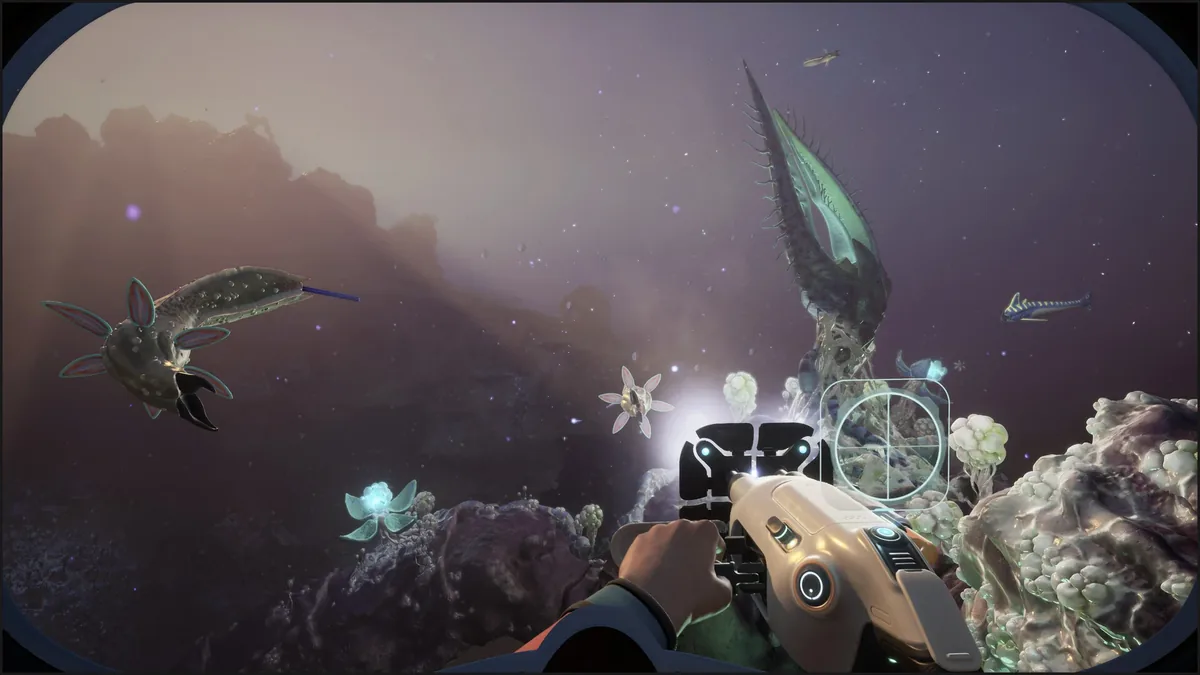 The handheld scanner unlocks the Scanner Station blueprint. Scan the broken unit at Camp One once and the building is yours for the rest of the run.
GODEEPER: The Scanner Station is one of several interior facilities you slot into a base. The full habitat and base-building flow is its own topic. Subnautica 2 Complete Guide →
How to build the Scanner Station and what it costs
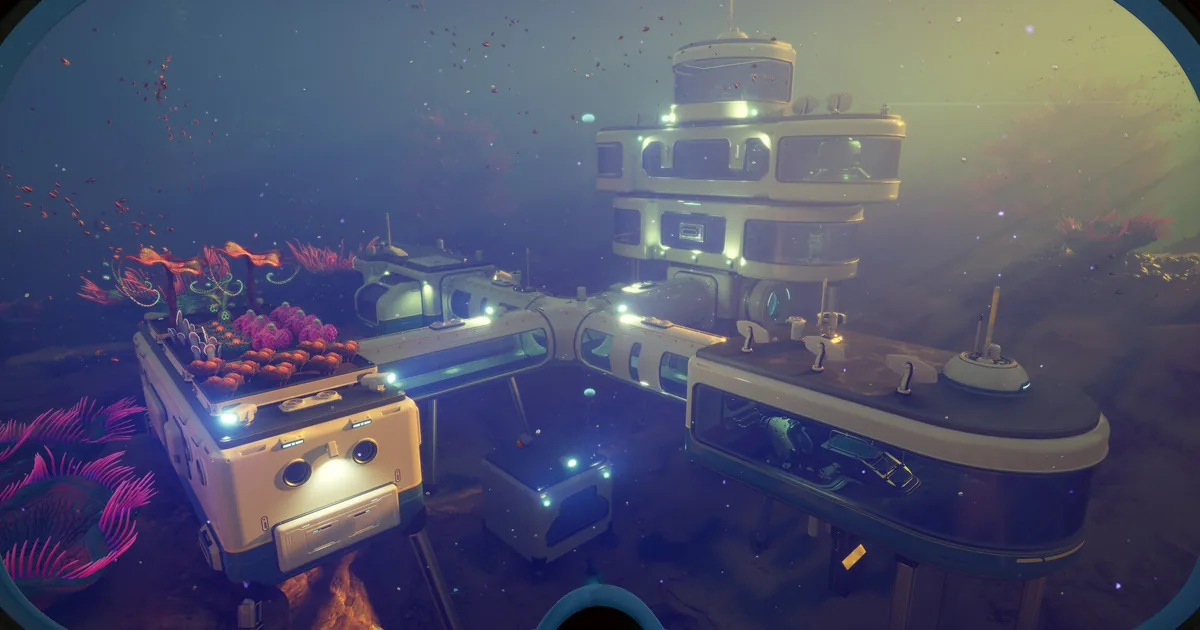
Once the blueprint is unlocked, the Scanner Station is an interior module, so you need a base room with floor space to place it. The build cost is a System Chip, 3 Titanium, and a Wiring Kit.
That looks short until you trace the crafting chain underneath it:
- Wiring Kit = 1 Silver + 1 Copper Wire
- Copper Wire = 2 Copper
- System Chip = 1 Wiring Kit + 2 Quartz
So a single Scanner Station effectively pulls from Titanium, Copper, Silver, and Quartz, with two separate Wiring Kits in the chain. The bottleneck for most players is Silver and Quartz rather than the common Titanium. Before you commit to building, stock a few Copper, at least two Silver, and two Quartz so you are not interrupting the build to go mining the exact thing the Scanner Station is supposed to help you find.
Titanium comes from broken-down Limestone Outcrops, Copper and Silver from Sandstone and shale, and Quartz from the clear crystal nodes scattered across the shallow biomes. The Subnautica 2 resources guide covers where each of these spawns most densely.
How the Scanner Station works
When you power it on, the Scanner Station scans a 300-meter sphere centered on the station and draws 10 energy per second the entire time it runs. That power draw is the part players underestimate. A single solar panel will not keep it on through the night, so site it near a base that already has a comfortable power surplus, or pair it with a thermal source if you are deep enough for one.
The readout is a holographic display that shows the locations of signals matching the filter you select, and nothing else. There is no terrain, no base outline, no map of the seabed. You pick a resource or POI filter, read the direction and rough distance of the nearest dots, then swim out and use depth and biome landmarks to close the gap. It is a compass to resources, not a minimap.
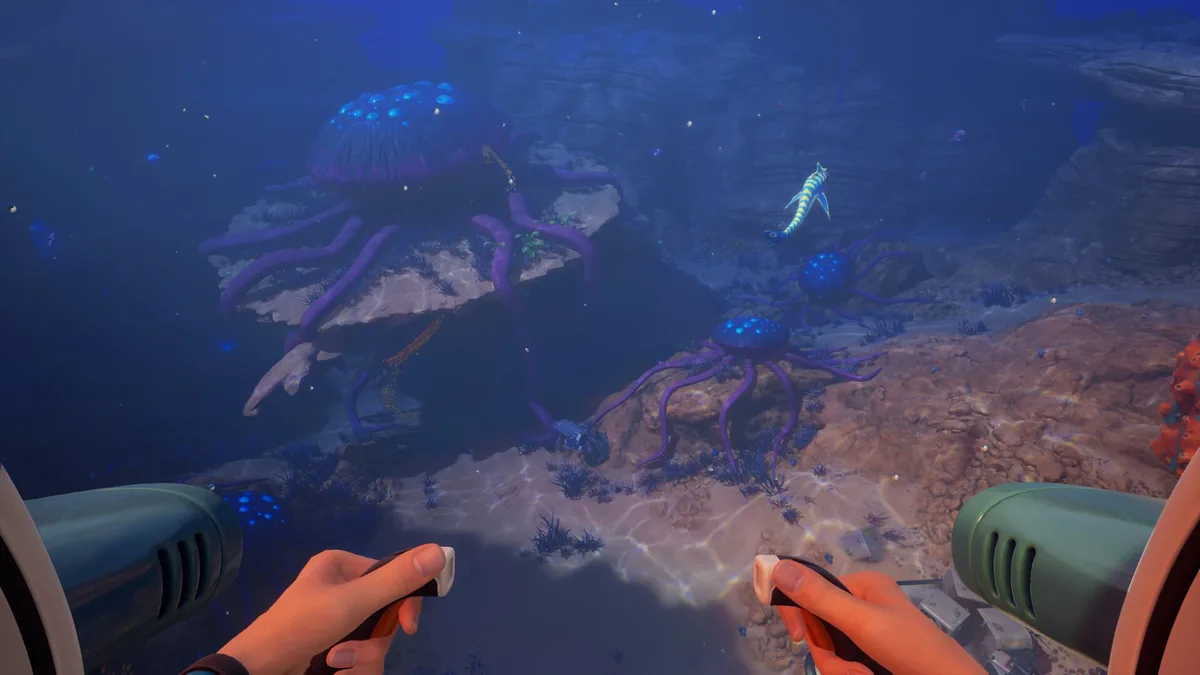 The Scanner Station tells you which direction a resource is; you still ride the Seaglide out and read the biome to find it. Pairing the two is the fast mid-game loop.
Best placement for the Scanner Station
Because the scan is a fixed 300-meter sphere, where you put the station decides what it can find. Two rules:
First, build it near the biome you actually farm, not at your starting base out of habit. If your bottleneck is a deeper-biome material, a Scanner Station back in the shallows will never reach it. A small forward outpost with a Scanner Station inside, placed at the edge of the biome you are mining, covers far more useful ground than one bolted to your main base.
Second, respect the power draw. 10 energy per second is a constant drain, so the station belongs on a base with real power headroom. If your readings keep cutting out, the station is browning out, not bugged. Add a power source before adding more facilities.
GODEEPER: Knowing where each material spawns makes the Scanner Station's filters far more useful, because you can confirm what biome a signal sits in. Subnautica 2 Resources Guide →
Tips for using the Scanner Station
- Filter for one thing at a time. The display is cleaner and easier to read when you are hunting a single resource rather than scanning everything at once.
- Use it for points of interest, not just ore. The station flags wrecks and POIs too, which is the fastest way to find fragments and story locations you have not stumbled onto yet.
- Don't build it too early. In the opening hours your needs are shallow and obvious. The Scanner Station earns its cost once you are repeatedly searching for a specific mid-game material.
- Forward outposts beat one big base. A cheap room with a Scanner Station at a biome edge is more useful than a single station at home, because the 300-meter sphere only reaches so far.
- Watch your energy graph. If readings flicker, the 10-per-second draw is outrunning your supply. Fix power first.
Related Reading
- Subnautica 2 Complete Guide: every system in one place, including base building, biomes, creatures, and progression.
- Subnautica 2 Resources Guide: where Titanium, Copper, Silver, and Quartz spawn, so you can feed the Scanner Station's build chain and its filters.
- Subnautica 2 Creature Guide: the fauna you'll pass while chasing Scanner Station signals, and which to avoid.
- Subnautica 2 Weapons: What You Use Instead of a Knife: how to handle predators on a resource run when you can't fight back.
References
- Subnautica 2 on Steam: official Early Access page and patch notes from Unknown Worlds.
- Scanner Station (Subnautica 2 Wiki): community-documented build cost, scan radius, and unlock details.
Frequently Asked Questions
Is there a scanner room in Subnautica 2? Yes, but it is called the Scanner Station, not the Scanner Room from the first game. It is an interior base facility that scans for nearby resources and points of interest within a 300-meter sphere and projects their locations onto a holographic map. The function matches the original Scanner Room; the name and some details changed.
Where do you find the Scanner Station fragment in Subnautica 2? You unlock the blueprint by scanning a broken Scanner Station at an abandoned base or camp. The easiest one is northeast of your Lifepod at Camp One. Scan the broken unit with your handheld scanner and the blueprint unlocks immediately.
How do you build the Scanner Station in Subnautica 2? Build it inside a base room. It costs a System Chip, 3 Titanium, and a Wiring Kit. The chain runs deep: a Wiring Kit needs 1 Silver and 1 Copper Wire (2 Copper), and the System Chip needs another Wiring Kit plus 2 Quartz. Stock Copper, Silver, and Quartz first.
How far does the Subnautica 2 Scanner Station scan? A spherical radius of 300 meters from the station, drawing 10 energy per second while active. When on, it shows a holographic display of signal locations for the resource or POI filter you select, with no terrain detail.
Does the Scanner Station show terrain in Subnautica 2? No. The map shows only the positions of signals matching your filter, with no terrain or base layout. You read direction and rough distance from the station, then swim out and use depth and biome landmarks to home in.
Is the Scanner Station worth building in Subnautica 2? Yes, once you are past the opening hours. It removes the slow part of mid-game progression: hunting specific materials by hand. If you keep running short on one resource, a Scanner Station filtered for it turns a long search into a direct swim, and the build cost pays for itself within a couple of resource runs.
Was this guide helpful?
About the author

Senior Critic & Analyst
Former game data analyst turned critic with 11 years covering indie and mid-tier games. Based in Austin. Runs spreadsheets on games most people just play.
- 11 years games criticism
- Former game economy analyst
- Roguelike and strategy specialist

Disclaimer
This article is published for informational and entertainment purposes. It does not constitute professional financial, legal, or technical advice. Game performance, online services, patch schedules, and store listings change. Verify critical details (pricing, system requirements, regional availability) with publishers and storefronts before you buy. Affiliate links, where present, help support our editorial work and are labelled in our affiliate disclosure.