
ARC Raiders · Guides
ARC Raiders Best Solo Loadouts: Weapons, Gear & Tips
ARC Raiders best solo loadouts after Frozen Trail 2.0: which augment, shield and weapon to pair when you raid alone, with real shield numbers and costs.
Sponsored

About the game
ARC Raiders
ARC Raiders best solo loadouts start with the augment, not the gun. Raiding alone, nobody revives you and nobody covers the extraction, so what matters is how much you can carry out, what your shield can take, and what happens the second it breaks. The augment decides all three.
Updated 2026-10-21: the PvE toggle test ended on October 20, so this guide no longer suggests using it; Embark expects to follow up in November. On 2026-10-14 we rewrote it against the ARC Raiders Wiki and Embark's 2.0 notes, dropping armor pieces, armor tiers and White/Orange/Red zones that ARC Raiders does not have.
TL;DR: Learn maps on the free loadout. Once you loot for keeps, run a Looting Mk. 3 (Cautious) with a Light Shield, a Ferro and a Raider Hatch Key. Bring a Medium or Heavy Shield only on runs where you mean to fight, and only on an augment that accepts it.
BESTPRICE: Want ARC Raiders? These stores list it: Buy on Eneba → Buy on Green Man Gaming → Buy on Humble Bundle →
What changed for solo players in 2.0
Two things. Frozen Trail 2.0 removed "Solo vs. Squads" from the matchmaking options, so there is no longer a mode built around you being outnumbered on purpose. And the PvE matchmaking toggle Embark tested from October 13 to 20 (zero player-to-player damage, lower loot, mixed group sizes) is gone again; Embark expects to follow up on it in November. Until then every solo round is PvPvE, so plan for being third-partied. Our PvE mode explainer has the background.
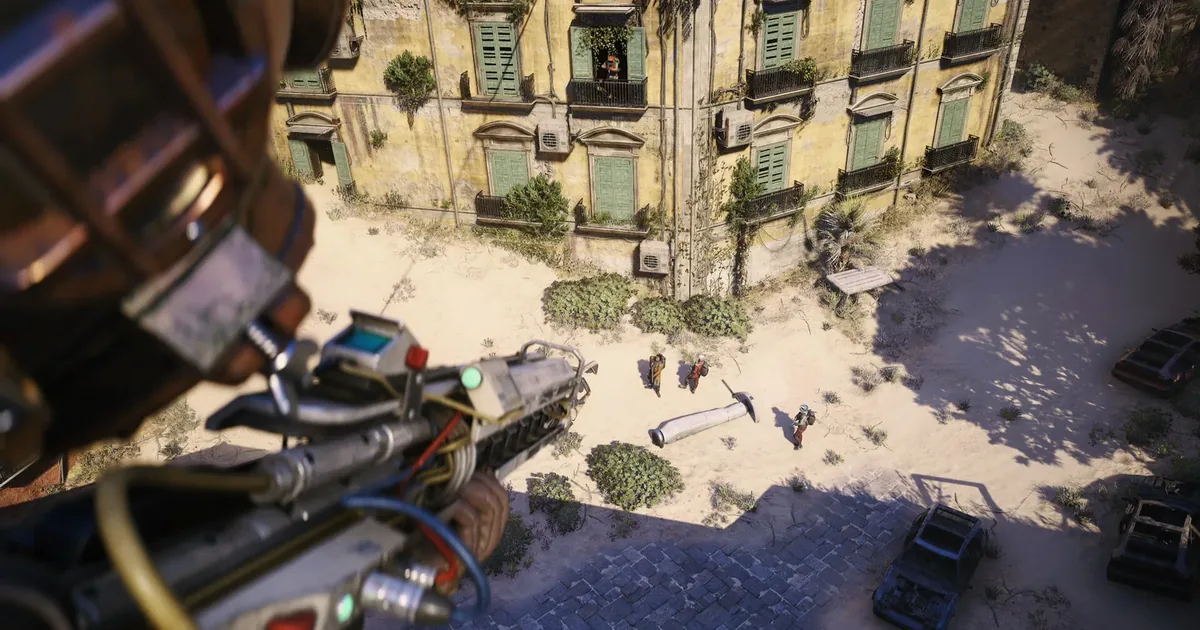 Screenshot: ARC Raiders Steam store page. Game art is the property of Embark Studios.
Shields: the numbers that matter
There are no armor pieces in ARC Raiders. Your protection is a shield, and the wiki is clear that shields "do not behave like extra health points; they mitigate a percentage of incoming damage," losing charge and durability as they do.
| Shield | Charge | Damage mitigation | Movement penalty | Weight |
|---|---|---|---|---|
| Light Shield | 40 | 40% | None | 5.0 |
| Medium Shield | 70 | 42.5% | 5% | 7.0 |
| Heavy Shield | 80 | 52.5% | 10% (cut from 15% in 2.0) | 9.0 |
The jump from Light to Medium buys a lot more charge and almost no extra mitigation. Heavy is the only real step up in mitigation, and it is the one that slows you. A single Shield Recharger restores 40 charge, a full Light Shield.
Augments: pick this first
Augments set your weight limit, backpack size, safe pocket and which shields you can wear, and you cannot swap them Topside. These are the ones worth a solo player's attention, from the wiki's augment table.
| Augment | Weight limit | Shields | Backpack / safe pocket | Solo-relevant perk |
|---|---|---|---|---|
| Free Loadout Augment | 35 | Light | 14 / 0 | Costs nothing |
| Looting Mk. 3 (Cautious) | 70 | Light | 24 / 2 | Weak Adrenaline Shot when your shield breaks; integrated Binoculars |
| Looting Mk. 3 (Survivor) | 80 | Light, Medium | 20 / 3 | Health regenerates up to 75% of max downed health while downed and stationary |
| Tactical Mk. 3 (Smoke) | 50 | Light, Medium | 19 / 2 | Small smoke grenade when your shield breaks |
| Combat Mk. 2 | 55 | Light, Medium, Heavy | 18 / 1 | Restores 1 health every 5 seconds, paused 30 seconds after damage |
| Looting Mk. 3 (Safekeeper) | 65 | Light, Medium, Heavy | 18 / 1 | Safe pocket that stores any item |
Go over the weight limit and your stamina is "dramatically reduced," so a heavy shield plus a full bag can cost you the sprint you needed. Our augments guide covers every frame.
Three solo loadouts
1. Free loadout: learning a map
You get a random weapon, a Light Shield, ammo, meds and some utility, for free. The catch: no safe pocket, 14 backpack slots, and Embark biases matchmaking to put custom loadouts into fresh servers, so free loadouts tend to arrive later. That is fine when the goal is learning routes and extraction points, not hauling loot.
2. Quiet looter: the default solo run
- Augment: Looting Mk. 3 (Cautious)
- Shield: Light Shield
- Weapon: Ferro
- Carry: Raider Hatch Key, Shield Recharger, Adrenaline Shot
This is the one we would run most. The Cautious frame gives the biggest backpack in the table, binoculars built in, and a free stamina burst the moment your shield pops, which is exactly when a solo player needs to run. The Ferro is a Common break-action battle rifle on Heavy Ammo with Strong ARC armor penetration, crafted from 5 Metal Parts and 2 Rubber Parts. It reloads after every shot, so it suits picking fights at range rather than holding a doorway.
The Raider Hatch Key is your exit plan. A Raider Hatch is an extraction that opens only with a key, stays open for roughly 10 to 15 seconds, fits one Raider at a time, and has no shutdown timer. Shani sells the key for 9,000 Coins (2 in stock), or you can craft it from 1 Advanced Electrical Components and 3 Sensors with the Traveling Tinkerer skill.
3. Planned fight: boss parts or a contested room
- Augment: Combat Mk. 2, or Looting Mk. 3 (Safekeeper) if you are after one specific item
- Shield: Heavy Shield
- Weapon: Anvil or Bantam
Take this only when you know the fight is coming. The Heavy Shield's 52.5% mitigation is the best you can wear, and 2.0 cut its movement penalty to 10%. The Anvil is now a Rare hand cannon (2.0 moved it up from Uncommon) with Strong ARC armor penetration and a blueprint requirement; the Bantam is the new Uncommon hand cannon Embark put in its place. Our Anvil and Bantam guide covers the change.
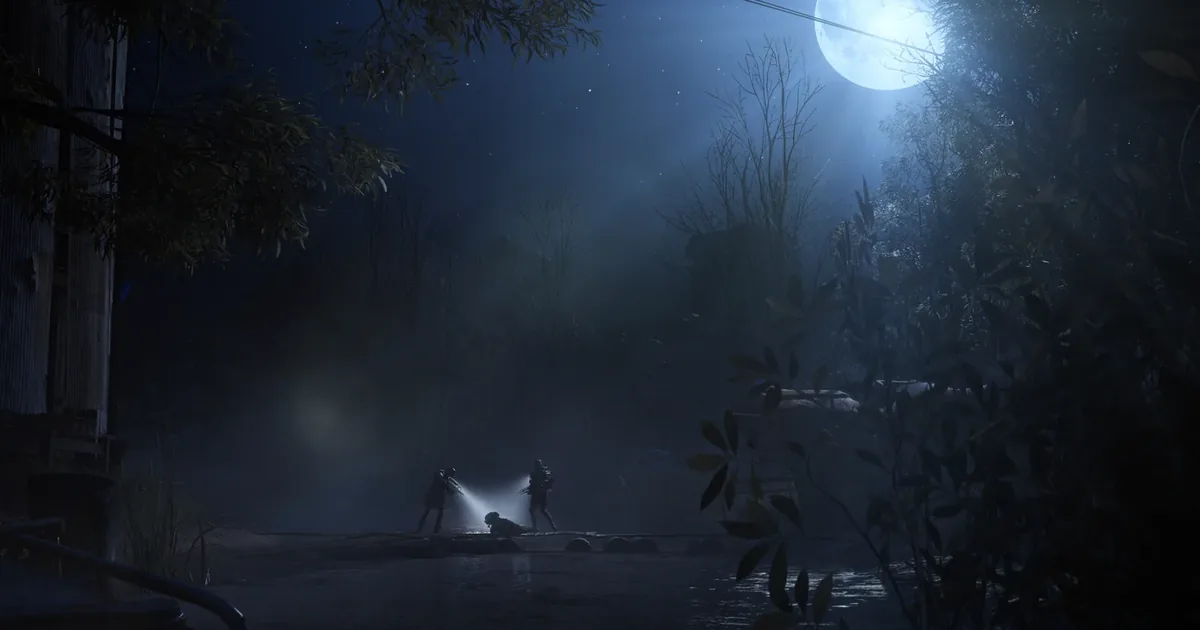 Screenshot: ARC Raiders Steam store page. Game art is the property of Embark Studios.
Step-by-step: building a solo kit
1. Decide the goal. Learning, looting or a planned fight. Each one wants a different augment.
2. Pick the augment. It locks in your shield options and safe pocket before anything else.
3. Match the shield to the augment. A Heavy Shield on a Looting Mk. 3 (Cautious) is not possible; the Cautious frame takes Light only.
4. Check the weight. Shield, weapon and ammo all count against the limit, and loot fills the rest.
5. Pack the exit. A Raider Hatch Key, plus a Shield Recharger and an Adrenaline Shot for the run to it.
Our take
This is a research page built on the wiki's tables and Embark's patch notes, not on our own raids. On paper the answer for solo players is simple: carry more and leave faster. The Cautious frame does both better than anything else, and the Heavy Shield is a tool for a fight you chose, not insurance for a looting run. For which ARC to avoid on the way, see the enemy types guide; for what to keep once you are out, the loot guide.
Frequently Asked Questions
What is the best solo loadout in ARC Raiders? For looting runs we'd take a Looting Mk. 3 (Cautious) augment with a Light Shield, a Ferro and a Raider Hatch Key. The Cautious augment has 24 backpack slots, integrated Binoculars and a weak Adrenaline Shot when your shield breaks.
Should I run a Light or Heavy Shield solo? Light for looting, Heavy only when you plan to fight. A Heavy Shield mitigates 52.5% of damage against 40% for a Light one, but it slows you by 10% and needs a Combat Mk. 2, Combat Mk. 3 (Aggressive), Looting Mk. 3 (Safekeeper) or Tactical Mk. 3 (Defensive) augment.
Is the free loadout good for solo players? It costs nothing, so it is the right way to learn a map. It has no safe pocket and only 14 backpack slots, and Embark biases matchmaking to put custom loadouts into fresh servers, so free loadouts are more likely to join a match already in progress.
Can you still queue Solo vs Squads? No. Frozen Trail 2.0 removed Solo vs. Squads from the matchmaking options while Embark re-evaluates it.
Related Reading
- ARC Raiders Augments Guide: every frame and the shields it unlocks.
- ARC Raiders Best Squad Loadouts: how the picks change with teammates.
- ARC Raiders Weapons Tier List: full weapon rankings.
- ARC Raiders Extractions Guide: Raider Hatches and every other way out.
- ARC Raiders Crafting Guide: benches and recipes for your kit.
- ARC Raiders Skill Tree 2.0: where Traveling Tinkerer sits.
- ARC Raiders Enemy Types Guide: which ARC to avoid on a solo run.
- ARC Raiders Maps Guide: every map and its conditions.
References
- Shields, ARC Raiders Wiki: charge, mitigation, weight and how shields work, accessed 2026-10-14.
- Heavy Shield, ARC Raiders Wiki: current movement penalty and compatible augments, accessed 2026-10-14.
- Augments, ARC Raiders Wiki: weight limits, slots, shield compatibility and perks, accessed 2026-10-14.
- Free Loadout, ARC Raiders Wiki: free loadout contents, safe pocket and matchmaking bias, accessed 2026-10-14.
- Raider Hatch and Raider Hatch Key, ARC Raiders Wiki, accessed 2026-10-14.
- Ferro, Anvil, Bantam, ARC Raiders Wiki, accessed 2026-10-14.
- Frozen Trail 2.0 update notes, ARC Raiders official site: Solo vs. Squads removal, Heavy Shield and Anvil changes, accessed 2026-10-14.
- PvE Toggle Beta Test: October 13-20, ARC Raiders official site: PvE server rules, accessed 2026-10-14.
- PvE Matchmaking Toggle Test: Thanks for taking part!, ARC Raiders official site: test end, 30 million rounds, November follow-up, accessed 2026-10-21.
- Shani, ARC Raiders Wiki: Raider Hatch Key price, accessed 2026-10-14.
Was this guide helpful?
Keep reading
Sponsored

Disclaimer
This article is published for informational and entertainment purposes. It does not constitute professional financial, legal, or technical advice. Game performance, online services, patch schedules, and store listings change. Verify critical details (pricing, system requirements, regional availability) with publishers and storefronts before you buy. Affiliate links, where present, help support our editorial work and are labelled in our affiliate disclosure.
About the author

Systems & Economy Desk
GameBrief's byline for roguelikes, strategy and simulation. Reads patch notes, wiki tables and Steam stats and puts the numbers on the page.
- Roguelikes, strategy and simulation
- Builds, progression and economy
- Sources listed per article