
GuideWindrose
Windrose Multiplayer Tips: Full Co-op Guide for 2026
The Windrose multiplayer tips that matter most start with the World Properties and the active quest state. Shared Quest Progress can auto-complete an eligible co-op quest for players who have it active, while crew roles help coordinate travel and combat. Neither setting establishes a universal POI payout.
Sponsored

About the game
Windrose
Kraken Express
Updated 2026-10-19: Corrected the chat advice: Windrose has no built-in text chat and no G-key ping (G opens Discovery). Text chat is a player request marked Proposed on the official feedback board, and a Nexus mod adds it. Also removed unsourced co-op scaling percentages.
TL;DR: Check Shared Quest Progress in World Properties, then compare active Journal quests before routing the crew. The documented setting applies to eligible quests, not automatically to every POI reward. Assign ship roles and run Discord: Windrose has no built-in voice or text chat.
BESTPRICE: Want Windrose? Eneba sells a Steam key: Buy on Eneba →
Windrose multiplayer tips (quick answer)
- Check Shared Quest Progress before your first session: world settings lock at world creation.
- Journal quests are per-player: four players can run four different objectives at once, compounding XP per session.
- Keep the crew at 4 or fewer: the host lobby warns that more players may significantly impact performance.
- Ship roles matter more in co-op: uncoordinated crews spend time untangling aggro and missed loot.
- No built-in voice or text chat in Early Access: use Discord, or the Nexus text chat mod for players who can't use voice.
Sponsored

Windrose current status: October 2026
Windrose sells for $29.99 on Steam (US, October 19) and sits at Very Positive across more than 53,000 reviews. The Early Access page still describes three biomes, roughly 30 islands, more than 90 points of interest and three playable ships, with a planned 1.5 to 2.5 year development window.
Source: Windrose on Steam and the Steam Community news feed.
Overview: how Windrose multiplayer actually works
Windrose co-op isn't just solo with extra players. The game has systems that only activate when you're running with a crew, and the most disruptive one is buried in a settings screen most groups never open.
When you create a world, review World Properties and the current quest state. The documented Shared Quest Progress description applies when a player completes an eligible co-op quest and another player currently has it active. The checked source does not establish what happens for every POI or Site Clear.
The current XP table documents completing quests and exploring Points of Interest, not enemy kills. More players can coordinate those activities, but the source does not promise a shared POI reward or a fixed multiplier.
Self-hosted sessions support up to 8 players, while dedicated servers support up to 32. The host lobby warns that more than 4 may significantly impact performance, so 4 is the practical target, not a hard server cap.
Step-by-step: setting up an efficient co-op session
Before world creation:
-
Designate your host. The host controls World Properties and the invite system. This can't be changed after the world is created, so pick someone with a stable connection.
-
Open World Properties and check Shared Quest Progress. This is the step. Do it here, not after: world settings lock at creation, so a world started without it keeps split quest credit.
-
Discuss ship role assignments before anyone boards. Four roles cover a full crew:
Pilot steers the ship during combat. One player only; give it to whoever has the most sailing time.
Gunner manages and fires cannons during ship encounters. One is enough, two are better for Frigate fights.
Deck crew handles boarding, repairs, and secondary cannons. Flexible headcount depending on ship class.
Off-ship specialist handles island landings, pirate camp loot runs, and Journal quest objectives while the ship crew manages naval encounters. You want at least one player in this role per shore operation.
-
Sort out your Journal quests before the first island. Check what each player has active. Shared Quest Progress is documented for eligible co-op quests when players have that quest active; do not extend that guarantee to every POI.
During the session:
-
On pirate camp runs, split the crew: one player holds aggro while the others explore and loot. Finish the current POI objective before anyone heads back to the ship.
-
Call targets out loud. Windrose has no voice chat, no text chat and no shared ping key (G opens Discovery), so Discord carries every callout. Name the place ("north camp, second floor") rather than "over here". If a crewmate can't use voice, the Windrose Text Chat mod on Nexus Mods adds typed chat; our Windrose chat guide covers the options.
-
When a Journal quest completes for one player, check whether others have that quest active too. Shared Quest Progress means they've already earned the XP. Note it and move to the next objective on someone's list.
GODEEPER: The Windrose Pirate Camps Farming Guide → separates documented POI guidance from unsupported payout and reset claims.
Windrose multiplayer tips: the practical ones
Journal quest distribution can reduce backtracking. Check your Journal against your crewmates' before each island and route the session around eligible quests that multiple players currently have active. The sources checked here do not document a fixed percentage improvement.
Boss fights get more forgiving with a crew, but it's not free. One player can lock the boss into a corner position while others handle mechanics without splitting attention. The Richards fight in particular is a different encounter with two players: one holds aggro, one covers the add phase. Mind the Co-op Enemy Scaling slider in World Properties, though: it "adjusts enemy Health and how fast enemies lose Posture based on the number of players on the server", and boss arenas tune their stats for a party of one to three. A four-player crew is fighting a tankier boss than a solo player, it's just split across more attackers.
If your session has most players running a pirate camp circuit while one or two stay on the ship, rotate ship duty so everyone can participate in exploration and loot. Do not assume players on the ship receive a universal POI reward.
Screenshot: Steam store page
Screenshot: Steam store page
Solo vs. co-op: the actual efficiency difference
The gap in progression speed is bigger than most players expect.
A solo or co-op player's route depends on active quests, POIs, exploration, and coordination. There is no authoritative fixed timer or guaranteed half-time result in the sources checked here.
Coordination can reduce backtracking and let players work on eligible quests in parallel, but no source puts a fixed number on the speed-up.
What co-op does not document: a universal bonus for every player, a fixed POI reward, or a fixed level-time reduction.
Solo has one real advantage: you can play on your own schedule without coordinating with anyone. Treat any solo or co-op time estimate as player experience, not a documented system value.
Faction rep is where solo players feel the squeeze most. Ship faction rep comes from Insignia drops in ship-to-ship combat. That combat is manageable solo, but slower to set up without a dedicated gunner. The faction unlock order that works best (covered in the Windrose faction reputation guide) applies to both modes, but co-op crews move through the Insignia grind noticeably faster.
GODEEPER: Faction unlocks gate the most important ship upgrades at Buccaneers Level 3 and Smugglers Level 3. If you're planning a co-op endgame build, here's what to prioritize. Windrose Endgame Guide →
Common co-op mistakes
Getting Shared Quest Progress right on day one still leaves a few friction points that trip up most crews.
Leaving a POI before its current objective or reward is complete can waste a route. The checked sources do not establish a universal HUD counter, perimeter, or permanent Site Clear-loss rule.
Running into the second biome without an aggro player assigned is the second. The first couple of pirate camps go fine because enemy density is low. Past the Foothills, pirates respawn fast enough to continuously interrupt a group where everyone is looting. One dedicated aggro player stops being optional.
Do not infer a universal pirate-camp respawn timer from one run. The sources checked here do not document whether a camp's current reset behavior uses in-game or real-world time.
Skipping the Rested buff before a farm run costs more time than people think. Rested speeds stamina regeneration by roughly two and a half times and lasts longer at each Comfort level, so you spend less of every camp clear waiting on your stamina bar.
For a full breakdown of the XP system, how the Site Clear bonus stacks with Journal quests, and what the fastest solo and co-op farming loops look like, the Windrose complete guide is the right starting point.
Frequently Asked Questions
Does Windrose co-op have voice chat? No, and no text chat either. In-game chat is a player request marked Proposed on the official feedback board. Use Discord for voice; the Windrose Text Chat mod on Nexus Mods adds typed chat if your crew is fine with mods.
How many players can you have in Windrose co-op? Self-hosted sessions support up to 8 players, while dedicated servers support up to 32. The host lobby warns that more than 4 players may significantly impact performance.
Does co-op XP scale with player count in Windrose? The checked sources do not document a universal Site Clear payout or player-count scaling rule. Shared Quest Progress is documented for eligible co-op quests with the quest active.
Is there a ping or map marker for the crew? No shared ping in the default controls: G opens the Discovery menu, and players on the official feedback board are still asking for map pings everyone can see. Call locations over voice.
Does Shared Quest Progress need the crew in one place? The setting's description says a co-op quest completed by "any player on the server" auto-completes for everyone who has it active. It names no distance limit.
References
- Windrose on Steam: official Early Access page; World Properties documentation and Shared Quest Progress notes
- Windrose world settings: Shared Quest Progress description for co-op quests
- Windrose XP tables: documented quest and Point of Interest XP categories
- Windrose Steam Community Discussions: co-op setup threads, Shared Quest Progress confirmation, crew size testing
Related Reading
- Windrose Pirate Camps XP Farming Guide: documented POI guidance and caveats around Site Clear claims.
- Windrose Max Level Cap Guide: the level cap and what to do once you hit it.
- Windrose Faction Guide: every faction and how to progress with it.
- Windrose Guide 2026 (Biomes, XP, Factions & Ships): the master hub for all Windrose content, including links to every guide in the cluster.
- Windrose Ore Respawn and Crates Guide: where the ore is and how respawns work.
- Windrose Ashlands Guide: what's confirmed about the next biome.
- Windrose Best Weapons Tier List: which weapons to craft first.
- Windrose High Priestess Boss Guide: the Cursed Swamps boss fight.
- Windrose Chat Guide: voice, text and the chat mod.
- Windrose Faction Tier List: which faction to level first.
Was this guide helpful?
About the author

Action & Design Desk
GameBrief's byline for platformers, horror and action games. Dry, short paragraphs, strong opinions about tutorials and boss design.
- Action, platformers and horror
- Tutorials, onboarding, boss design
- Sources listed per article
Keep reading
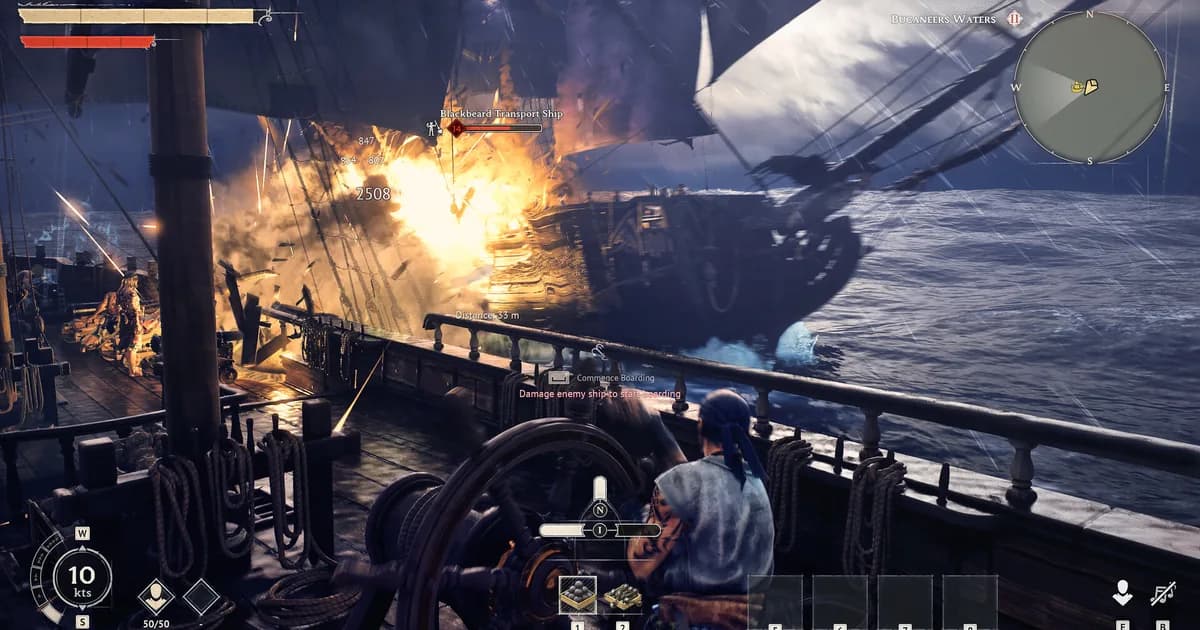
Windrose Ship Combat Guide: Chain Shot, Raking & Sea Tips
General · 11 min
Windrose Max Level 15: Fastest XP Paths in Early Access
General · 7 min
Windrose Faction Guide: All Factions and How to Progress
Guides · 12 min
Windrose Crafting Guide: All 5 Stations & Best Recipes
General · 15 min
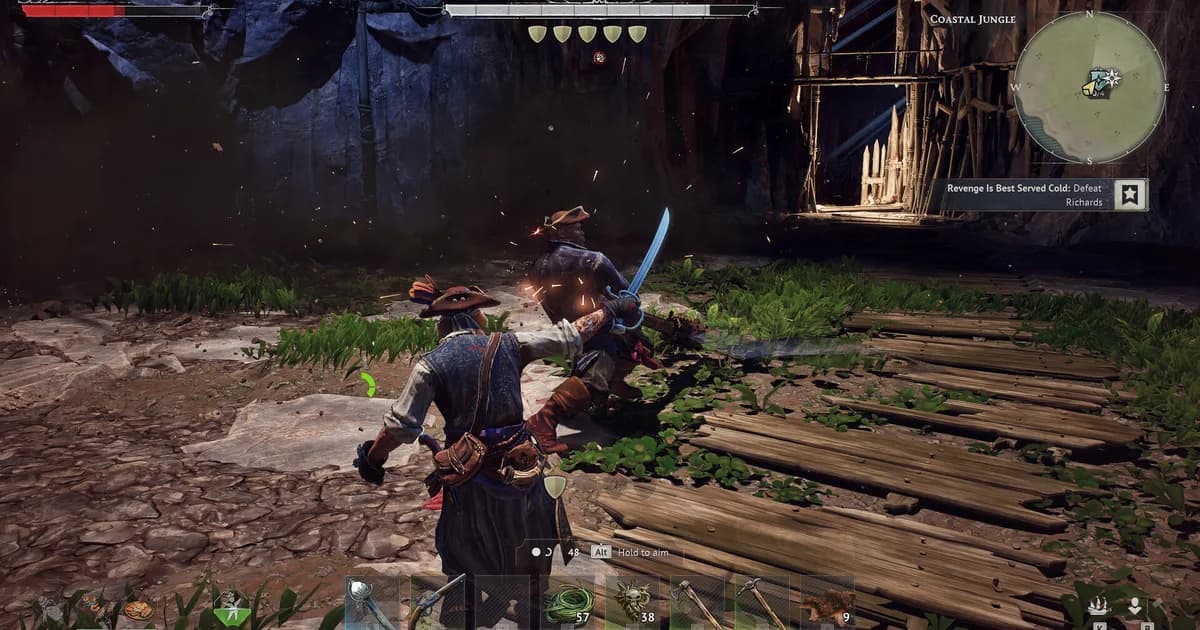
Windrose Thomas Richards Boss Guide: 5 Attack Patterns
Guides · 7 min
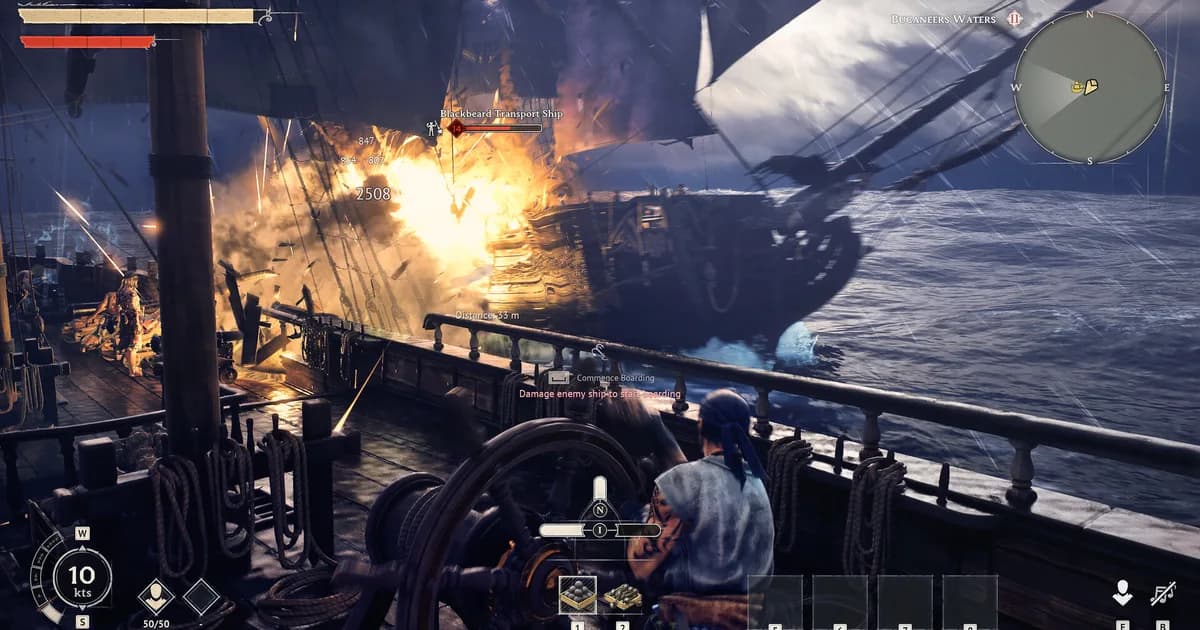
Windrose Best Ship Build Tier List: Brig and Frigate 2026
General · 9 min
Sponsored
More game deals
Disclaimer
This article is published for informational and entertainment purposes. It does not constitute professional financial, legal, or technical advice. Game performance, online services, patch schedules, and store listings change. Verify critical details (pricing, system requirements, regional availability) with publishers and storefronts before you buy. Affiliate links, where present, help support our editorial work and are labelled in our affiliate disclosure.