
ARC Raiders · Guides
ARC Raiders Camera: How to Get It and Where Photos Go
ARC Raiders camera after Frozen Trail 2.0: how to buy, craft or find the Basic and Advanced Camera, which quests need photos, and where your pictures save.
Sponsored

About the game
ARC Raiders
The ARC Raiders camera arrived with Frozen Trail 2.0 on October 8, 2026. A handful of quests now need a real photo, and the Outpost is locked behind one.
This page covers the two cameras, how to get one, what it can do, and where your pictures end up.
TL;DR: There are two cameras, Basic and Advanced. You can buy either from Shani with Coins, craft the Basic at the Workbench or the Advanced at the Utility Station, or get a Basic for free from two Frozen Trail quests. Photos save to your Codex, and at least five older quests plus the Outpost's first step now need one.
ARC Raiders camera: what it is (quick answer)
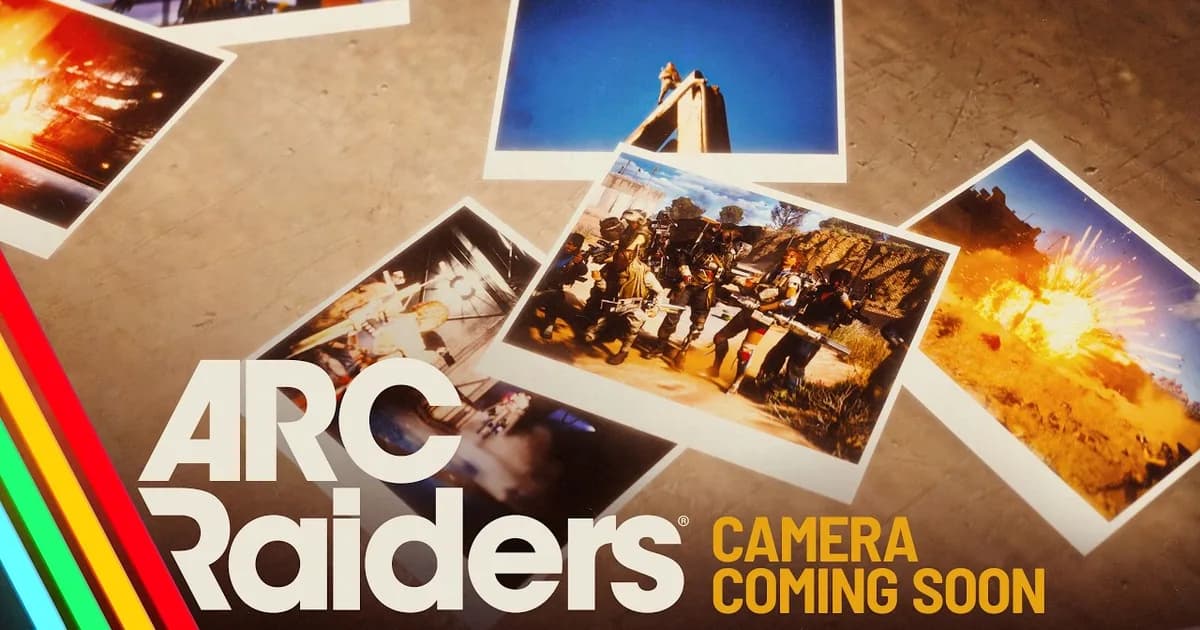
Embark's content preview describes "a fully-functioning camera gadget" with "zoom, aperture, manual and automatic focus racking, and even a selfie mode with a range of custom emotes." The 2.0 notes list it under new items as "Basic & Advanced Cameras".
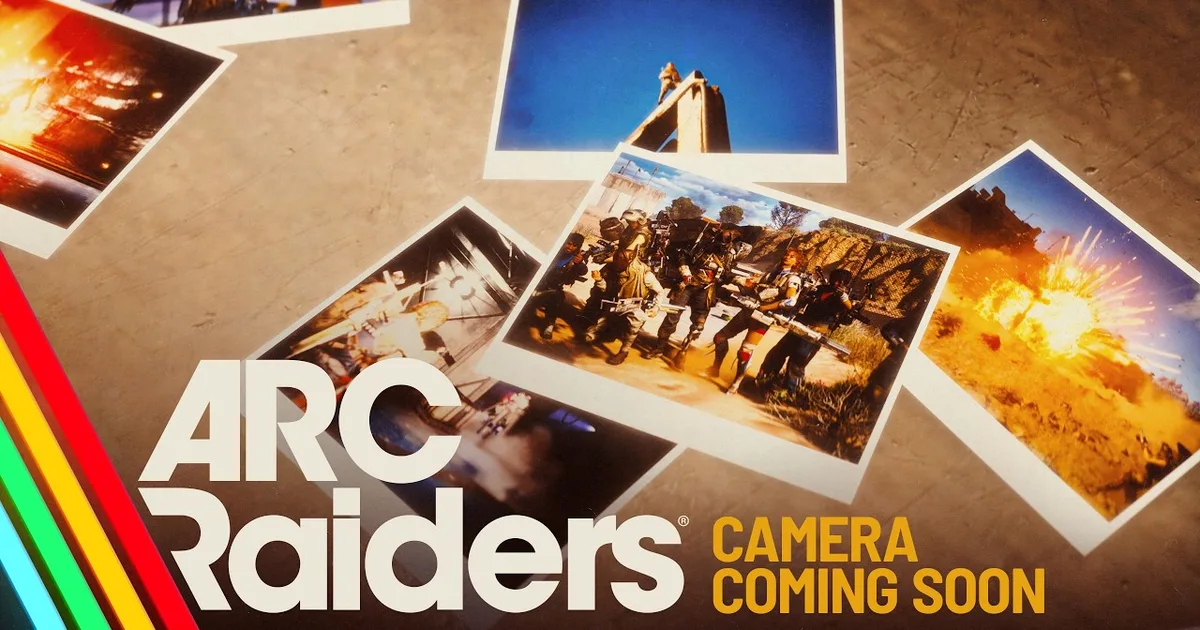 Image: Camera Coming Soon teaser, ARC Raiders official YouTube channel. Game art is the property of Embark Studios.
Both cameras are Quick Use gadgets on the wiki, weighing 0.5 each. Embark's own reason for adding it was player behavior: "Using the humble Binoculars, we've seen beautiful pictures from your Raids."
How to get an ARC Raiders camera
There are three routes, and Embark names all of them: the camera "can be purchased at Shani's, crafted at the Workbench, or found Topside."
| Route | Basic Camera | Advanced Camera |
|---|---|---|
| Buy from Shani | 1,920 Coins, 3 per day | 3,000 Coins, 3 per day |
| Craft | Workbench 1: 8 Plastic Parts + 1 Wires | Utility Station 1, Blueprint needed: 1 Camera Lens + 1 Calculator + 1 Electrical Components |
| Other sources | Scavenging Topside; granted by the Sizing Things Up and Taking Stock quests | Free Reward Pass |
Shani is the only trader who takes Coins, and the 2.0 notes say "Shani's offers are now Coin based and include Cameras, Light Sticks and other social items." Prices and limits come from the wiki's camera pages, which are still marked as stubs, so check the stall in game before you plan around the numbers.
If you only need a camera for Celeste's Emperor quest or the Nomads' Taking Stock, you do not have to buy one at all: both quests hand you a Basic Camera when you accept them.
GODEEPER: Coins are the same currency that pays for stash upgrades. ARC Raiders Stash Size: Every Level, Cost and the 328 Cap →
Basic Camera vs Advanced Camera
The wiki describes the Basic Camera as a gadget that "allows Raiders to take pictures and selfies." Its Advanced sibling "can do everything the Basic Camera can do, and more."
That is all the wiki says, and it does not name the extra features. One player who uses the cheaper one says it is "already doing wonders" and hadn't got the Advanced model yet. Until someone documents the difference, the Basic Camera is enough for every quest we found.
Camera Lens: the Advanced Camera's crafting part
The Camera Lens is an Uncommon recyclable you scavenge Topside, and it is one of the three parts in the Advanced Camera recipe, next to a Calculator and Electrical Components. You also need the Advanced Camera Blueprint learned and a Utility Station to craft it. If you are not chasing that camera, a Lens recycles into 8 Plastic Parts, or 4 if you salvage it in the field, which is exactly the plastic a Basic Camera costs at the Workbench (the recipe also wants 1 Wires).
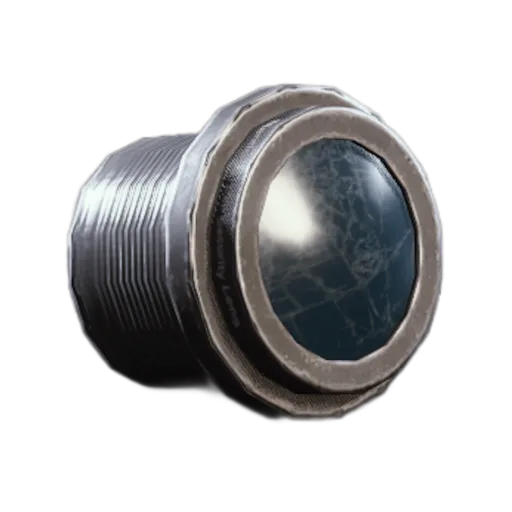 Image: Camera Lens item icon, ARC Raiders Wiki (arcraiders.wiki). Game art is the property of Embark Studios.
Quests that need the camera
Embark's notes say "Multiple older quests have been updated to require taking photos with the new camera", and name five: The League, Reduced to Rubble, Life of a Pharmacist, Battening Down and Groundbreaking. These are the quests whose objectives used to mention photographing something in the world.
The camera also gates the Outpost. Its first project step, Research Topside Living Conditions, "requires you to take a photo of a farmland house." Embark's advice is to accept the quest first. Our Outpost guide covers the rest of the unlock.
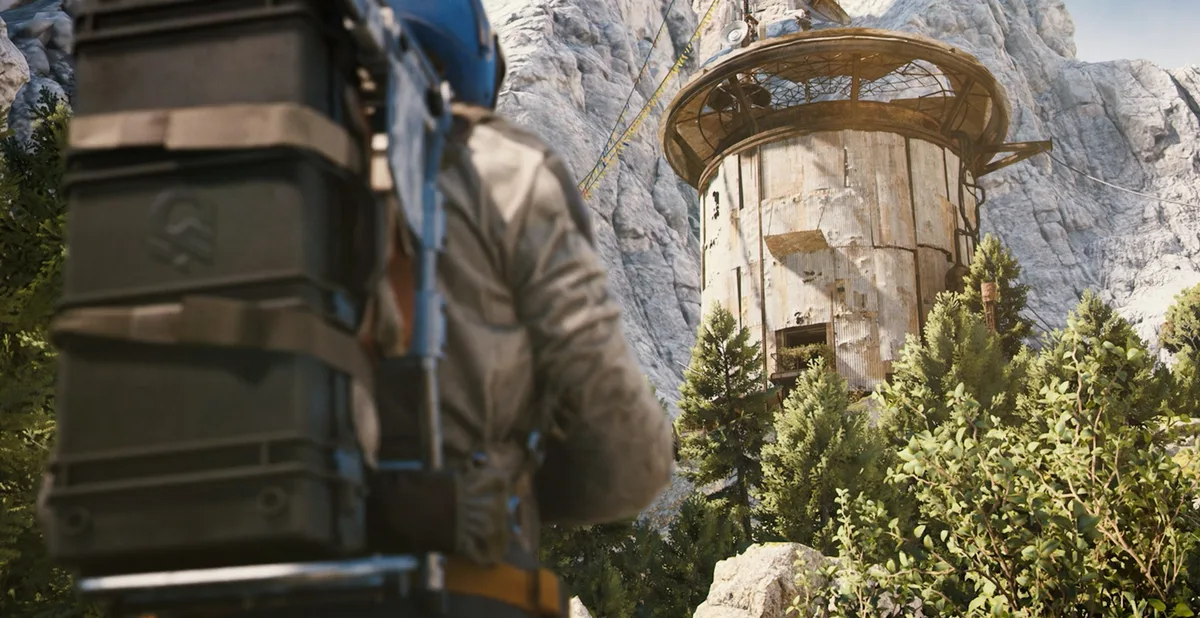 Image: Outpost screenshot, ARC Raiders official site. Game art is the property of Embark Studios.
Step-by-step: take your first photo
1. Get a camera: buy one at Shani with Coins, craft the Basic at the Workbench, or take the free Basic Camera that Sizing Things Up and Taking Stock grant when you accept them.
2. Accept the quest before you leave: for the Outpost, accept it first, otherwise the photo may not count.
3. Bring it into the raid: both cameras are Quick Use gadgets, so carry them in a quick use slot like any other gadget.
4. Take the shot: use the zoom, aperture and focus controls, or the selfie mode with custom emotes.
5. Find your pictures afterwards: open the camera tab in your Codex.
Where ARC Raiders photos are saved
Embark says "Pictures will save to your Codex, letting you relive your most triumphant moments from the safety of your home." The in-game view is the easy way to see them.
If you want the files, a reply in a player thread gives a Windows path: C:\Users\YOUR_USERNAME\AppData\Local\PioneerGame\Saved\PersistentDownloadDir\Photos. That is a community tip, not official, so look for the folder rather than trusting the exact path. The player who started that thread mentions a 50 picture limit in the game, which we could not confirm.
What players are saying
GODEEPER: If you are getting the camera for the Outpost quest, here is what else 2.0 added. ARC Raiders Reward Pass Guide →
The mood in the first-day threads is warm. One player who used to record matches by running binoculars wrote: "I used to always run lobbies with binoculars and record matches while playing the role of camera-man during large battles." Another thread is simply about finding the photos, and its top answers are the Codex camera tab and the folder path above, which suggests the Codex tab is not obvious. A third asks where the files live on PC. These are a few threads, not a survey.
Camera Gadget Coming Soon
Official teaser from the ARC Raiders channel.
Our take
This is a research page, not a hands-on review. I have not played the camera, so the features come from Embark and the wiki, and the folder and limit come from players.
The practical advice is short: if you only need the photo quests, buy or craft the Basic Camera and skip the 3,000 Coin Advanced one until someone shows what it adds. If you are early in the update, the Frozen Trail preview and our beginner guide cover the rest of what changed.
Frequently Asked Questions
How do you get a camera in ARC Raiders? Buy it from Shani with Coins, craft it at the Workbench, or find it Topside. Sizing Things Up and Taking Stock also hand you a Basic Camera when you accept them.
What is the difference between the Basic and Advanced Camera? The wiki says the Advanced Camera does everything the Basic Camera can and more, but its page does not list the extras. It costs 3,000 Coins at Shani against 1,920 for the Basic, and crafting it needs a learned Blueprint plus a Camera Lens, a Calculator and Electrical Components.
Where are ARC Raiders photos saved? In your Codex, under the camera tab. On PC, players report a copy in the PioneerGame Photos folder under AppData Local, which is handy if you want the files themselves.
Is there a limit on how many photos you can keep? One player reports a limit of 50 pictures in the in-game view. Embark has not published a number, so treat it as unconfirmed.
Which quests need the camera? The League, Reduced to Rubble, Life of a Pharmacist, Battening Down and Groundbreaking now ask for photos. The first Outpost step also needs a photo of a farmland house.
What is a Camera Lens used for? It is one of the three parts in the Advanced Camera recipe, next to a Calculator and Electrical Components. If you do not need that camera, it recycles into 8 Plastic Parts.
Related Reading
- ARC Raiders Outpost Guide: the unlock that needs your first photo.
- ARC Raiders Reward Pass Guide: the new progression system from the same update.
- ARC Raiders Grappling Hook Guide: the other new gadgets in 2.0.
- ARC Raiders Stash Size Guide: where your Coins go next.
- ARC Raiders Anvil and Bantam Guide: weapon changes in the same patch.
- ARC Raiders Frozen Trail Preview: everything the expansion added.
- ARC Raiders Beginner Guide: the early game basics.
- ARC Raiders Loot Guide: What to Keep, Sell or Scrap: what to do with spare Plastic Parts and Lenses.
References
- Frozen Trail content preview, ARC Raiders official site: the camera feature list and Codex saving, accessed 2026-10-09.
- Frozen Trail 2.0 update notes, ARC Raiders official site: new items, Shani's offers, quest changes and Outpost step, accessed 2026-10-09.
- Basic Camera, ARC Raiders Wiki: Shani price, sources, crafting recipe and description, accessed 2026-10-14.
- Advanced Camera, ARC Raiders Wiki: Shani price and daily limit, crafting recipe, Reward Pass source, accessed 2026-10-14.
- Camera Lens, ARC Raiders Wiki: recycling values, accessed 2026-10-14.
- Shani, ARC Raiders Wiki: Coin-only trader and camera listings, accessed 2026-10-14.
- Sizing Things Up and Taking Stock, ARC Raiders Wiki: Basic Camera granted on accept, accessed 2026-10-14.
- r/ArcRaiders: The Camera is such a wonderful addition!
- r/ArcRaiders: Where do photos go?
- r/ArcRaiders: Advanced Camera photo location
- Camera Gadget Coming Soon, ARC Raiders official YouTube
Was this guide helpful?
Keep reading

Sponsored

Disclaimer
This article is published for informational and entertainment purposes. It does not constitute professional financial, legal, or technical advice. Game performance, online services, patch schedules, and store listings change. Verify critical details (pricing, system requirements, regional availability) with publishers and storefronts before you buy. Affiliate links, where present, help support our editorial work and are labelled in our affiliate disclosure.
About the author

GameBrief's byline for metroidvanias, RPGs, comparisons and design history. Places each game in its genre and argues both sides before picking one.
- Metroidvanias and RPGs
- Comparisons and design history
- Sources listed per article