
GameBrief · General
11 Best Risk of Rain 2 Mods: 2026 Thunderstore Picks
Reviewing
Risk of Rain 2
Hopoo Games
Best Risk of Rain 2 Mods are worth choosing by purpose, not by download count alone. I checked the live Thunderstore listings for every mod named below on September 25, 2026, then compared each listing's current version and update date with the latest released Steam baseline for Risk of Rain 2.
The result is an 11-mod shortlist for the PC version. It includes large content expansions, survivor additions, information tools, run recovery, co-op utilities, and one very specific Mithrix fix. It does not treat a library or loader as a gameplay recommendation, and it does not promise that a fresh Steam patch will leave every hook intact.
TL;DR: The 11 Best Risk of Rain 2 Mods here are Starstorm2, Aetherium, Sandswept, ArtificerExtended, Enforcer, LookingGlass, ProperSave, ShareSuite, DropinMultiplayer, BiggerBazaar, and PizzaClientLagFix. Build a new r2modman profile, install one category at a time, and check the linked Thunderstore page again after every game update.
Best Risk of Rain 2 Mods for 2026 (quick answer)
For new content, start with Starstorm2 or Sandswept. For a single survivor, ArtificerExtended and Enforcer are the clearest additions. LookingGlass is the safest general quality-of-life choice because it explains items and player stats without changing the run's loot table. ProperSave, ShareSuite, and DropinMultiplayer solve different co-op or run-continuity problems, while BiggerBazaar changes how leftover money becomes a build decision.
The current-game qualifier matters. Steam's live news feed has no released numbered gameplay patch newer than Alloyed Collective 1.4.1, released in December 2025, while the September 2026 Hallowed Concepts diary still describes an upcoming DLC. The dates and compatibility tags below are therefore evidence from each mod page, not a guarantee against a future game build.
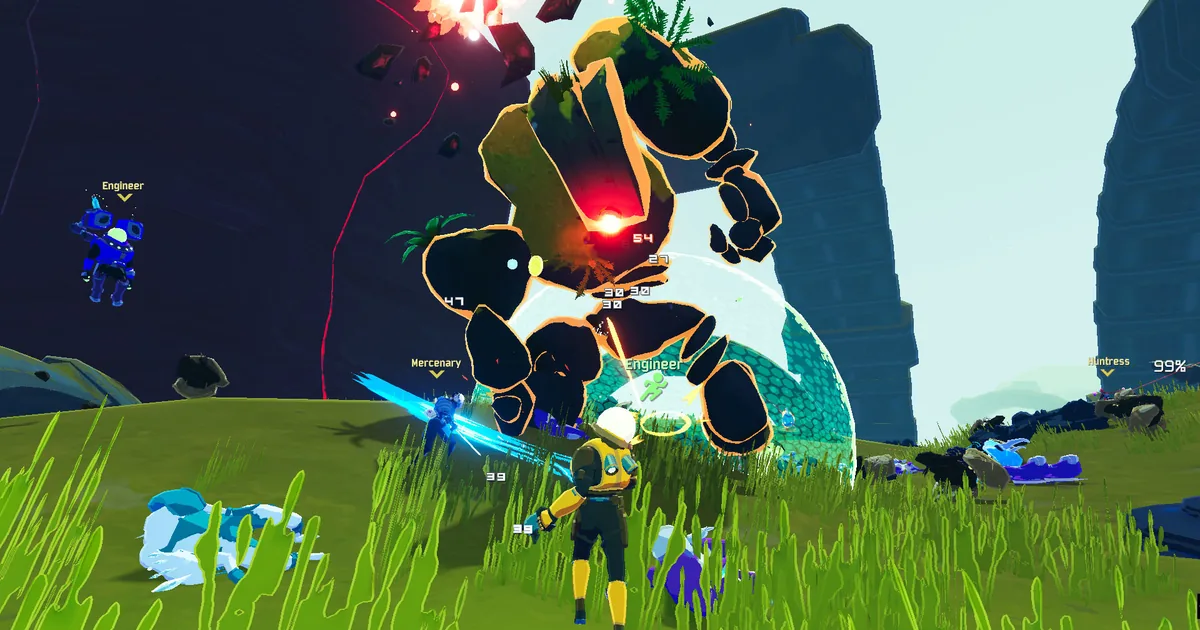
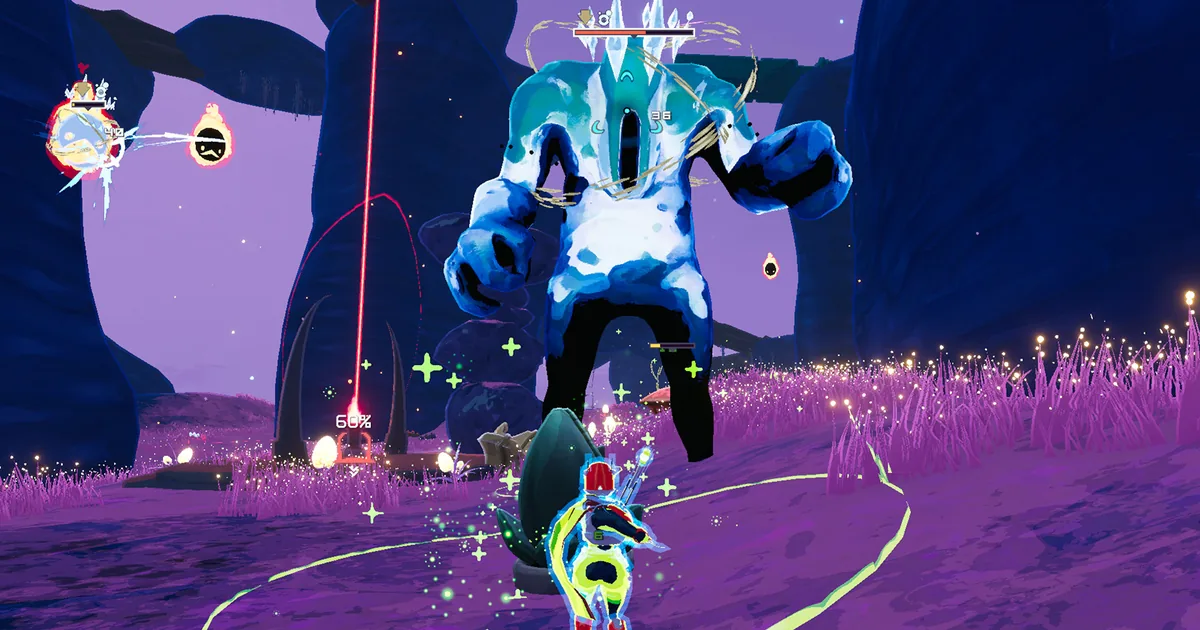
An official Steam screenshot showing the fast, crowded combat space that content and co-op mods build around.
Current Risk of Rain 2 compatibility check
The official Risk of Rain 2 Steam page remains the source of truth for the live game listing. Its news feed shows Alloyed Collective patch 1.4.1 as the most recent released numbered patch in the current feed, and Hallowed Concepts is still presented as upcoming in the latest developer diary. I used that 1.4.1 release baseline when reading the Thunderstore pages.
Here is the verification snapshot. Every row links to the mod's own listing, not a re-upload or a search result.
| Mod | Listing checked | Current listing signal | Compatibility read |
|---|---|---|---|
| Starstorm2 | v0.6.44, updated September 22, 2026 | Alloyed Collective and other DLC categories | Strongest content signal in this list, but it remains a work in progress |
| Aetherium | v0.9.0, updated January 5, 2026 | Explicit Alloyed Collective update text and tag | Current enough to test, though older than the other content picks |
| Sandswept | v1.4.4, updated April 2, 2026 | Seekers of the Storm category | Recent listing after 1.4.1, with no explicit Alloyed Collective tag |
| ArtificerExtended | v4.0.31, updated August 10, 2026 | Player Characters and Tweaks categories | Recent listing; test after dependency updates |
| Enforcer | v3.11.9, updated November 25, 2025 | Player Characters category | Updated after Alloyed Collective launched, without an explicit AC tag |
| LookingGlass | v1.15.2, updated March 5, 2026 | Client-side category | Recent UI utility with no content-pool changes |
| ProperSave | v3.0.7, updated July 30, 2026 | Server-side and Tweaks categories | Recent listing, with save rules that need testing |
| ShareSuite | v2.10.1, updated November 23, 2025 | Page notes DLC3 support | Post-launch listing with multiplayer configuration needs |
| DropinMultiplayer | v4.2.1, updated March 22, 2026 | Page changelog says it was updated for Alloyed Collective | One of the clearest co-op compatibility signals |
| BiggerBazaar | v1.14.5, updated February 9, 2026 | Changelog includes Alloyed Collective support | Host-side economy change, so test the profile as a group |
| PizzaClientLagFix | v1.3.4, updated September 13, 2026 | Current multiplayer fix listing | Narrow fix for Mithrix's pizza attack and related desync |
This is a compatibility screen, not a claim that all 11 belong in one profile. Large content mods can overlap, content dependencies can change, and multiplayer players should agree on a profile before a run begins. If you want the vanilla roster and loot tables explained first, use the Risk of Rain 2 complete guide hub and the survivors guide as the baseline.
New content mods
These are the picks for players who want a meaningfully larger game. Install one large content mod first, finish a short test run, and only then decide whether another expansion belongs in the same profile.
Starstorm2
Starstorm2 on Thunderstore is the biggest all-round content recommendation here. Its own page describes a sequel to the original Starstorm mod with new survivors, mechanics, items, skills, enemies, and more. The page currently lists four new survivors, three monsters, more than 20 items and equipment pieces, new interactables and drones, events, a Typhoon challenge, and two artifacts.
The TeamMoonstorm listing is version 0.6.44 in the live API check, updated September 22, 2026, and tagged for Alloyed Collective alongside the earlier DLC categories. The front-end page can lag behind the API version label, so use the package manager's current file and the page's changelog when you install. The page also calls the project a work in progress and notes that artifact codes are not placed in the world yet. Treat Starstorm2 as a substantial content profile, not as a tiny plug-in.
Its four survivor concepts also give the mod a useful range. Executioner is built around target picking and kill chains, Chirr supports allies with control and healing, and the unrevealed survivor entry is intentionally less specific. That variety makes this a better choice for a group that has exhausted the official roster than for someone who only wants a cleaner item tooltip.
Before adding Starstorm2, compare its new encounter density with the official Risk of Rain 2 bosses guide so your first test run has a clear vanilla reference.
Aetherium
Aetherium on Thunderstore is a variety pack for players who want new decisions inside the existing Risk of Rain 2 structure. The author describes a large set of new items, equipment, artifacts, enemies, skills, and other additions, with examples ranging from movement triggers and drone support to lunar effects and new artifacts.
Its listing is version 0.9.0, updated January 5, 2026, and explicitly calls itself an Alloyed Collective update. The page carries both client-side and server-side categories and has a long dependency chain, so the safest approach is to install it through a profile manager rather than dragging a single archive into the plugins folder. It is older than Starstorm2's current update, but its explicit AC tag is why it cleared this guide's compatibility screen.
Aetherium is a good fit when you want item variety without committing to the much larger survivor and stage footprint of Starstorm2. If you are still learning how vanilla item tiers and artifacts interact, read the Risk of Rain 2 items and artifacts guide first. Otherwise, unfamiliar item text can make a modded run look broken when it is simply using a different design vocabulary.
Sandswept
Sandswept on Thunderstore is a content expansion built around new survivors, enemies, interactables, and items. Its page describes two survivors, four enemies, two elites, five interactables, and 27 items, which gives it a clear identity as a broad content pack rather than a single-character project.
The current listing is version 1.4.4, updated April 2, 2026. It is categorized for the Seekers of the Storm update, but the page does not carry the explicit Alloyed Collective tag that Starstorm2 and Aetherium do. That does not make it unusable on the current released game, since its listing is newer than 1.4.1, but it does lower the confidence of a blanket compatibility claim. Test it alone before pairing it with another large content pack.
Sandswept works best for a group that wants fresh stage and monster pressure without installing a full overhaul framework. Keep the Risk of Rain 2 bosses guide open while you learn which encounters are vanilla and which belong to the new profile.
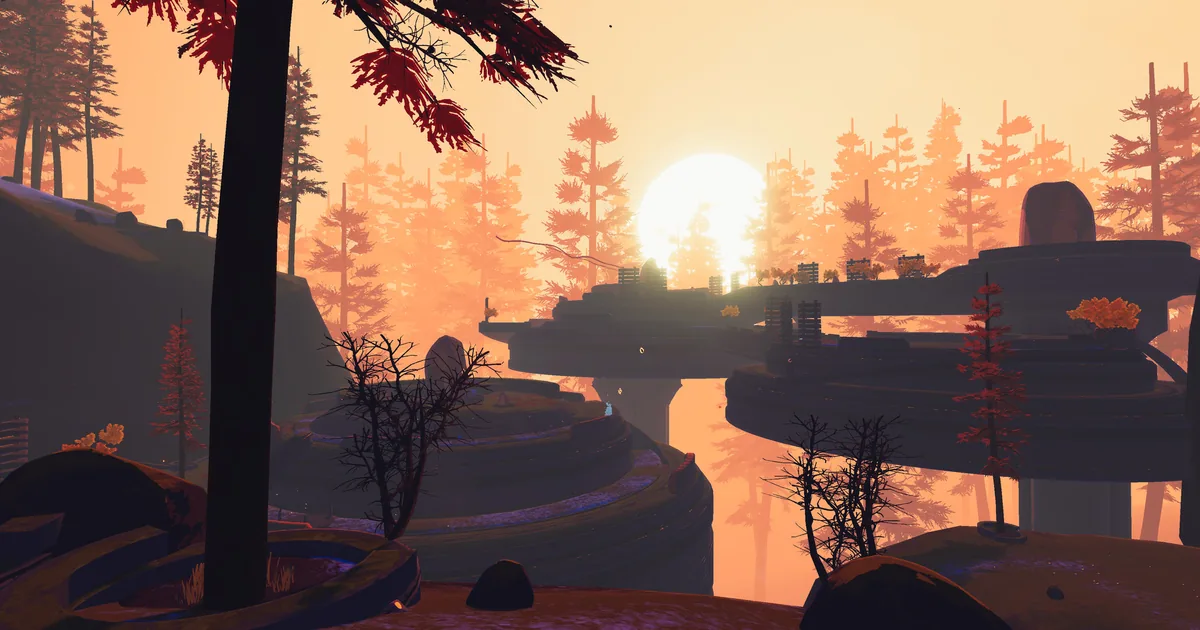
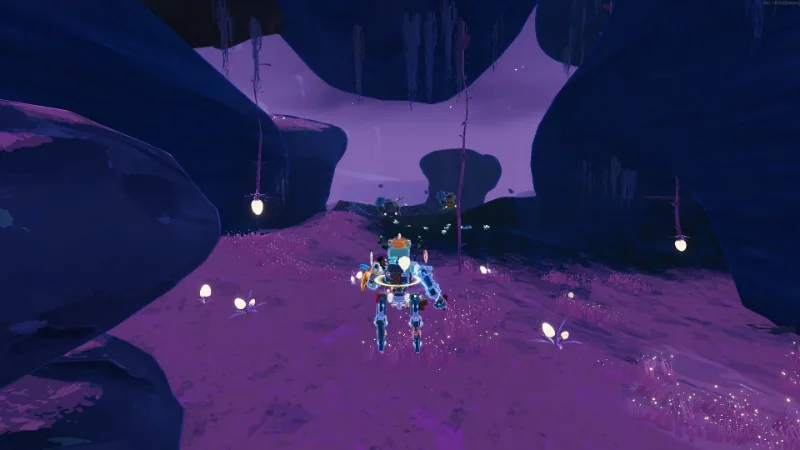 Official Steam developer artwork showing a survivor moving through a purple cavern, a useful visual match for the game's expanding stage roster.
Survivor and build variety mods
These two recommendations change what it feels like to play a run without requiring an entire content expansion. They are easier to evaluate in a solo profile, then bring into co-op after you have checked their skills and multiplayer behavior.
ArtificerExtended
ArtificerExtended on Thunderstore adds 13 new abilities to Artificer. The author describes version 4 as a rework of nearly every new ability and passive, with new ability icons, so this is not a small balance slider. It is a way to give one of the game's existing survivors a deeper alternate kit.
The listing is version 4.0.31, updated August 10, 2026, and categorized as a player-character and tweak mod. It does not carry an explicit Alloyed Collective tag, but it is a recent listing against the current released baseline. Read the skill descriptions before using it in a serious multiplayer profile, since an ability rework changes how a player understands damage, cooldowns, and the Risk of Rain 2 survivors roster.
ArtificerExtended is the right pick when the player likes the original survivor but wants more build routes. It is less useful as a first mod for a new player because it adds choices before that player has learned which parts of Artificer's base kit are supposed to solve mobility, crowd control, and aerial damage.
Enforcer
Enforcer on Thunderstore brings the Risk of Rain 1 Enforcer back as a fully playable survivor. Its page includes alternate skills and skins and notes support for systems such as Ancient Scepter and VR, giving the character more depth than a simple model swap.
The current listing is version 3.11.9, updated November 25, 2025, shortly after Alloyed Collective released. It does not show an explicit AC tag, so it passed on the strength of its post-launch update date and active package listing rather than a specific DLC claim. The page also notes a multiplayer issue involving shield cancellation and sprint, which is exactly the sort of detail to test before bringing it into a public lobby.
Enforcer is a strong choice for a returning player who wants a classic character fantasy. Keep the profile separate from large content packs until the survivor loads correctly, then add one expansion only if the dependency manager reports no conflict.
Quality-of-life, saves, and co-op mods
This section is where most players should begin. These mods change information, run continuity, item distribution, or lobby flow. They generally create less content overlap than a stage or survivor expansion, but several still need host-side agreement.
LookingGlass
LookingGlass on Thunderstore is the strongest first recommendation for a solo player or a returning veteran. Its own description calls it a quality-of-life UI mod that exposes item and player statistics, reshapes command and scrapper menus, and remains compatible with RiskUI. The page also documents full item descriptions, inventory sorting, configurable stat displays, and a DPS meter with a combo counter.
The listing is version 1.15.2, updated March 5, 2026, and categorized as client-side. That makes it a useful low-risk starting point because it does not add a new survivor or rewrite the stage director. Use it to understand why a build works, then compare the result with the vanilla item explanations in the items and artifacts guide.
ProperSave
ProperSave on Thunderstore saves progress at the start of a stage so a player can load that run later. Its page says the save is deleted on death and that single-player uses one save or profile. It also separates Classic, Eclipse, and Simulacrum saves, which is useful if you move between modes rather than treating the mod as a rewind button.
Version 3.0.7 was updated July 30, 2026. The page describes multiplayer behavior as host-oriented when the same players return, and it warns that minion state can respawn differently. Achievements are not heavily tested either. Treat ProperSave as a recovery tool for interrupted sessions, not as a way to erase a bad decision. Back up the save directory before trusting it with a long run.
If you are returning to the game after a long break, pair that backup with the Hallowed Concepts survivors guide so announced characters are not confused with the save's currently playable roster.
ShareSuite
ShareSuite on Thunderstore lets a party share gear, money, experience, and equipment instead of relying on the default pickup rules. The author describes it as highly balanced and customizable, and the page's recent notes include DLC3 support, drone item-sharing fixes, single-player chat messages, multiplayer scrapper behavior, and Simulacrum interactable counts.
The current listing is version 2.10.1, updated November 23, 2025, with server-side and tweaks categories. Sharing loot can make a group friendlier, but it also changes the value of character roles and item routing. Agree on its settings before a run and keep the Risk of Rain 2 complete guide hub nearby when deciding whether a shared item still matches the vanilla progression curve.
DropinMultiplayer
DropinMultiplayer on Thunderstore lets friends join or leave during a run and automatically gives catch-up items to a player who arrives late. The page explains Steam join steps, host-side settings, and toggles for hiding or showing the catch-up items. That is a much better fit for an irregular friend group than restarting every time someone misses the opening stage.
The listing is version 4.2.1, updated March 22, 2026. Its 4.2.0 changelog explicitly says it was updated for Alloyed Collective, and 4.2.1 is the follow-up bug-fix release. The page also warns that joining a DLC survivor without owning that DLC can crash or freeze, and it notes a Steam-join failure that can originate outside the mod. Test the catch-up rules before using them in an Eclipse run because repeated leaving and rejoining can be exploited.
The Risk of Rain 2 survivors guide is useful here because it separates official DLC ownership from the extra characters a modded lobby may expose.
BiggerBazaar
BiggerBazaar on Thunderstore expands the Bazaar with random items that can be bought using money left at the end of a stage, including lunar coins. Its page describes up to six random items, configurable prices by tier and difficulty, temporary item dispensers, direct inventory options, host-side operation, and ShareSuite integration.
The current listing is version 1.14.5, updated February 9, 2026, and its changelog includes an Alloyed Collective update in the 1.14 series. It changes the economy of a run more than a tooltip mod does, so decide whether the group wants a safety valve for leftover gold or a stronger shopping loop. Do not add it automatically to a profile already using another Bazaar overhaul.
PizzaClientLagFix
PizzaClientLagFix on Thunderstore is a narrow but valuable multiplayer repair. Its page explains that clients can desync from the visuals during Mithrix's pizza attack, causing damage to arrive at the wrong time. The fix moves the damage check closer to what clients see and also covers the attack's shockwaves.
Version 1.3.4 was updated September 13, 2026, making it the freshest listing in this article. It is categorized for client-side and server-side use and tagged with the game's expansion ecosystem. It will not improve a solo run or add content, but it belongs in a co-op profile if Mithrix's pizza attack is the reason otherwise stable runs end in confusing damage spikes. Keep it separate from general performance tweaks while testing so its effect is obvious.
When you test the fix, use the Risk of Rain 2 bosses and Alloyed Collective guide to keep the Mithrix encounter itself separate from the network problem the mod is trying to address.
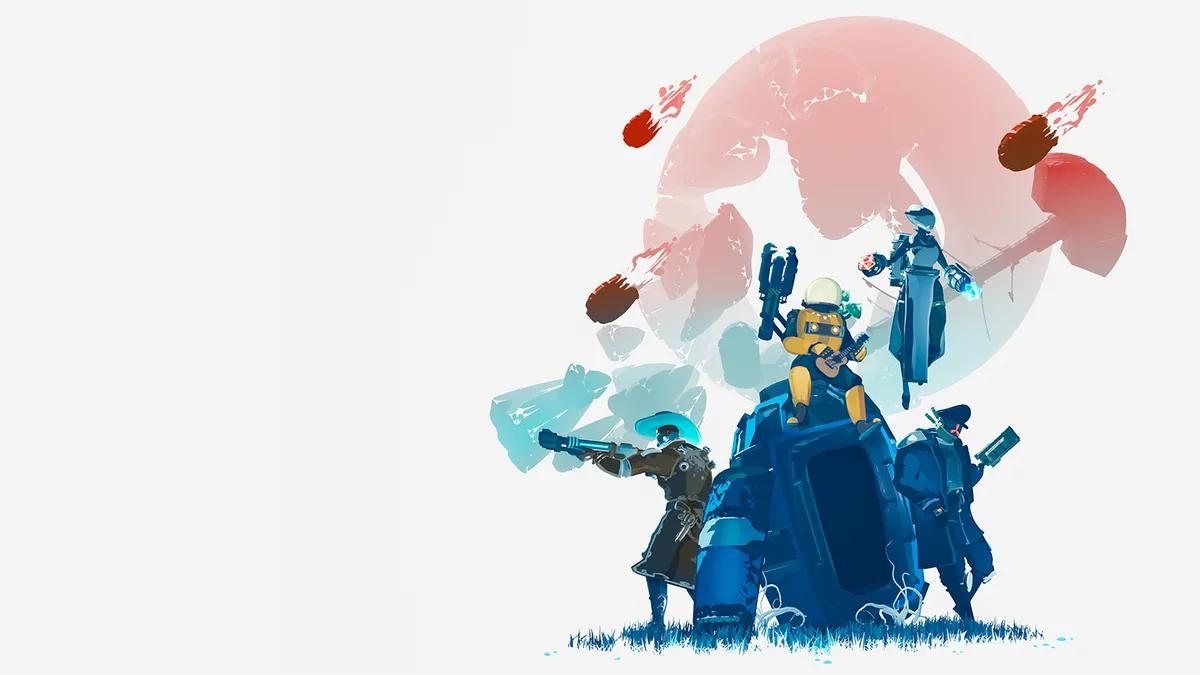 Official Steam key art showing the survivor group and ship that sit behind the game's expanding mod ecosystem.
GODEEPER: New content is easier to understand once the official roster is clear. The Risk of Rain 2 survivors guide lists the current characters, while the Hallowed Concepts survivors guide separates announced future content from what is playable today.
Step-by-Step: install Risk of Rain 2 mods safely
1. Keep a vanilla profile: Do not overwrite the game's clean launch path while you are learning. A separate vanilla profile gives you a reliable way to confirm whether a crash belongs to the game or to the modded launch.
2. Install a trusted manager: r2modman on Thunderstore manages Risk of Rain 2 profiles, downloads, updates, and dependencies. Use the official Thunderstore or GitHub distribution referenced by its own page, not a random mirror.
3. Let the manager install BepInExPack: BepInExPack on Thunderstore is the loader foundation used by the mod ecosystem. Its page's manual instructions place the contents of the inner BepInExPack folder beside RiskOfRain2.exe, but a profile manager can handle the expected layout for you.
4. Make a new profile and add one low-risk utility: Start with LookingGlass. Launch the game, open a practice run, check the UI, and quit normally. This confirms the loader and profile before a content pack adds more dependencies.
5. Add one content or survivor mod: Choose Starstorm2, Aetherium, Sandswept, ArtificerExtended, or Enforcer, not all five at once. Read the page's required dependencies and use the current file shown by the manager. A profile that combines multiple large packs is a separate compatibility experiment.
6. Match the multiplayer profile: ShareSuite, DropinMultiplayer, BiggerBazaar, and many content mods need host-side agreement. Export the profile code or compare the package list with every player. For a new group, test a short run before beginning Eclipse or a long loop.
7. Back up saves before ProperSave or economy changes: Copy the Risk of Rain 2 save and profile folders before relying on a save mod or altering item distribution. Keep the backup outside the active game directory.
8. Recheck every page after a Steam update: Read the official Alloyed Collective patch 1.4.1 announcement and the latest Hallowed Concepts developer diary, then check each mod's own changelog. Do not assume a recent Thunderstore date means a future patch is supported.
9. Remove one change at a time: If the profile fails, disable the newest mod first, read its known issues, and test the clean profile. Changing several dependency versions at once hides the cause and makes a working rollback harder.
Risk of Rain 2 mods I considered but left out
These pages were real catalog entries, but they did not belong in the 11 gameplay recommendations for this guide.
- Risk Of Options is a real and widely used Thunderstore page, but its own description identifies it as an API for exposing BepInEx settings. It is a dependency and developer-facing configuration layer, not a player-facing mod to count as one of the best picks.
- ClassicItemsReturns is a populated item mod with a September 2026 package entry. I left it out because the catalog has several packages with the same name and the final list already has two broad item-content recommendations. Use the exact Risky_Sleeps page if its Risk of Rain and Risk of Rain Returns item pool is the feature you want.
- VanillaVoid is a strong real page with 12 Void items and an Alloyed Collective compatibility note in its changelog. It was excluded to avoid stacking another item overhaul into a first-pass profile already covered by Aetherium and the larger content packs.
- BepInExPack and r2modman are required setup tools, not counted mods. They appear in the install steps because a usable profile needs them, but the title's 11 count contains only player-facing recommendations.
- Old or duplicate package owners were not treated as separate recommendations. When Thunderstore exposed multiple package entries with the same display name, I used the current owner and version only when its own page had the clearest active listing.
Tips for a stable modded run
Keep a small profile for ordinary runs and a separate profile for experimentation. A UI utility, ProperSave, and one multiplayer helper are easier to diagnose than a profile containing three content packs, multiple item pools, and several survivor frameworks. If you want to learn the game's underlying systems before changing them, the Risk of Rain 2 items guide and boss guide are useful references.
Tell the group when a mod changes the economy or loot rules. ShareSuite and BiggerBazaar can make a run feel more generous, while DropinMultiplayer's catch-up items can alter the value of early stages. That is not automatically bad, but it should be a deliberate group setting rather than a surprise halfway through a loop.
Use the Risk of Rain 2 complete guide hub as the vanilla checkpoint when a modded profile starts changing more than one system at a time.
Do not interpret a mod's last-updated date as a permanent compatibility promise. Thunderstore dates tell you that a package was published or updated, while tags and changelogs show what the author addressed. The Steam page tells you what the game itself currently reports. Keep those three signals separate whenever a patch arrives.
Finally, keep the current game context nearby. The Risk of Rain 2 complete guide hub covers the official roster and DLC history, and the Hallowed Concepts guide tracks announced content that is not yet part of the playable baseline. That distinction prevents a future DLC announcement from being mistaken for a mod requirement.
Frequently Asked Questions
What are the best Risk of Rain 2 mods in 2026? The 11 verified picks cover content, survivor kits, item information, saves, shared loot, drop-in co-op, Bazaar shopping, and a Mithrix multiplayer fix. Start with LookingGlass or ProperSave, then add one larger content mod after the profile works.
Are these Risk of Rain 2 mods compatible with the current game? Their pages were checked against the live Steam release baseline of Alloyed Collective patch 1.4.1. Starstorm2, Aetherium, DropinMultiplayer, and BiggerBazaar have especially useful AC tags or changelog notes. Recent untagged pages still need a local test.
Do all Risk of Rain 2 players need the same mods? Not always. Client-side UI utilities can be local, while content and server-side gameplay mods usually need matching files or a host configuration. Compare the full profile before joining a multiplayer run.
What do I need to install Risk of Rain 2 mods? Use r2modman or another reputable profile manager with BepInExPack, then let it resolve dependencies. Keep a vanilla profile and a save backup so you can isolate a failed update.
Can Risk of Rain 2 mods break after an update? Yes. A Steam patch can break a loader, dependency, or game hook. Check the mod's own page after each patch, update one change at a time, and keep the clean profile available while you test.
Which Risk of Rain 2 mod is best for solo players? LookingGlass is the safest general first pick because it improves information without changing the loot pool. ProperSave is useful for interrupted runs, but read its save and death rules before relying on it.
Related Reading
- Risk of Rain 2 Complete Guide Hub
- Risk of Rain 2 Survivors Guide
- Risk of Rain 2 Items and Artifacts Guide
- Risk of Rain 2 Bosses and Alloyed Collective Guide
- Risk of Rain 2 Hallowed Concepts Survivors Guide
References
- Risk of Rain 2 on Steam
- Alloyed Collective patch 1.4.1 official announcement
- Hallowed Concepts Dev Diary #4 official announcement
- Risk of Rain 2 official launch trailer
- Starstorm2 on Thunderstore
- Aetherium on Thunderstore
- Sandswept on Thunderstore
- ArtificerExtended on Thunderstore
- Enforcer on Thunderstore
- LookingGlass on Thunderstore
- ProperSave on Thunderstore
- ShareSuite on Thunderstore
- DropinMultiplayer on Thunderstore
- BiggerBazaar on Thunderstore
- PizzaClientLagFix on Thunderstore
- r2modman on Thunderstore
- BepInExPack on Thunderstore
Was this guide helpful?
About the author

Senior Critic & Analyst
Former game data analyst turned critic with 11 years covering indie and mid-tier games. Based in Austin. Runs spreadsheets on games most people just play.
- 11 years games criticism
- Former game economy analyst
- Roguelike and strategy specialist
Keep reading


Disclaimer
This article is published for informational and entertainment purposes. It does not constitute professional financial, legal, or technical advice. Game performance, online services, patch schedules, and store listings change. Verify critical details (pricing, system requirements, regional availability) with publishers and storefronts before you buy. Affiliate links, where present, help support our editorial work and are labelled in our affiliate disclosure.
Comments
Loading comments…