
ARC Raiders · Guides
ARC Raiders Sensitivity Converter: Valorant, CS2, Overwatch
ARC Raiders sensitivity converter: multiply Valorant sens by 51.43, CS2 or Apex by 16.16 and Overwatch by 4.85 at FOV 70. Then check it with one 360 turn.
Sponsored

About the game
ARC Raiders
ARC Raiders sensitivity runs on a scale no other popular shooter shares, so the number you typed into Valorant or CS2 means nothing here. That's why the first few raids felt off. Your flicks overshoot, or a Leaper crosses the screen and you can't keep up with it. Your aim didn't get worse; copying the old number across just never works.
You don't need to rebuild your aim from scratch. You can match the exact turn speed you already trained in another game, then make a few small changes for how ARC Raiders plays. If you're new to the game itself, our beginner guide covers the raid basics first.
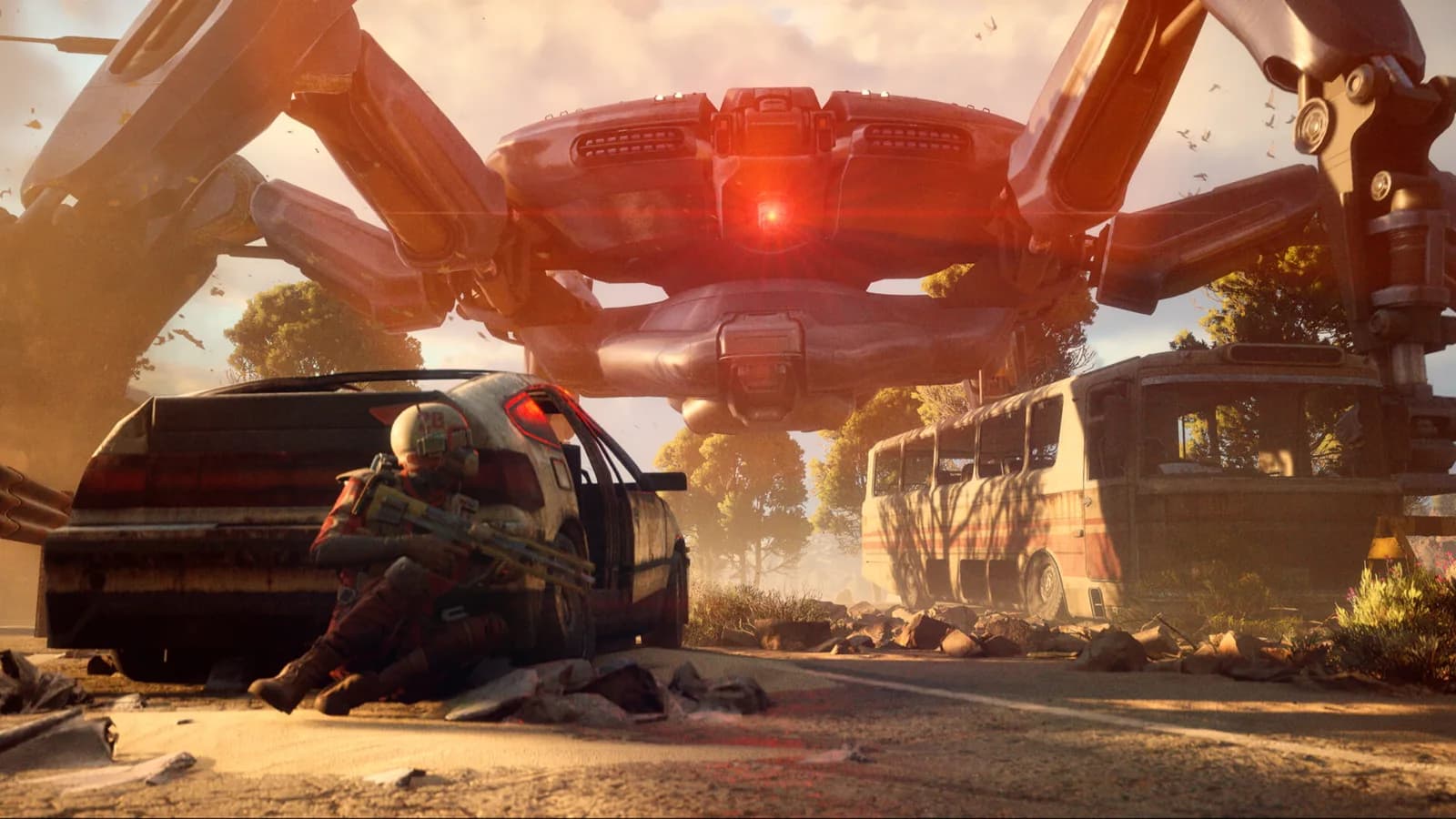
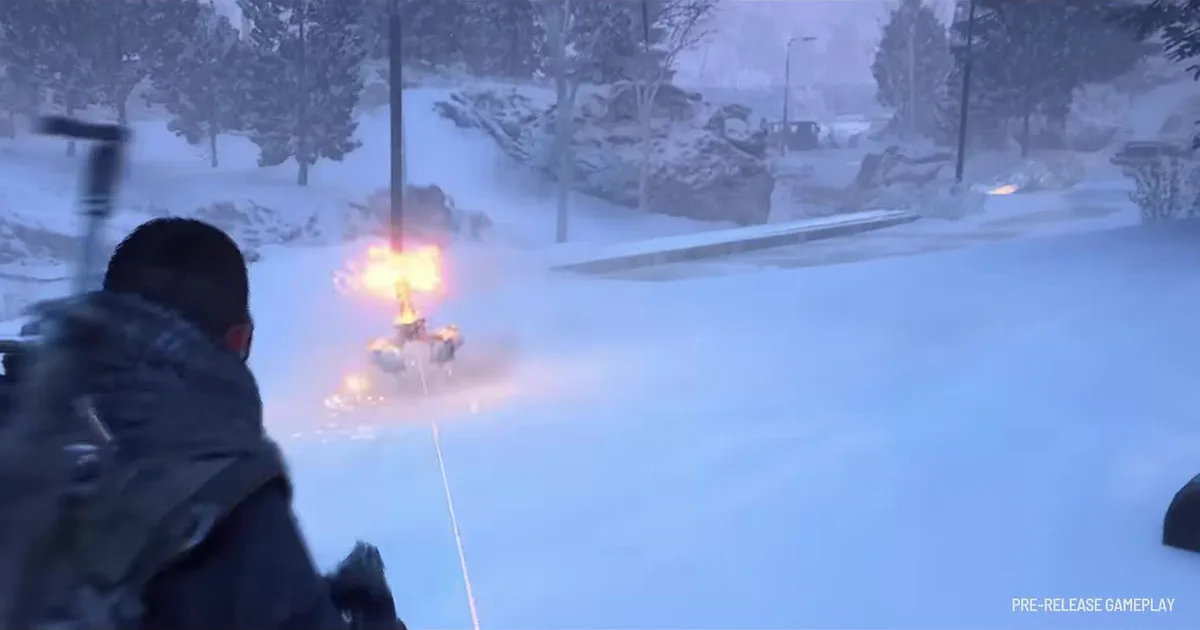 Image: frame from Frozen Trail: First Look (pre-release gameplay), ARC Raiders official YouTube channel. Game art is the property of Embark Studios.
Step 1: Fix the settings that ruin any conversion
Sort these out before you touch the sensitivity number. If any of them is wrong, no converted value will feel right.
- Mouse Smoothing: Off. Embark added the toggle in Patch 1.13.0 on January 27, 2026, and it sits in Settings, under Mouse and Keyboard. Smoothing adds a small delay and makes fast flicks feel floaty.
- Windows acceleration: Off. In Windows mouse settings, uncheck "Enhance pointer precision." With acceleration on, the same physical swipe turns you a different amount depending on how fast you move.
- Same DPI in both games. Your real turn speed is DPI multiplied by in-game sensitivity. Keep the DPI you used in your old game, or account for the change: if you double your DPI, halve your sensitivity.
- Pick your FOV first. In ARC Raiders, turn speed grows with field of view, so the same sensitivity turns you faster at a wider FOV. The slider runs from 60 to 80 and starts at 70. Choose the FOV you'll actually play on, then convert. Every number below uses the default 70.
BESTPRICE: Want ARC Raiders? Eneba sells a Steam key: Buy on Eneba →
Step 2: Convert your ARC Raiders sensitivity
Converting really means matching cm/360: how many centimeters you move your mouse to turn a full circle. If that distance is the same in both games, your muscle memory carries over.
The setting you change is Horizontal Sensitivity under Mouse and Keyboard. Converters only match the sideways turn, so start Vertical Sensitivity at the same number and move it only if up-and-down aim feels wrong. At the same DPI and FOV 70, the multipliers are:
| Coming from | Multiply your old sens by |
|---|---|
| Valorant | 51.43 |
| CS2 / CS:GO | 16.16 |
| Apex Legends | 16.16 |
| Overwatch 2 | 4.85 |
Some common examples at 800 DPI. The menu takes one decimal, so the cm/360 column is worked out from the ARC Raiders value you actually type:
| Old game and sens | ARC Raiders sens | cm/360 |
|---|---|---|
| Valorant 0.35 | 18.0 | 46.7 cm |
| Valorant 0.4 | 20.6 | 40.8 cm |
| CS2 1.0 | 16.2 | 51.8 cm |
| CS2 1.5 | 24.2 | 34.7 cm |
| Overwatch 4.0 | 19.4 | 43.3 cm |
| Overwatch 5.0 | 24.2 | 34.7 cm |
A higher-DPI example: Overwatch at 3.5 on 1200 DPI works out to about 33 cm per 360. The ARC Raiders equivalent at 1200 DPI and FOV 70 is roughly 17.0.
If you play on a different FOV or DPI, plug your numbers into a converter that has an FOV field, such as the SensConverters ARC Raiders page, or measure it yourself (Step 3). The slider tops out at 100. If a slow mouse and a fast old sensitivity push the result past that, raise your DPI and convert again.
GODEEPER: Once the aim feels right, the next question is what to point it with. ARC Raiders Weapons Tier List: All 26 Guns Ranked for 2026 →
Step 3: Check it with one full turn
The yaw values behind these numbers are measured by the community, not read from the game files, so always check by feel:
- Put a small piece of tape on your mousepad and line your mouse up with it.
- In game, aim your crosshair at a sharp edge, like a door frame or a pillar corner.
- Move your mouse slowly to the right until you've turned exactly 360 degrees and you're back on the same edge.
- Measure how far the mouse traveled. It should match your old game within a few percent.
If it's off, change the sensitivity in small steps of about 5% and test again. Big jumps make it harder to tell what's actually better.
If the distance changes with how fast you swipe, something is still smoothing or accelerating your input. Before the in-game toggle existed, one player on the Steam forum blamed the engine and recommended dropping the mouse's polling rate to 250 Hz: "After that, you can measure 360s to the same exact distance over and over at any speed." That post dates from December 2025, before Patch 1.13.0, so try the Mouse Smoothing toggle first.
If you've never thought about your cm/360 before, this guide on finding a sensitivity you can actually keep walks through the swipe test on the pad you play on, which is a good place to start before you lock anything in.
Step 4: Adjust for how ARC Raiders actually plays
A converted number gives you the same turn speed, but ARC Raiders isn't a 5v5 tactical shooter. A few things are worth thinking about after your first couple of raids, and the new Frozen Trail quests give you plenty of reasons to run them.
A lot of fights happen at mid range. You're tracking players who strafe between cover and ARC machines that move in predictable lines. Tracking rewards a sensitivity you can control smoothly. If you came from a very fast Valorant or Overwatch sensitivity and you're losing long sprays, try going about 10% lower.
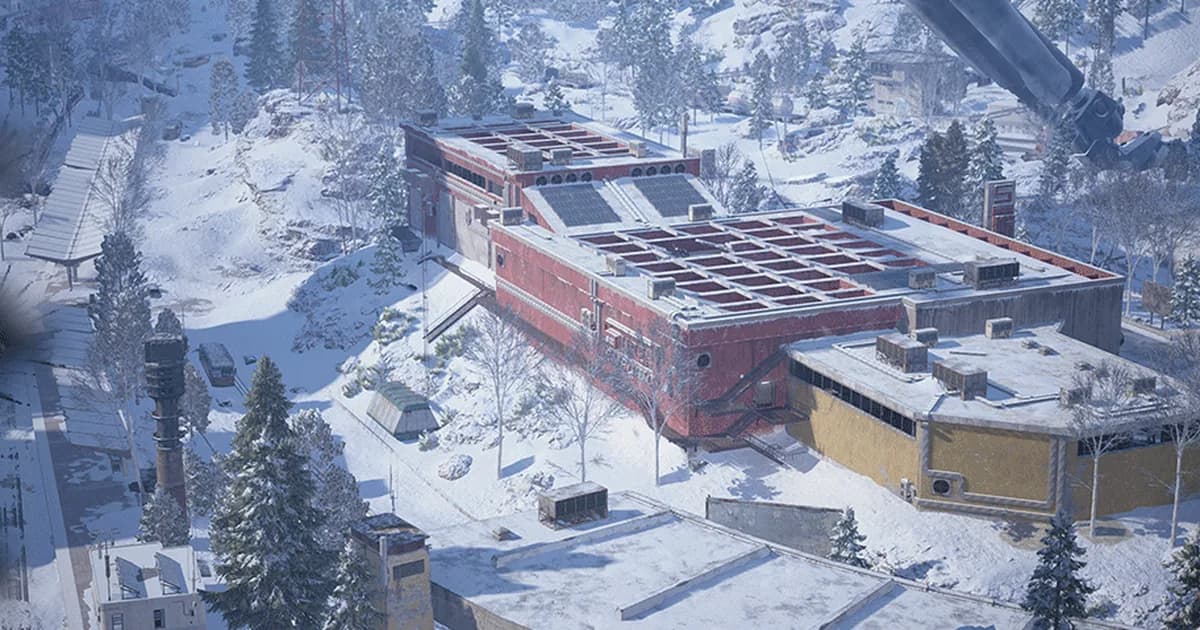
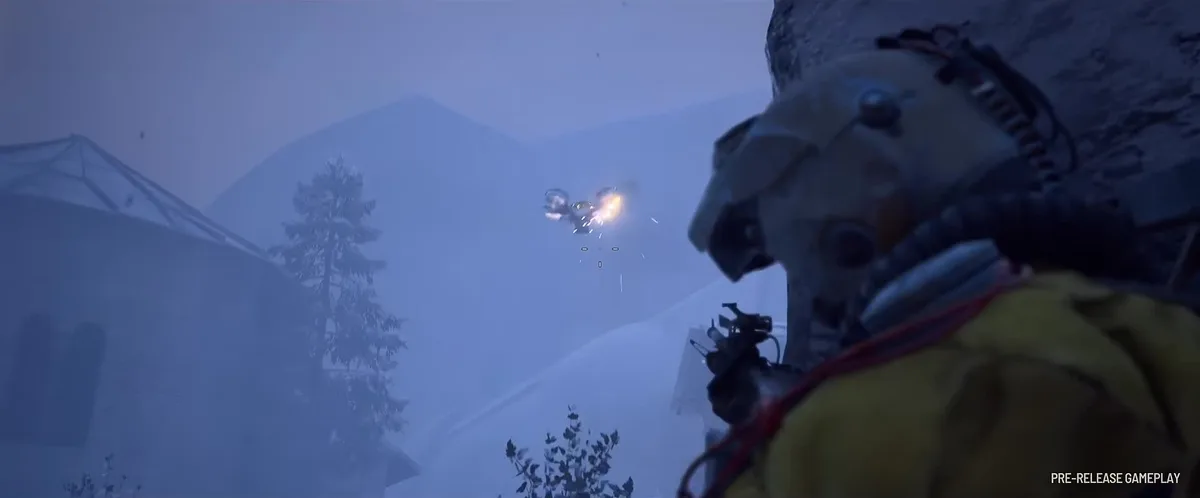 Image: frame from Frozen Trail: First Look (pre-release gameplay), ARC Raiders official YouTube channel. Game art is the property of Embark Studios.
You need to check behind you. Raiders get third-partied all the time, especially while looting. If turning around to face a sound feels slow or makes you lift your mouse twice, you're probably too low. A 180 should be comfortable in one swipe on your pad. What to do once you've turned around is its own topic: see our guide to dealing with other Raiders.
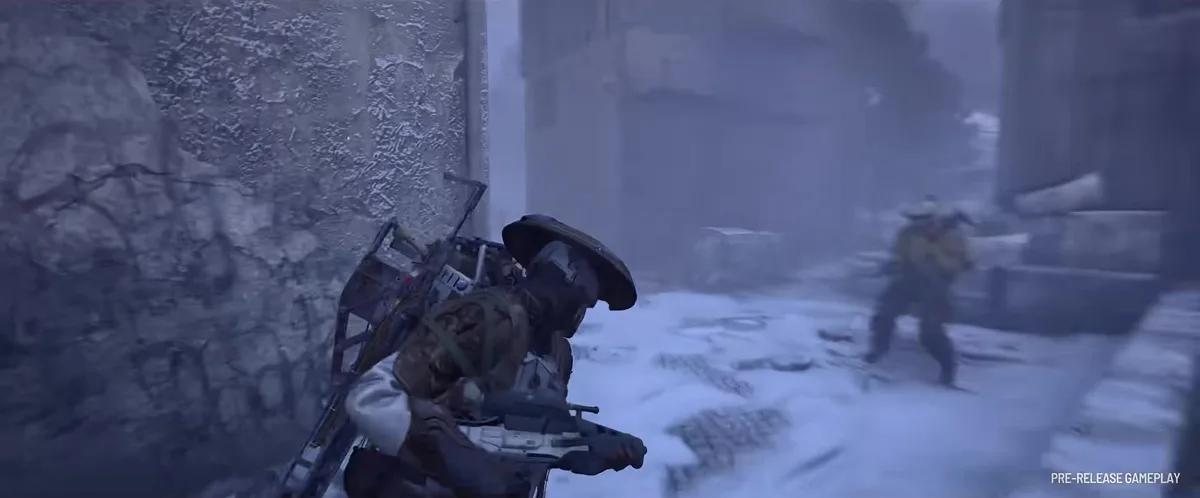 Image: frame from Frozen Trail: First Look (pre-release gameplay), ARC Raiders official YouTube channel. Game art is the property of Embark Studios.
ADS is separate. Aiming down sights and scopes have their own settings, Zoom Sensitivity Multiplier and Scoped Zoom Sensitivity Multiplier, and the conversion doesn't touch them. Convert your hip-fire first and play a few raids. Then adjust the two multipliers so a scoped tracking shot feels like your hip-fire tracking, not faster.
Don't change it after every bad raid. The fastest way to never get comfortable is tweaking your sensitivity every time you lose a fight. Pick a value, write down the cm/360, and give it at least a week. If you still want to change it after that, move in small steps.
Step-by-Step
1. Turn off smoothing and acceleration: Mouse Smoothing off in the game, Enhance pointer precision off in Windows.
2. Keep your DPI: use the same DPI as your old game, or adjust the sensitivity for the change.
3. Pick your FOV: set it before converting; the tables above use 70.
4. Convert Horizontal Sensitivity: multiply your old sensitivity by the number for your game.
5. Verify with a 360 turn: fine-tune in 5% steps until the distance matches.
6. Set ADS after a few raids: tune the Zoom and Scoped Zoom multipliers separately.
7. Leave it alone for a week: write down your cm/360 so you can always get back to it.
GODEEPER: A steady aim matters most when nobody is watching your back. ARC Raiders Best Solo Loadouts: Weapons, Gear & Tips →
Our take
Plenty of the aim problems people blame on "the game's weird sensitivity" go away once the cm/360 matches what their hands already know. We'd spend ten minutes on the conversion and the tape test before touching a single weapon setting. Get that right and your first raid will feel a lot more like home.
How we checked this
On October 28, 2026 we recalculated every multiplier and table row from the yaw values two converters publish: 0.001361 degrees per mouse count at sensitivity 1 for ARC Raiders at FOV 70 (SensConverters; Sens Converter Pro's data gives 0.0013609756), against 0.07 for Valorant, 0.022 for CS2 and Apex Legends, and 0.0066 for Overwatch. All of them matched to the rounding shown. Those yaw figures come from the community, not from Embark, and we have not measured them in game ourselves, so the 360 test in Step 3 has the final word. Setting names and ranges come from the ARC Raiders Wiki's settings table and Embark's patch notes.
Related Reading
- ARC Raiders Loot Guide: What to Keep, Sell, or Scrap: what earns a slot once you survive the fight.
- ARC Raiders New Quests: Every Frozen Trail Quest and Reward: the quests to test your new settings on.
- ARC Raiders Beginner Guide: Loadouts, Maps and Extraction: the basics before your first raid.
- ARC Raiders Other Raiders: Survive Player Encounters: what to do after you turn around.
- ARC Raiders Machine Types: How to Kill Every ARC Unit: where to aim on each machine.
- ARC Raiders Weapons Tier List: All 26 Guns Ranked for 2026: which guns reward a steady hand.
References
- ARC Raiders on Steam: developer and publisher Embark Studios.
- ARC Raiders official site, Embark Studios
- Headwinds Patch Notes 1.13.0, ARC Raiders official site: "Mouse smoothing option added", January 27, 2026, accessed 2026-10-28.
- Settings, ARC Raiders Wiki: mouse and keyboard sensitivity settings, Field of View range and default, accessed 2026-10-28.
- ARC Raiders Sens Converter, SensConverters: yaw 0.001361, Valorant multiplier, FOV scaling, one-decimal menu, accessed 2026-10-28.
- ARC Raiders Sensitivity Converter, Sens Converter Pro: yaw values and FOV adjustment, accessed 2026-10-28.
- Arc Raiders Best Settings and Options Guide, ProSettings.net: Mouse Smoothing under Mouse and Keyboard Settings, accessed 2026-10-28.
- Steam Community: Mouse sensitivity, ARC Raiders General Discussions
- Frozen Trail: First Look, ARC Raiders official YouTube: source of the images on this page.
Was this guide helpful?
Keep reading
Sponsored

More game deals · affiliate links
Disclaimer
This article is published for informational and entertainment purposes. It does not constitute professional financial, legal, or technical advice. Game performance, online services, patch schedules, and store listings change. Verify critical details (pricing, system requirements, regional availability) with publishers and storefronts before you buy. Affiliate links, where present, help support our editorial work and are labelled in our affiliate disclosure.
About the author

News Desk
GameBrief's byline for industry news, patch notes, studio announcements and esports results. Tight sentences, dated facts.
- News, patch notes and early access
- Industry and esports results
- Sources listed per article